
Brewlet
Missing menulet for Homebrew
Brewlet adds a status‑bar menulet for Homebrew on macOS, providing visual cues about package updates and quick access to upgrade commands. When all formulae are current the icon appears in a neutral style; when updates are available the icon changes color and can trigger a notification, allowing the user to upgrade all packages or select specific ones directly from the menu. The tool periodically checks Homebrew’s status in the background, so manual inspection is unnecessary.
Installation is performed through Homebrew with a single command, and updates can be applied via the usual Homebrew upgrade flow. The application interacts with the Homebrew script to retrieve metadata, write exported package lists to the Downloads folder, and send system notifications for updates or errors. It runs under the BSD‑2‑Clause license and is intended for macOS users who manage software with Homebrew and want a lightweight, always‑visible indicator of package health.
Reviews
Loading reviews…
Similar apps
Terminals & CLI
Brewy
Simple Homebrew GUI
Terminals & CLI
Brew Services Menubar
Menu item for starting and stopping homebrew services
System Monitoring & Maintenance
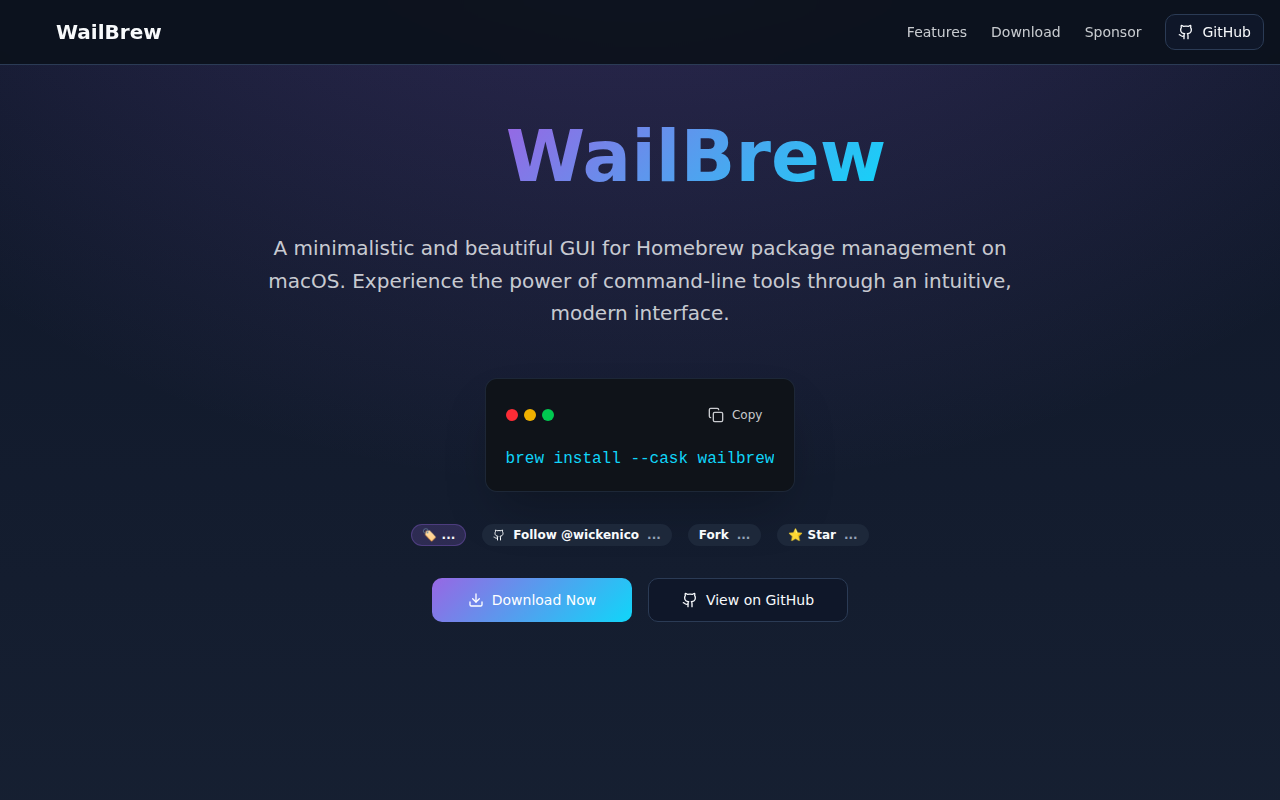
WailBrew
Manage Homebrew packages with a UI
System Monitoring & Maintenance
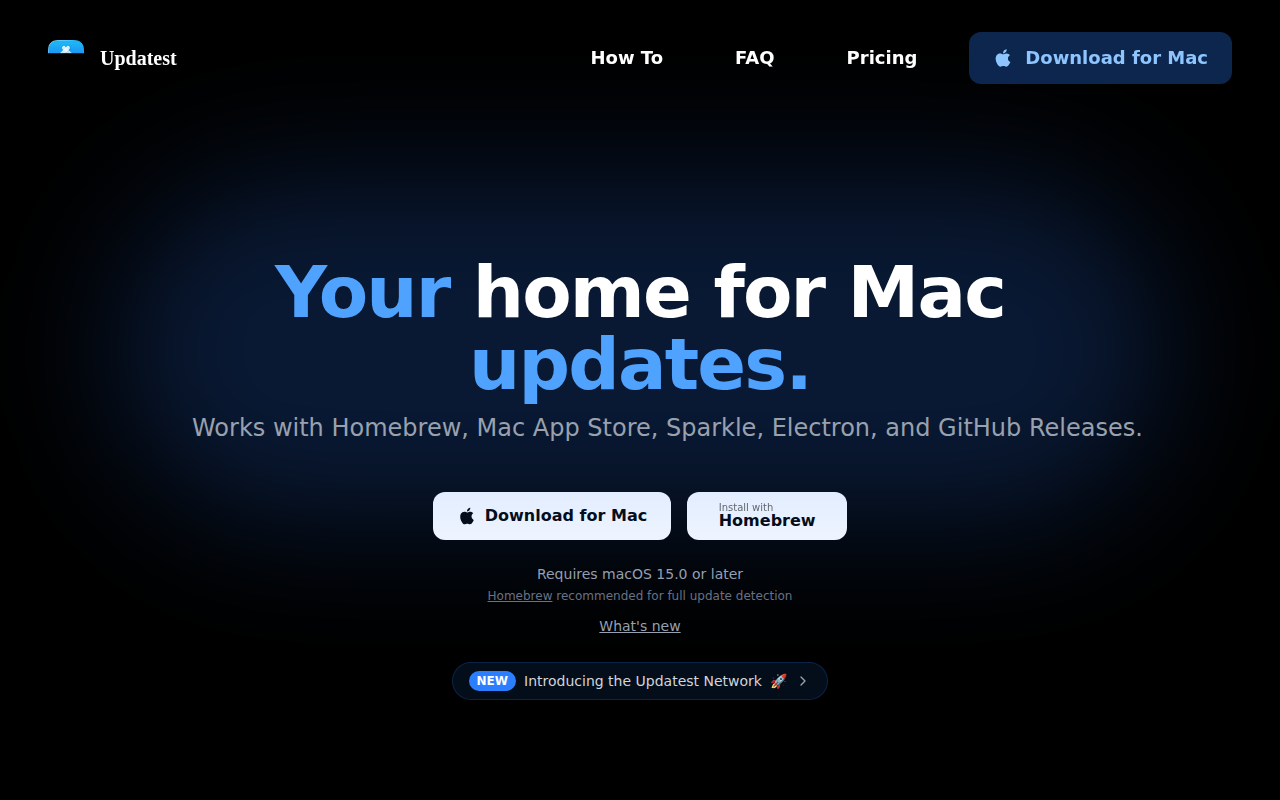
Updatest
Utility that shows the latest app updates

Terminals & CLI
Taphouse
Native GUI for Homebrew package management
Terminals & CLI
Cakebrewjs
Homebrew GUI app