
Brew Services Menubar
Menu item for starting and stopping homebrew services
The application adds a menu bar item on macOS that interfaces with the Homebrew services command. It reads the status of installed services, displaying each entry in the menu and allowing users to start, stop, or restart them directly from the bar. Selecting a service toggles its state, and holding the Option key enables a single‑service restart.
It is intended for macOS users who manage background processes via Homebrew and want a quick visual control without opening a terminal. The tool looks for the Homebrew executable in the default locations (`/usr/local/bin/brew` and `/opt/Homebrew/bin/brew`) and can be reconfigured through a macOS defaults command if needed. Installation is available via Homebrew Cask or manual download from the releases page, with a note about Apple’s security warning for unsigned apps.
The software is stable, core to macOS, and licensed for open‑source distribution. Contributors include Andrew Nicolaou, Stéphan Kochen, and Stefan Sundin, and the icon is sourced from the Noun Project.
Reviews
Loading reviews…
Similar apps
Terminals & CLI
Brewlet
Missing menulet for Homebrew
Terminals & CLI
Brewy
Simple Homebrew GUI
System Monitoring & Maintenance
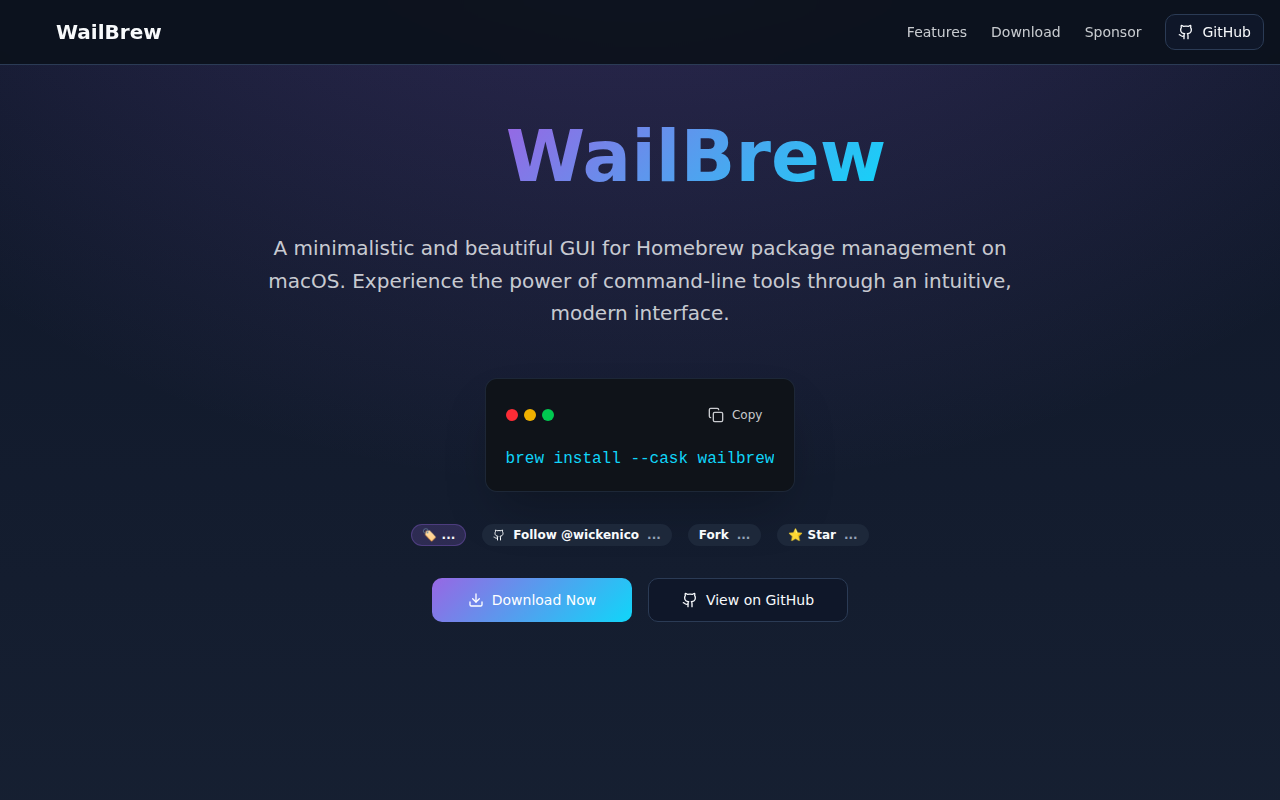
WailBrew
Manage Homebrew packages with a UI
System Monitoring & Maintenance
ServPane
Launchd menu bar app
Window & Desktop Management
Reminders MenuBar
Simple macOS menu bar app to view and interact with reminders.

System Monitoring & Maintenance
Instatus Out
Monitor services in your menu bar