
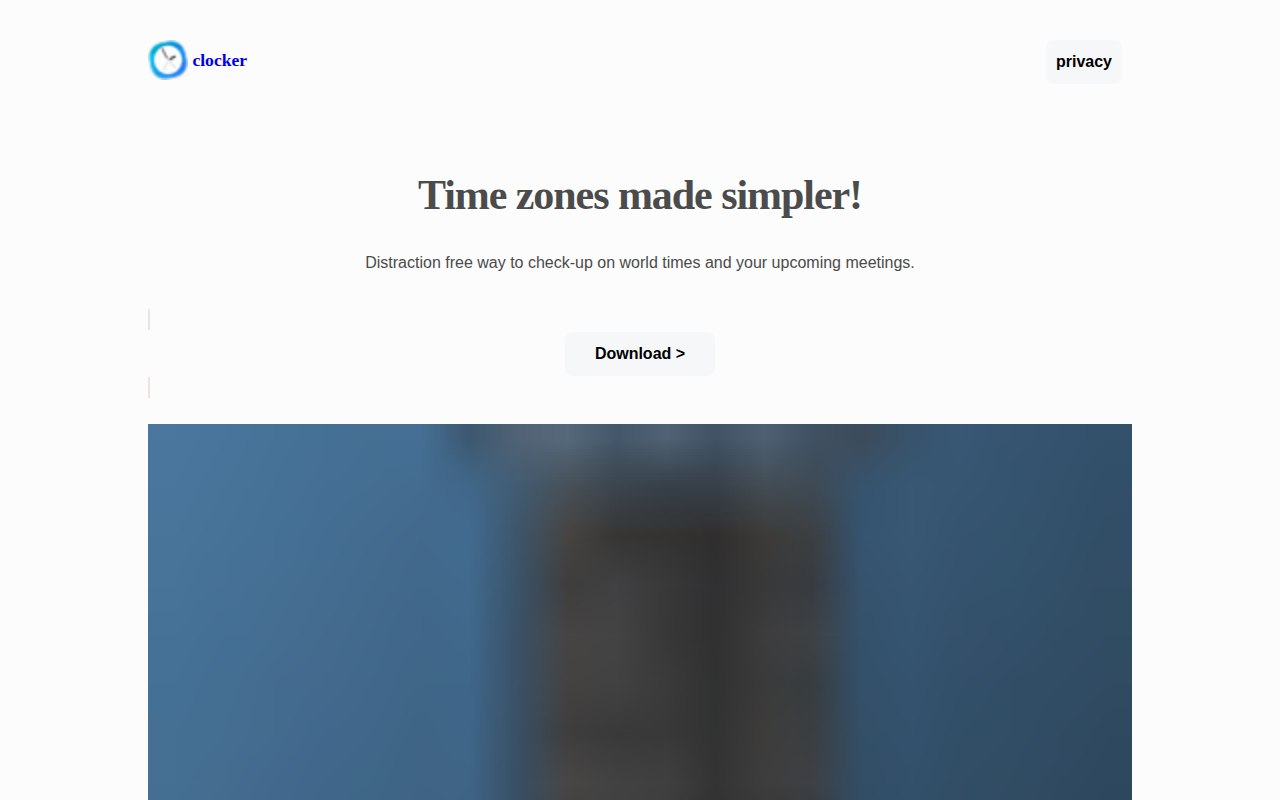
Clocker
Menu bar timezone tracker and compact calendar
Clocker resides in the macOS menu bar and provides a quick, distraction‑free view of selected time zones and upcoming calendar events. It displays the current time for any configured zones, including a simple UTC indicator, and lets users add custom labels, notes, and formatting options for each entry.
The app integrates with Apple Calendar, showing today’s and tomorrow’s meetings directly in the menu‑bar panel. When an event includes a Zoom invitation, a join button appears for immediate access, eliminating the need to open separate applications. A built‑in Time Scroller lets users scroll forward to see what local time will be in another zone at a chosen future hour, aiding cross‑regional scheduling.
Customization is extensive: users can choose time formats, personalize labels, and adjust which zones are shown, making it suitable for individuals tracking a single reference time or teams spread across multiple regions. The software runs out of the box on macOS and is marked as stable.
Reviews
Loading reviews…
Similar apps
Display & Accessibility
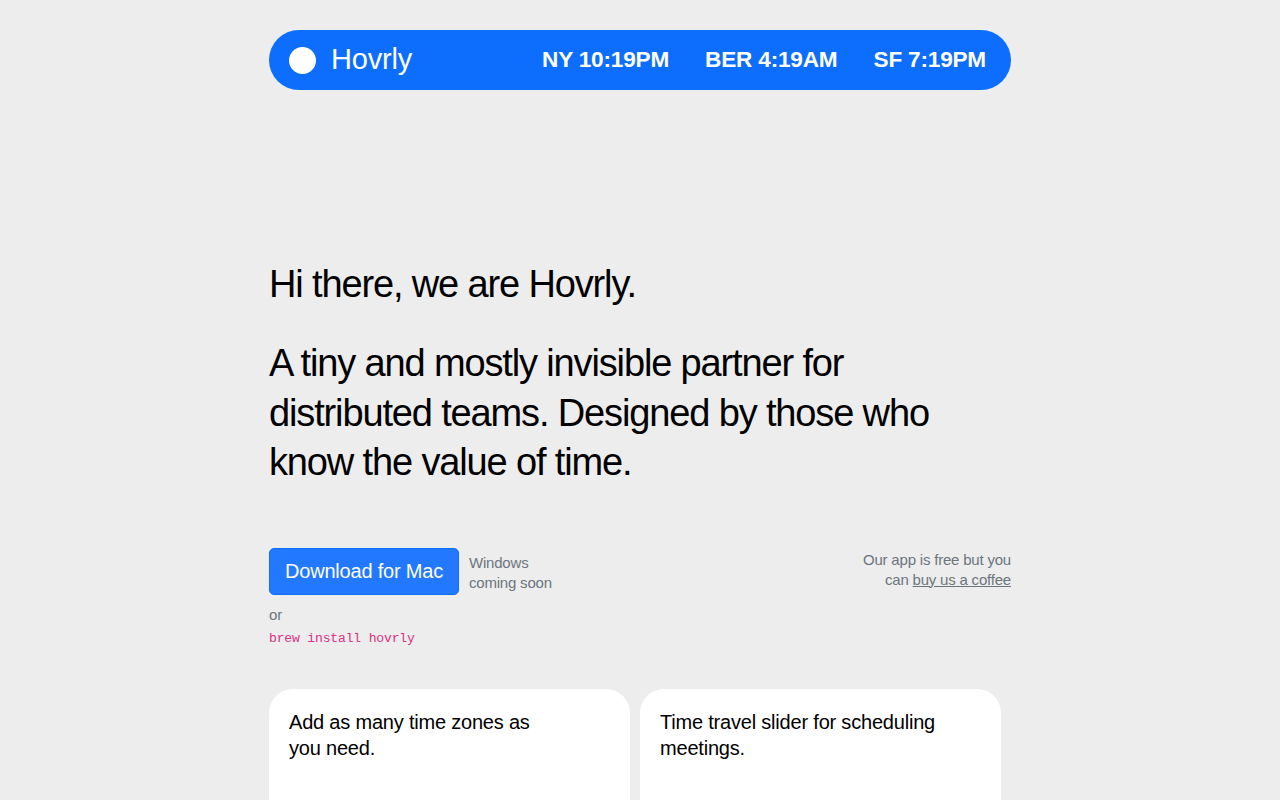
Hovrly
Display and convert timezones time in different cities
Window & Desktop Management
CornerCal
Clock app
Window & Desktop Management
Day-O 2
Menu bar clock replacement with built-in calendar. ![Freeware][Freeware Icon]
Time Tracking & Focus
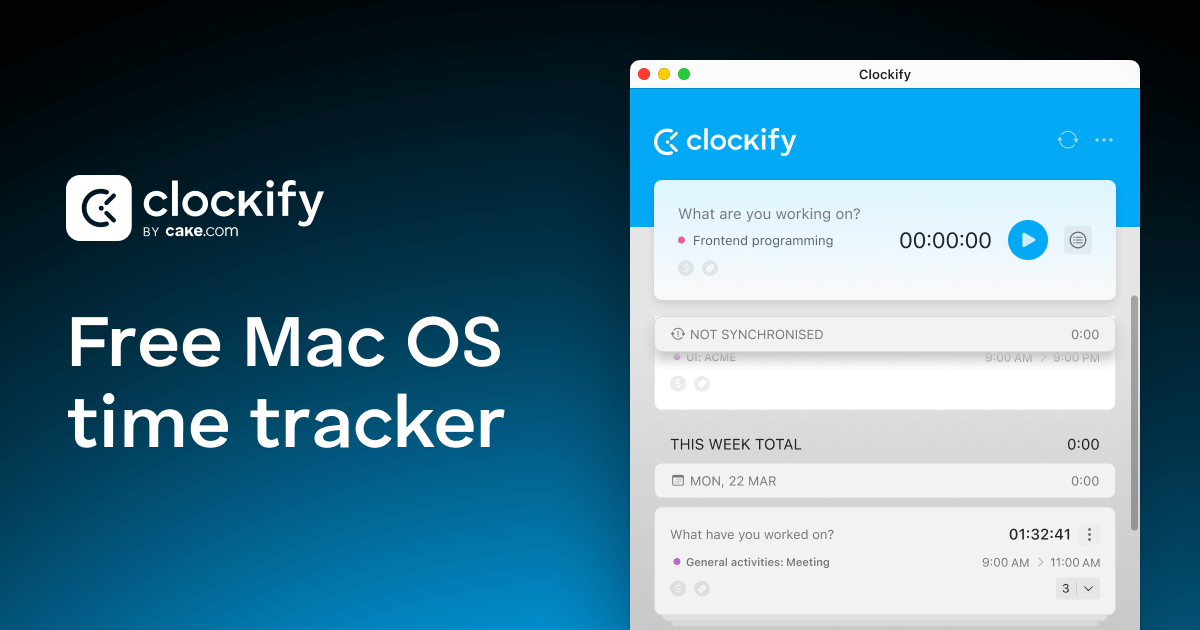
Clockify
Time tracking tool for agencies and freelancers
Calendar & Scheduling
Calendr
Menu bar calendar
Clipboard, Input & Automation
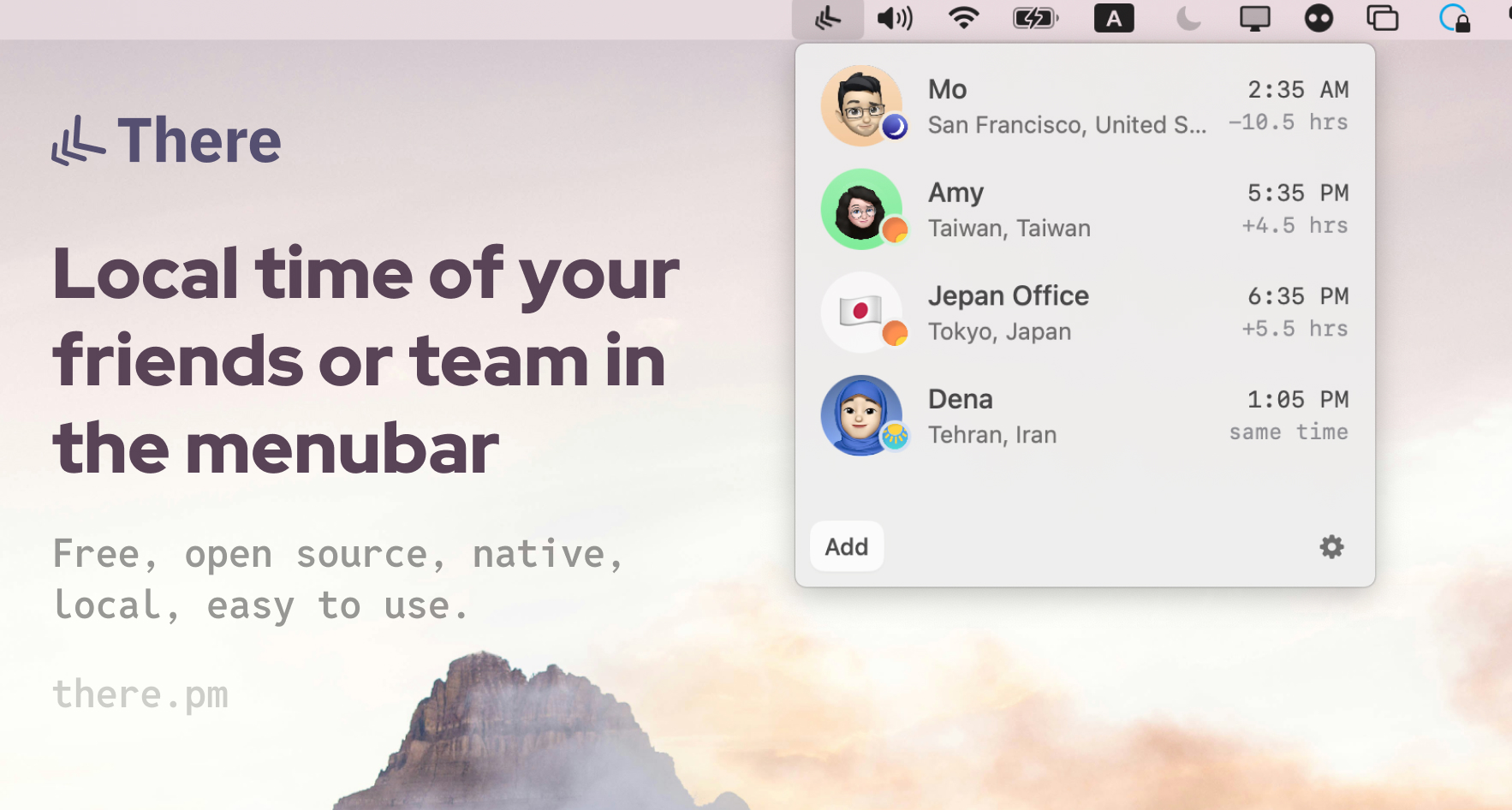
There
Tool to display the local times of friends, teammates, cities or any time zone