
Crunch
PNG image optimiser
Crunch provides lossy optimization for PNG files by combining selective reductions in bit depth, color type, and palette with Zopfli DEFLATE compression via pngquant and zopflipng. The workflow targets a substantial decrease in file size while keeping visual degradation modest, as illustrated by benchmark images and similarity scores. Continuous benchmark testing is integrated into the project’s CI, and documentation includes examples for photography and illustration use cases.
The tool is available as a command‑line executable that runs on macOS, Linux, and Windows POSIX environments, a native macOS drag‑and‑drop GUI, and a macOS Finder right‑click service. Installation methods include Make‑based builds, Homebrew, and downloadable DMG installers. Users invoke the command line with file paths, drop images onto the GUI window, or select PNGs in Finder and choose the “Crunch Image(s)” service.
Crunch is positioned for developers and designers who need automated PNG size reduction in scripts, desktop workflows, or macOS file‑management contexts, offering a balance between compression efficiency and acceptable image quality loss.
Reviews
Loading reviews…
Similar apps
Task & Project Management
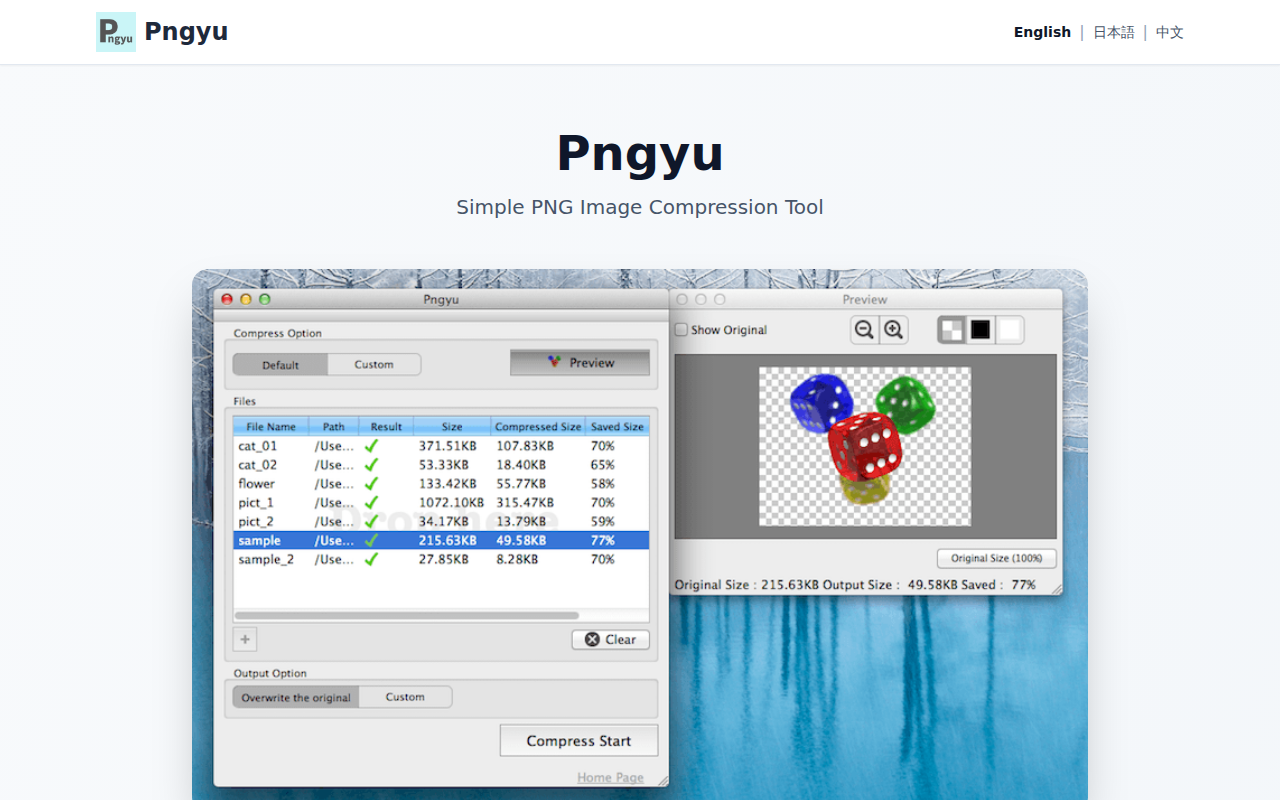
Pngyu
Front-end GUI application for pngquant
Fonts, Colors & Assets
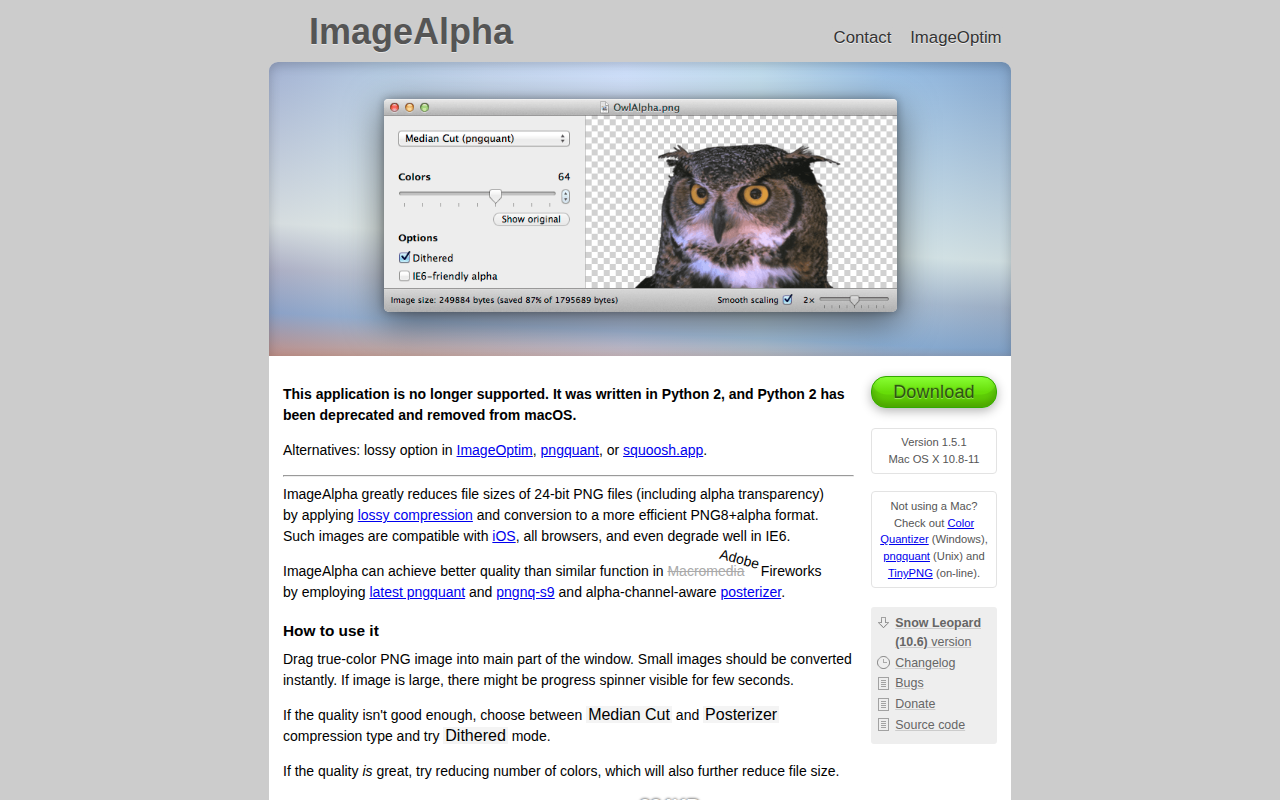
ImageAlpha
Compress images with PNG format and remove transparency.
Fonts, Colors & Assets
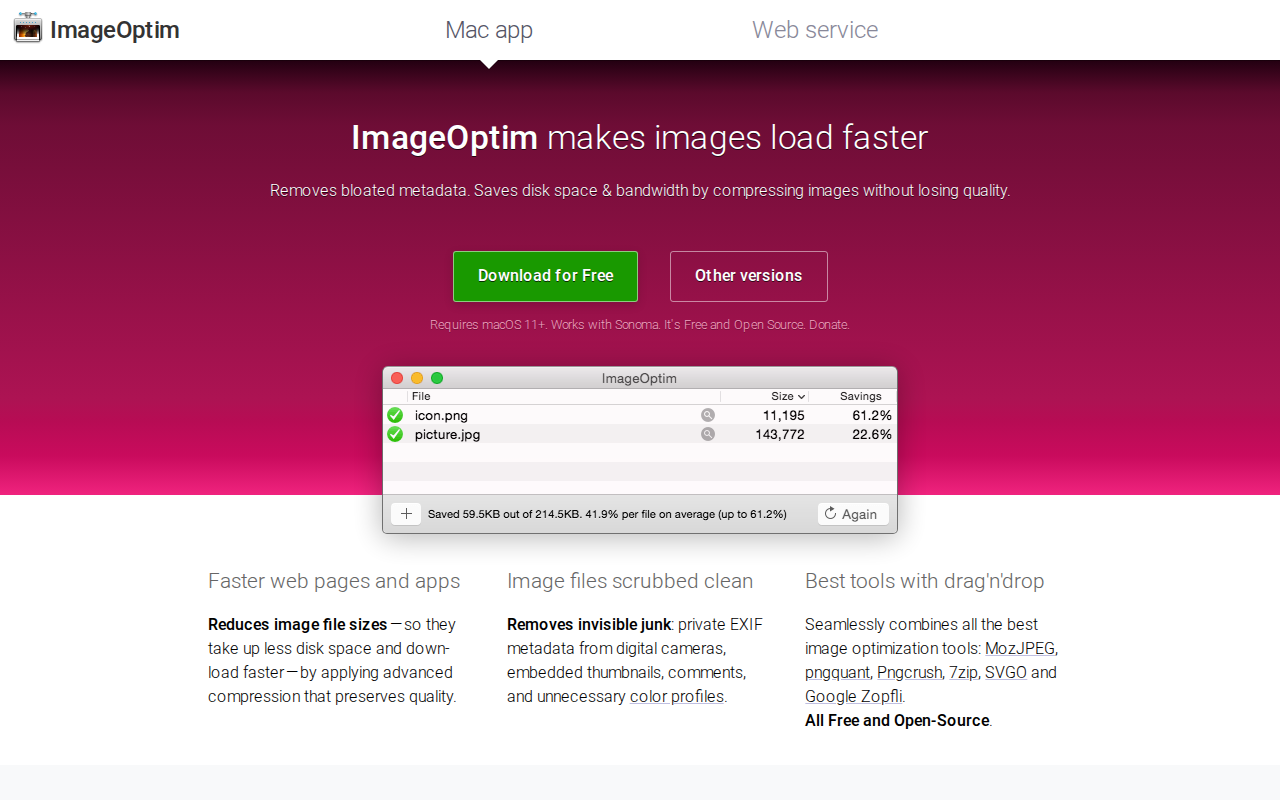
ImageOptim
Compress images and remove EXIF information.
File Management & Transfer
TinyPNG4Mac
Open-source tool to compress images.
Pixel Art & 2D Animation
APNGb
PNG image assembler/disassembler app.
File Management & Transfer
Optimage
Image optimisation tool