
Pngyu
Front-end GUI application for pngquant
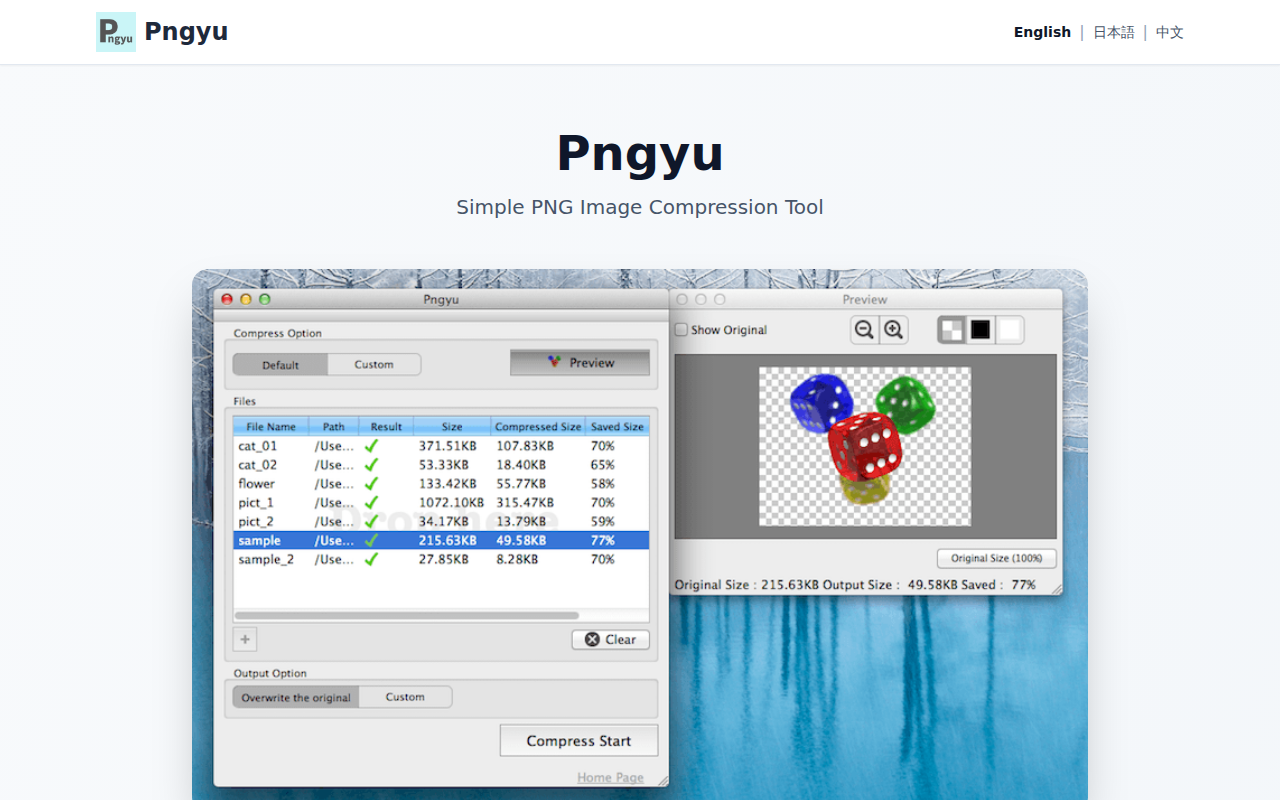
Pngyu provides a graphical interface for the pngquant compression engine, enabling users to reduce the file size of PNG images through batch processing. By converting 24‑bit or 32‑bit full‑color PNGs to an 8‑bit indexed palette, it achieves noticeable size reductions, but the color‑reduction step is irreversible, so users are advised to back up originals before compressing.
The application is targeted at macOS (and Windows) users who want a simple, mouse‑driven workflow for compressing multiple PNG files without using command‑line tools. Users drag files onto the central drop area, start compression with a button, and can optionally customize the output location, file naming, or compression parameters. A preview feature lets users compare the compressed result against the original before committing changes.
Pngyu relies on pngquant, the same engine employed by tools such as ImageAlpha and TinyPNG, and offers basic configuration options while overwriting source files by default. It is distributed as a stable macOS build, with a separate Windows version, and accepts feedback through GitHub, Twitter, or email.
Reviews
Loading reviews…
Similar apps
File Management & Transfer
TinyPNG4Mac
Open-source tool to compress images.
Fonts, Colors & Assets
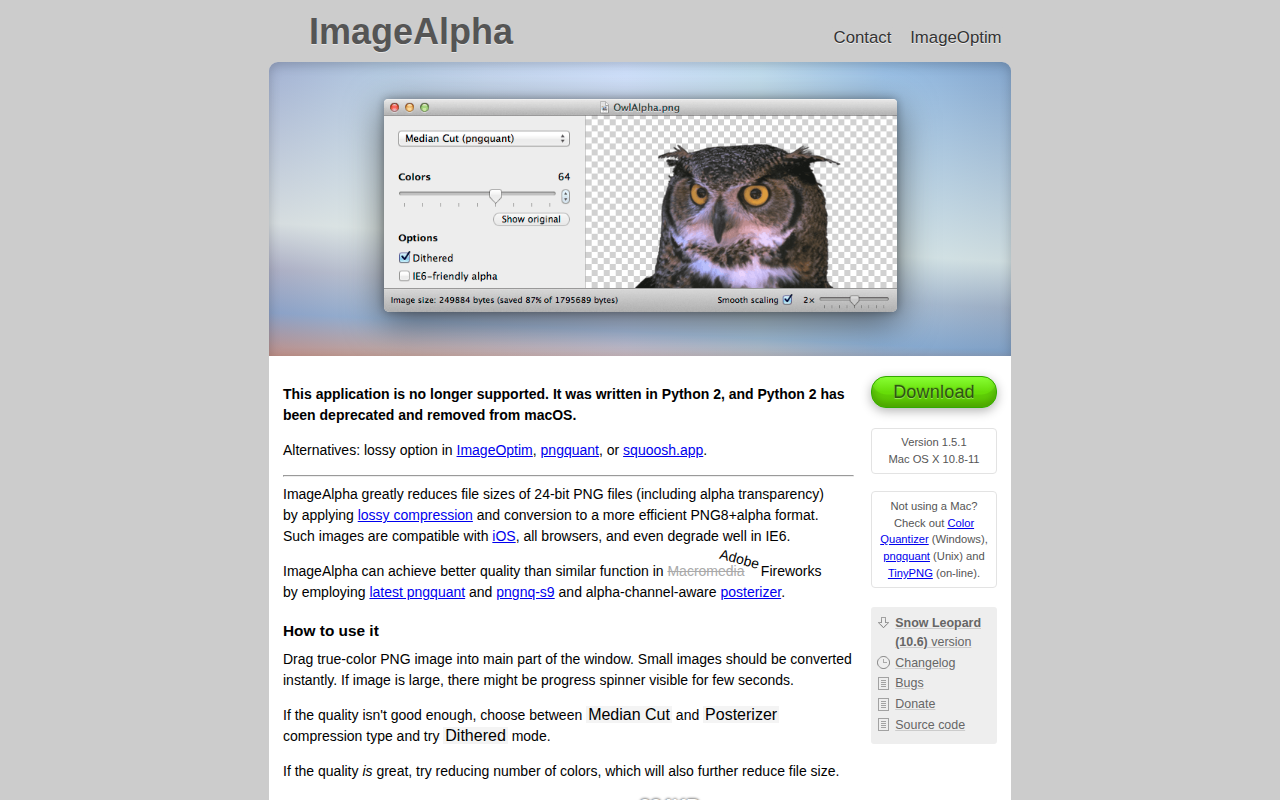
ImageAlpha
Compress images with PNG format and remove transparency.
Fonts, Colors & Assets
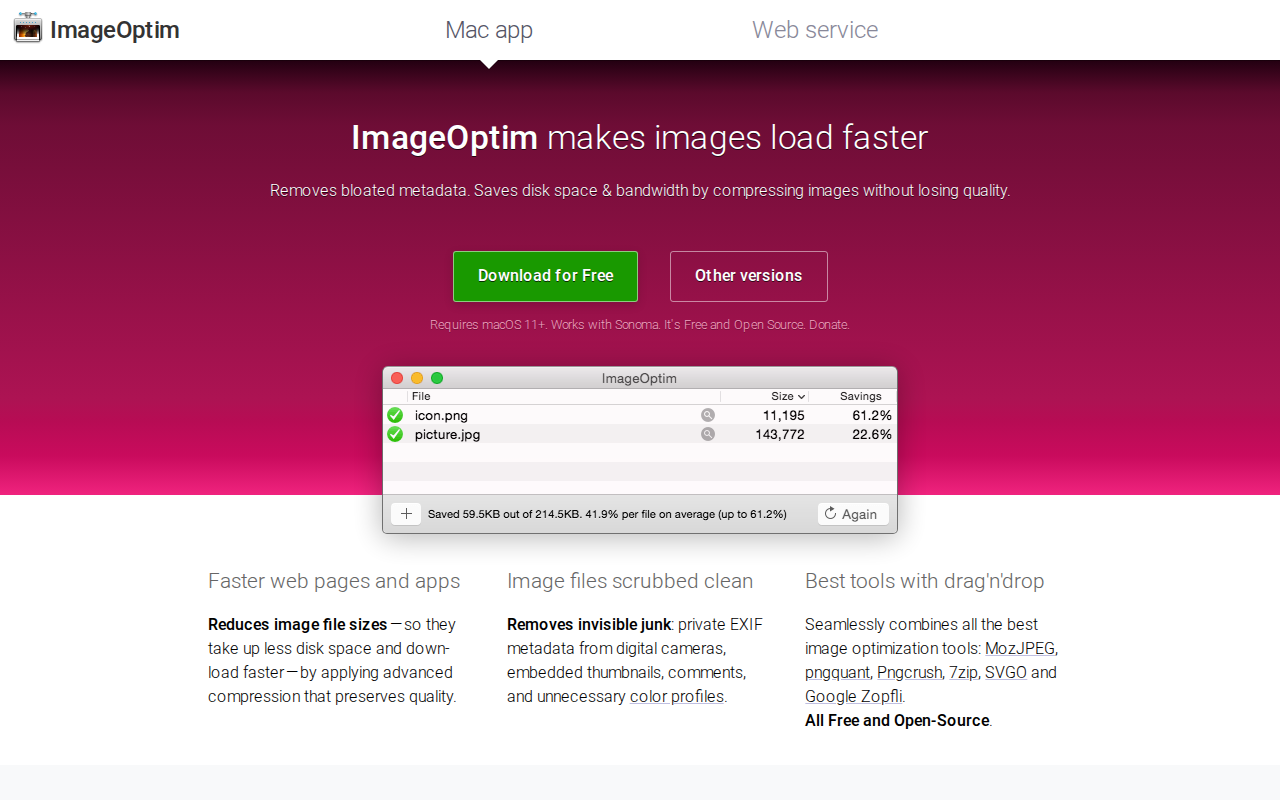
ImageOptim
Compress images and remove EXIF information.
Media Conversion
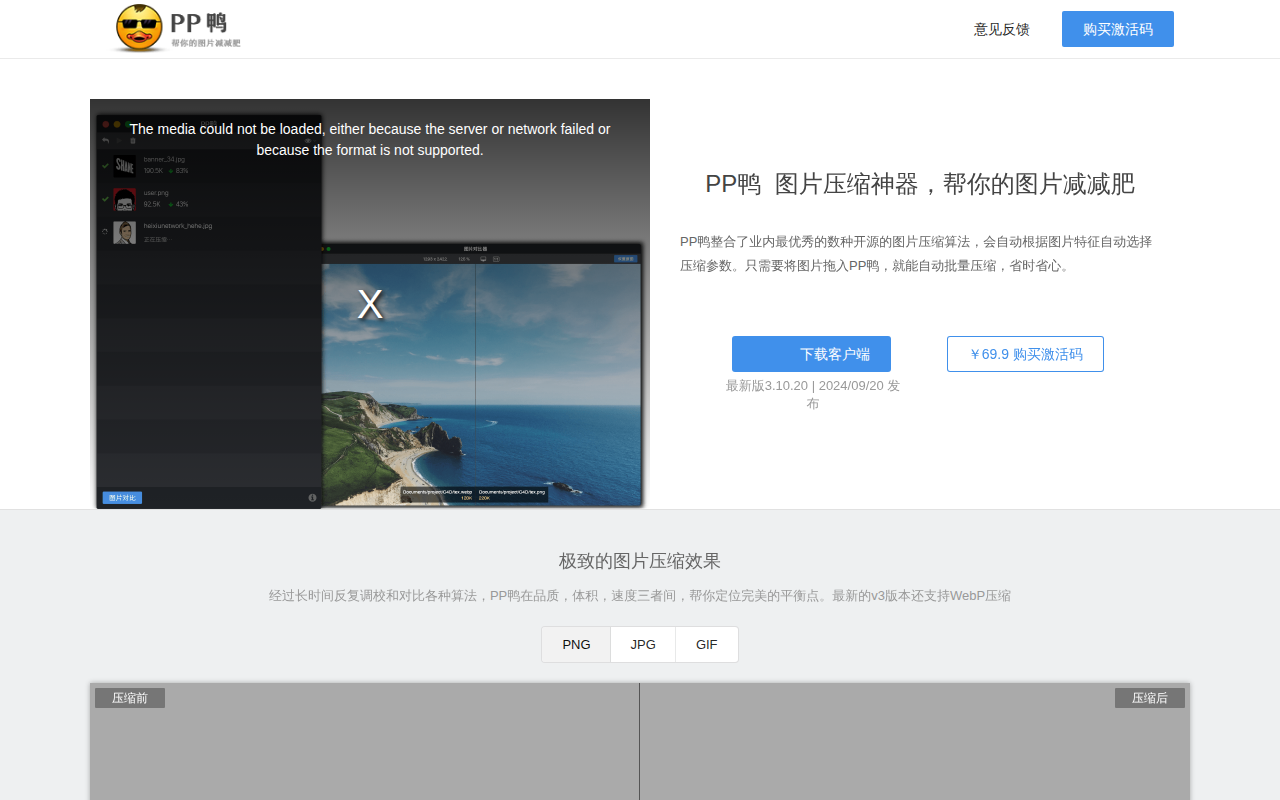
PPDuck
Integrates several image compression algorithms
File Management & Transfer
Crunch
PNG image optimiser
File Management & Transfer
Optimage
Image optimisation tool