
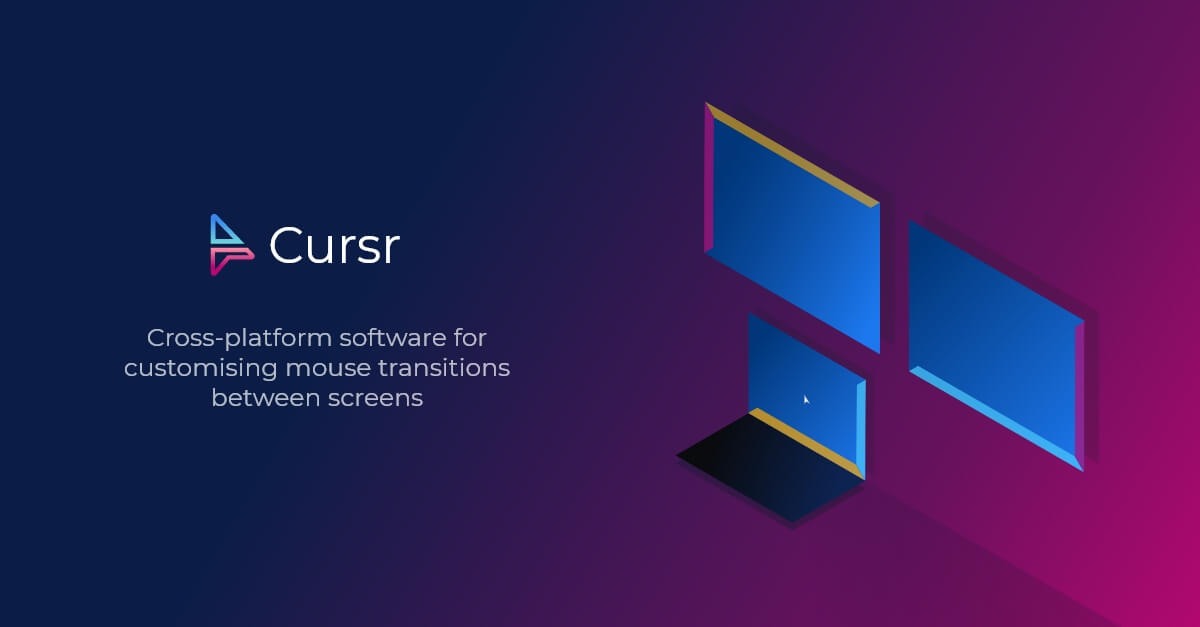
Cursr
Customise mouse movements between multiple displays
Cursr lets users share a mouse, keyboard, and clipboard across multiple computers and displays, allowing custom links to be defined between the edges of each screen. By configuring border connections, the cursor can move smoothly across displays with differing resolutions, gaps, or staggered arrangements, and users can create vertical or horizontal loops for continuous navigation.
The software includes a software KVM mode that lets a single set of input devices control up to two linked machines, with optional encryption for the connection. Additional controls such as cursor shortcuts, border blocking, and custom link colors give fine‑grained control over how the pointer behaves at screen edges. An overlay visualises the defined links, and drag‑and‑drop actions are supported across the connected devices.
Cursr targets users who work with multi‑display setups or need to switch between several computers without changing peripherals. It is available for macOS, with a free tier that provides unlimited border links on a single device, and a subscription‑based Pro tier that adds unlimited KVM usage, encryption, and extra licenses.
Reviews
Loading reviews…
Similar apps
Clipboard, Input & Automation
CursorSense
Mouse & trackpad driver that lets you tweak the acceleration curve and more.

Clipboard, Input & Automation
LinearMouse
Customise mouse behavior
Clipboard, Input & Automation
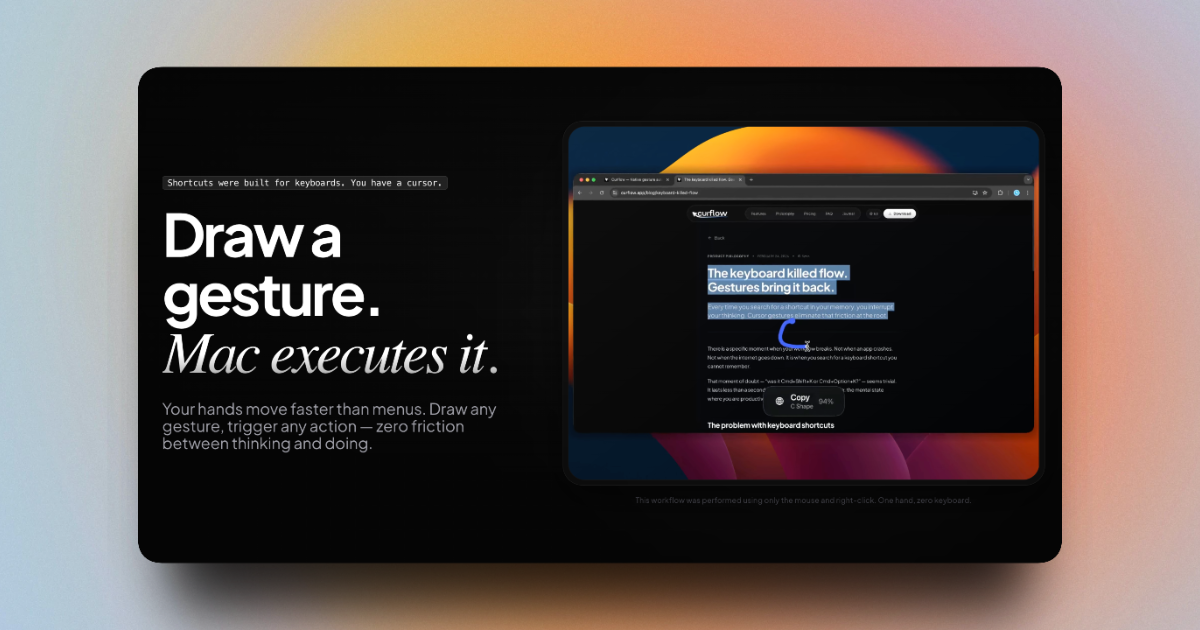
Curflow
Draw a gesture for your Mac to execute
Display & Accessibility
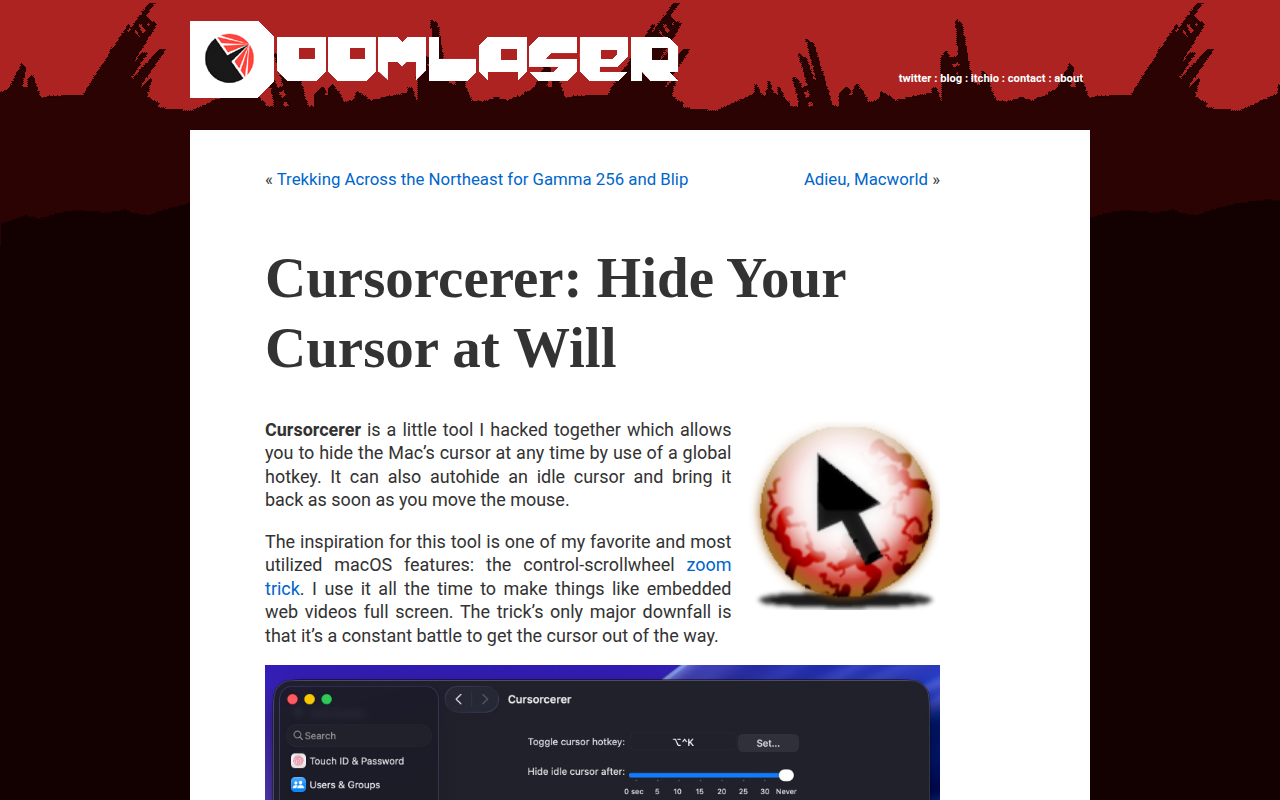
Cursorcerer
Preference Pane for controlling cursor hiding
Clipboard, Input & Automation
Linear Mouse
Full control of mouse. Change the speed, scrolling direction, pointer type and much more.
Clipboard, Input & Automation
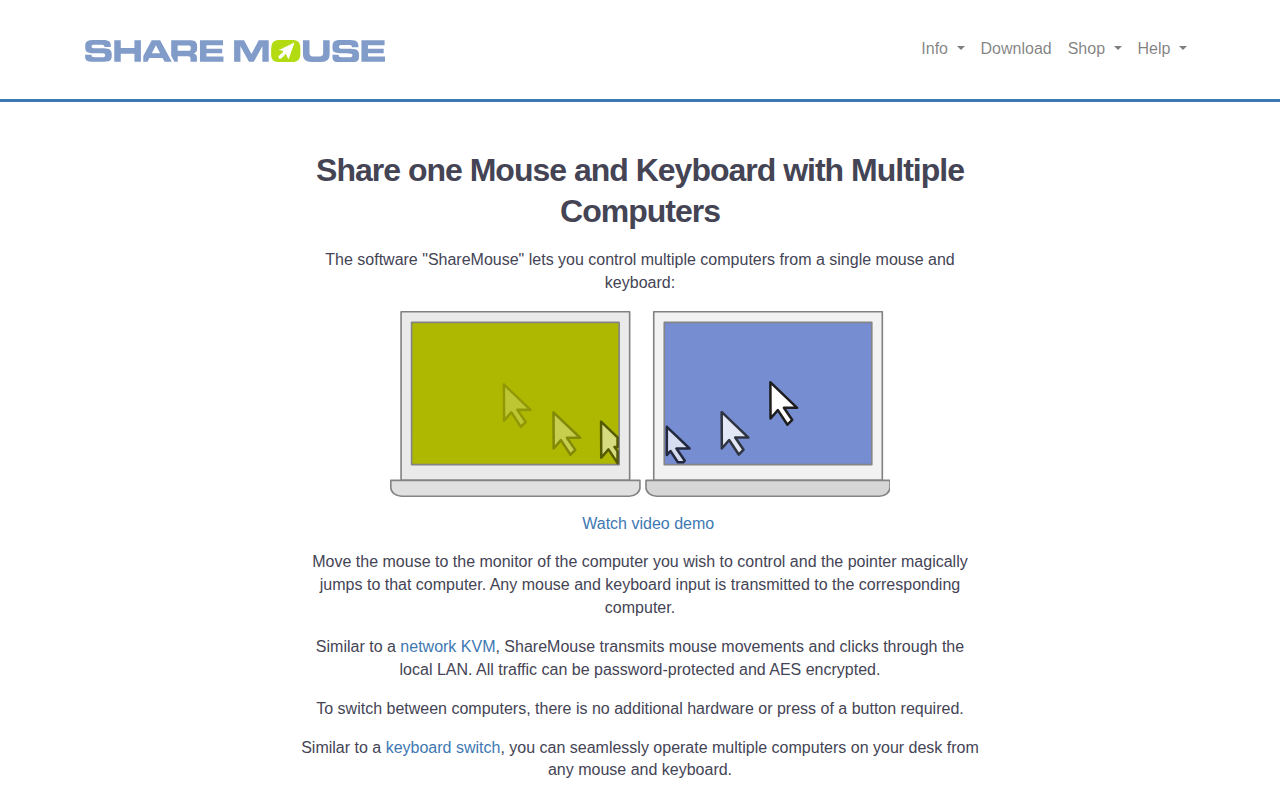
ShareMouse
Share peripherals between computers