
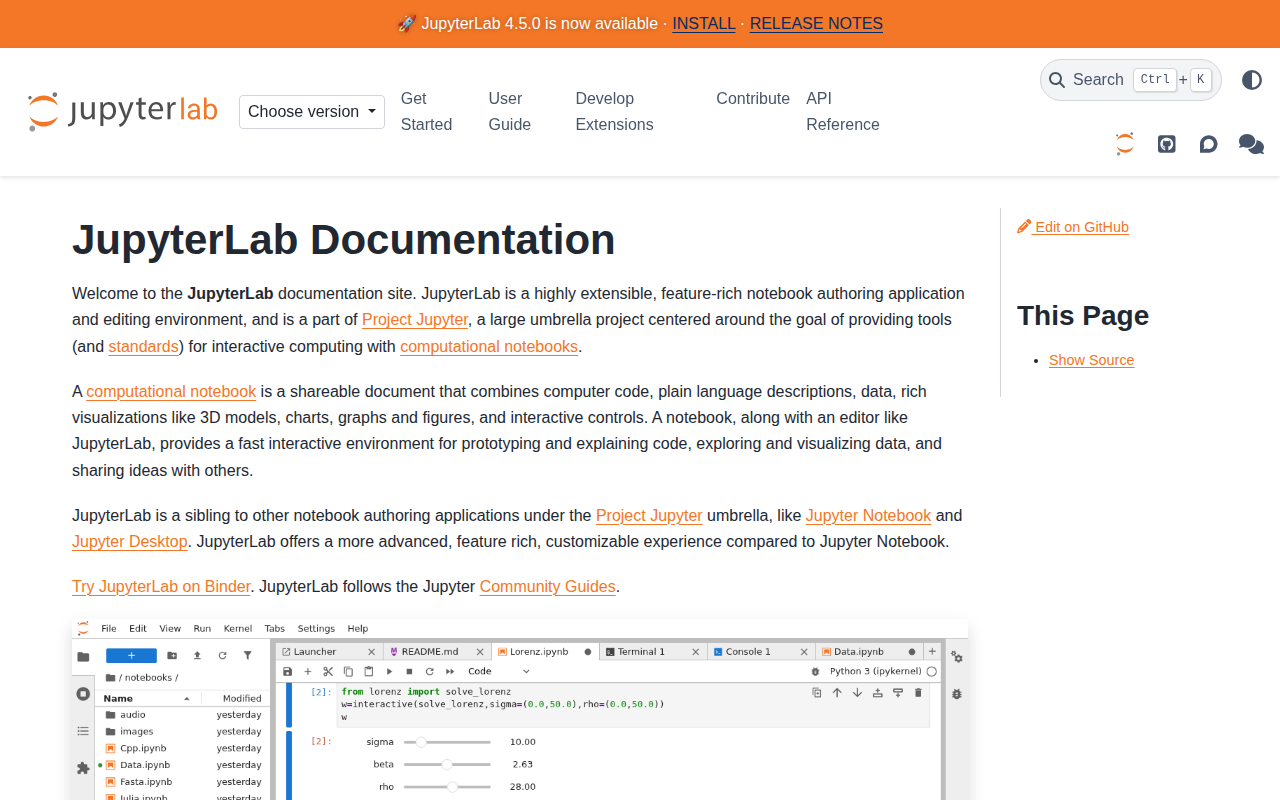
JupyterLab
Web-based environment for interactive and reproducible computing.
JupyterLab provides a web‑based interface for creating and editing computational notebooks, terminals, text files, and other assets in a single, flexible workspace. It builds on the Jupyter Notebook architecture, allowing users to combine code, narrative text, data, and rich visualizations—including 3D models and interactive controls—within shareable documents that support reproducible research and prototyping.
The environment is designed for developers, data scientists, educators, and researchers who need an extensible platform for interactive computing. It can be installed locally via conda, mamba, or pip, and runs on standard Unix‑like systems as well as Windows. Extensions written in npm can be added through PyPI, conda, or direct npm installation, enabling custom functionality and integration with other tools.
JupyterLab is open‑source under a BSD‑3‑Clause license, self‑hostable, and free to use without subscription. It includes features such as real‑time collaboration, debugger support, language‑server protocol integration, and a rich plugin system, and it is maintained as a stable, community‑driven project within the broader Project Jupyter ecosystem.
Reviews
Loading reviews…
Similar apps
Code Editors & IDEs
JupyterLab App
Desktop application for JupyterLab
Code Editors & IDEs
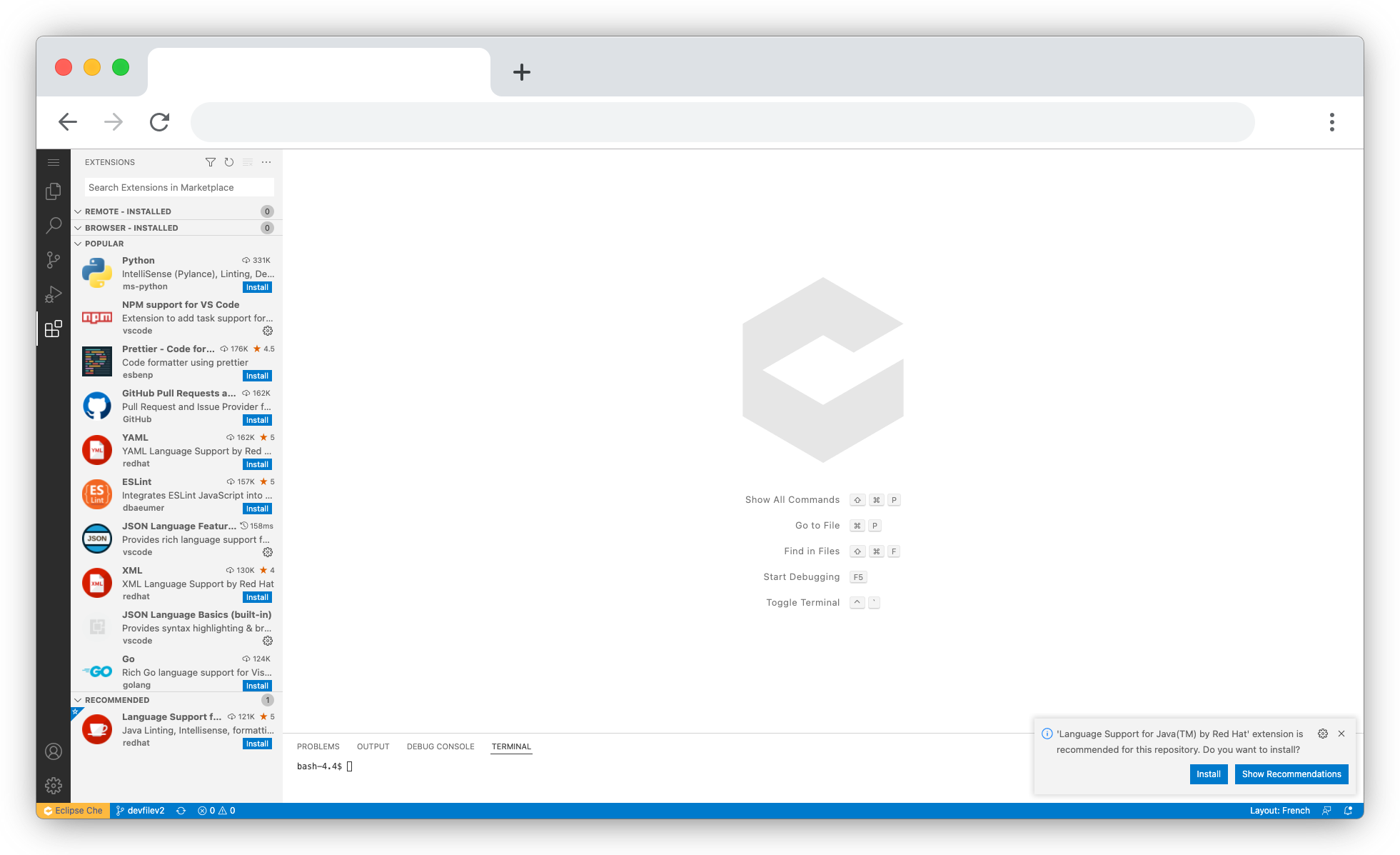
Eclipse Che
Open source workspace server and cloud IDE.
Wikis & Collaborative Docs
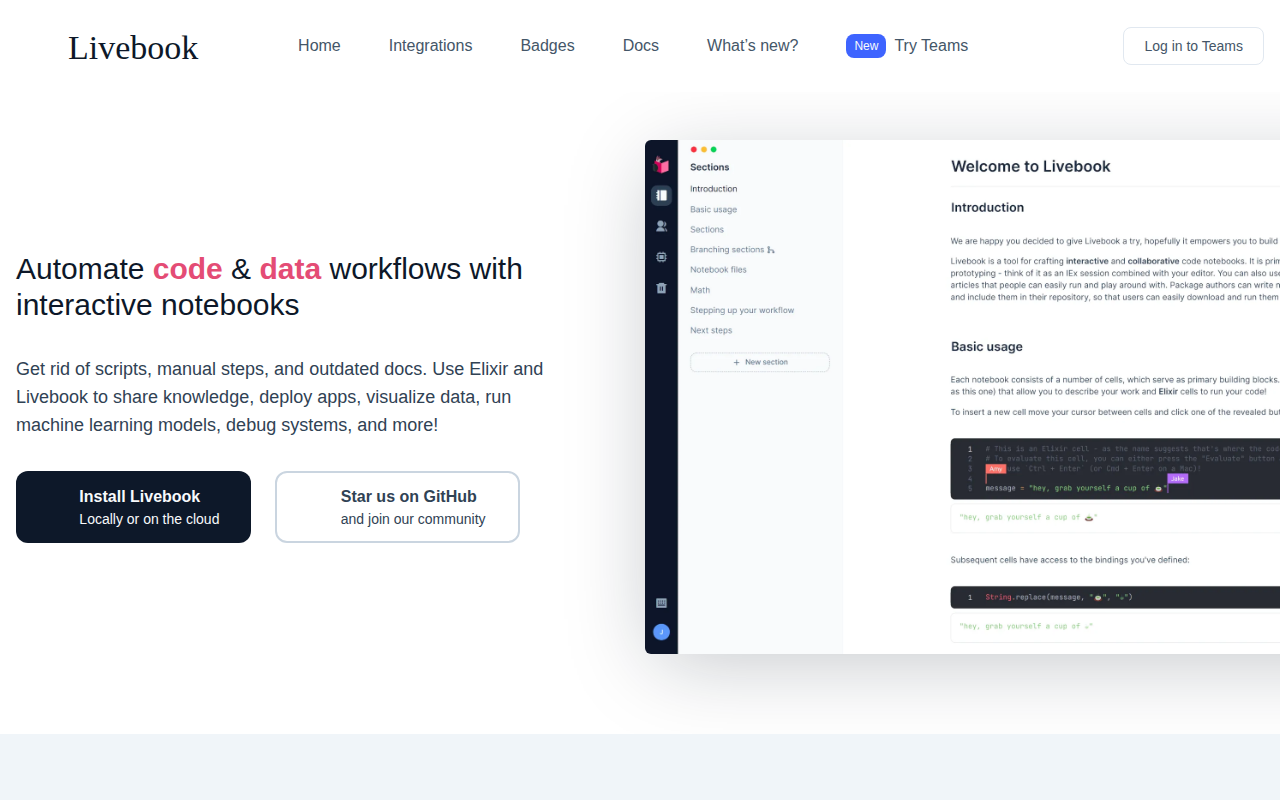
Livebook
Realtime collaborative notebook app based on Markdown that supports running Elixir code snippets, TeX and Mermaid Diagrams. Easily deployed…

Code Editors & IDEs
RStudio Server
Web browser based IDE for R.
Code Editors & IDEs
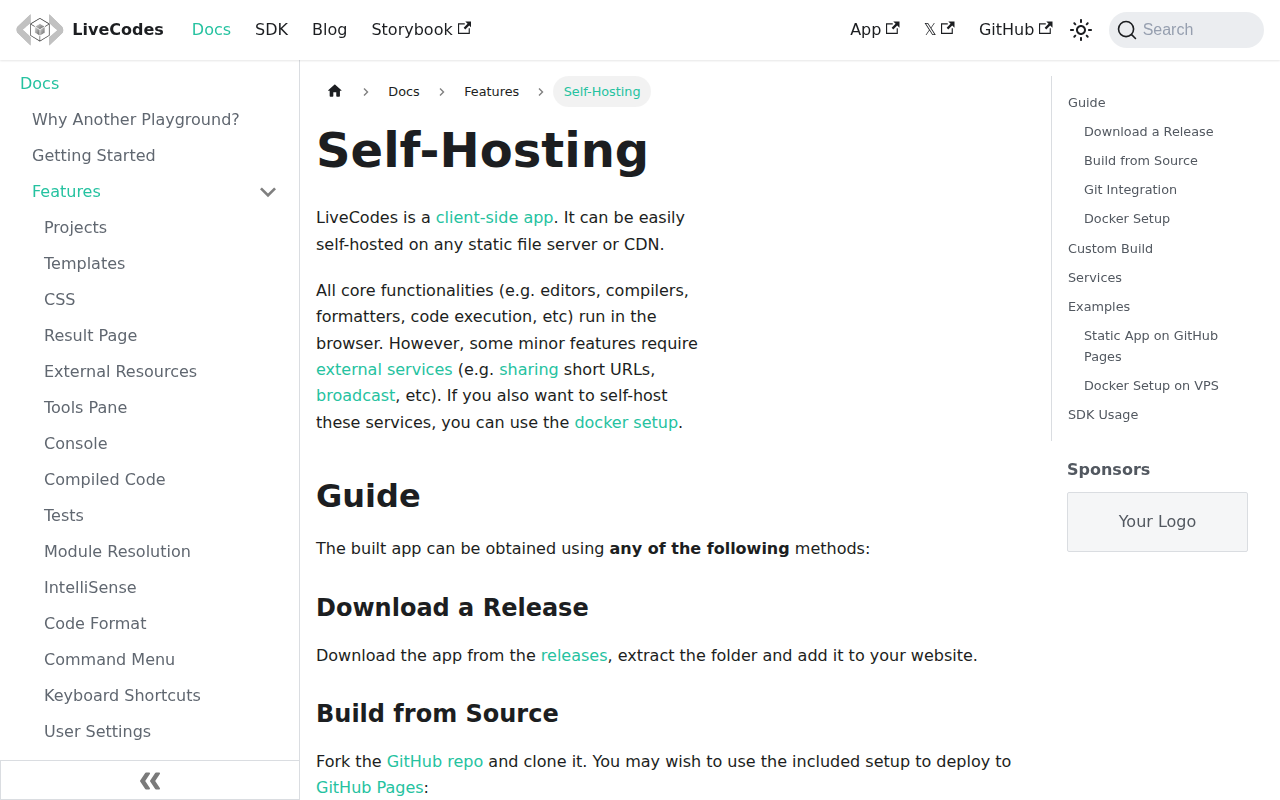
LiveCodes
Feature-rich client-side code playground for React, Vue, Svelte, Solid, Typescript, Python, Go, Ruby, PHP and 90+ other languages.

File Management & Transfer
eLabFTW
Online lab notebook for research labs. Store experiments, use a database to find reagents or protocols, use trusted timestamping to legally…