
JupyterLab App
Desktop application for JupyterLab
JupyterLab Desktop provides a native, cross‑platform graphical interface for launching and using JupyterLab on a personal computer. It packages the web‑based JupyterLab environment into a desktop application that can be started from the operating‑system menu, the command line with `jlab`, or by double‑clicking notebook filesyn and sets the file‑browser root according to how it was invoked, allowing the working directory to be customized or derived from the opened file or folder.
The application supports multiple independent sessions, each represented by its own JupyterLab window, and can restore those sessions with their previous configuration. Projects are defined by the working directory used at launch, enabling separate Python environments and UI layouts per project. Users can create new notebooks, start fresh JupyterLab sessions, or open existing files and folders directly from the welcome screen.
Installation is offered through native installers for Windows, macOS (Intel and Apple silicon), and Linux (Snap, DEB, RPM), as well as via Windows winget. The software is marked stable but is no longer actively maintained, and security updates are not provided.
Reviews
Loading reviews…
Similar apps
Code Editors & IDEs
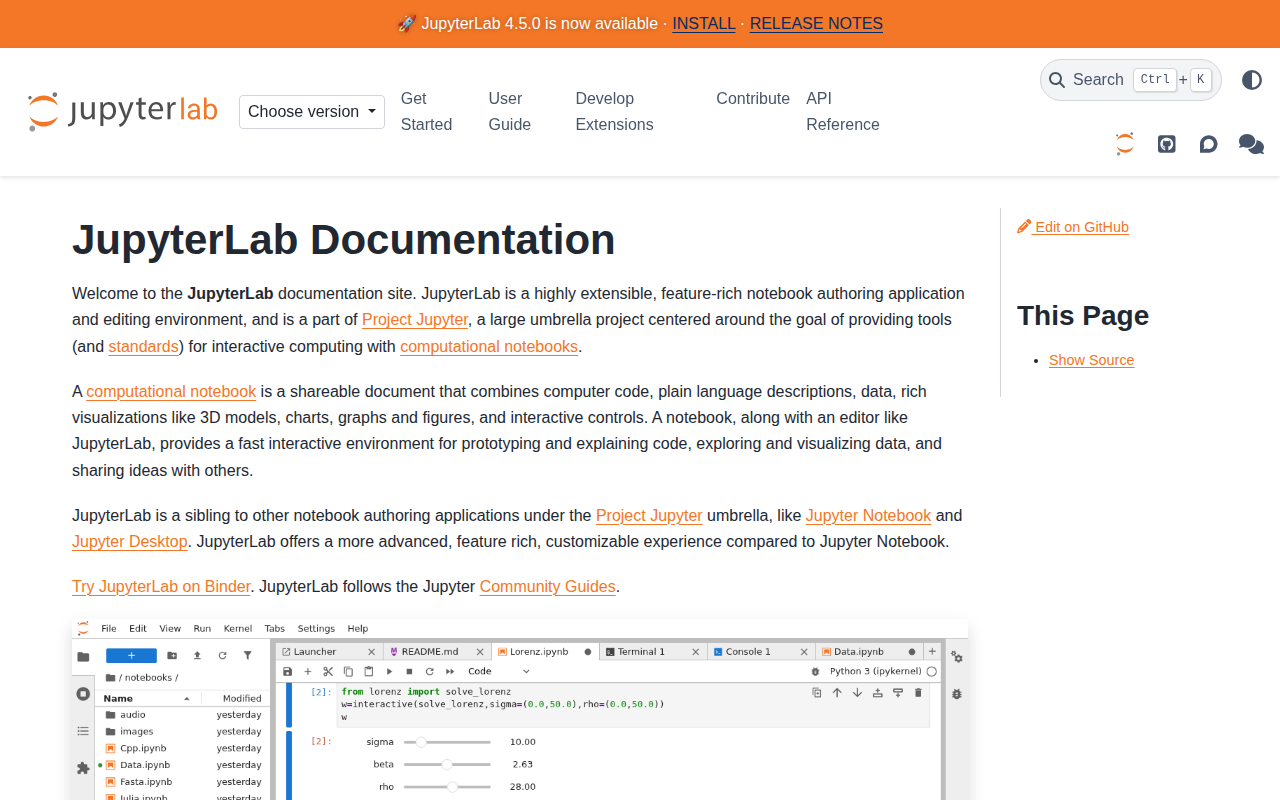
JupyterLab
Web-based environment for interactive and reproducible computing.
Task & Project Management
nteract
Interactive computing suite
Code Editors & IDEs
Jupyter Notebook Viewer
Utility to render Jupyter notebooks
Code Editors & IDEs
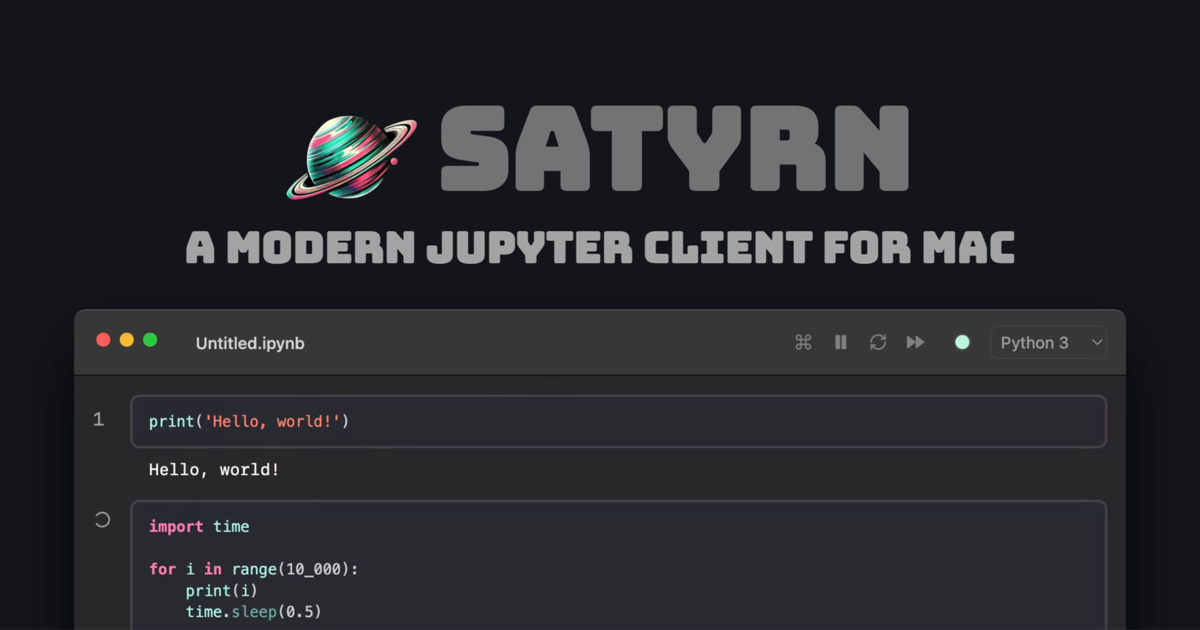
Satyrn
Jupyter client
Code Editors & IDEs
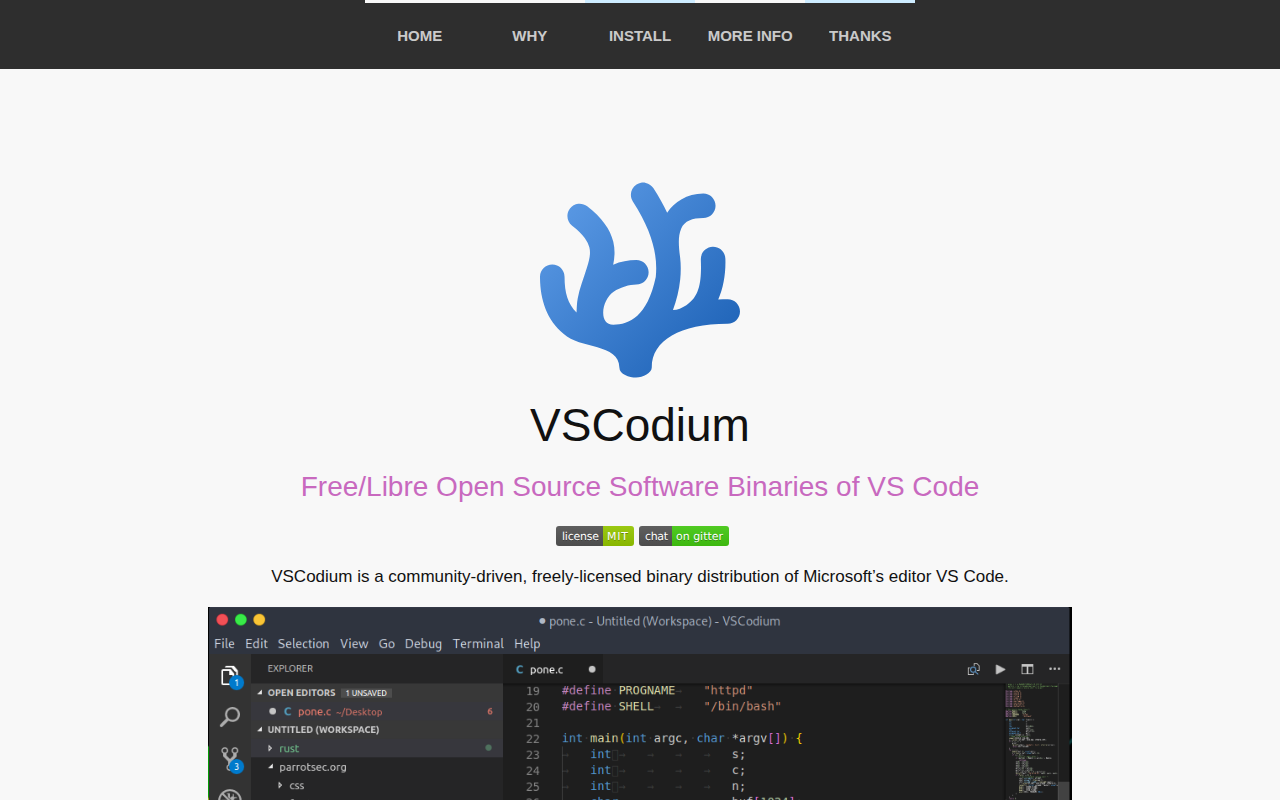
VSCodium
Binary releases of VS Code without MS branding/telemetry/licensing
Code Editors & IDEs
Jupyter Notebook Quick Look
Quick Look plugin for Jupyter notebooks