
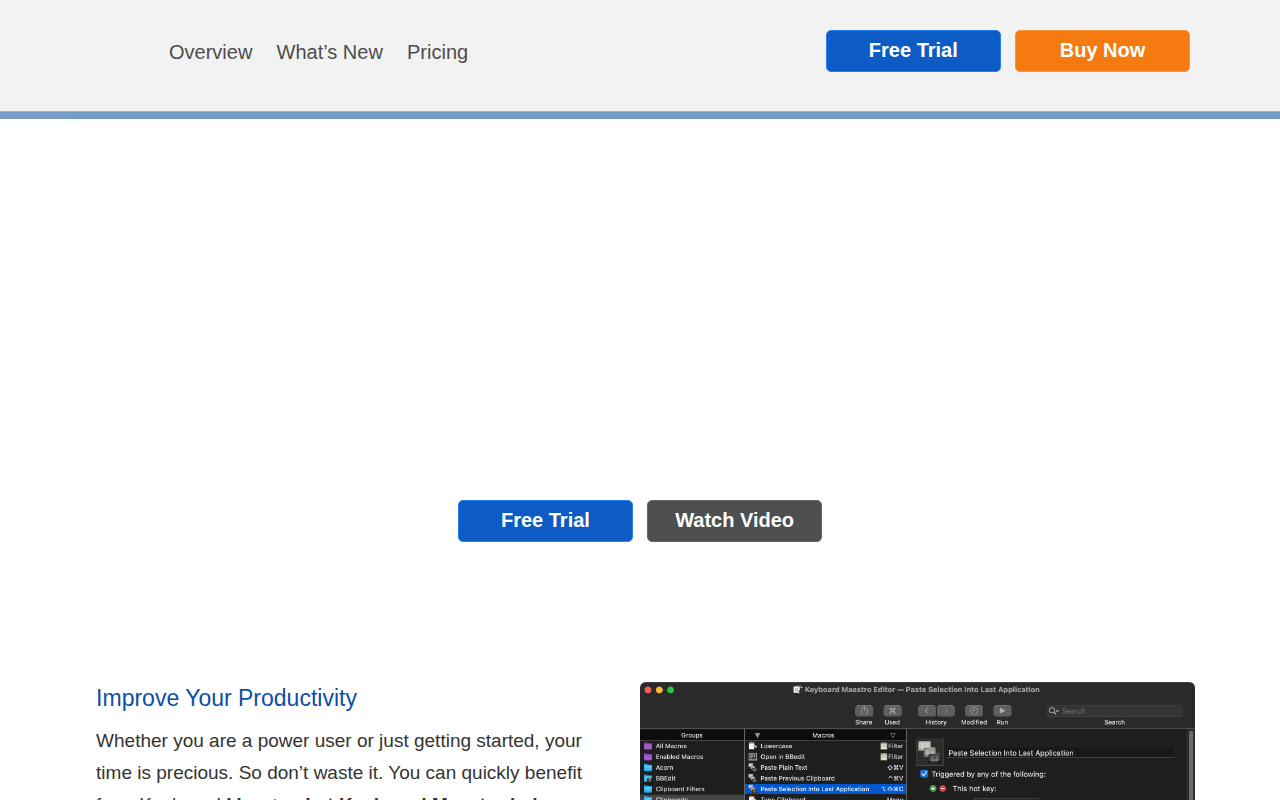
Keyboard Maestro
Automate repetitive tasks with triggers and macros.
Keyboard Maestro lets macOS users create macros that trigger actions by keystrokes, menu selections, or scheduled events. Users can combine built‑in actions such as opening applications, rearranging windows, manipulating text and images, filling web forms, and handling email. The macro wizard and extensive action library support flow control, conditions, and looping, enabling both simple shortcuts and complex multi‑application workflows.
The tool is aimed at anyone who wants to reduce repetitive manual steps on a Mac, from power users to newcomers. By defining triggers and associated actions, it can automate tasks like typing frequently used text, launching specific documents, downloading files, or performing calculations, thereby streamlining daily routines.
Version 11 adds dozens of new actions, an updated macro wizard, and a dedicated Keyboard Maestro tool, expanding the range of automatable tasks while keeping the interface familiar for existing users. The software is positioned as a stable, actively supported solution for macOS automation.
Reviews
Loading reviews…
Similar apps
Clipboard, Input & Automation
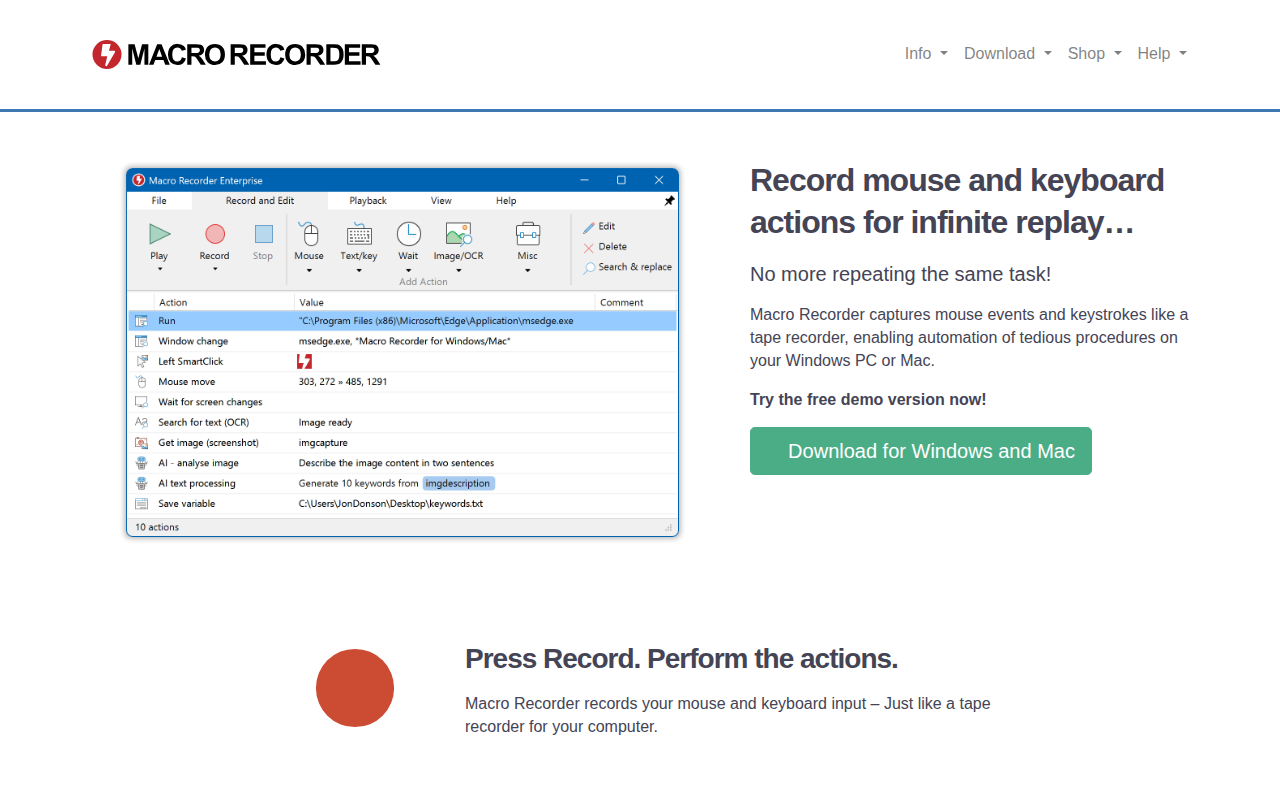
Macro Recorder
Record mouse and keyboard actions

Clipboard, Input & Automation
Keysmith
Create custom keyboard shortcuts for anything

Clipboard, Input & Automation
TypeIt4Me
Text expander

Clipboard, Input & Automation
KeyCue
Finds, learns and remembers keyboard shortcuts
Clipboard, Input & Automation
Keyboard Cowboy
The missing keyboard shortcut utility for macOS.
Clipboard, Input & Automation
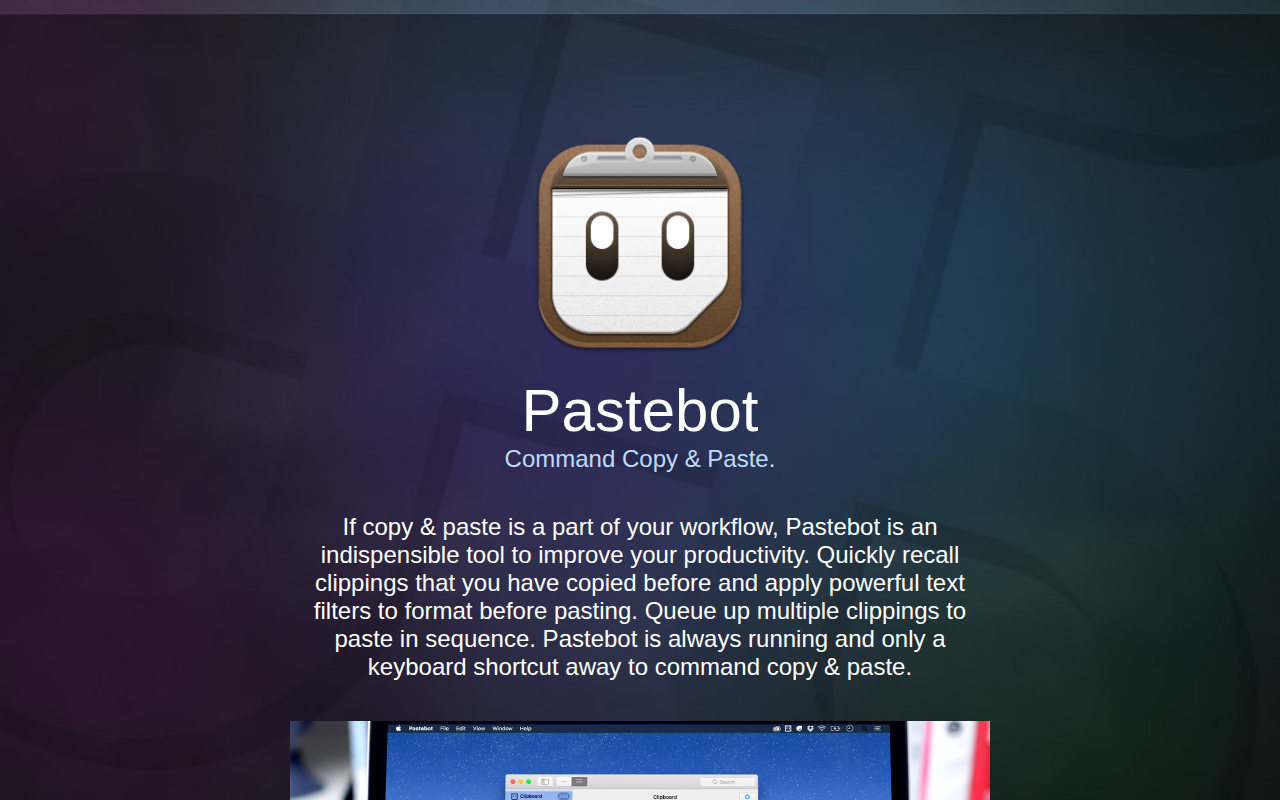
PasteBot
Powerful clipboard manager.