
Macro Recorder
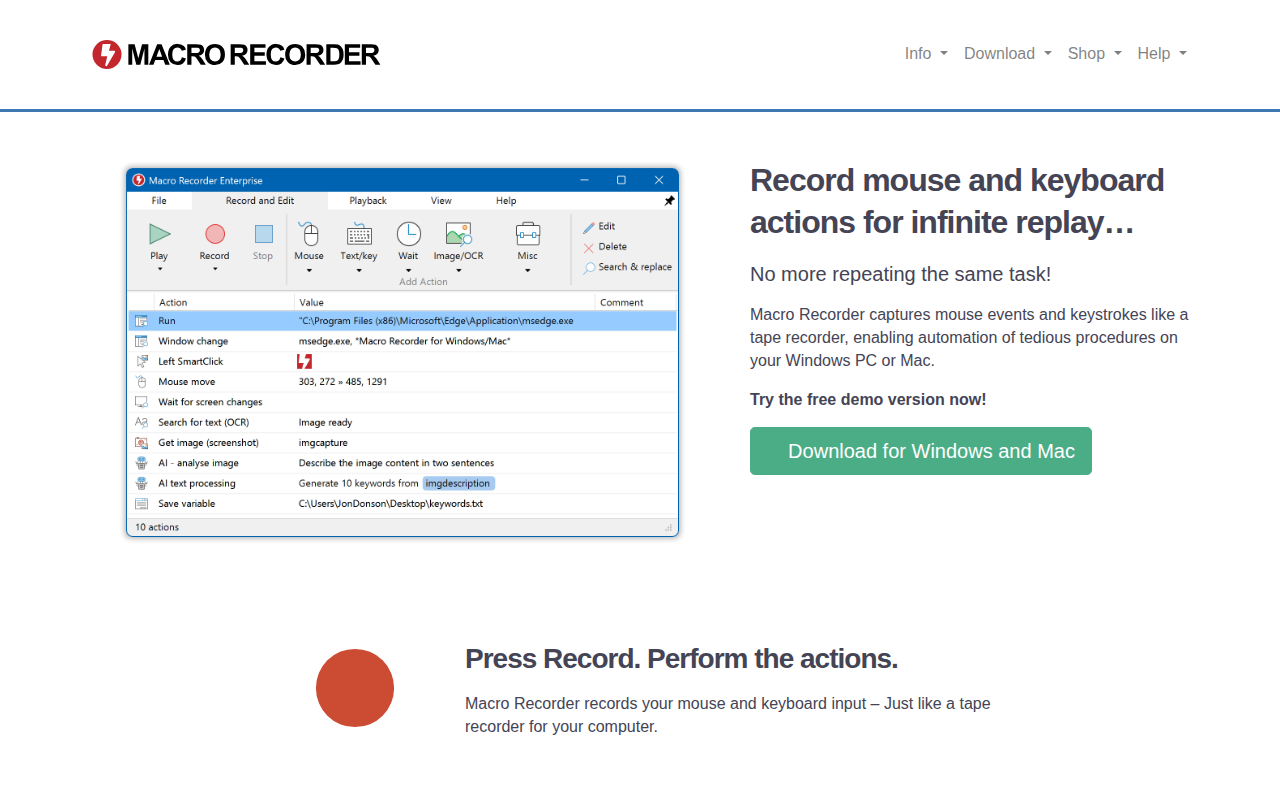
Record mouse and keyboard actions
The tool captures mouse clicks, movements, scroll actions and keystrokes on Windows and macOS, storing them as a macro that can be replayed indefinitely. Users start a recording, perform the desired sequence, stop, then edit the captured actions with a built‑in editor before playing them back as often as needed.
It adds several automation helpers beyond simple replay: AI‑driven prompts via OpenAI, Anthropic or self‑hosted models can generate or augment macros; screenshot automation can save screen captures; on‑screen OCR extracts text from any visible region; web scraping and browser automation pull and act on webpage content; and barcode/QR code reading supplies data for further processing.
The application targets anyone who repeatedly performs desktop tasks—such as office workers, developers, testers, or hobbyists—by providing a no‑programming interface that records and replays actions, optionally enhanced with AI or image‑based extraction, while maintaining consistent window positioning and offering visual mouse‑path overlays.
Reviews
Loading reviews…
Similar apps
Clipboard, Input & Automation
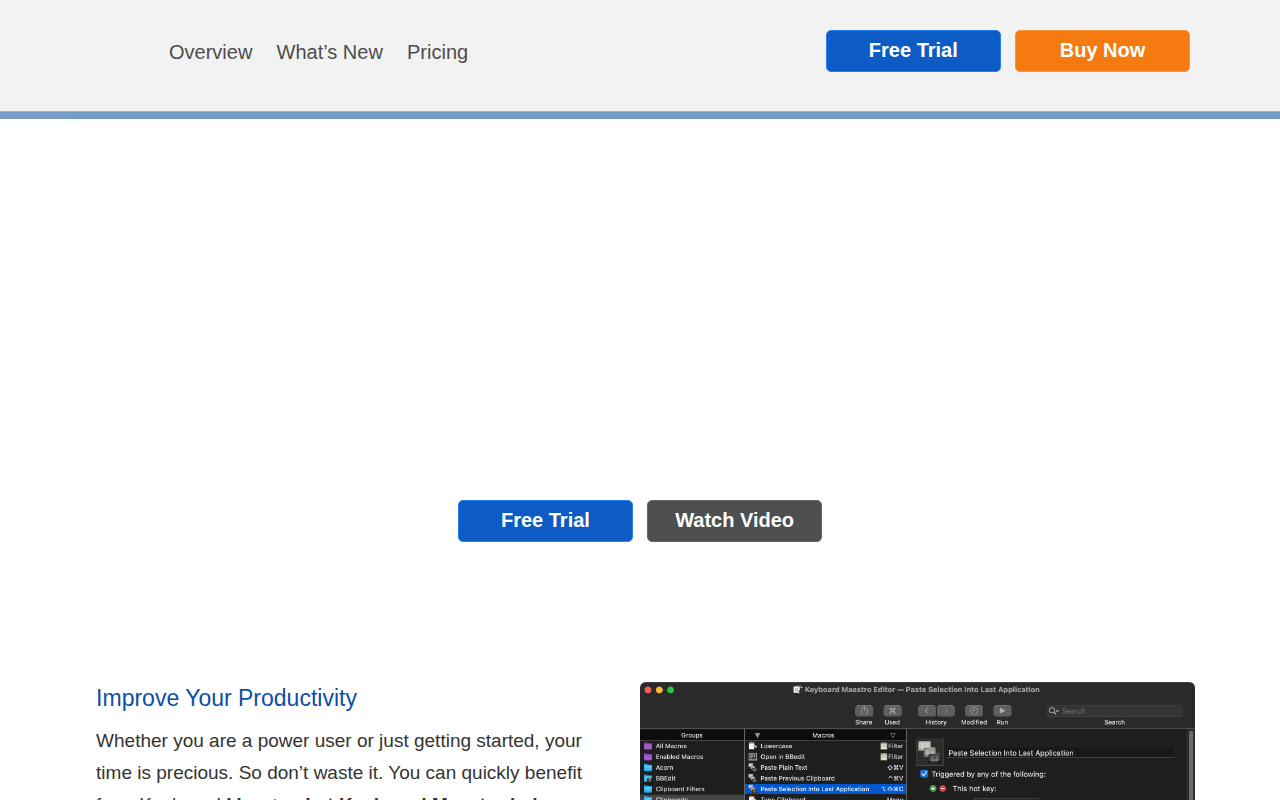
Keyboard Maestro
Automate repetitive tasks with triggers and macros.
Clipboard, Input & Automation
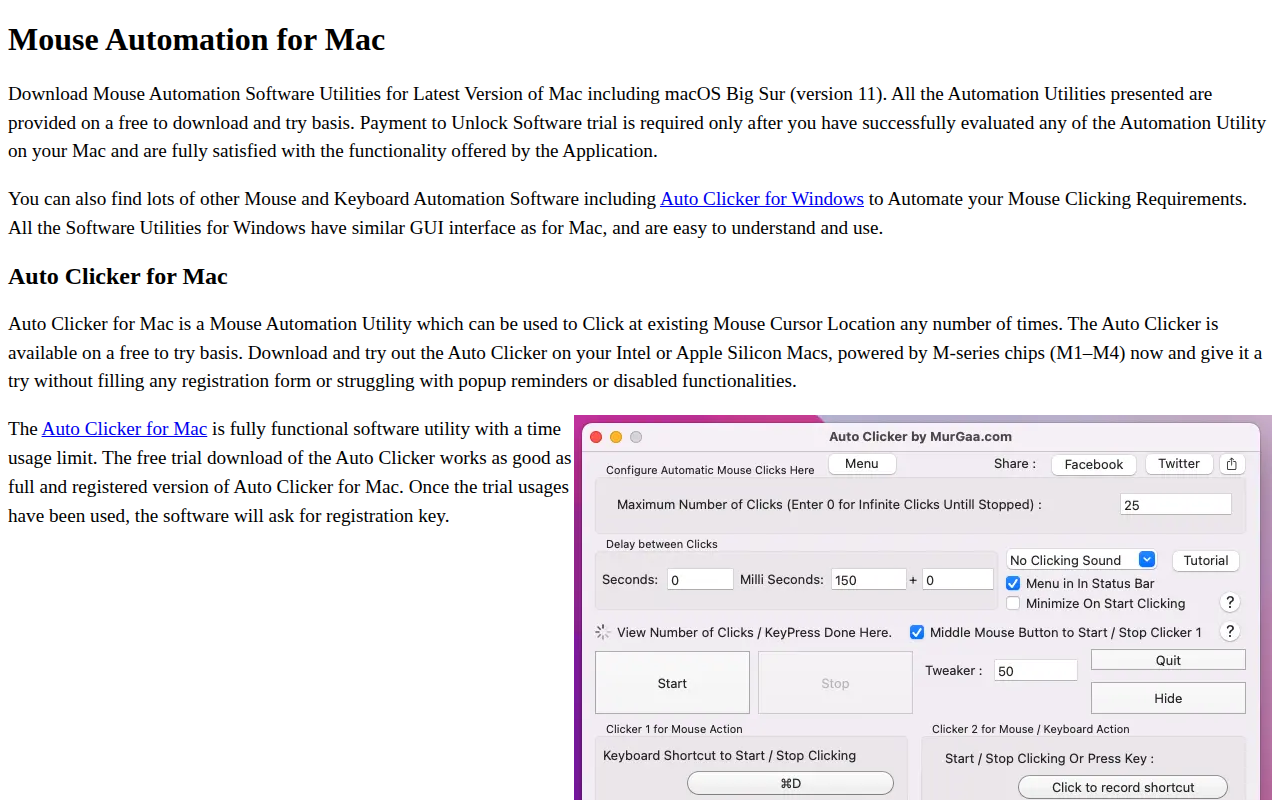
Random Mouse Clicker
Automate left, right and middle mouse button clicks
Clipboard, Input & Automation
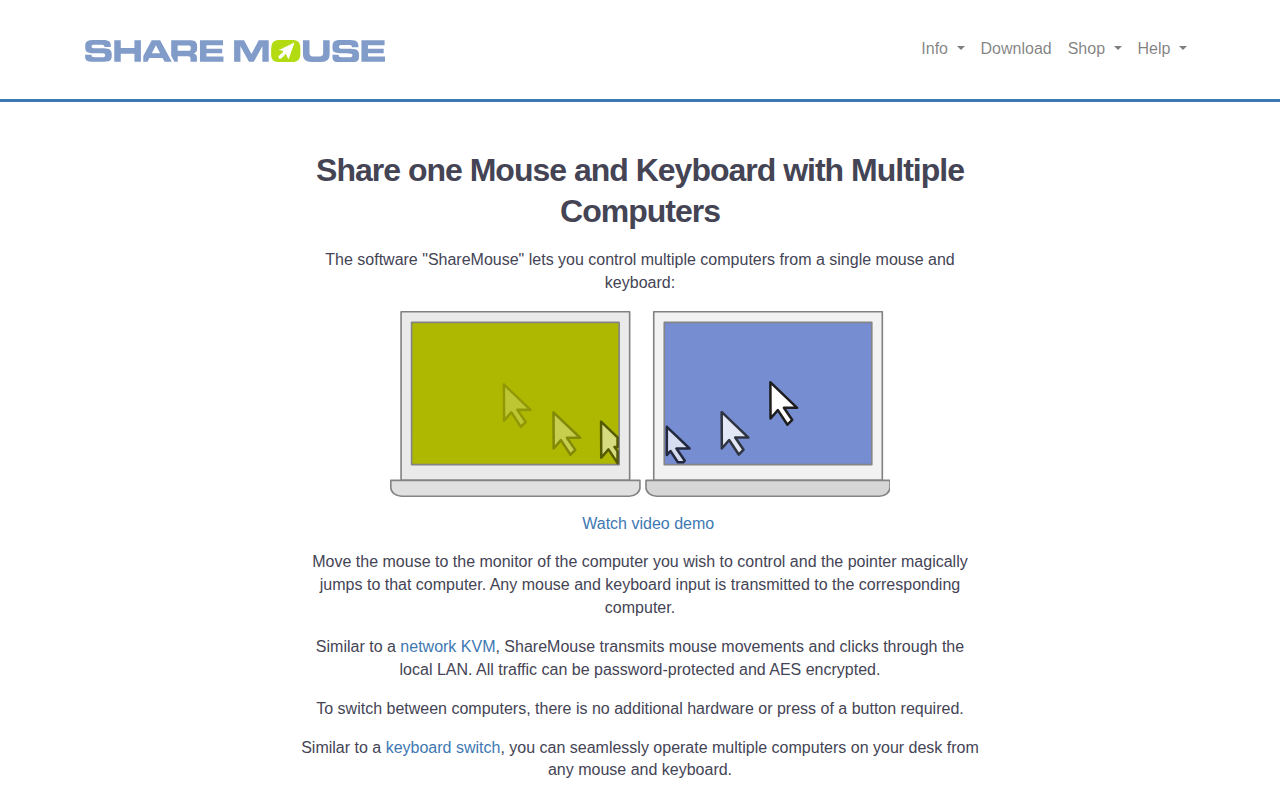
ShareMouse
Share peripherals between computers
Clipboard, Input & Automation
Maccy
Lightweight clipboard manager for macOS.

Clipboard, Input & Automation
HyperWhisper
AI-powered speech-to-text transcription
Clipboard, Input & Automation
Keysmith
Create custom keyboard shortcuts for anything