
Lolgato
Enhances control over Elgato lights
A macOS menu‑bar application that extends the functionality of Elgato lighting devices. It automatically turns lights on or off according to camera usage, powers them down when the computer is locked, and synchronizes light temperature with macOS Night Shift. Users can also control brightness and color temperature globally through keyboard shortcuts.
The program discovers Elgato lights on the local network in the same way as the official Control Center, and it allows manual addition of devices by IP address when discovery fails. Settings are accessed from the menu bar icon, where preferences for automation and shortcuts can be configured.
Designed for users who want tighter integration of their Elgato Key Light or similar products with macOS, the app complements the official software rather than replacing it, handling tasks such as camera‑based activation and Night Shift‑based color matching while leaving firmware updates and other native features to the Elgato Control Center.
Reviews
Loading reviews…
Similar apps
Display & Accessibility
CameraController
Control USB Cameras from an app
Display & Accessibility
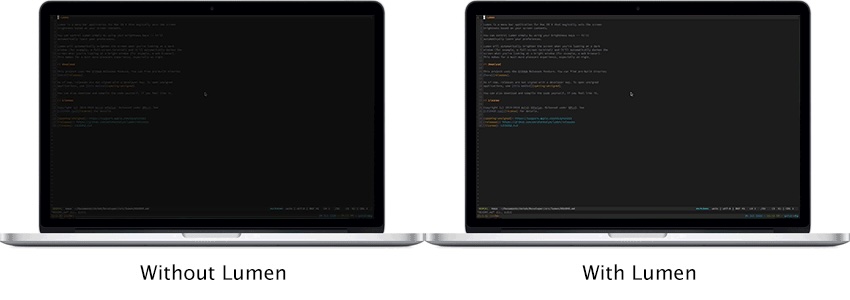
Lumen
Magic auto brightness based on screen contents
Display & Accessibility
Razer macOS
Open source colour effects manager for Razer devices
Display & Accessibility
Brightness Sync
Utility to synchronise the brightness of LG UltraFine display(s)
Window & Desktop Management
Lighting
Tool to control LIFX lights via a Notification Center widget
Display & Accessibility
MonitorControl
Control external display brightness and volume directly.