
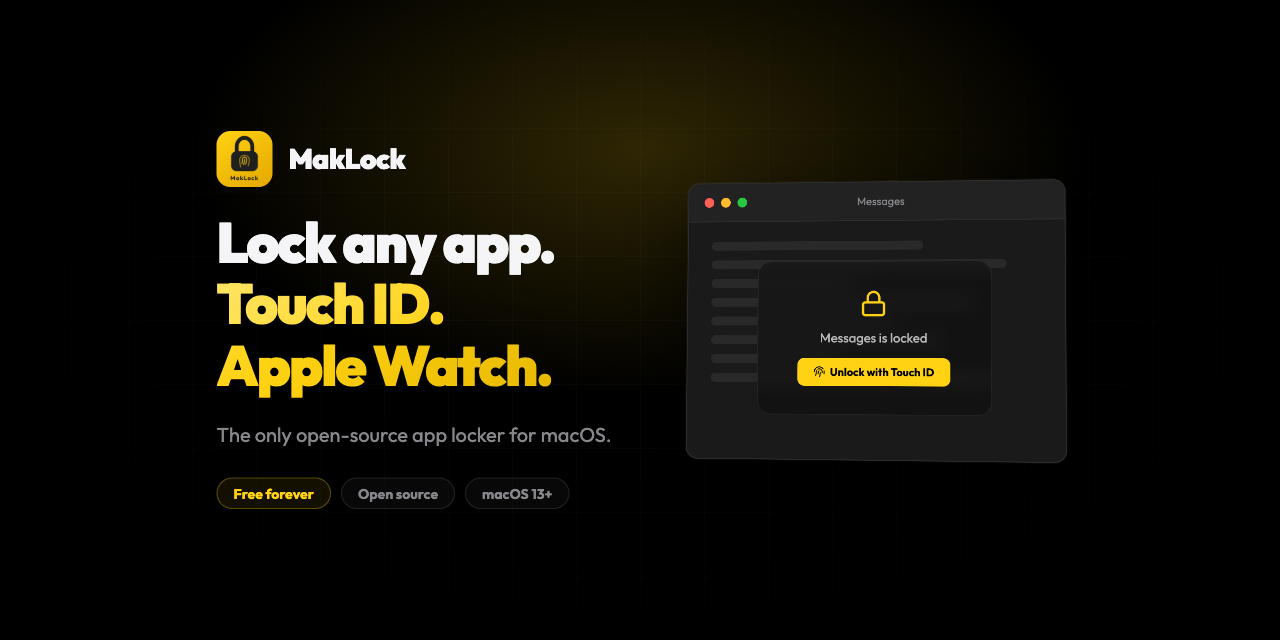
MakLock
Lock any macOS app with Touch ID, Apple Watch proximity, or password. Full-screen blur overlay on all monitors.
MakLock is a lightweight menu‑bar utility for macOS 13 or later that secures selected applications by requiring authentication before they can be opened or re‑activated. It supports Touch ID, a password fallback, and Apple Watch proximity detection, and presents a full‑screen blur overlay on every connected monitor when access is attempted.
The app runs silently without a Dock icon, offering configurable idle and sleep timers that automatically lock or close protected apps, a panic‑key shortcut for emergency exit, and a system‑wide blacklist for applications that should never be locked. Its non‑activating overlay prevents focus stealing and avoids content flashes, while multi‑monitor support ensures consistent protection across displays.
Distributed as free, open‑source software under the MIT license, MakLock provides features such as automatic updates via Sparkle 2, tabbed settings UI, and onboarding on first launch, positioning it as a more capable alternative to sandboxed commercial lock‑screen tools.
Reviews
Loading reviews…
Similar apps
Password & Security
Lockpaw
Menu bar screen guard for macOS — lock and unlock your screen with a hotkey.
Password & Security
BLEUnlock
Lock/unlock Apple computers using the proximity of a bluetooth low energy device
Password & Security
swiftGuard
Tool for protecting USB ports from unauthorized access.
Password & Security
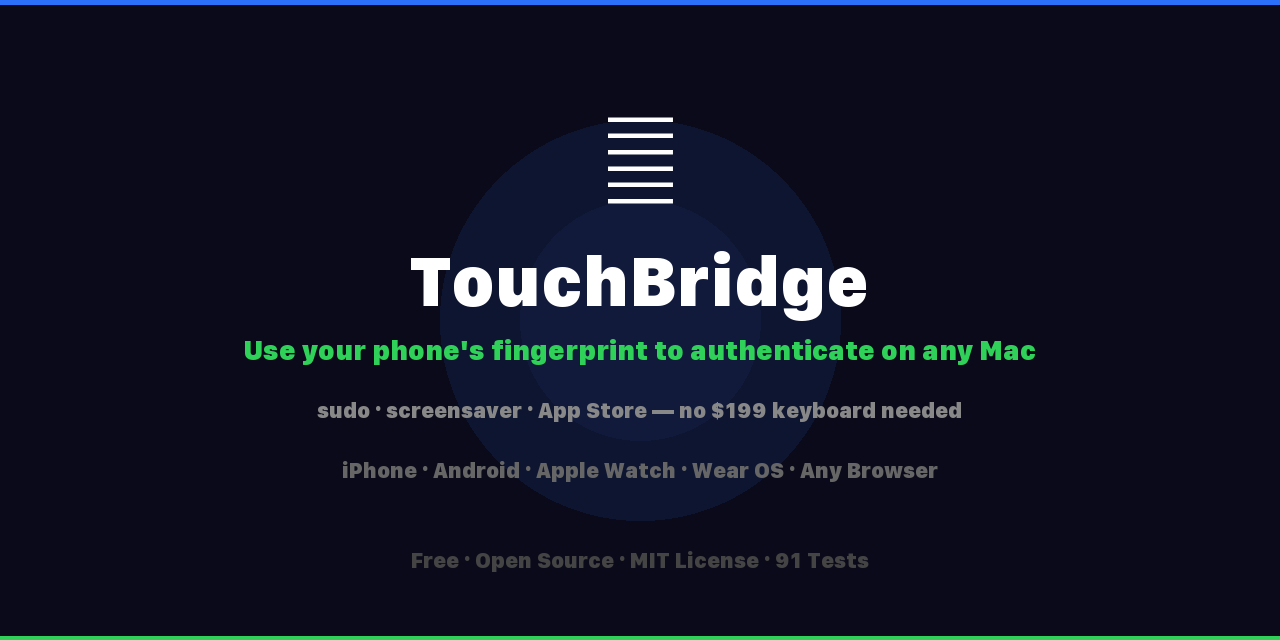
TouchBridge
Authenticate with your phone's fingerprint as a free Touch ID keyboard alternative.
Password & Security
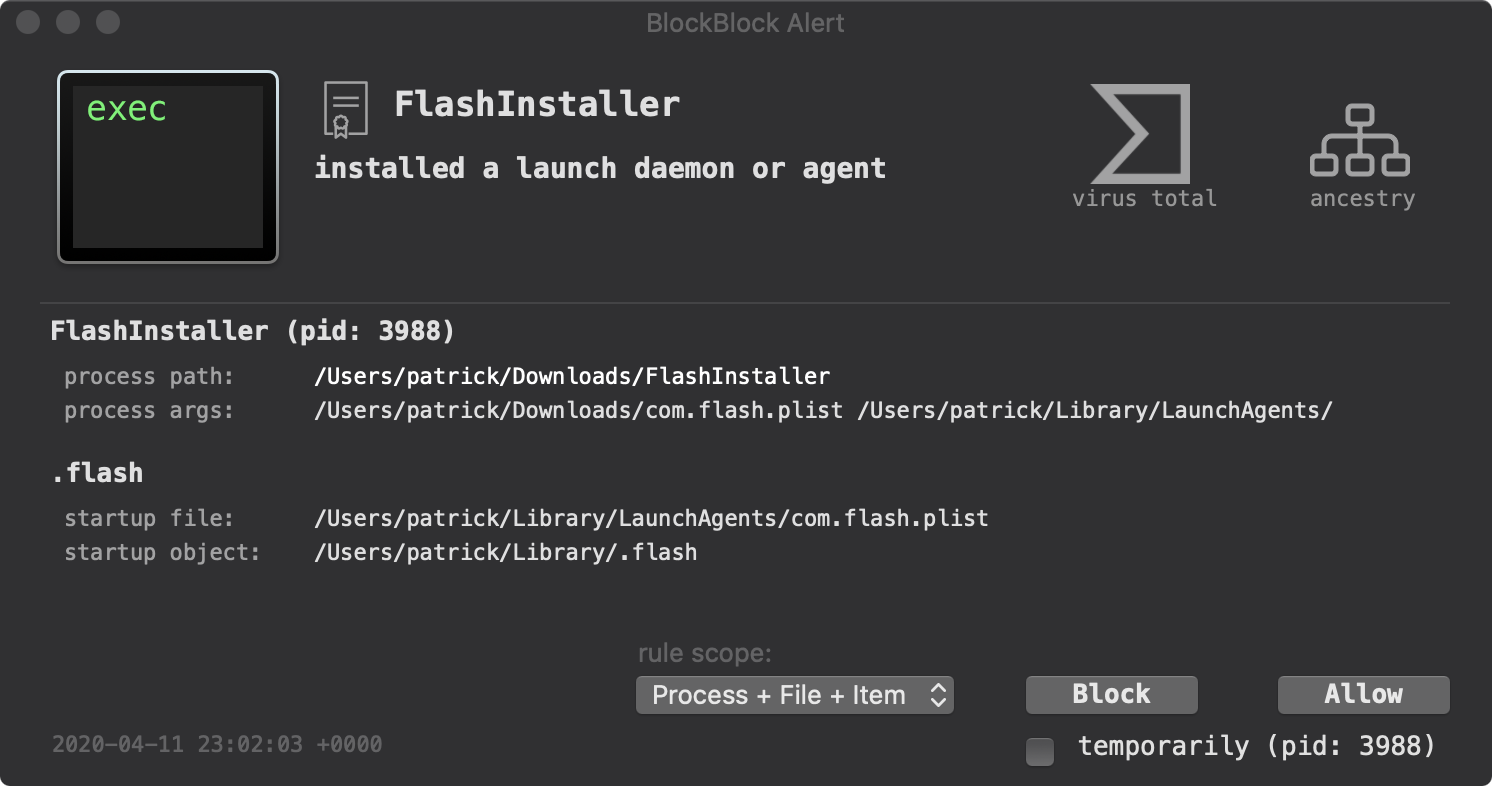
BlockBlock
Me: "Please alert me whenever anything is persistently installed." BlockBlock: "You got it"
Password & Security
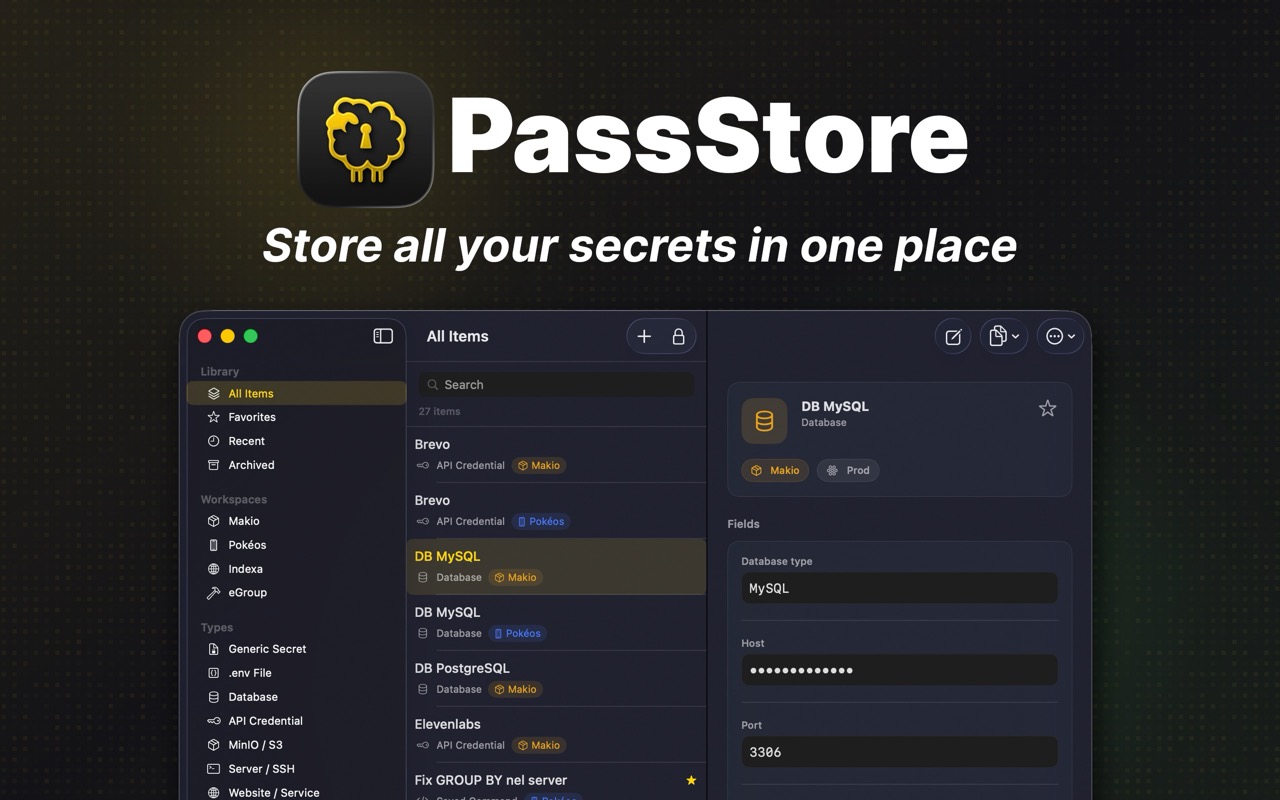
PassStore
Save API keys, .env and secrets locally. Free & Open Source.