
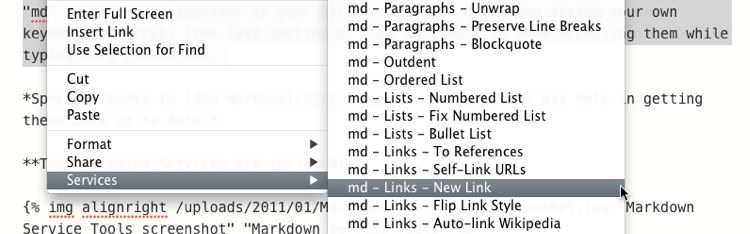
Markdown Service Tools
Collection of services for Markdown-formatted text
The toolset provides a suite of macOS Services—also known as Quick Actions—that operate on Markdown‑formatted text within any Cocoa‑based application. Each service is prefixed with “md” and appears in the Services menu when right‑clicking a text field, allowing users to invoke actions such as creating code blocks, applying bold or italics, generating footnotes, and inserting links from browser tabs. Additional utilities include conversion of smart punctuation, cleaning up HTML, transforming MultiMarkdown to HTML or RTF, and formatting tables, lists, and paragraphs.
Keyboard shortcuts can be assigned to any of the services, giving writers fast access without leaving their current editor. The collection supports both selected‑text operations (e.g., wrapping text in brackets) and context‑aware actions that work when a text field is focused but no text is selected (e.g., inserting a new link). The services are grouped under the “md” prefix to keep the menu organized.
Designed for macOS users who frequently write or edit Markdown, the package aims to streamline common formatting and conversion tasks, reducing manual editing effort across a wide range of applications.
Reviews
Loading reviews…
Similar apps

Markdown Editors
MacDown
Open-source Markdown editor
Markdown Editors
MarkEdit
Markdown editor

File Management & Transfer
Markedly - Convert files to Markdown
Drop anything, get Markdown back - on your Mac
Clipboard, Input & Automation
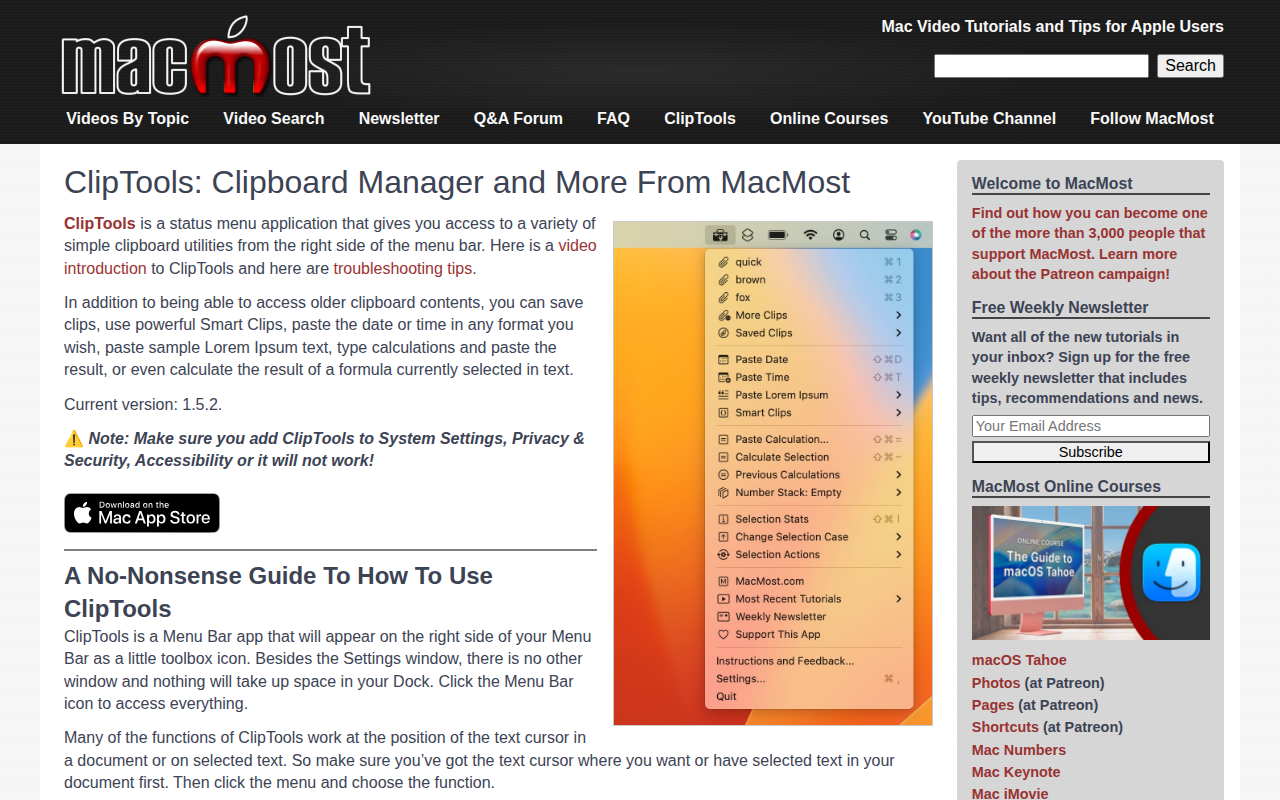
ClipTools
Clipboard utility set for quick copy, paste, and text cleanup tasks. ![Freeware][Freeware Icon]
Markdown Editors
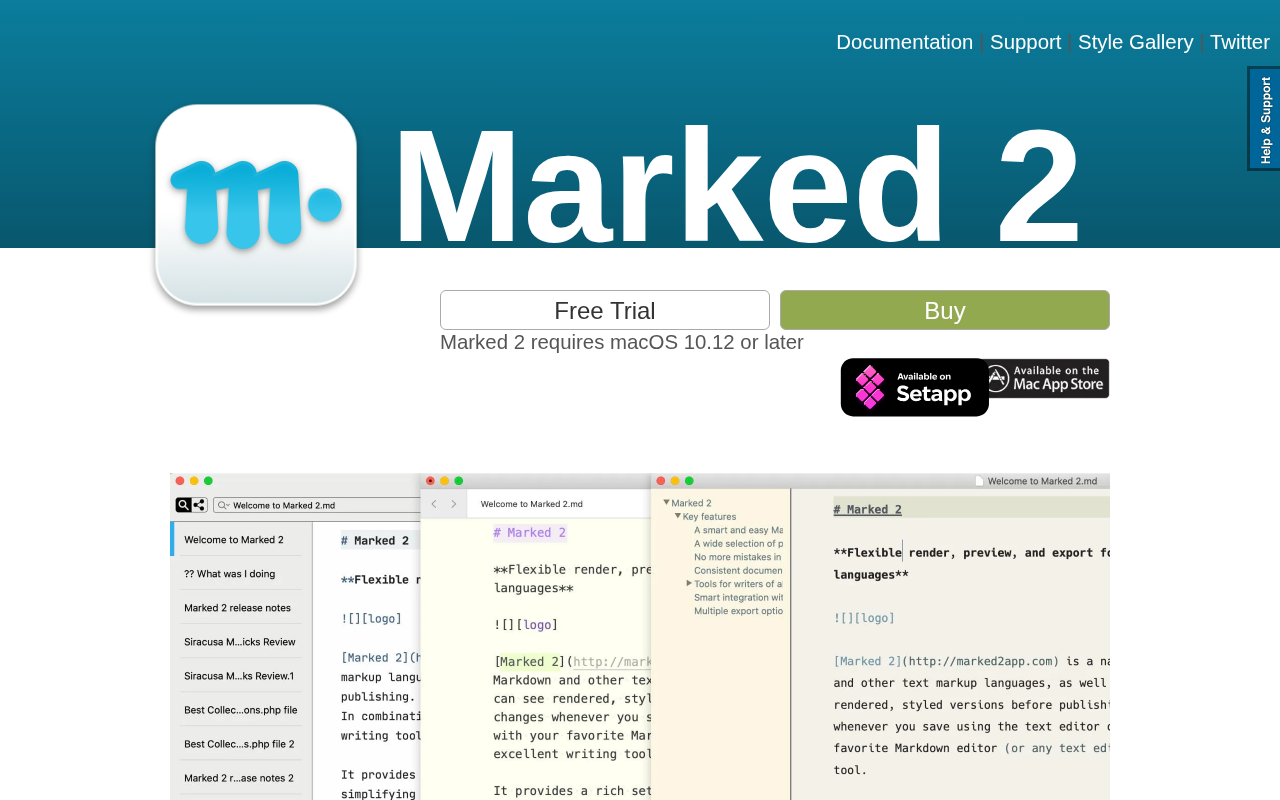
Marked 2
This is the Markdown preview with an elegant and powerful set of tools for all writers.
Markdown Editors
FoldingText
Markdown text editor with productivity features