

Mate Translate
Translate in Safari and any app on macOS between 103 languages.
Mate Translate integrates tightly with macOS, residing in the menu bar and offering a built‑in Safari extension. It lets users translate any selected text across the system—PDFs, Mail, Notes, web pages, and more—using a single right‑click or configurable keyboard shortcut. The app supports 103 languages, including common and less‑common options such as Luxembourgish and Zulu, and provides instant, on‑screen translations without leaving the current workflow.
The utility emphasizes privacy and native feel, claiming no data tracking or selling, and offers both light and dark visual modes that match macOS aesthetics. Translation history and saved phrases can be synchronized across a user’s devices, and a phrasebook feature lets users organize and review saved translations for language learning or travel reference.
Additional conveniences include pronunciation playback with phonetic display, seamless integration with PopClip, and a Netflix‑friendly mode that translates subtitle words on the fly. Hotkeys and menu‑bar access aim to keep translation fast and unobtrusive while working in any application.
Reviews
Loading reviews…
Similar apps
Clipboard, Input & Automation
ScreenTranslate
Capture any area or select text to translate instantly, fully on-device.
Clipboard, Input & Automation
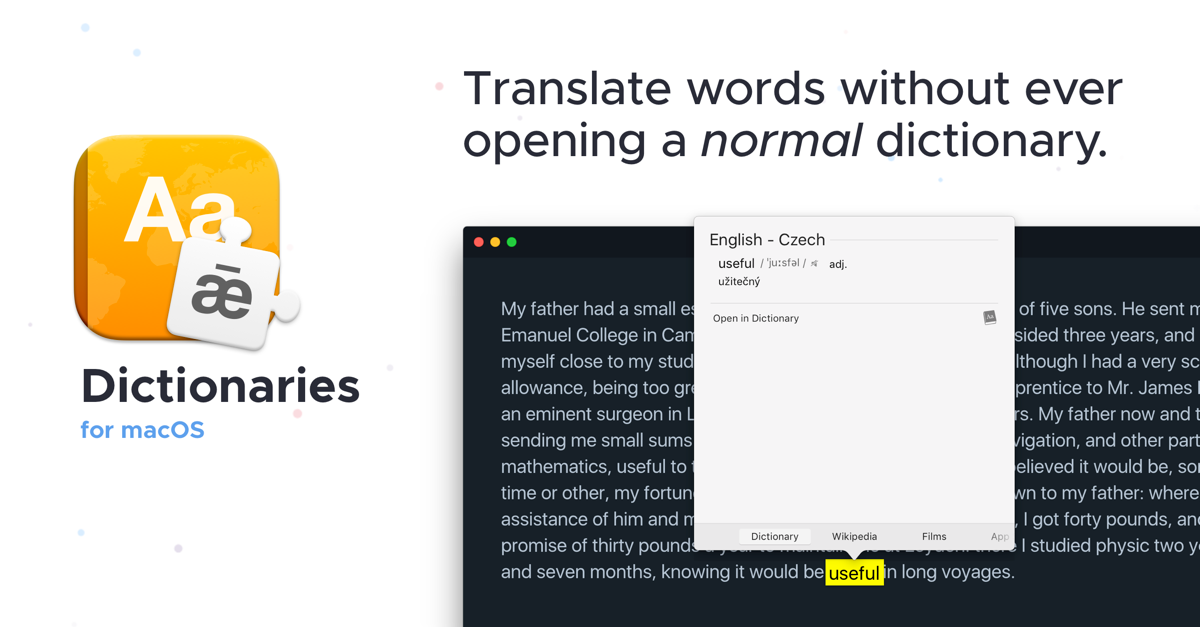
Dictionaries
Translate words without ever opening a dictionary

Clipboard, Input & Automation
iTranslate
Translation app for text and web pages in multiple languages. ![Freeware][Freeware Icon]

Clipboard, Input & Automation
VoxTori
Real-time subtitles, translation, and dictation for Mac

Clipboard, Input & Automation
CopyTranslator
Tool that translates text in real-time while copying
Clipboard, Input & Automation
OmegaT
Translation memory tool