

ScreenTranslate
Capture any area or select text to translate instantly, fully on-device.
The tool lets macOS users translate visible text without leaving the current application. Users can either draw a rectangle around any screen region or highlight existing text, then press a shortcut to trigger OCR (for captured regions) or direct translation (for selected text). The result appears in a brief popup near the source, and each translation is automatically stored in a history accessible from the menu bar.
All processing runs on the local machine using Apple’s on‑device translation engine, so no data is sent to external servers and the application works offline after language packs are downloaded. It supports a set of languages including Korean, English, Japanese, Chinese (both simplified and traditional), French, German, Spanish, Portuguese, Italian, Russian, Arabic, Dutch, Hindi, Indonesian, Polish, Thai, Turkish, Ukrainian, and Vietnamese, with auto‑detection of the source language.
The lightweight menu‑bar app is free, open‑source, and compatible with macOS 15+ on both Apple Silicon and Intel hardware. It provides a persistent translation history, quick access via keyboard shortcuts, and operates without requiring an account or internet connection.
Reviews
Loading reviews…
Similar apps

Clipboard, Input & Automation
CopyTranslator
Tool that translates text in real-time while copying
Clipboard, Input & Automation
MoePeek
Translation tool with text selection, OCR, clipboard, and manual input support.

Clipboard, Input & Automation
Mate Translate
Translate in Safari and any app on macOS between 103 languages.
Clipboard, Input & Automation
LuxShot
Native and privacy-first menu bar OCR tool.
Clipboard, Input & Automation
VoxTori
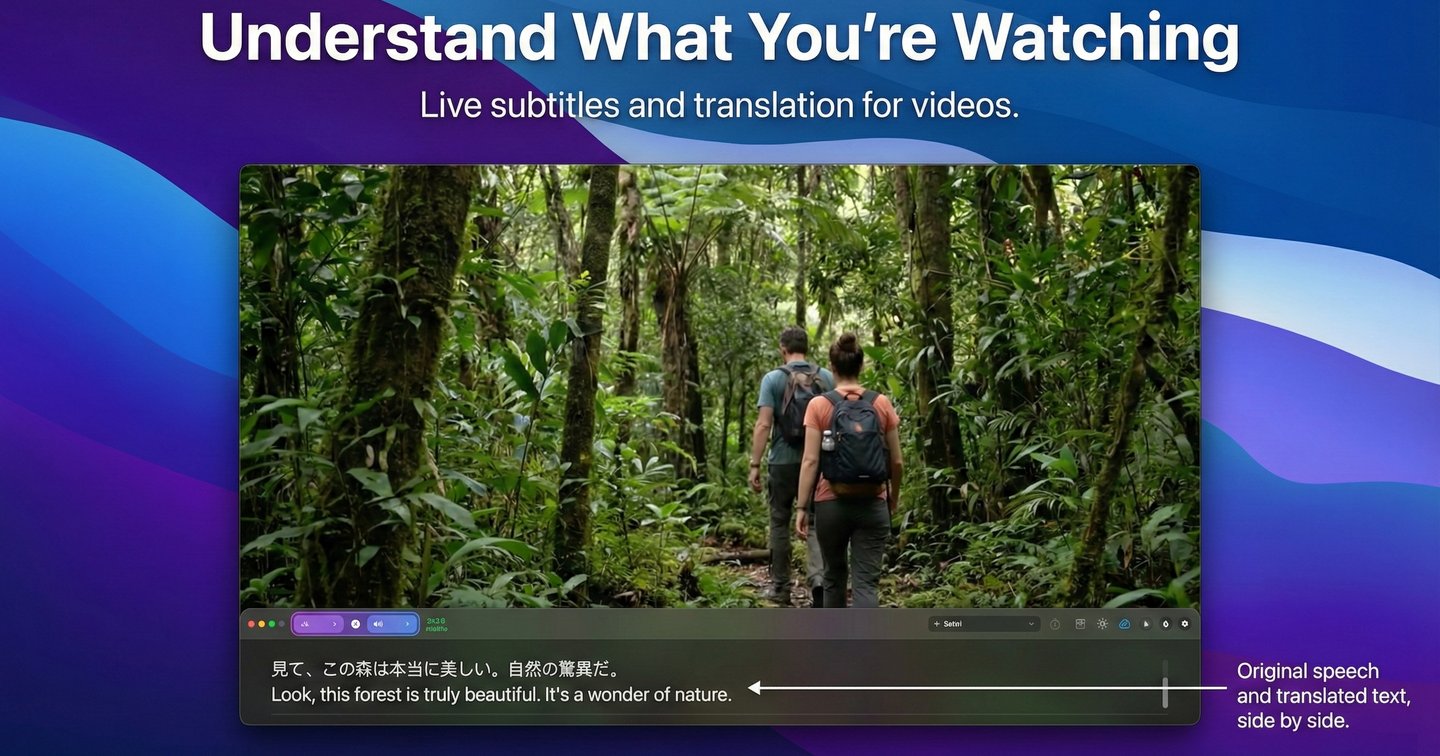
Real-time subtitles, translation, and dictation for Mac
Clipboard, Input & Automation
Easydict
A concise dictionary and translator for looking up words and translating text.