
MiniAi
Select text, hit (⌥ space), get AI explanations
A lightweight native macOS utility lets users highlight any text in any application and press a single shortcut (⌥ Space) to receive an AI‑generated explanation directly on screen. The app works with English and foreign‑language content, code errors, and technical terms, presenting concise summaries or definitions without opening a browser or copying text. Users can request follow‑up details within the same popup, keeping the workflow uninterrupted.
Targeted at researchers, students, developers, and anyone who frequently encounters unfamiliar terminology, the tool integrates into everyday apps such as browsers, code editors, email clients, and presentation software. Its design emphasizes minimal intrusion, appearing as a small overlay that feels native to macOS.
Built with Swift for macOS 14 and later, the application runs on both Apple Silicon and Intel hardware. It is offered free of charge, prioritizes privacy by processing locally, and requires no additional configuration beyond installing the binary.
Reviews
Loading reviews…
Similar apps

AI Agents & Automation
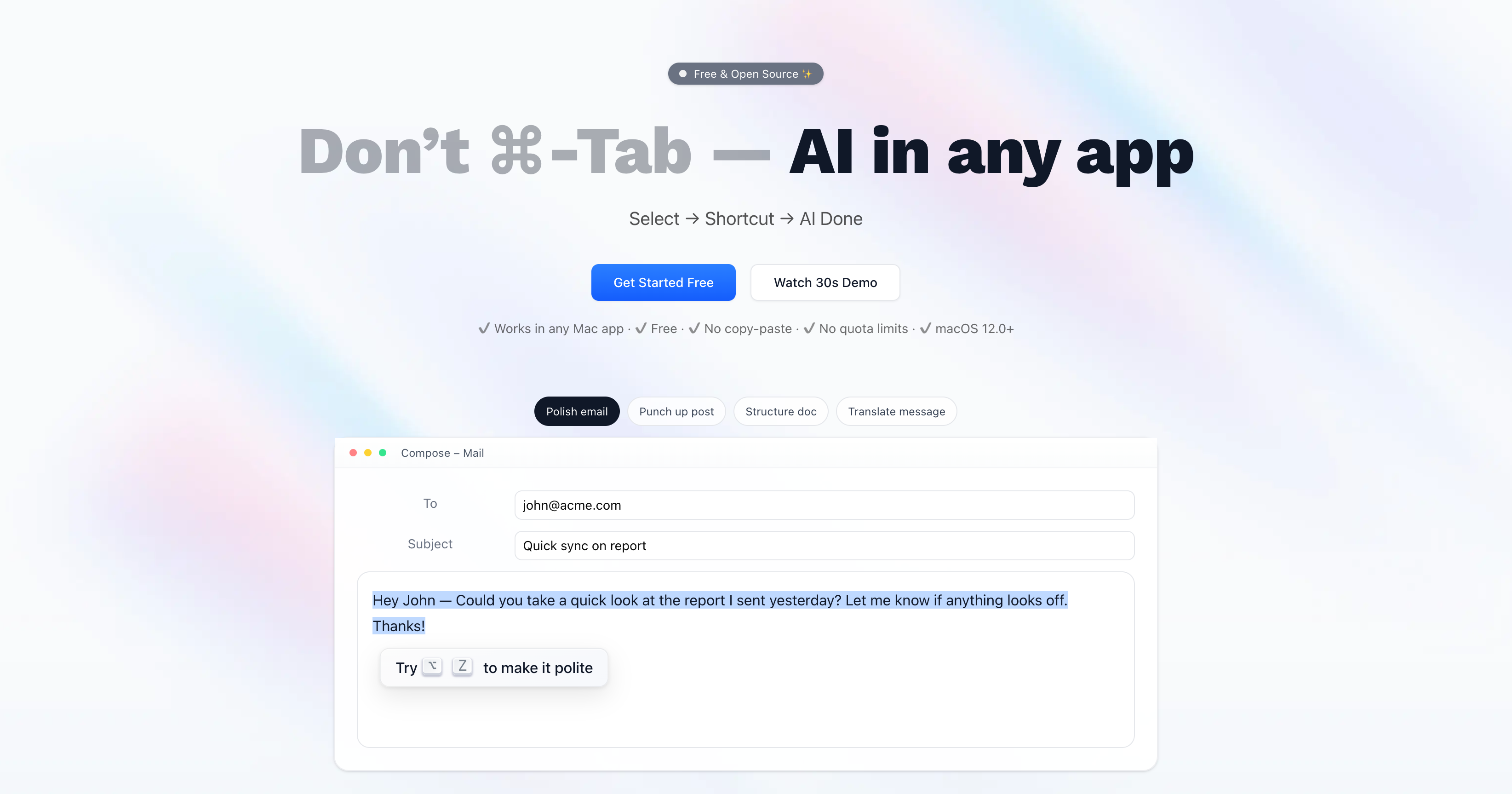
Cai
Press ⌥C on anything to run smart actions, locally
Clipboard, Input & Automation
Macaify
Fast use of ChatGPT, lightweight, clean, keyboard-first. ![Freeware][Freeware Icon]
Clipboard, Input & Automation
Easydict
A concise dictionary and translator for looking up words and translating text.

Clipboard, Input & Automation
Nani
Fast AI translation with explanations.
Clipboard, Input & Automation
OpenAI Translator
Translation app and browser extension powered by AI models.
Clipboard, Input & Automation
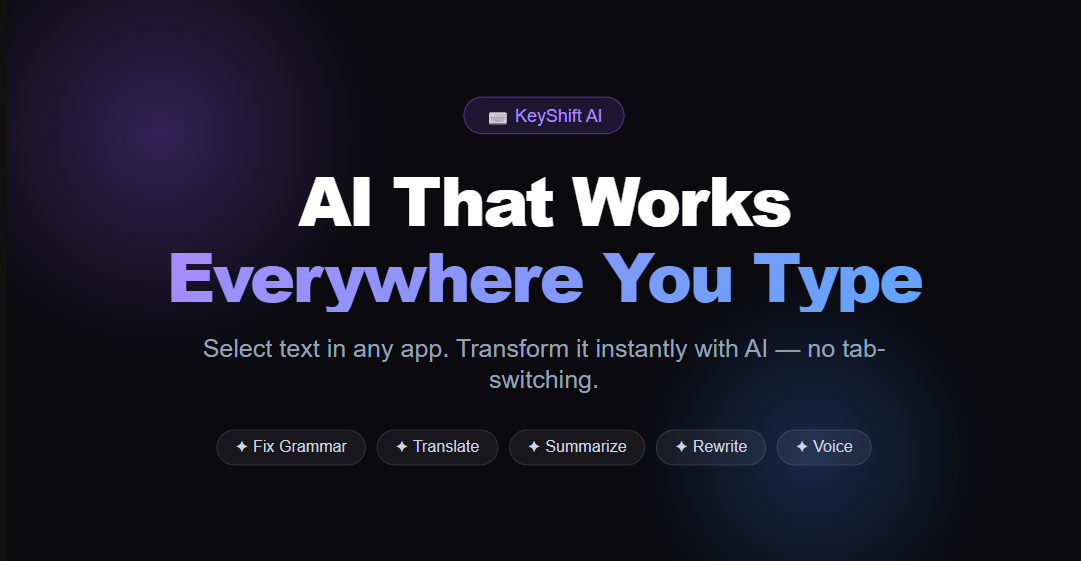
Keyshift AI
AI anywhere you type