
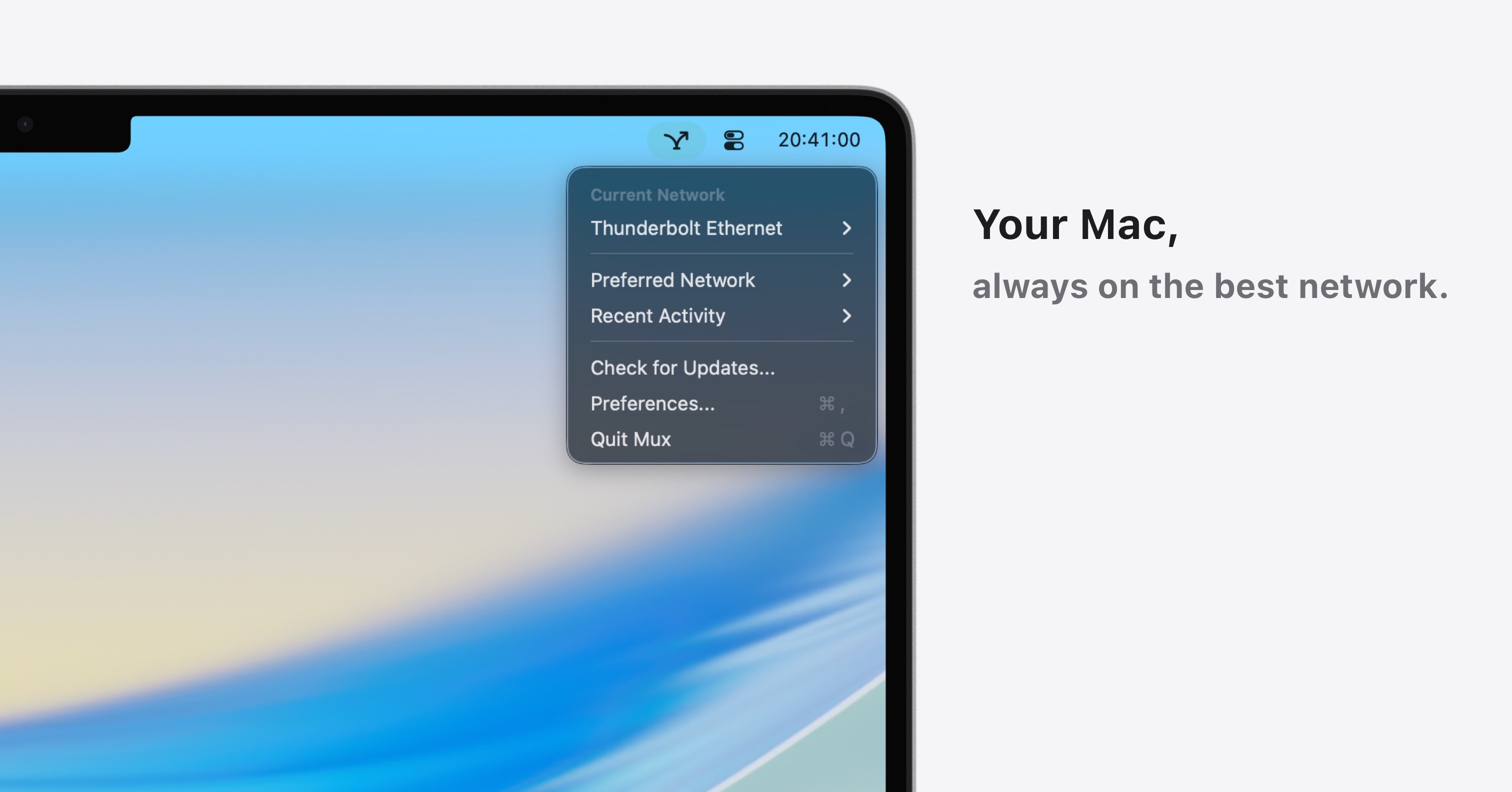
Mux: Auto Network Switch
Automatic priority-based network switching for your Mac
Mux monitors the network interfaces on a Mac and automatically switches between them according to a user‑defined priority list. When an Ethernet cable is connected, the application disables Wi‑Fi and re‑enables it when the cable is removed, applying the same logic to other interfaces such as Thunderbolt Bridge or Hotspot. Users can set schedules, adjust the delay before a switch (3 s, 5 s, 10 s), and view a concise log of every change in the menu bar.
The tool is aimed at Mac users who want their machine to stay on the most appropriate network without manual intervention, especially in environments where multiple connections are available and reliability matters. It provides a single pane for reordering, enabling, or disabling network services, and respects privacy by keeping all detection and logging on the local device via standard macOS APIs.
Distinctive aspects include instant response to network events, a configurable priority system, and the ability to run silently in the background while presenting status and logs in a compact interface. The application is offered as an experimental, free‑trial download with optional paid licenses for additional Macs.
Reviews
Loading reviews…
Similar apps

Network & Connectivity
MacSpoof
A quick and easy MAC address changer
Network & Connectivity
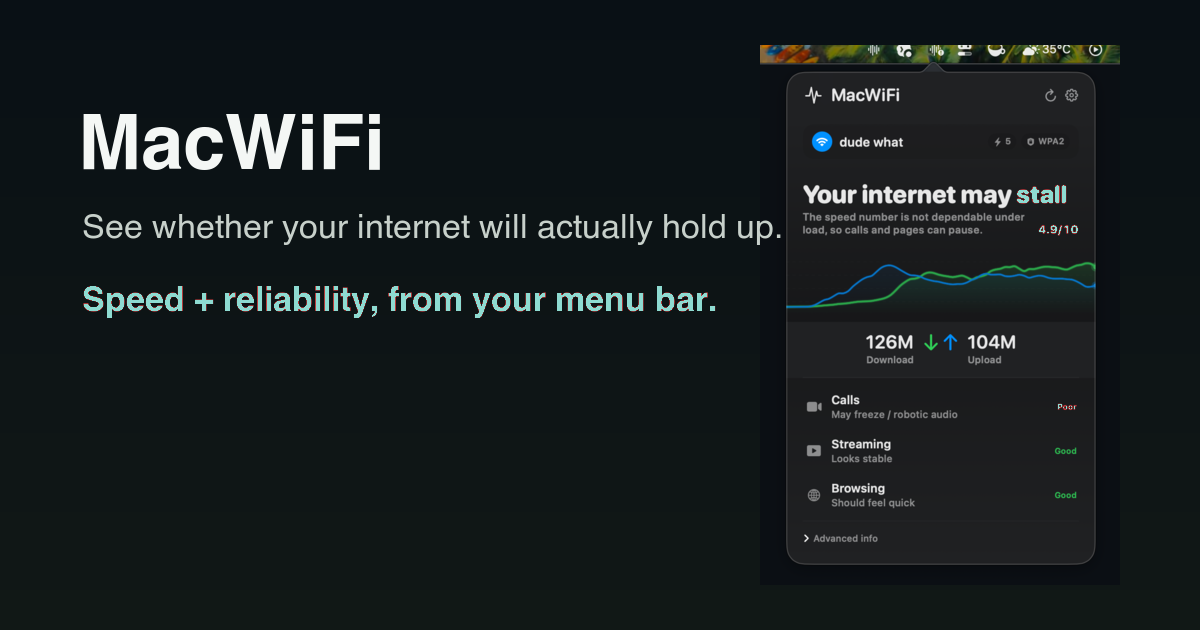
MacWiFi
Know if your internet is flaky before your next call

Network & Connectivity
Netwoke
Your Network has Secrets, Now you can see Them.
Network & Connectivity
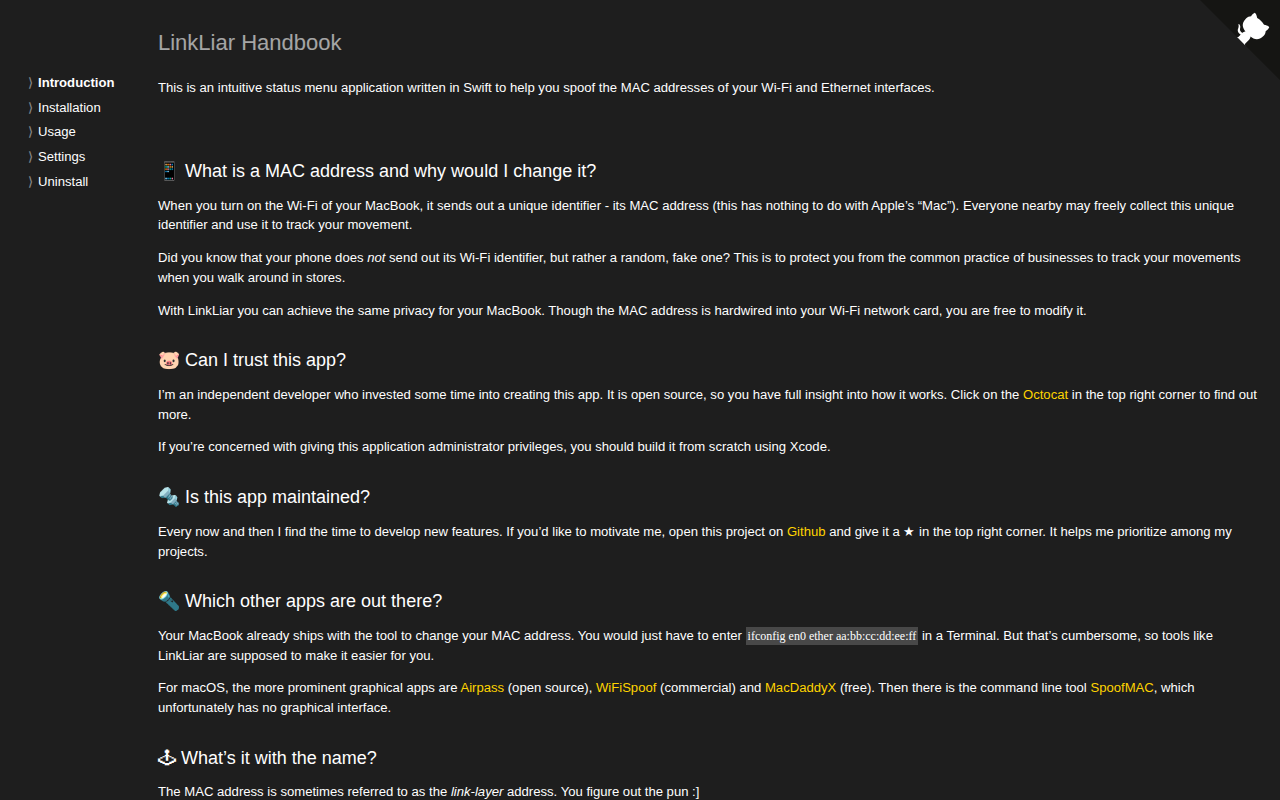
LinkLiar
Link-Layer MAC spoofing GUI for macOS.

Network & Connectivity
Airpass
Status bar app to overcome time-constrained WiFi networks
Metadata & Library Management
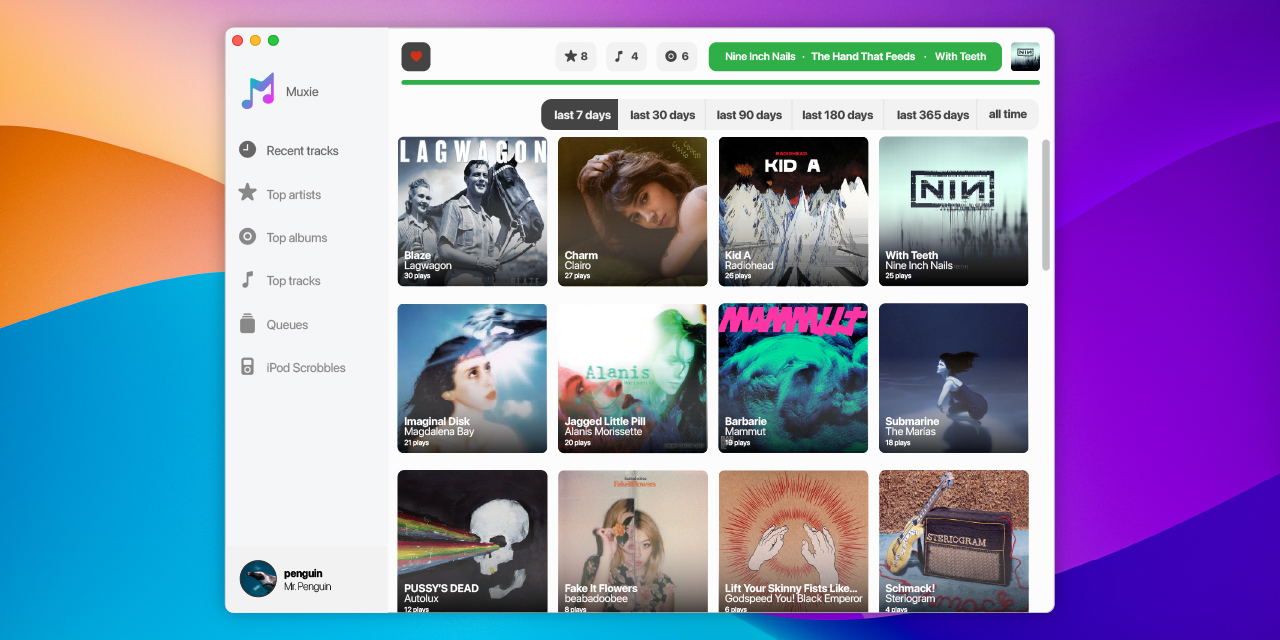
Muxie
Last.fm scrobbler for Apple Music, Spotify Desktop, iPod Classic, Rockbox devices and some others. ![Freeware][Freeware Icon]