
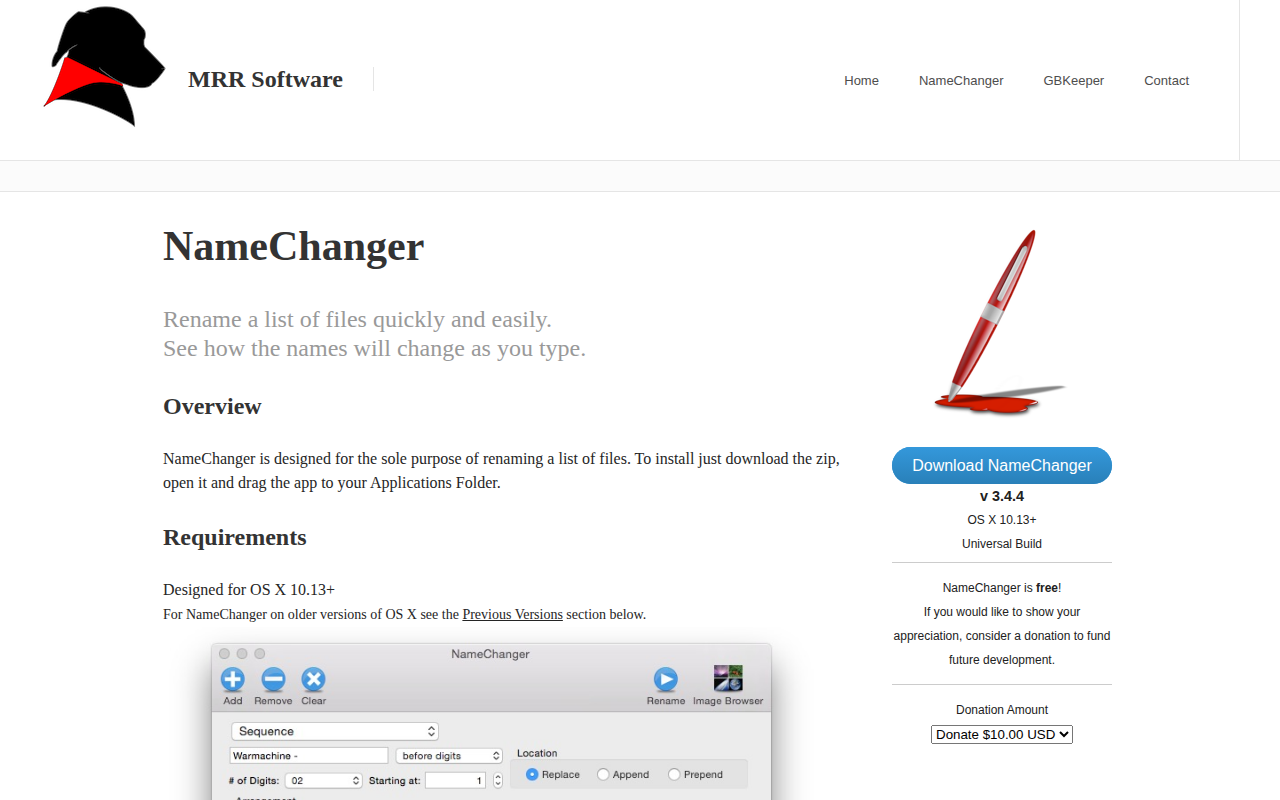
NameChanger
Rename a list of files quickly
The application provides a graphical interface for batch‑renaming files on macOS. Users add files by dragging them onto the window or via the GUI, then choose from a range of rename operations such as replace (first, last, or all occurrences), wildcard patterns, appending or prepending text, date sequencing, character removal, regular expressions, and case conversion. As each option is entered, a preview column shows the resulting filenames, and rows that cannot be changed are grayed out.
A check‑box column lets users select which items are processed, and additional controls allow hiding extensions, ignoring case, enforcing unique names, and applying the operation recursively to folder contents. The tool supports importing a text file of rename rules, maintains a history of performed renames, and can be invoked as a macOS Service from Finder. It reports any failures after the rename action.
The program runs on OS X 10.13 or later, is distributed as a drag‑and‑drop app, and includes features such as full‑screen support, random ordering, custom date formats, and an options palette for fine‑tuning. It is classified as stable productivity software for macOS.
Reviews
Loading reviews…
Similar apps

File Management & Transfer
Renamer
Batch file renamer application

File Management & Transfer
BetterRename
The most powerful and complete Mac file renaming application on the market.
File Management & Transfer
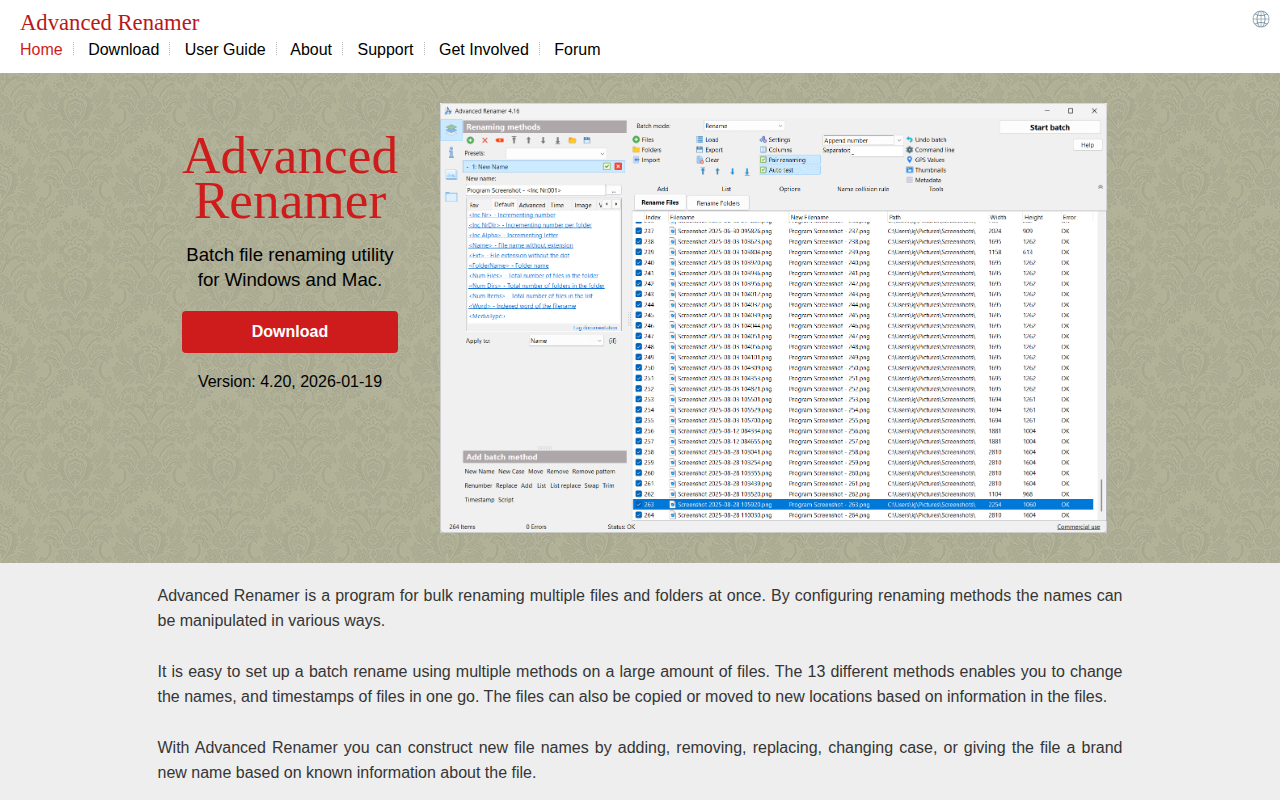
Advanced Renamer
Batch file renaming utility

File Management & Transfer
Transnomino
Batch rename utility

File Management & Transfer
NameQuick
AI-powered file renaming tool for macOS
File Management & Transfer
ExifRenamer
Tool to rename digital photos, movie- and audio-clips