

Transnomino
Batch rename utility
The utility lets macOS users rename large groups of files in a single operation, offering a range of actions from simple text replacement to complex pattern matching with regular expressions. Users can add prefixes, suffixes, custom text, sequential numbers, or trim characters, and they may change case or strip diacritics. Each action can target the filename, extension, full path, or any combination, and the interface shows a live preview as rules are built.
File attributes such as creation dates, EXIF metadata, and ID3 tags can be inserted into names or directory structures, enabling organization by date, location, or other metadata. The program also provides options for Windows‑compatible naming and for creating subsets of files to which specific actions are applied.
Automation support allows users to save and reuse renaming sequences, and path‑based renaming can move files into folders based on dates or GPS coordinates. The application is free, runs on macOS 14 and later, and is considered stable.
Reviews
Loading reviews…
Similar apps

File Management & Transfer
Renamer
Batch file renamer application
File Management & Transfer
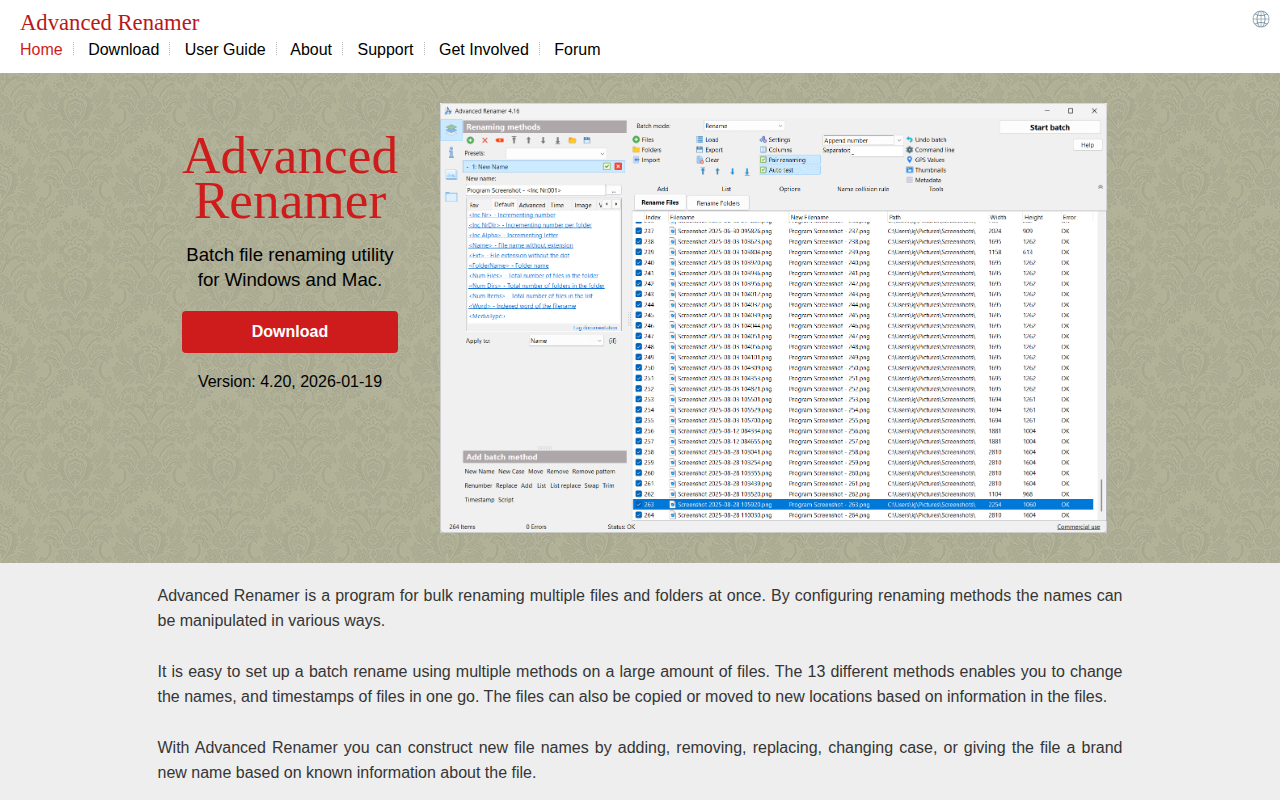
Advanced Renamer
Batch file renaming utility
Task & Project Management
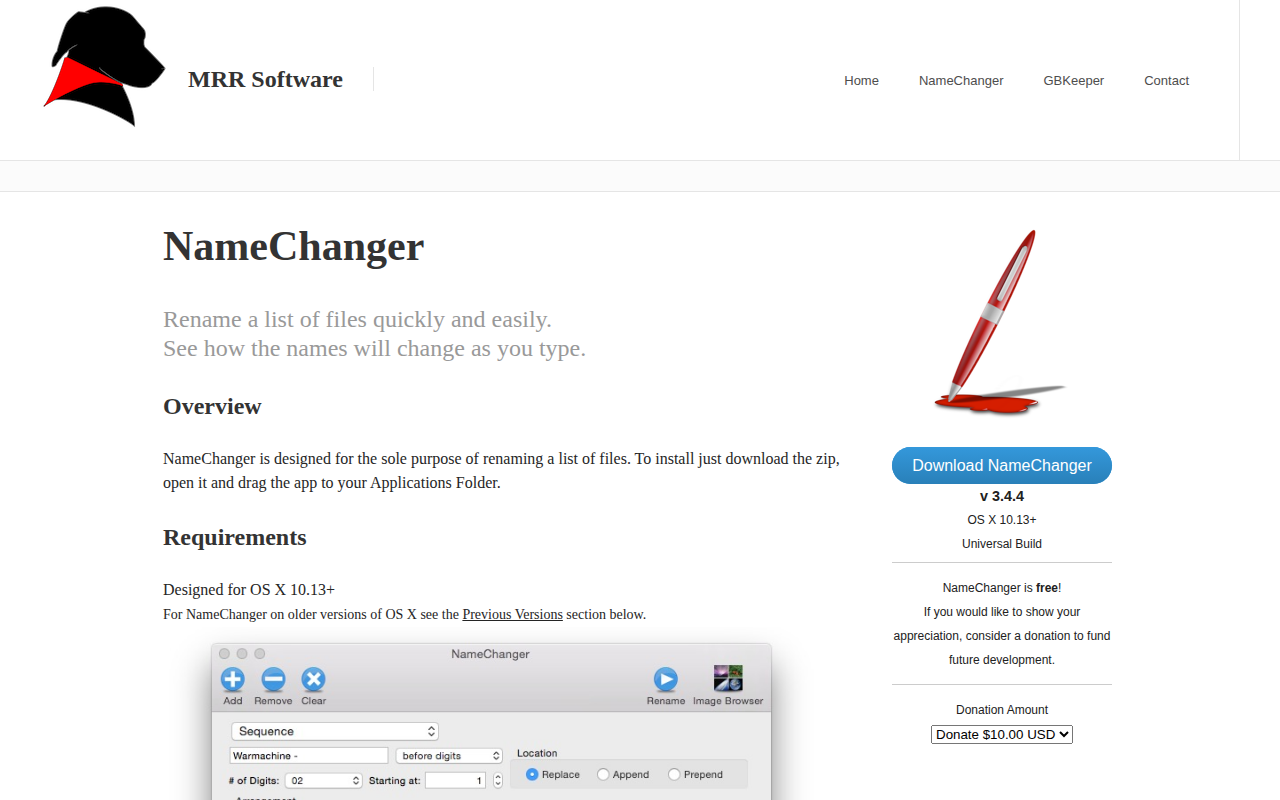
NameChanger
Rename a list of files quickly
Terminals & CLI
nomino
Batch rename utility for developers.

File Management & Transfer
TVRenamer
Utility to rename TV episodes from TV listings

File Management & Transfer
BetterRename
The most powerful and complete Mac file renaming application on the market.