
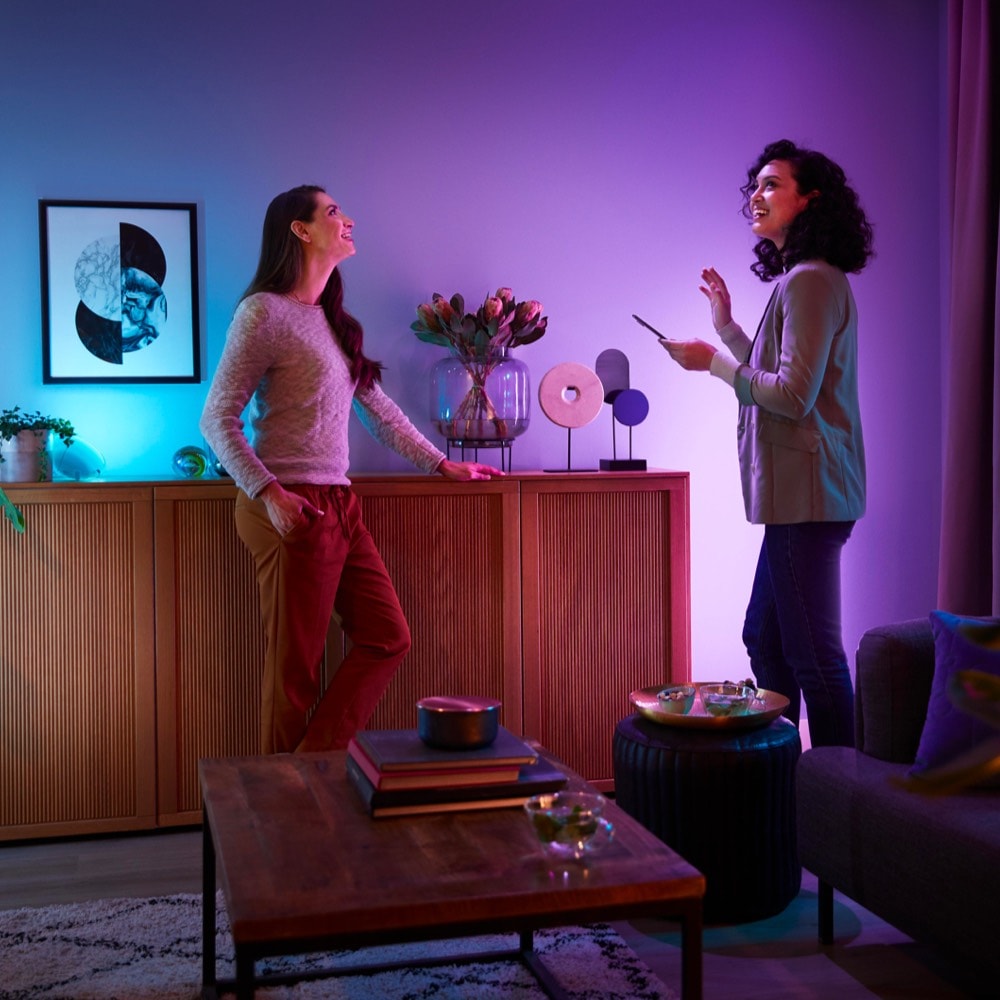
Philips Hue Sync
Control your smart light system
The software lets users connect Philips Hue lighting to a computer and have the lights change color in real time based on on‑screen content. It works with macOS and communicates through the Hue Bridge using Zigbee, which provides a local mesh network to keep latency low. The desktop application captures video output from games or other media and translates the dominant colors into lighting commands, creating an immersive environment that mirrors the visual experience on the monitor.
Target users are gamers and anyone who wants dynamic ambient lighting that reacts to what is displayed on their PC. The program offers a free desktop client and can also be paired with the Philips Hue Play HDMI Sync Box for setups that prefer a hardware‑based solution. Integration with other RGB ecosystems such as Razer Chroma and Corsair iCUE is mentioned, allowing broader control across multiple devices.
What distinguishes this tool is its reliance on the Zigbee mesh via the Hue Bridge, which avoids the lag typical of Wi‑Fi‑only solutions and keeps the lighting response synchronized with fast‑moving on‑screen action. The application also supports bias lighting for eye‑strain reduction while providing advanced gradient effects for deeper immersion.
Reviews
Loading reviews…
Similar apps

File Management & Transfer
Sync
Store, share and access files from anywhere

Task & Project Management
Nanoleaf Desktop
Control your Nanoleaf lights
Display & Accessibility
Brightness Sync
Utility to synchronise the brightness of LG UltraFine display(s)
Network & Connectivity
SYNCROOM
Online remote concert service
Display & Accessibility
OpenRGB
Open source RGB lighting control that doesn't depend on manufacturer software
Display & Accessibility
Brisync
Utility to automatically control the brightness of external displays