

PiXel Check
Check your monitor for dead pixels
PiXel Check is a macOS‑only utility that scans a connected display for dead or stuck pixels. It presents a series of full‑screen colour patterns, allowing the user to observe any pixel that fails to change colour correctly. The tool records the locations of problematic pixels and can highlight them for easy identification.
The software is aimed at users who need to verify the integrity of their monitors, such as photographers, graphic designers, or anyone concerned about screen quality. By providing a straightforward visual test, it helps determine whether a display meets the required standards before purchase or after extended use.
PiXel Check is released as a stable version, offering a simple, no‑frills interface without additional configuration options. It is distributed directly from its homepage for macOS systems.
Reviews
Loading reviews…
Similar apps
Task & Project Management
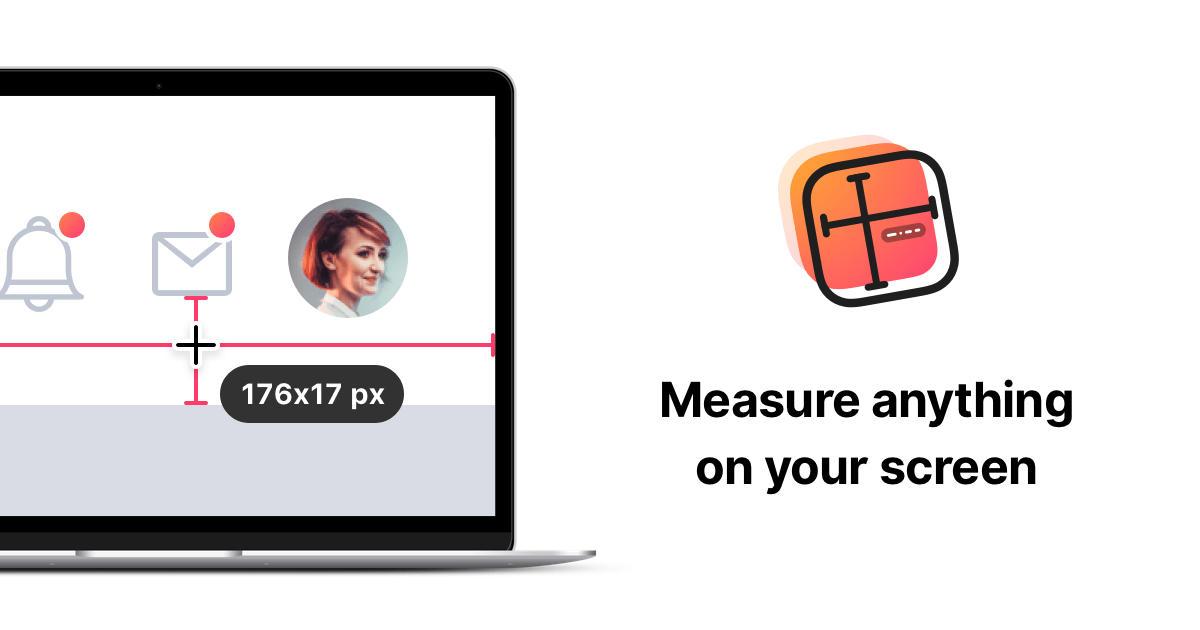
PixelSnap
Screen measuring tool
Display & Accessibility
Pixel Picker
Menu bar application to pick colours from your screen
Task & Project Management
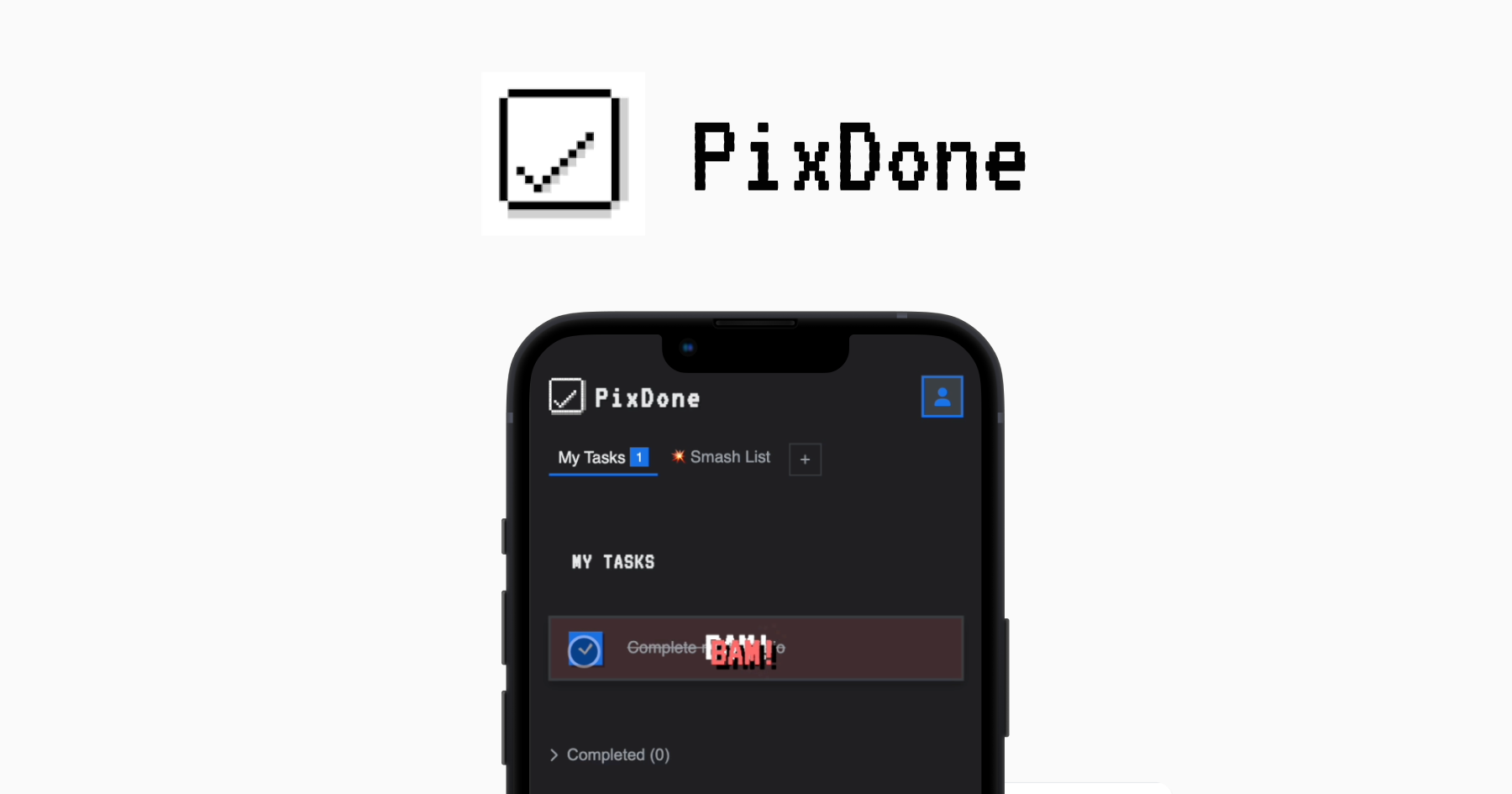
PixDone
Earn random pixel rewards every time you smash a task
Display & Accessibility
TruHu
Display calibration utility
Display & Accessibility
SwitchResX
Controls screen display settings
Task & Project Management
PrettyClean
Easy to use Disk Cleanup Tools