
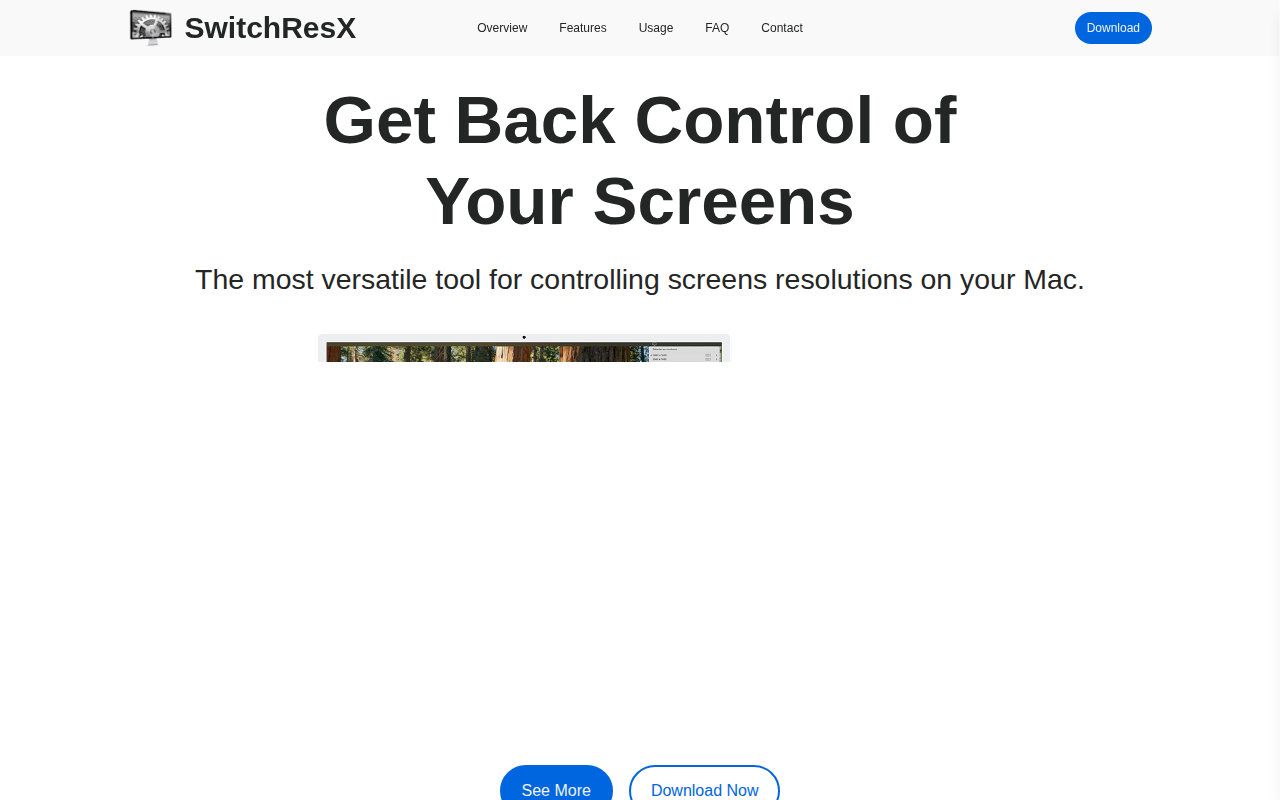
SwitchResX
Controls screen display settings
SwitchResX provides a graphical interface for managing display parameters on macOS computers. It lets users adjust screen resolutions, refresh rates, and other video settings for each connected monitor, allowing precise control over how content is rendered. The application stores custom configurations and can apply them automatically when displays are connected or disconnected.
The tool is aimed at users who need to fine‑tune their visual environment, such as graphic designers, video editors, or anyone working with multiple monitors and requiring specific resolution setups. By exposing low‑level display options in a user‑friendly way, it reduces the need to rely on system defaults or command‑line utilities.
What distinguishes SwitchResX is its breadth of supported options on macOS, offering a stable, mature solution that persists across system restarts and hardware changes. It centralizes screen management tasks, simplifying the process of switching between different display profiles without rebooting or manually adjusting settings each time.
Reviews
Loading reviews…
Similar apps
Display & Accessibility
BestRes
Quickly change your screen resolution from the menubar
Display & Accessibility
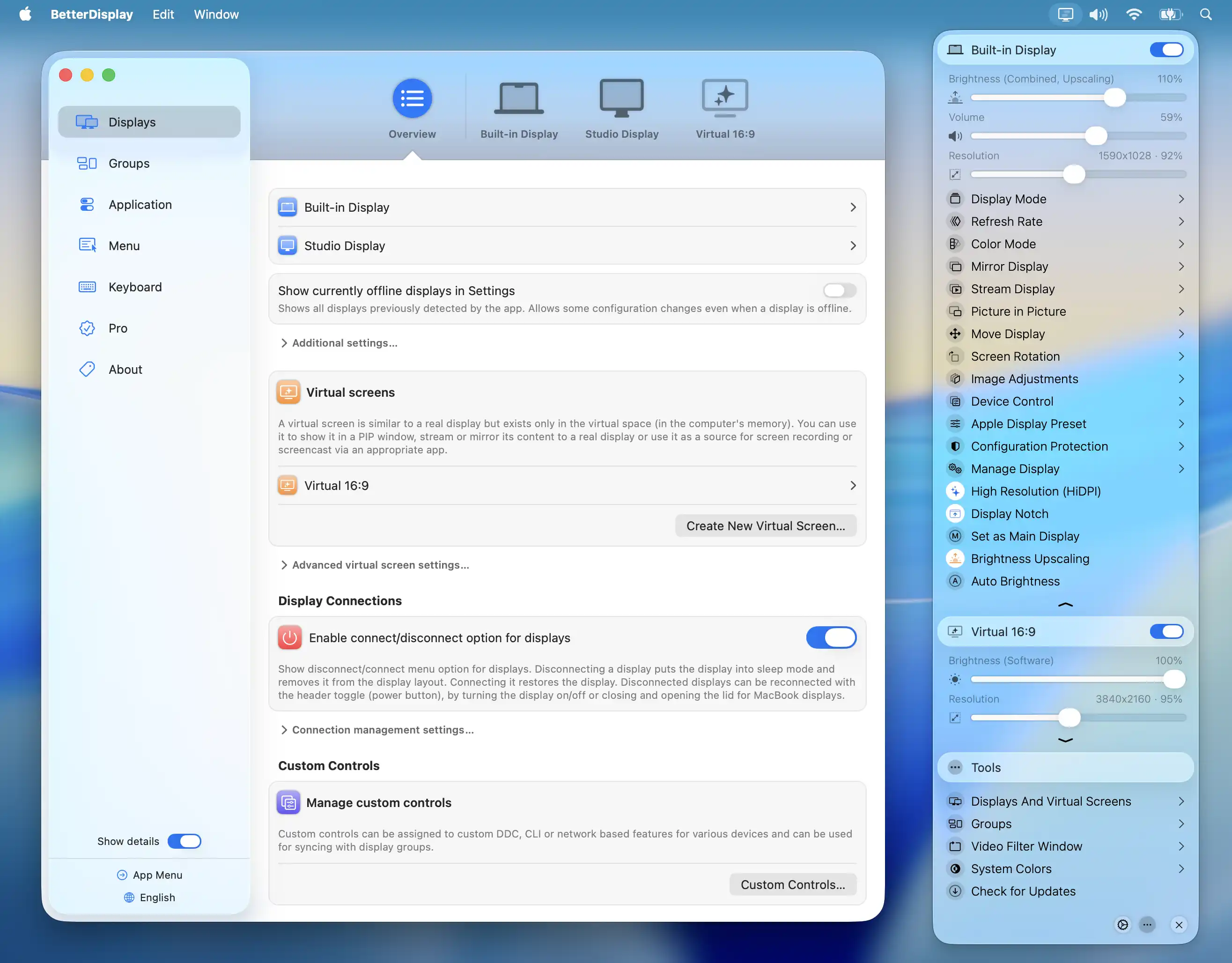
BetterDisplay
Display management tool
Display & Accessibility
SmoothScroll
Smooth mouse scrolling utility
Display & Accessibility
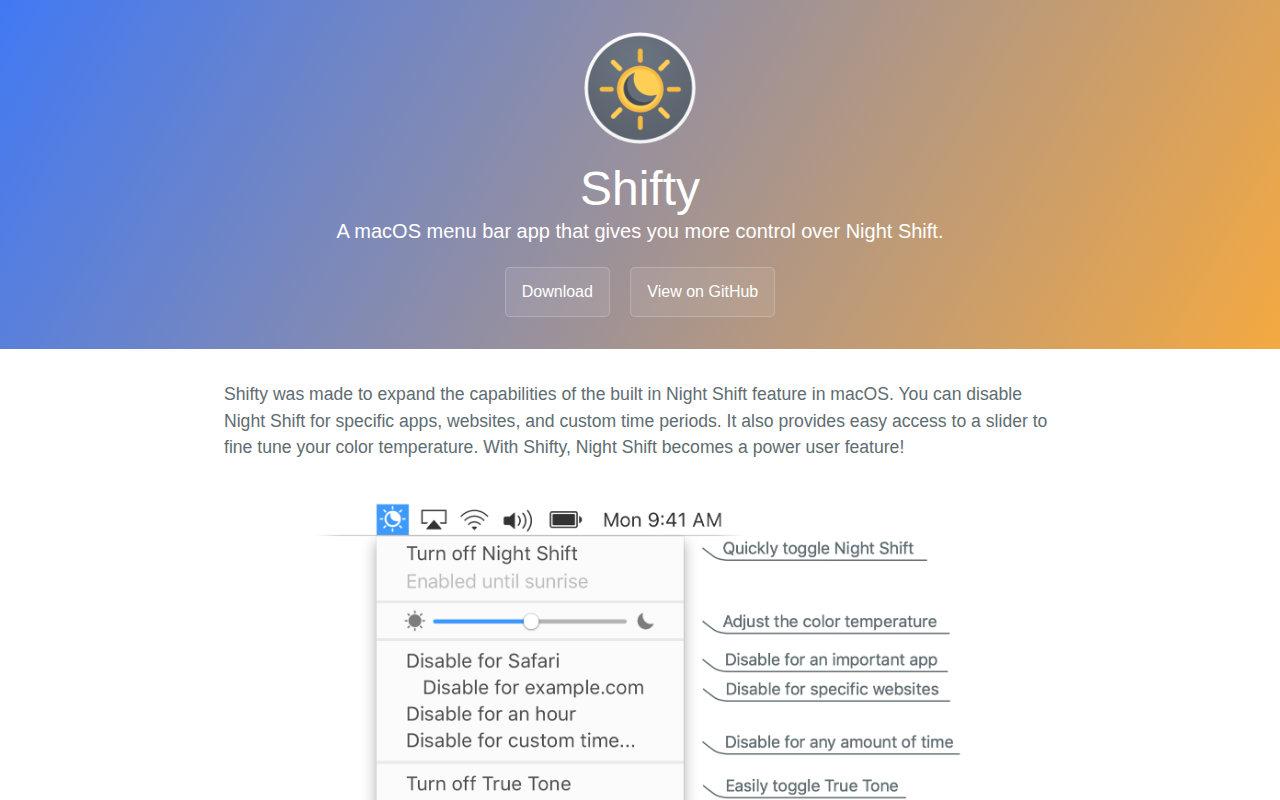
Shifty
A macOS menu bar app that gives you more control over Night Shift.
Display & Accessibility
XScreenSaver
Screen savers
Display & Accessibility
RDM
Set a Retina display to custom resolutions