
BestRes
Quickly change your screen resolution from the menubar
BestRes runs as a menubar utility on macOS, providing instant access to display resolution changes without opening System Preferences. When the icon is present in the menubar, a single click presents a list of available resolutions for the primary screen and any attached external monitors, allowing users to switch modes on the fly.
The interface is intentionally minimal: selecting a resolution applies it immediately, and the app updates the menubar icon to reflect the current setting. It supports both Light and Dark appearance modes, matching the system theme automatically.
Designed for macOS 10.10 and newer, BestRes is aimed at users who frequently adjust display settings—such as developers, designers, or anyone using multiple monitors—to streamline workflow and avoid navigating multiple settings dialogs.
Reviews
Loading reviews…
Similar apps
Display & Accessibility
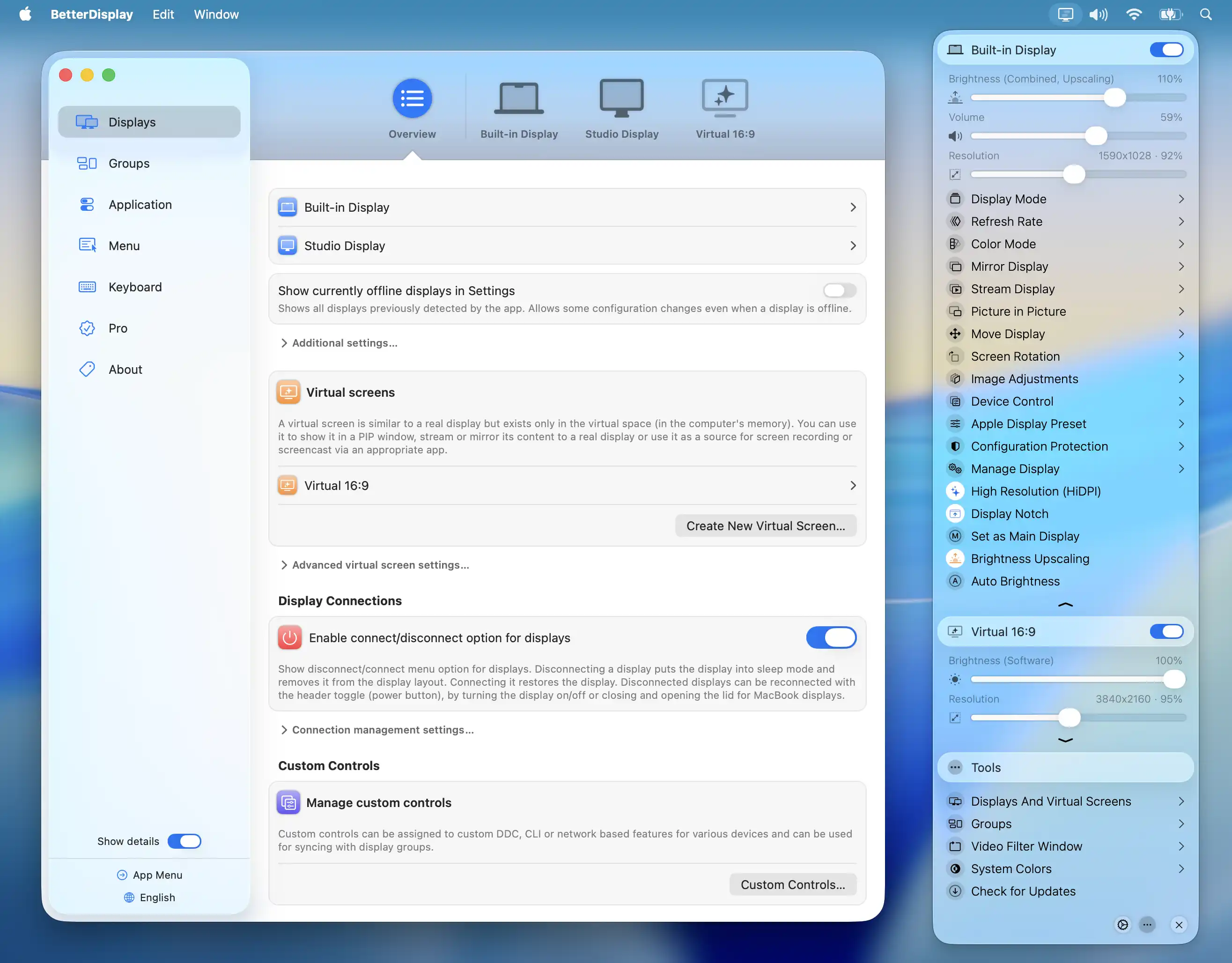
BetterDisplay
Display management tool
Display & Accessibility
SwitchResX
Controls screen display settings
Display & Accessibility
RDM
Set a Retina display to custom resolutions
Display & Accessibility
Menubar Colors
Menu bar app for convenient access to the system colour panel
Display & Accessibility
Brisync
Utility to automatically control the brightness of external displays
Display & Accessibility
DeskPad
Virtual monitor for screen sharing