

PopClip
Used to access context-specific actions when text is selected
When text is selected in any macOS application, a small pop‑up appears offering a set of actions that can be applied to the highlighted content. The tool provides quick access to common functions such as copy, paste, search, and sharing, allowing users to perform these tasks without leaving the current window. Its design focuses on reducing the steps required for routine text handling, streamlining everyday workflows.
Beyond the built‑in actions, the software supports an extensible library of add‑ons that cover a wide range of utilities, from productivity helpers to language translation tools. Users can browse and install extensions that match their specific needs, expanding the set of operations available directly from the pop‑up interface.
The application runs on macOS and is distributed as a standalone edition, receiving regular updates beyond the version offered in the Mac App Store. It is positioned for users who frequently work with text and want a faster, context‑aware way to execute common actions.
Reviews
Loading reviews…
Similar apps
Task & Project Management
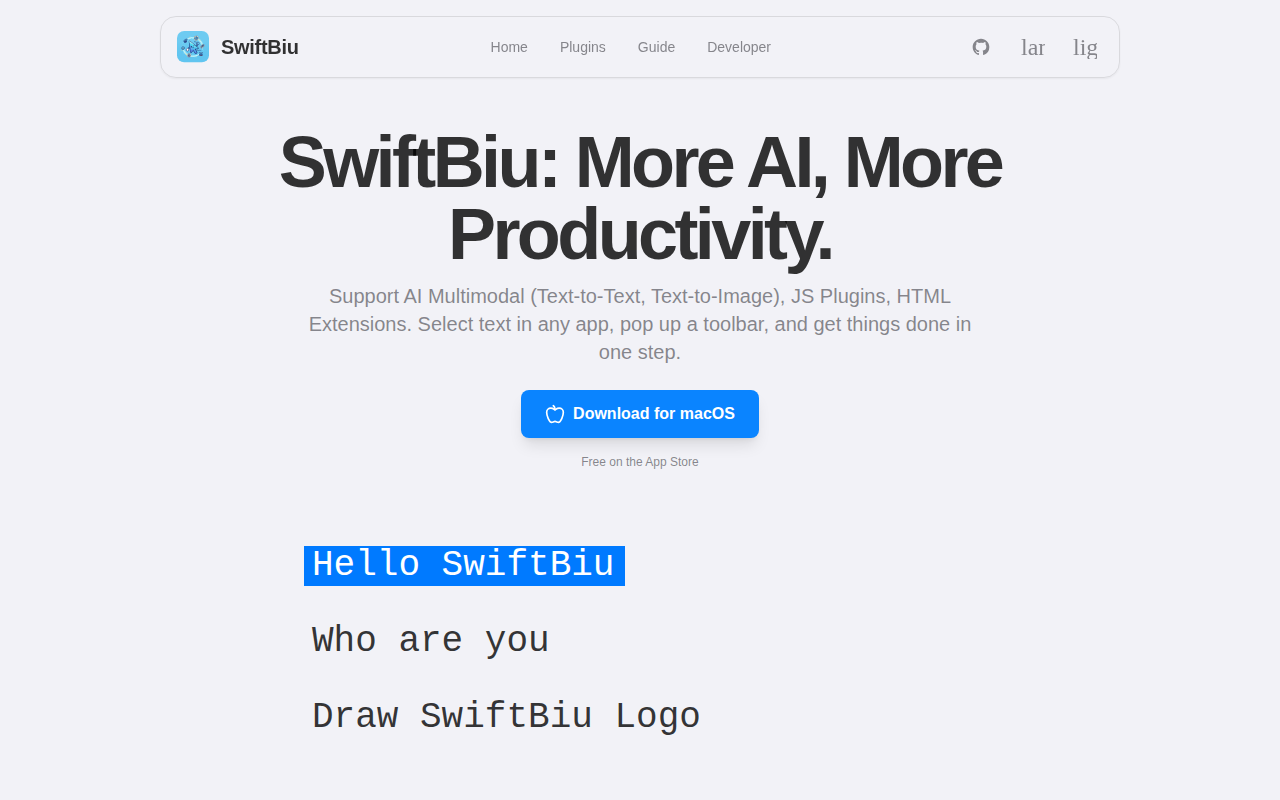
SwiftBiu
Text productivity tool with a customizable action bar and AI extensions.
Clipboard, Input & Automation
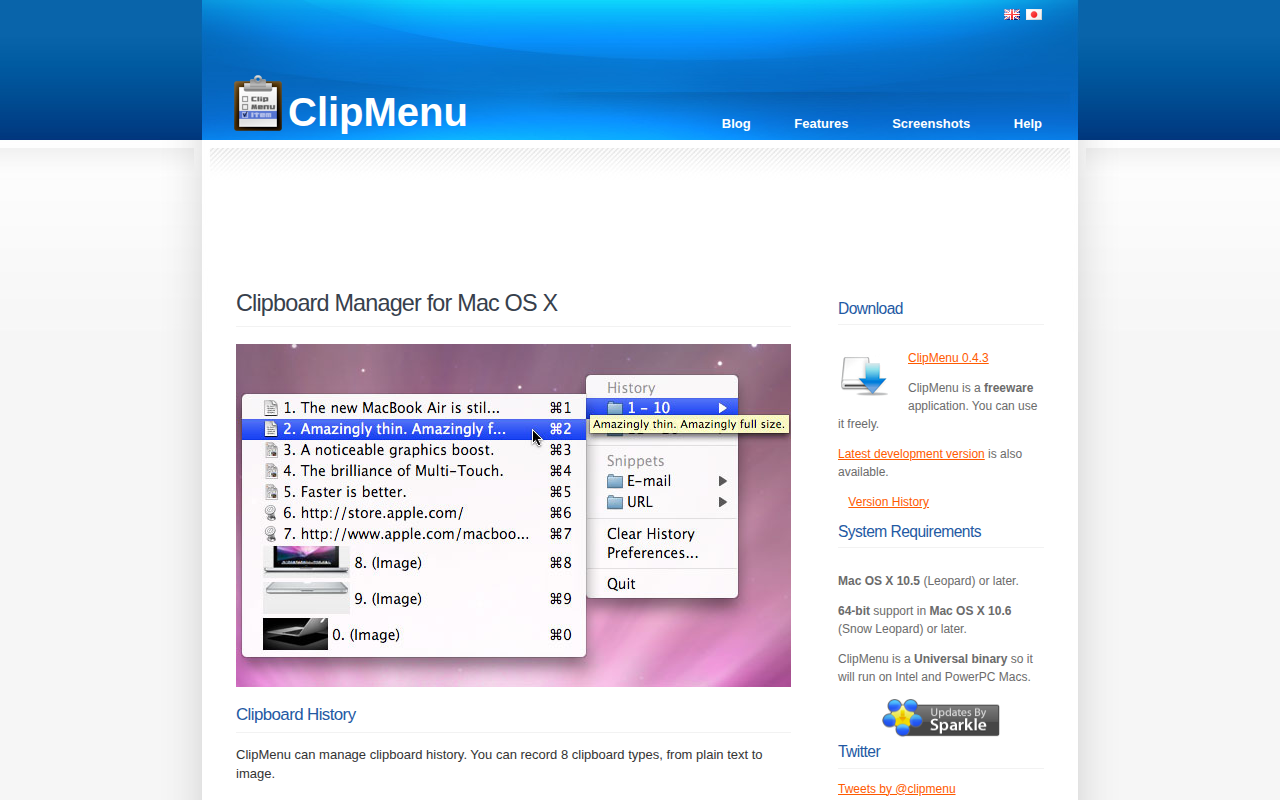
ClipMenu
Clipboard manager for Mac OS X.

Task & Project Management
PowerClick
The missing 'New File' right-click menu for Mac.

Clipboard, Input & Automation
Maccy
Lightweight clipboard manager for macOS.
Clipboard, Input & Automation
ClipFlow
Free clipboard history manager with terminal-style navigation.

Task & Project Management
TextExpander
Inserts pre-made snippets of text anywhere