
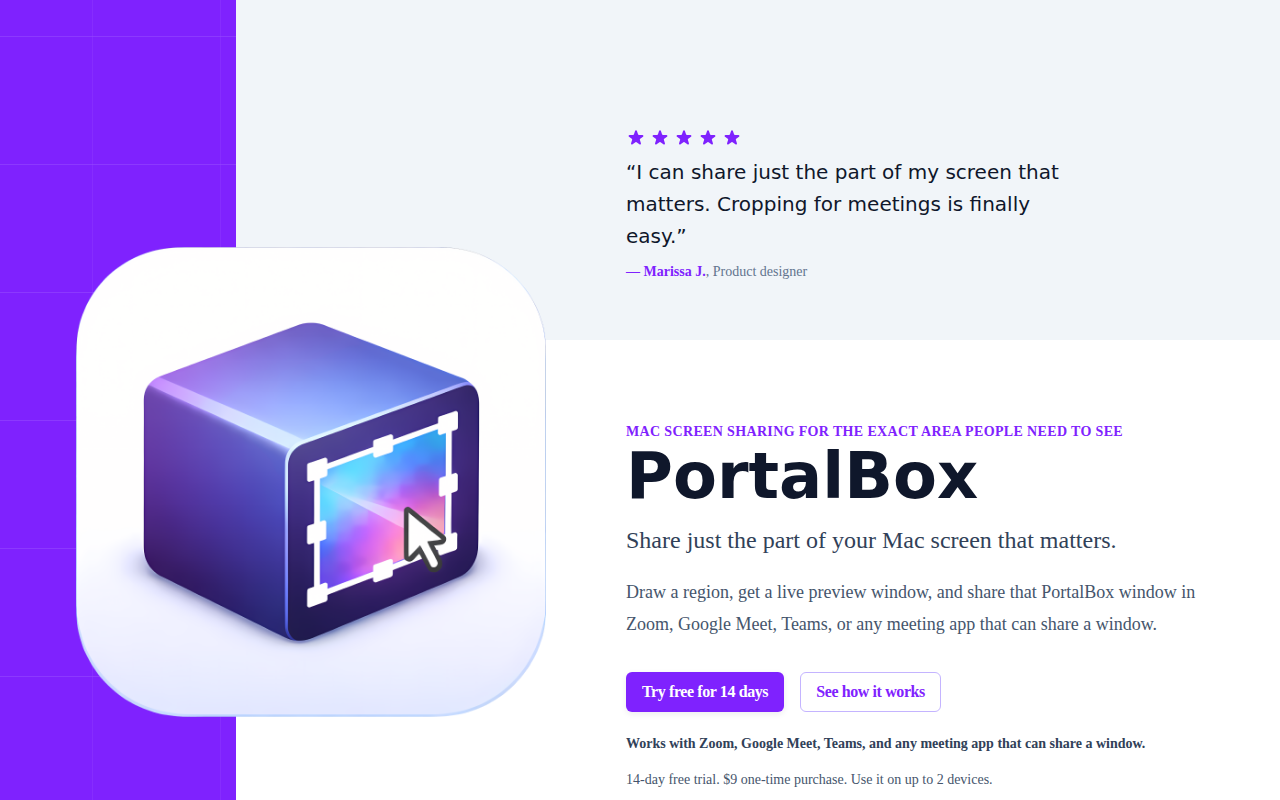
PortalBox
Share a region of your screen in video calls
PortalBox lets macOS users define a rectangular region of their screen, turn it into a live preview window, and share that window in any video‑conferencing application such as Zoom, Google Meet, or Microsoft Teams. The preview updates in real time, so users can switch between apps, tabs, or documents inside the selected area without needing to re‑share. Resizable handles and snap‑to shortcuts allow precise framing, while a global hotkey provides one‑click pause and resume to hide private content.
The tool works across multiple monitors, placing the preview window anywhere on the desktop and keeping the shared view crisp even for ultrawide displays. Because PortalBox creates only a local preview, it does not record, store, or upload any screen content, and the preview can be paused at any moment.
It is distributed as a macOS‑only application, available via direct download or the Mac App Store, with a one‑time purchase license that supports up to two devices. The interface includes menu‑bar controls for quick access to capture modes and pause/resume functions.
Reviews
Loading reviews…
Similar apps
Window & Desktop Management
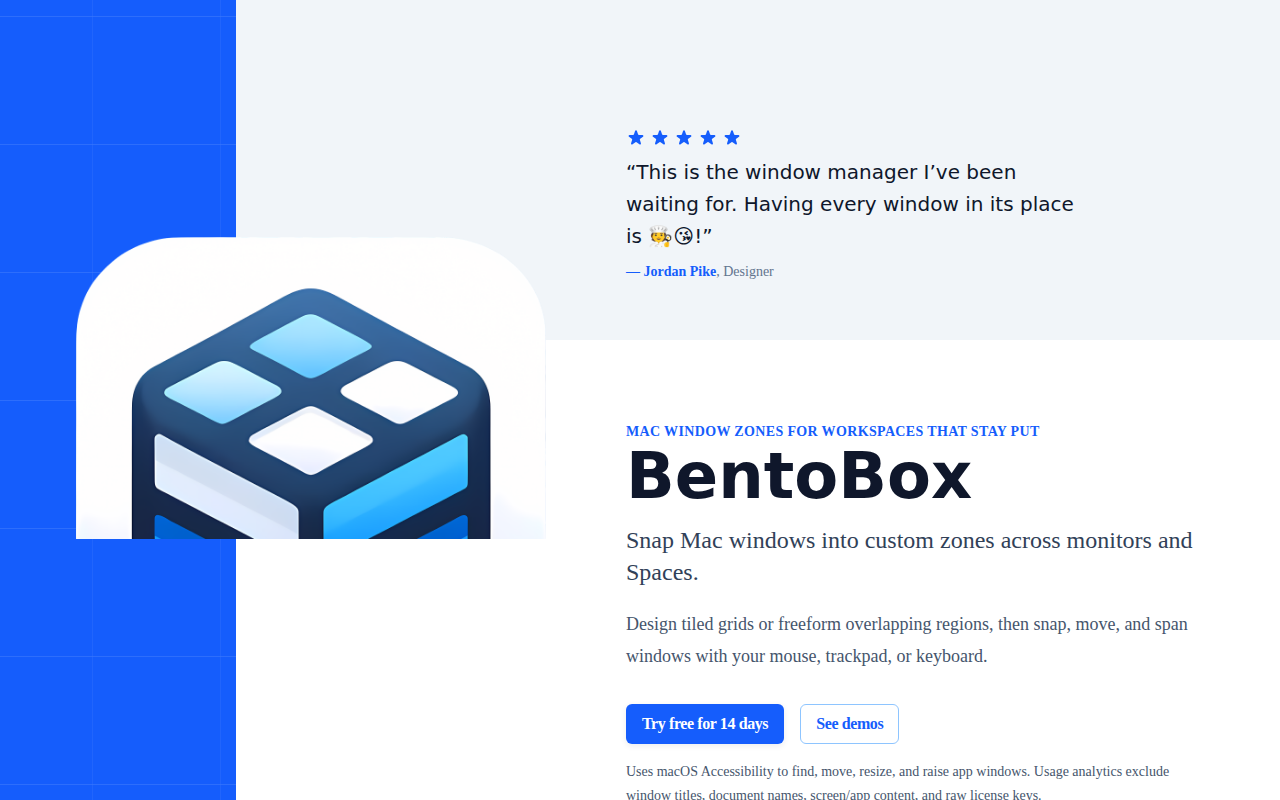
BentoBox
Window manager that organizes desktop applications into predefined zones
Screenshot & Screen Recording
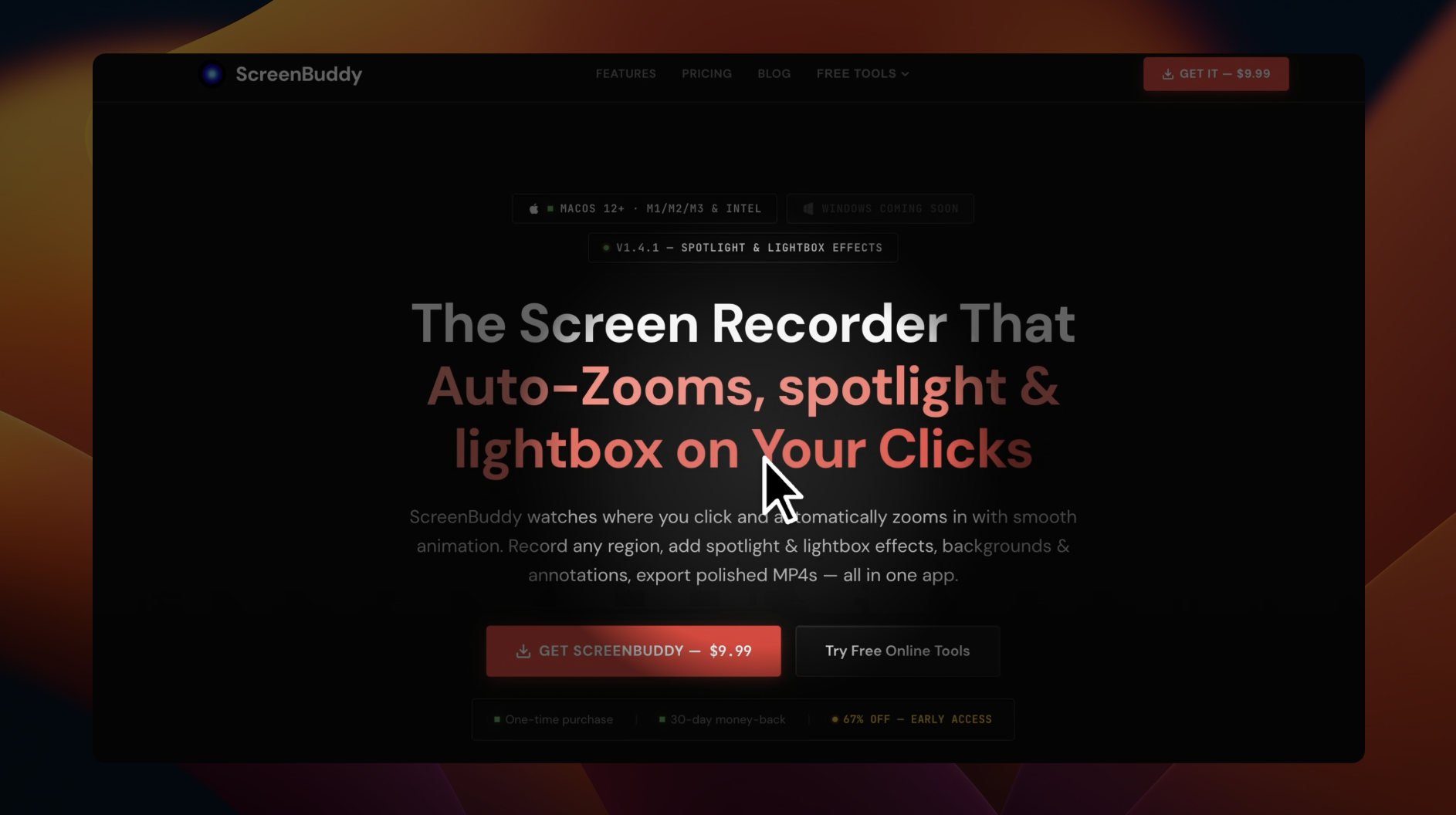
ScreenBuddy
Screen recording with auto-zoom, spotlight, and lightbox
Screenshot & Screen Recording
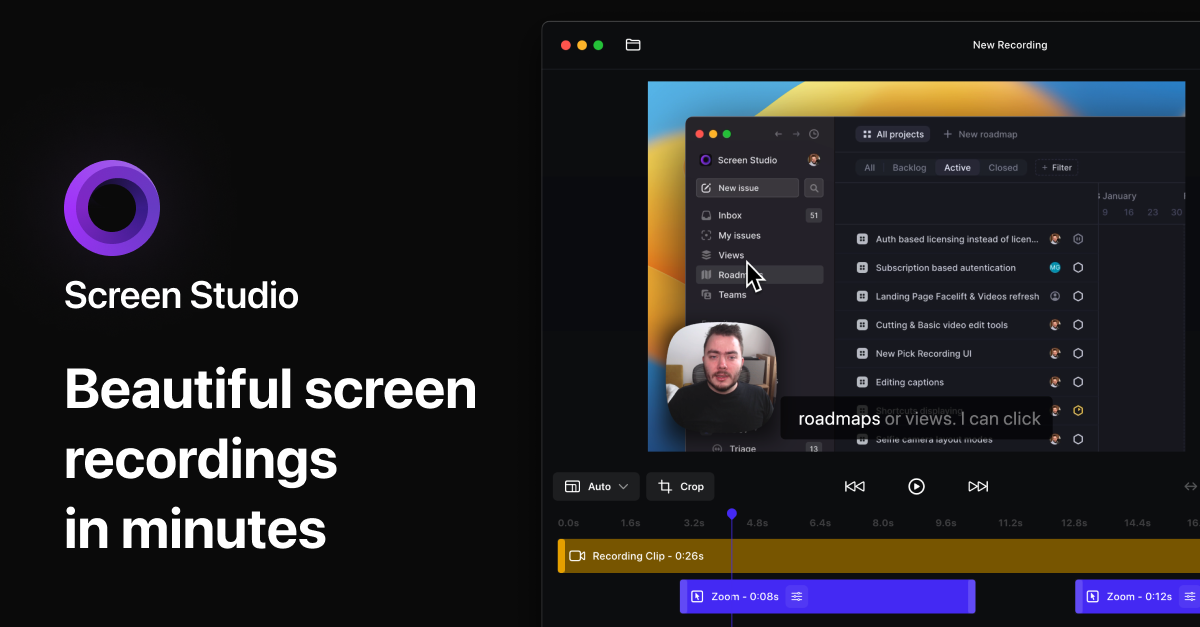
Screen Studio
Screen recorder and editor
Display & Accessibility
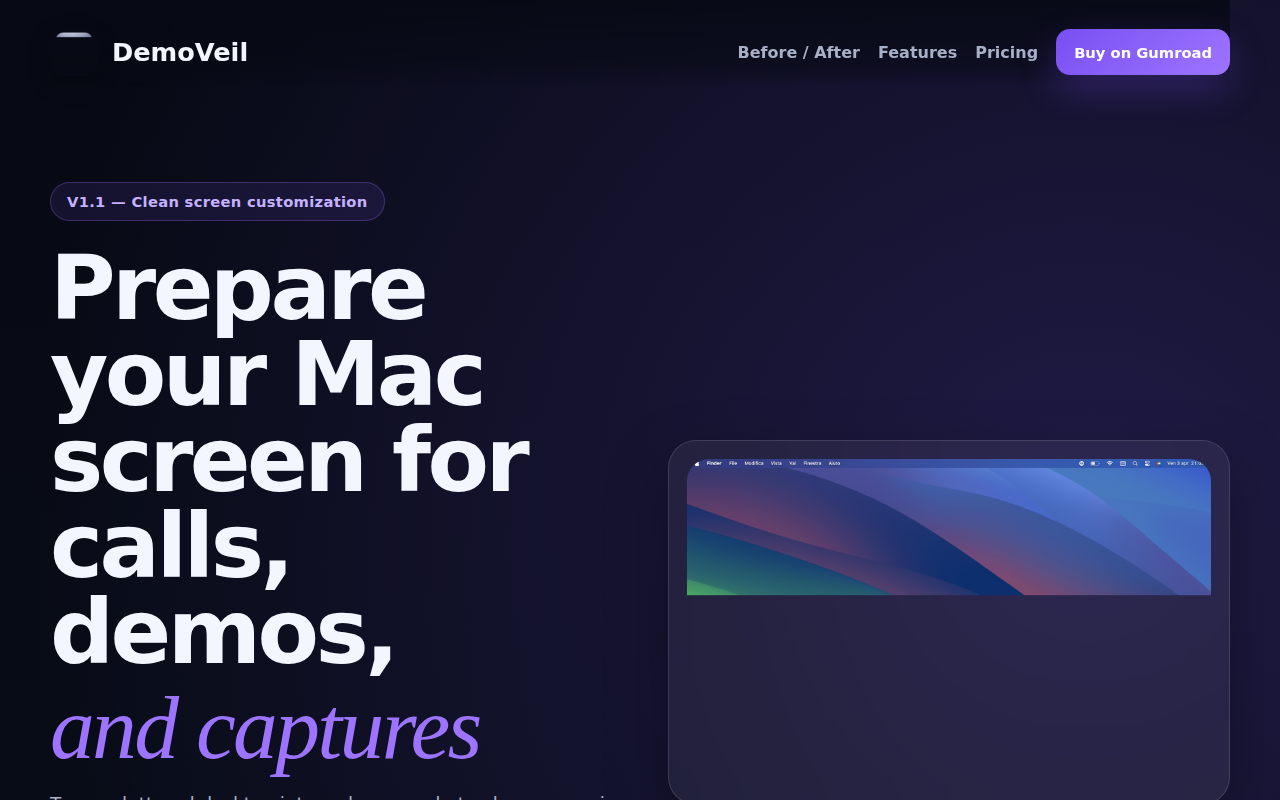
DemoVeil
Prepare your Mac screen for calls, demos, and captures
Display & Accessibility
BlurScreen App
Instantly blur sensitive on-screen content for recording or screen sharing.

Task & Project Management
Promptly
Scrolls with voice. Invisible to others. Actions on cue.