
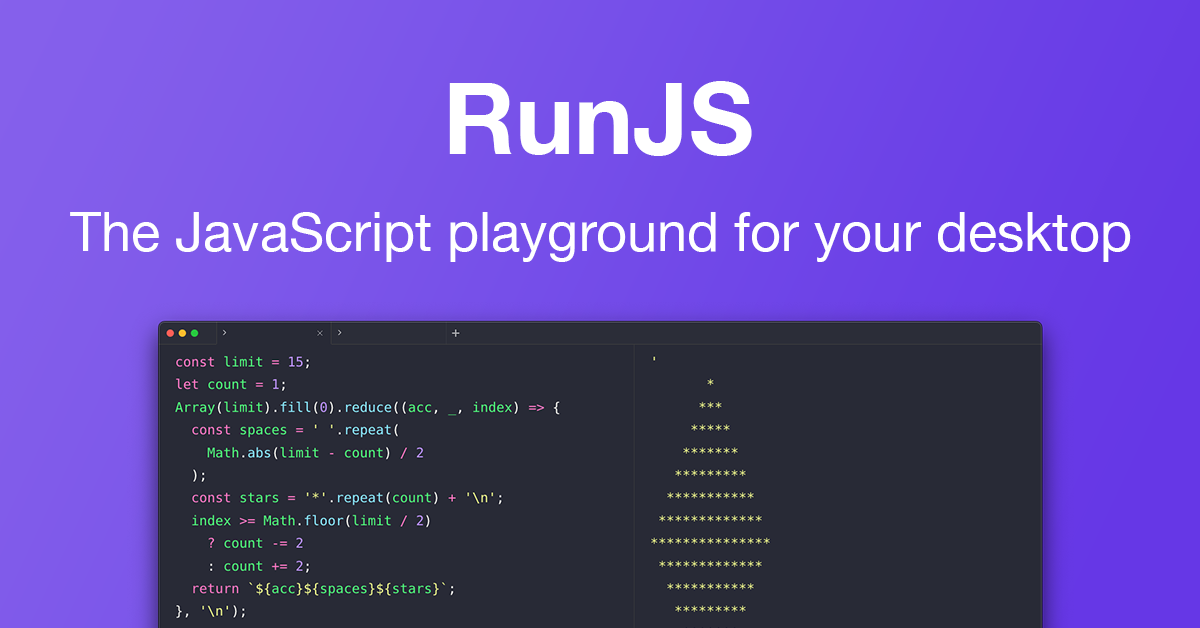
RunJS
JavaScript playground that auto-evaluates as code is typed
RunJS is a desktop playground for JavaScript and TypeScript that evaluates code line‑by‑line as it is typed, showing per‑line results in a side pane. It provides immediate visual feedback, supports modern language features through built‑in Babel and TypeScript handling, and gives access to both Node.js and browser APIs, including full DOM manipulation. The environment also allows installation of NPM packages, creation of a reusable snippet library, and interaction with an integrated AI chat for code generation and explanations.
The tool targets developers, educators, and learners who need a quick, no‑setup way to prototype, debug, or teach JavaScript concepts on macOS, Windows, or Linux. By treating each line as an independent evaluation, it offers a clearer view of program behavior than traditional REPLs or browser consoles, making it useful for exploring libraries, testing snippets, and visualising code flow.
Distinctive aspects include “Magic Comments” that display the value of any expression anywhere in the source, built‑in support for both server‑side and client‑side APIs, and the ability to import local Node modules without leaving the playground. These features combine to make RunJS a versatile, self‑contained sandbox for rapid JavaScript experimentation.
Reviews
Loading reviews…
Similar apps
Code Editors & IDEs
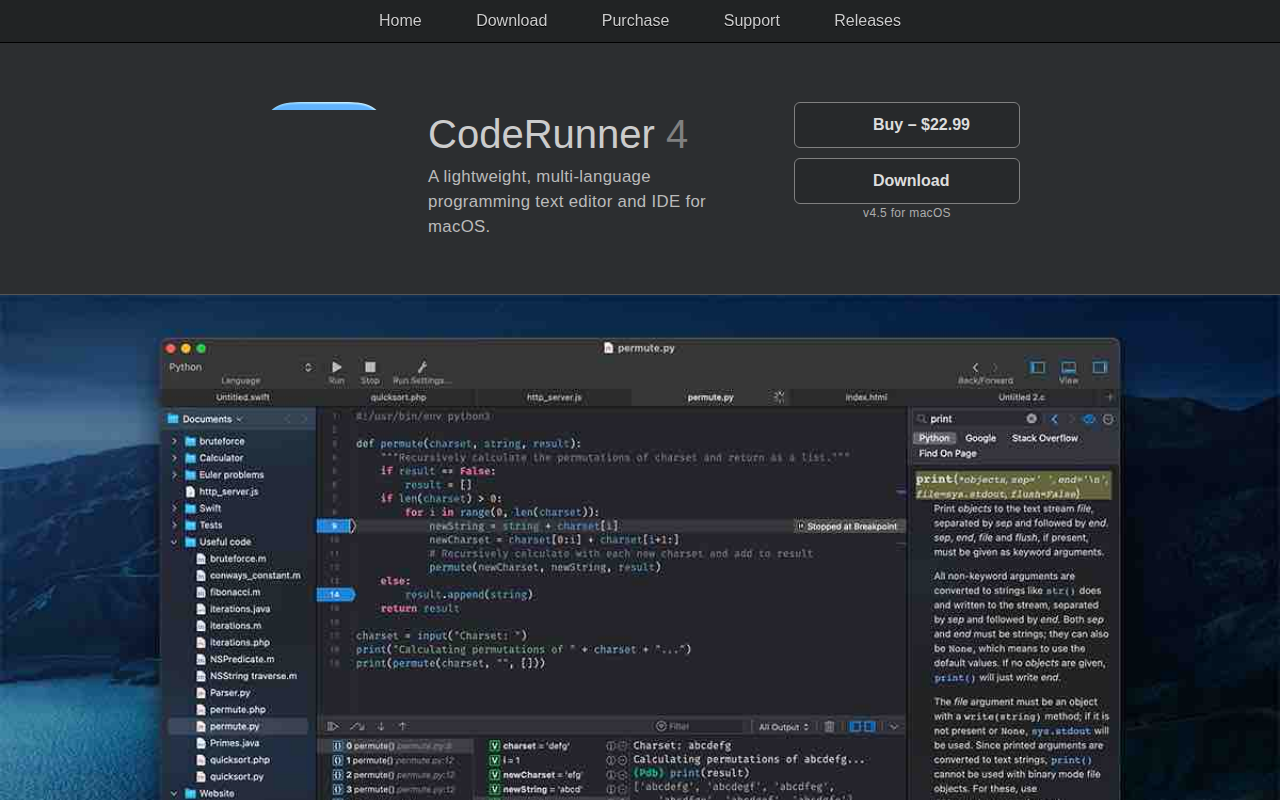
CodeRunner
Lightweight, multi-language programming text editor and IDE.
Code Editors & IDEs
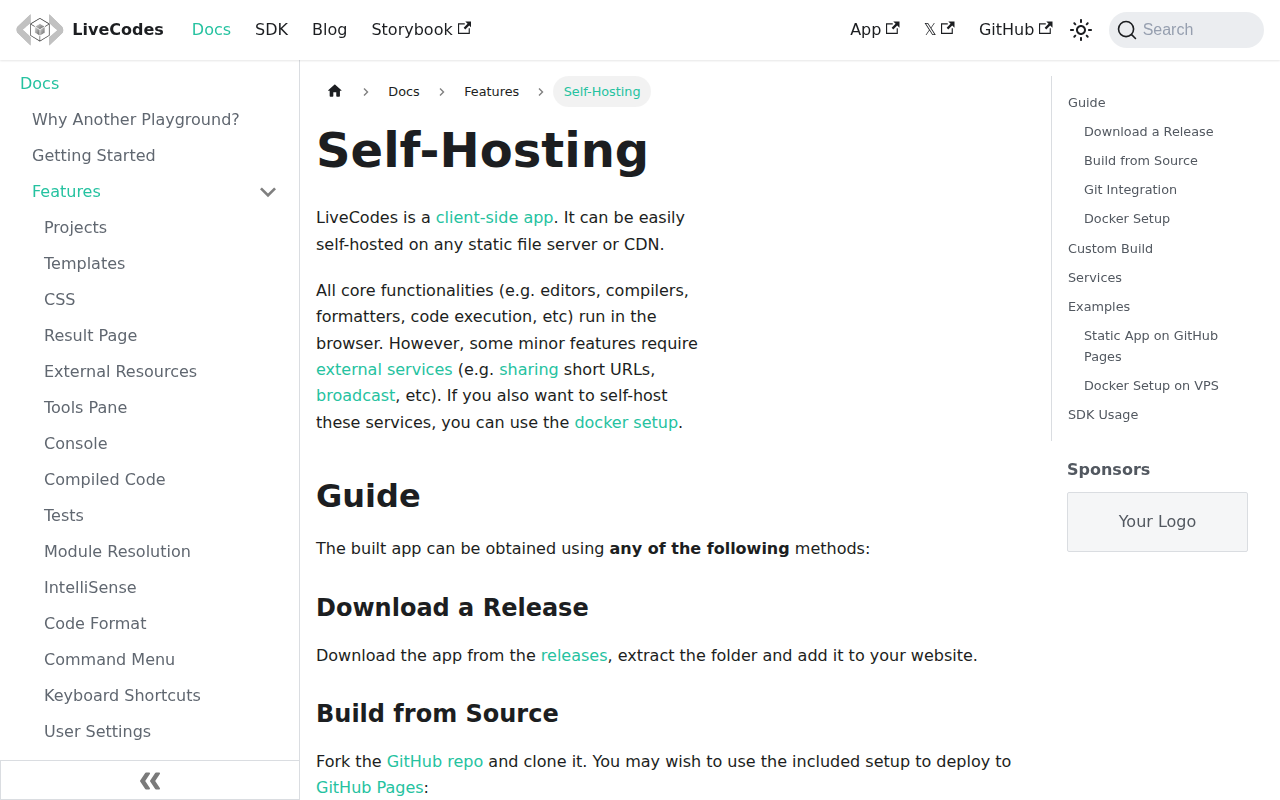
LiveCodes
Feature-rich client-side code playground for React, Vue, Svelte, Solid, Typescript, Python, Go, Ruby, PHP and 90+ other languages.
Code Editors & IDEs
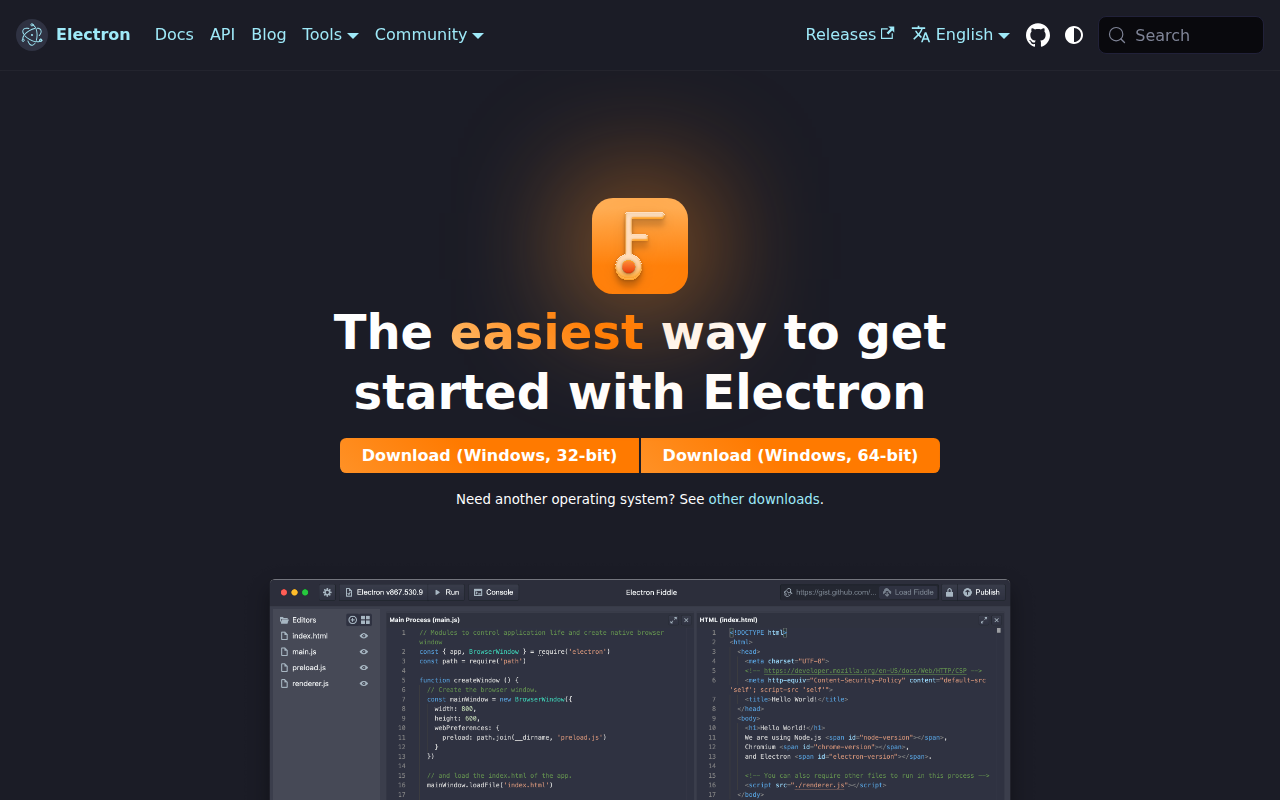
Electron Fiddle
Create and play with small Electron experiments
Code Editors & IDEs
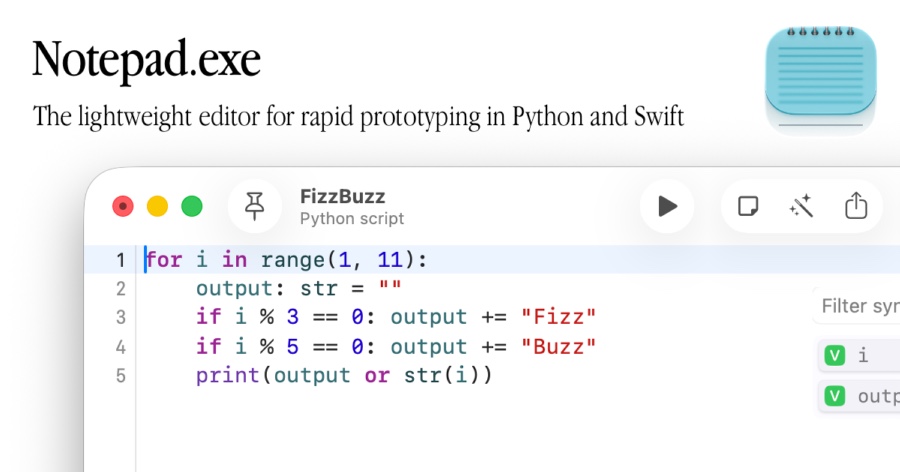
Notepad.exe
Lightweight code editor
Code Editors & IDEs
Electron
Build desktop apps with JavaScript, HTML, and CSS
Terminals & CLI
Script Kit
Create and run scripts