
Safe Screen Share 2.0
Share your screen. Not your secrets.
Safe Screen Share 2.0 is a utility that automatically masks personal and sensitive information while you share your screen in applications such as Zoom, Google Meet, Microsoft Teams, Loom, or OBS. It detects patterns that resemble emails, phone numbers, credit‑card numbers, social‑security numbers, and API keys, and applies a blur or redaction without user intervention. The tool runs in the background once installed, activating at the start of a call to protect data that might otherwise be exposed.
The software offers several manual masking options: a one‑click blur that toggles visibility of any page element, a drawable area blur, selective text blur, and the ability to hide tab titles and favicons. Users can adjust blur intensity and store multiple “blur profiles” for different scenarios such as demos, client calls, or streaming, switching between them with a single click.
Designed for professionals who need to present, record, or stream content that may contain confidential details, Safe Screen Share 2.0 provides a lightweight, on‑the‑fly privacy layer that works with existing screen‑sharing tools without requiring additional hardware or complex configuration.
Reviews
Loading reviews…
Similar apps
Display & Accessibility
BlurScreen App
Instantly blur sensitive on-screen content for recording or screen sharing.
Screenshot & Screen Recording
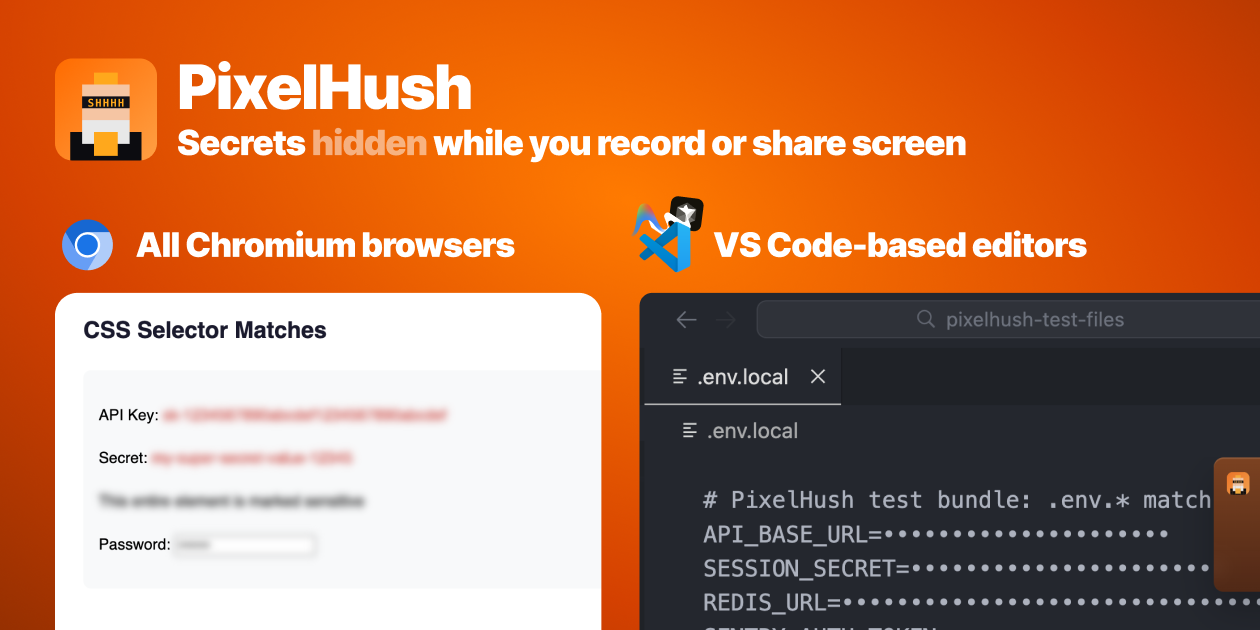
PixelHush
PixelHush automatically hides tokens, API keys and passwords in your code editor the moment screen recording or sharing starts.
API & Network Testing
TabConnect
Guide customers, run demos, and review browser workflows with a two-click sharing extension and a focused viewer page.

Password & Security
SafeCanvas
SafeCanvas — software product.
Task & Project Management
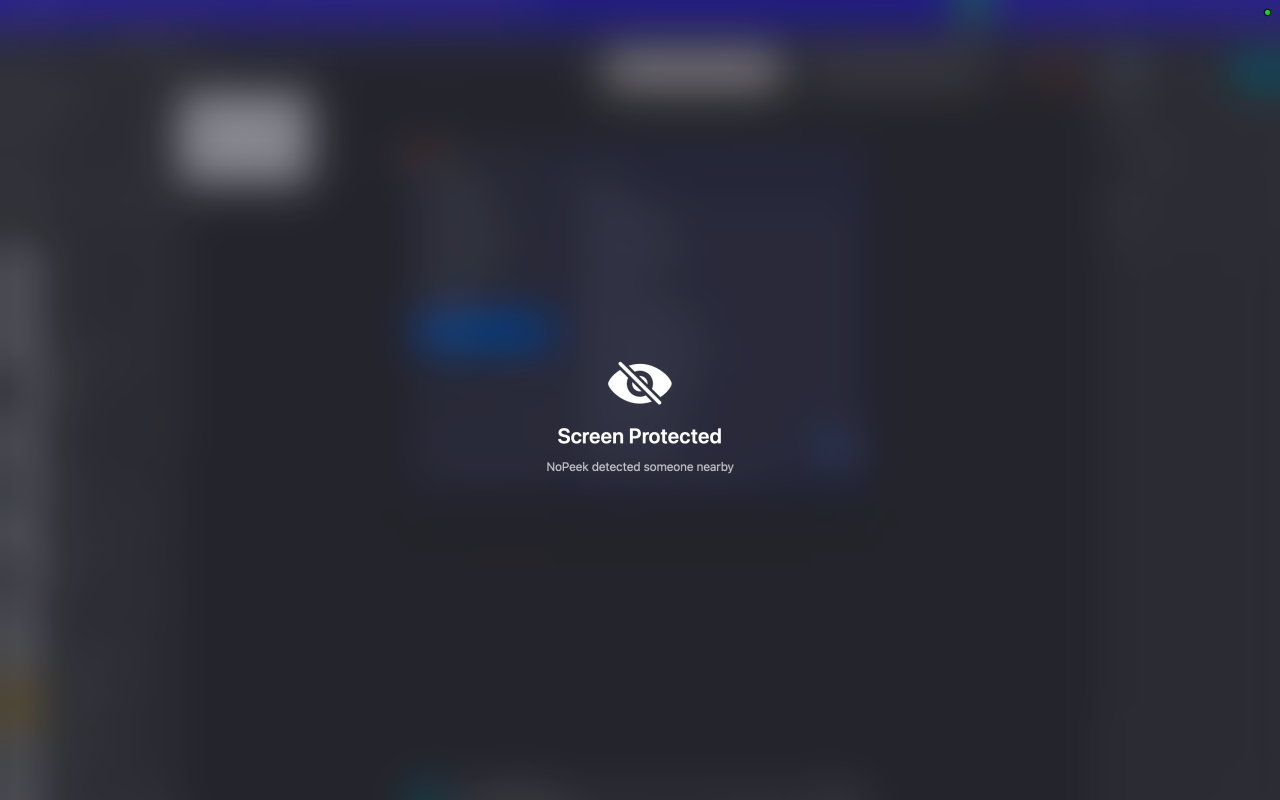
NoPeek
Your Mac blurs itself when someone peeks over your shoulder
Screenshot & Screen Recording
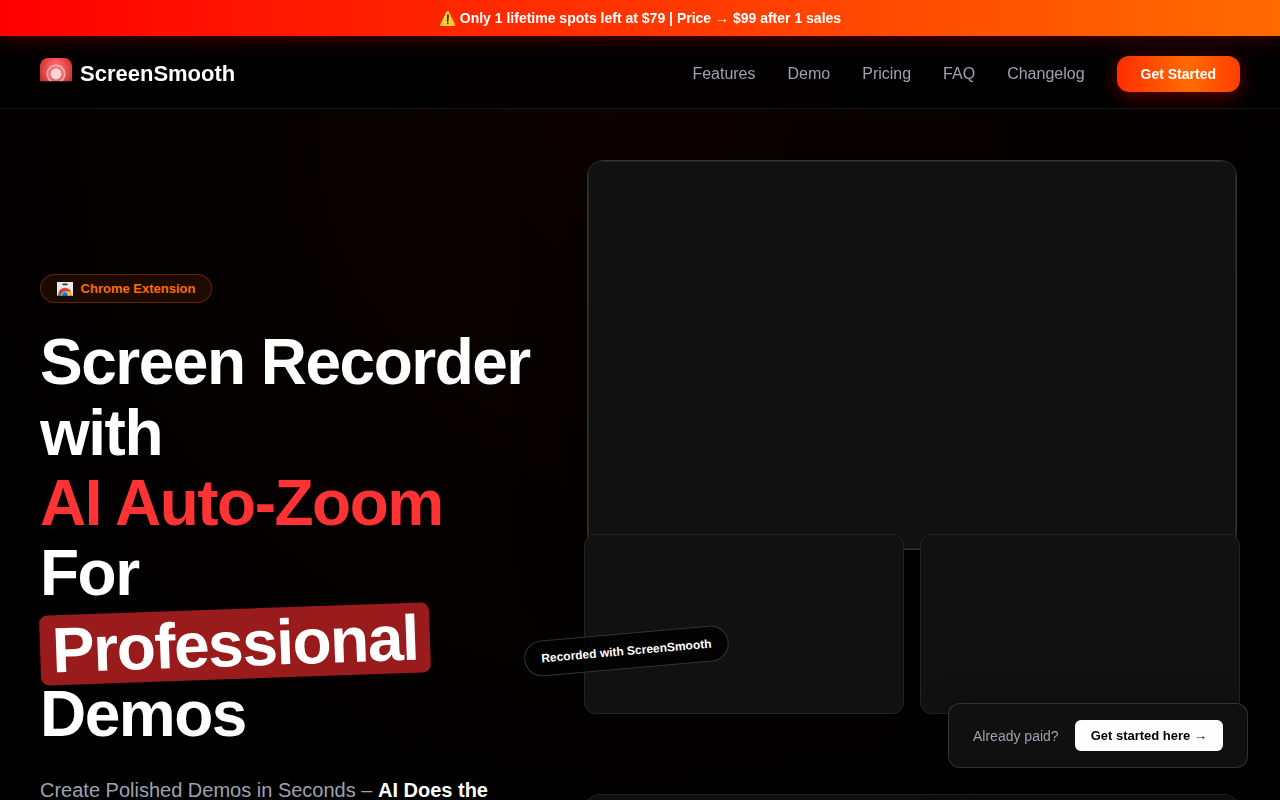
ScreenSmooth
Beautiful Screen Recordings in minutes