
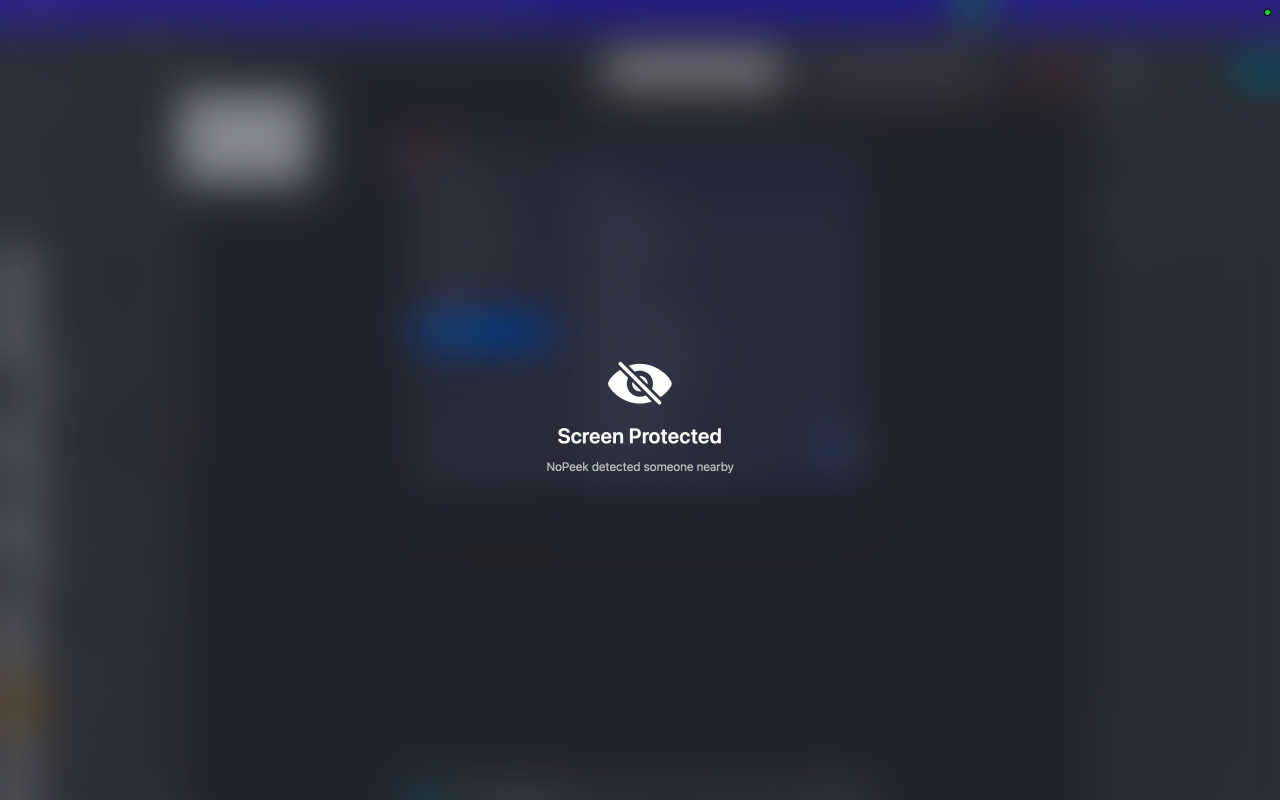
NoPeek
Your Mac blurs itself when someone peeks over your shoulder
The app runs continuously in the macOS menu bar, using Apple’s Vision framework on the Neural Engine to perform real‑time face detection and gaze direction analysis from the front camera at roughly ten frames per second. When it determines that a person is actually looking at the screen—excluding faces that have been enrolled as trusted—it can instantly blur, dim, or lock the display, and the protection clears automatically once the viewer steps away.
Users can configure several protection modes, set per‑application sensitivity, and define a walk‑away delay between one and ten seconds. The free version provides basic detection and blur protection, while a one‑time purchase unlocks additional features such as trusted‑face enrollment, adjustable dim opacity, lock‑screen activation, a history log exportable as CSV, and separate responses for peek versus walk‑away events.
All processing is performed on‑device; no analytics, tracking, or network communication occurs, and the app does not collect any user data. Setup consists of a brief four‑step onboarding with a live camera preview, after which the tool operates without further user interaction.
Reviews
Loading reviews…
Similar apps
Password & Security
MakLock
Lock any macOS app with Touch ID, Apple Watch proximity, or password. Full-screen blur overlay on all monitors.
Time Tracking & Focus
ScreenMemory
Record your screen and go back in time to see what you worked on
Display & Accessibility
BlurScreen App
Instantly blur sensitive on-screen content for recording or screen sharing.
Password & Security
Lockpaw
Menu bar screen guard for macOS — lock and unlock your screen with a hotkey.
Task & Project Management
MonoFocus
Keep all tasks from your todo apps on your menu bar

Body & Symptom Monitoring
LookAway 2
The Mac app your body thanks you for