
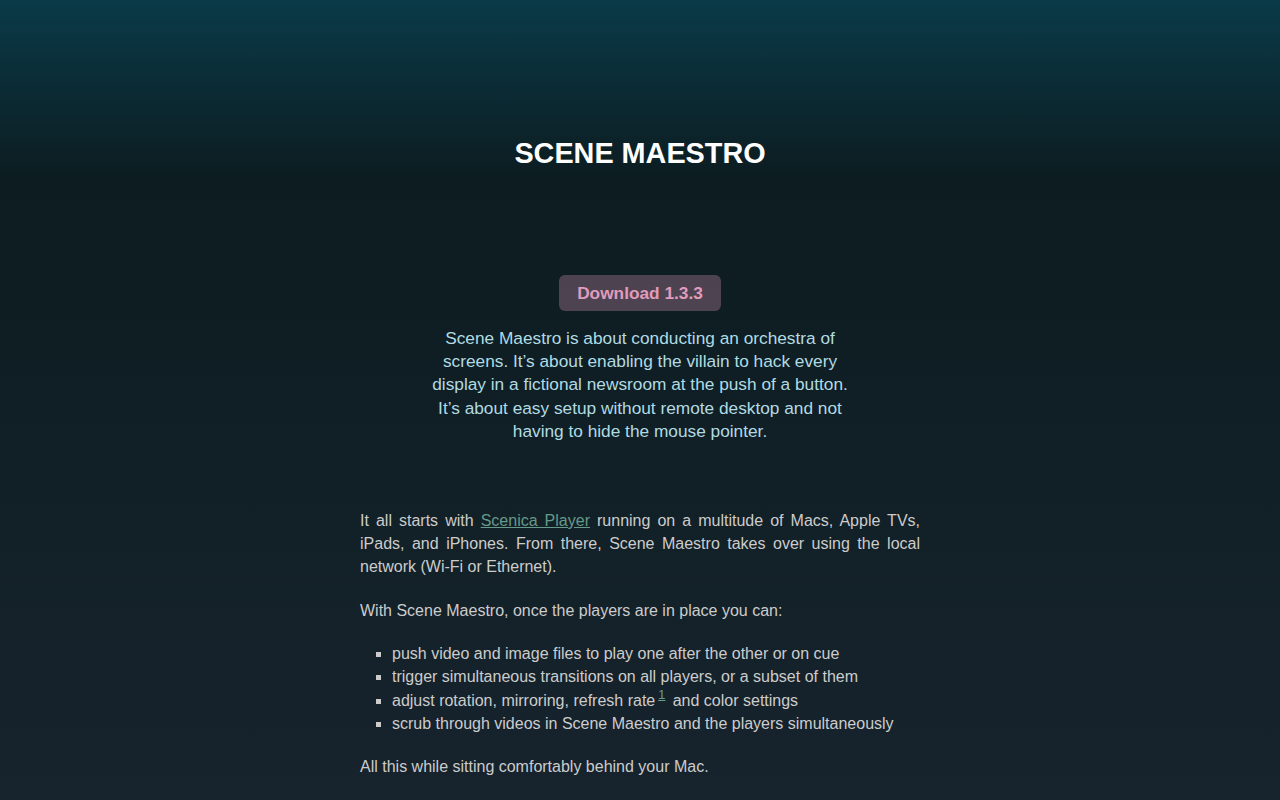
Scene Maestro
Remote control video playback on Scenica Player-equipped hosts
Scene Maestro lets a macOS controller orchestrate playback on multiple devices running Scenica Player, such as Macs, Apple TVs, iPads, and iPhones, over a local Wi‑Fi or Ethernet network. Users can queue video and image files, trigger synchronized transitions, and adjust rotation, mirroring, refresh rate, and color settings for all players or selected subsets, all from the Mac interface.
The app includes on‑device color correction tools, allowing white‑point matching and saturation adjustments, as well as real‑time blur effects—lens blur, Gaussian fog, and original picture—applied simultaneously on each player. It also supports NDI playback, directing players to connect to NDI sources on the network for live camera or software feeds.
Scene Maestro operates in a demo mode with a watermark until a license is purchased and applied to both Maestro Maestro and the Scenica Players. It requires macOS 11.2 or later, and refresh‑rate changes are limited to Apple TV players that have been pre‑configured in the system settings.
Reviews
Loading reviews…
Similar apps
Video Editing
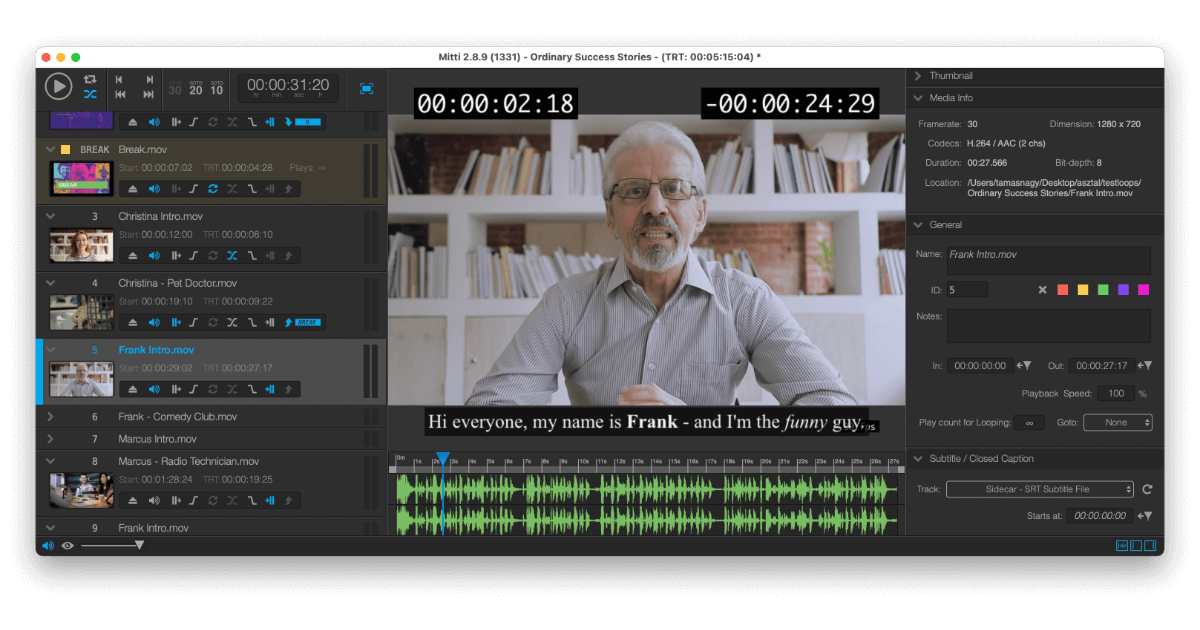
Mitti
Video playback software
Clipboard, Input & Automation
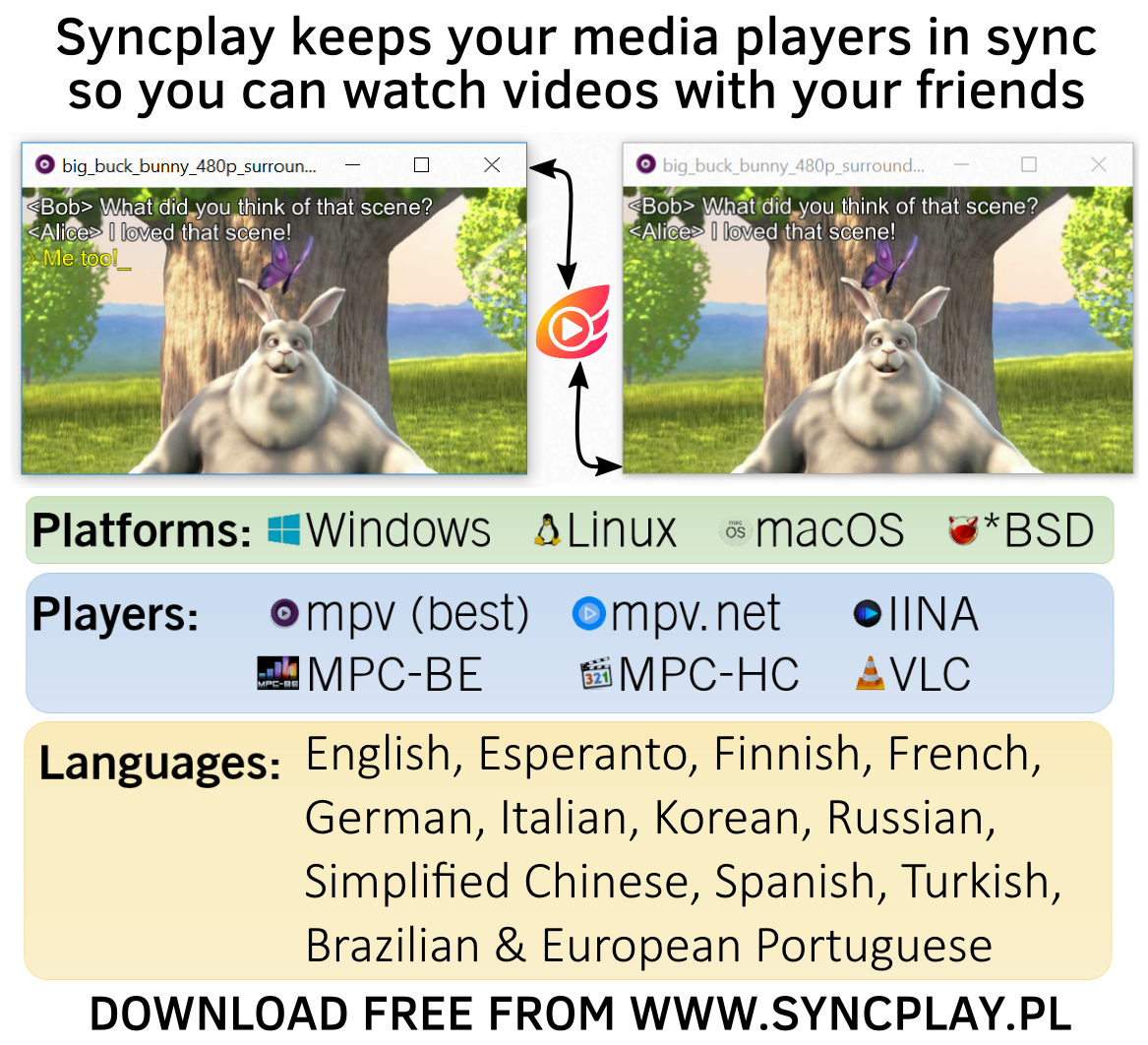
Syncplay
Synchronises media players
Audio Routing & Effects
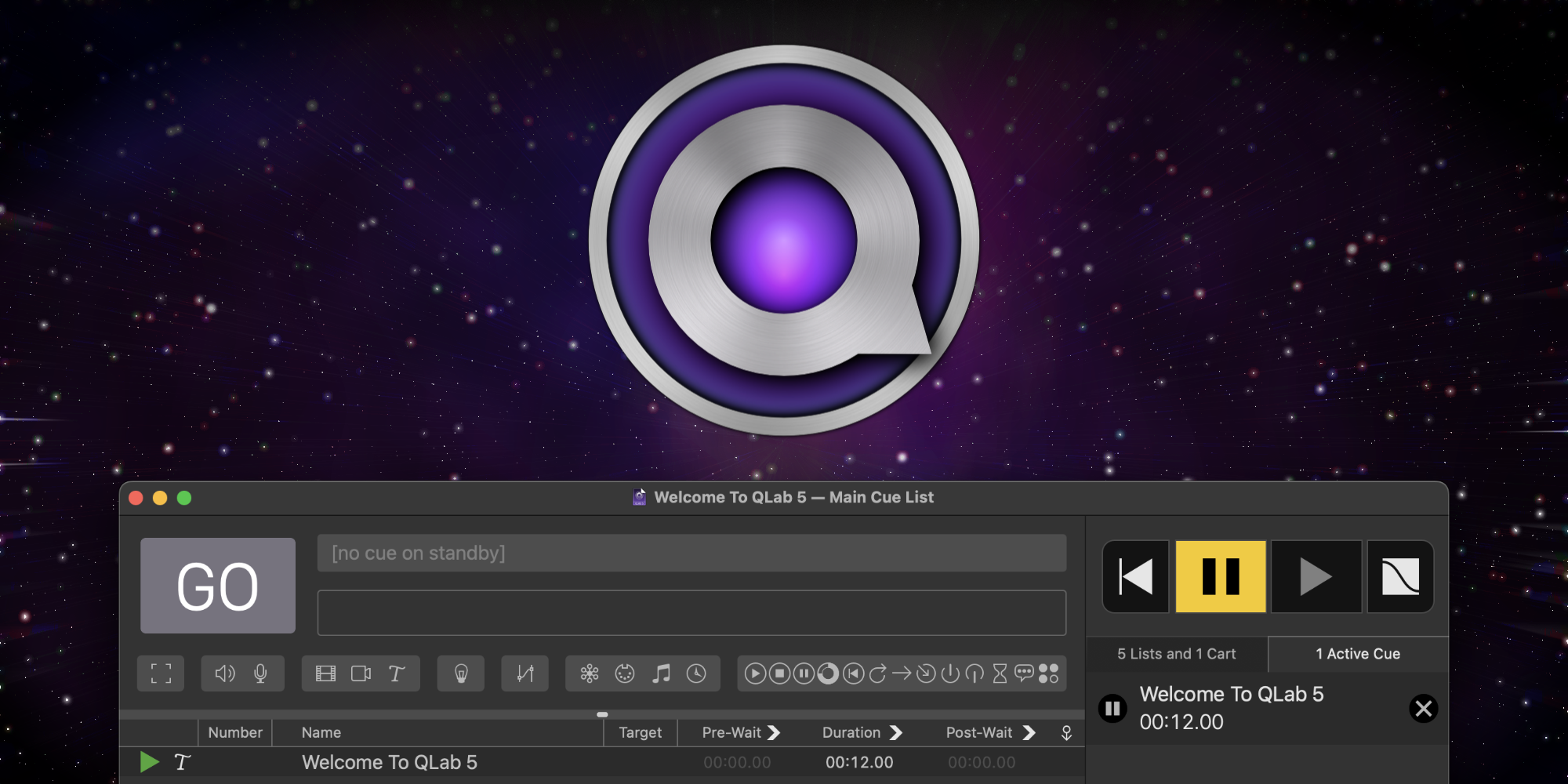
QLab
Sound, video and lighting control
Live Streaming & Broadcast
atemOSC
Control BMD ATEM video switchers with OSC
Music Players & Streaming
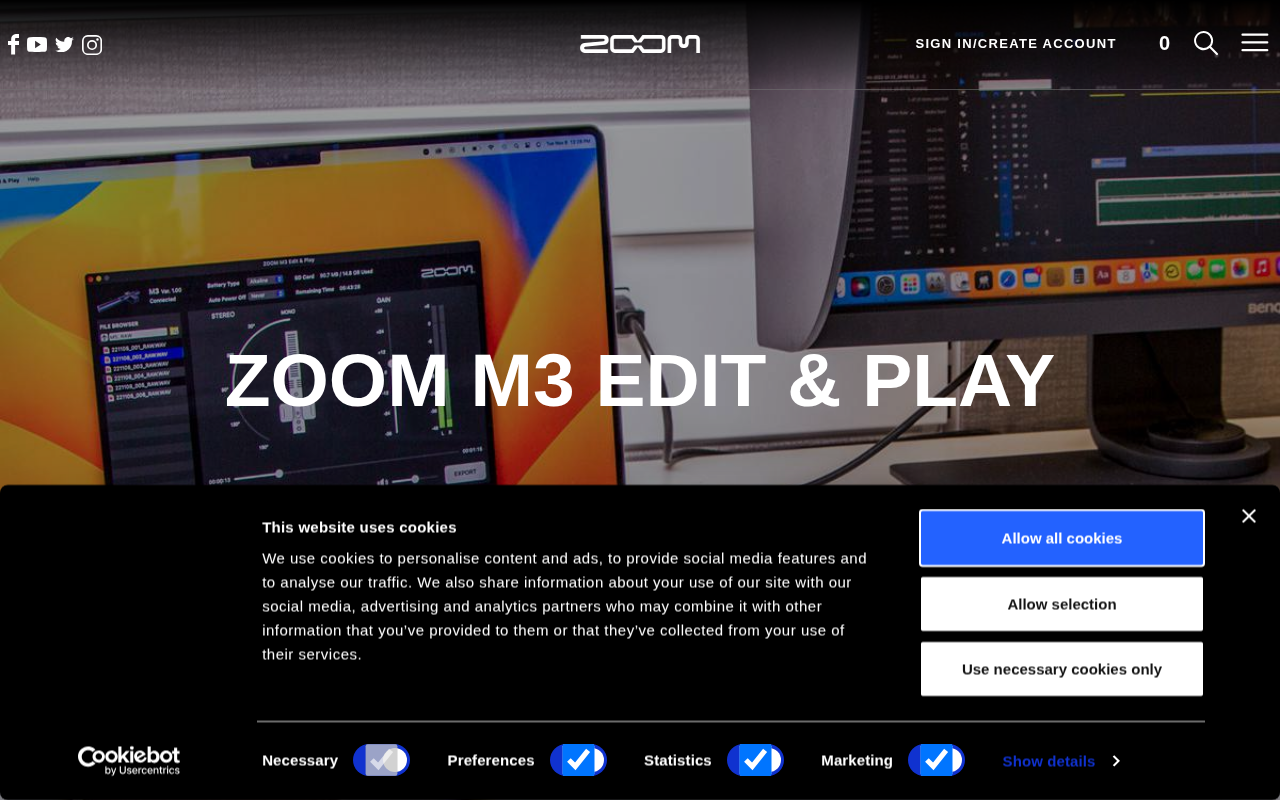
ZOOM M3 Edit & Play
Software for ZOOM M3 MicTrak
Video Editing
Video Commander
The IDE for video engineers