
Screencast
Simple screen video capture application
Screencast is a lightweight application for macOS that records the contents of the screen and saves the result as a video file. It captures the display in real time and writes the output in one of several common formats, including MOV, MP4, and GIF, allowing users to choose a suitable container for their needs. The program runs on macOS 10.11 and later, and its installation is provided as a downloadable DMG package from the project's release page.
The tool is aimed at users who need a straightforward way to create screen recordings without additional editing or streaming features. Its interface focuses on the core capture functionality, making it suitable for quick demos, tutorials, or troubleshooting videos. Because it supports multiple output formats, the resulting files can be played back on standard media players or embedded in documents and presentations.
Screencast is marked as stable and is distributed as open‑source software, with the source code and binaries hosted on GitHub. The project’s minimal dependencies and macOS‑only focus keep the footprint small, catering to developers, educators, and anyone who requires a simple method to record on‑screen activity.
Reviews
Loading reviews…
Similar apps
Photo & Video Management
Kyapchar
Simple screen and microphone audio recorder for Mac.
Screenshot & Screen Recording
Katana
Open-source screenshot utility
Screenshot & Screen Recording
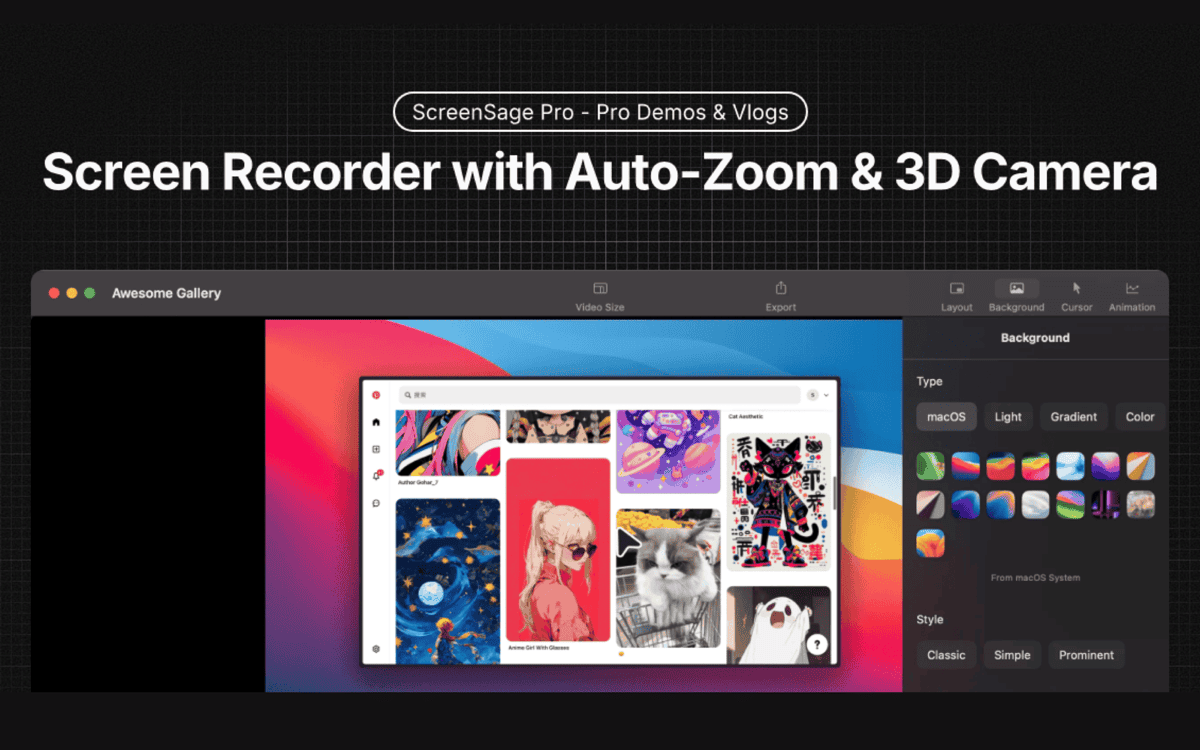
ScreenSage Pro
A screen recording tool for creating polished videos in minutes.
Photo & Video Management
KeyCastr
KeyCastr, an open-source keystroke visualizer.
Calendar & Scheduling
Berrycast
Screen recorder
Screenshot & Screen Recording
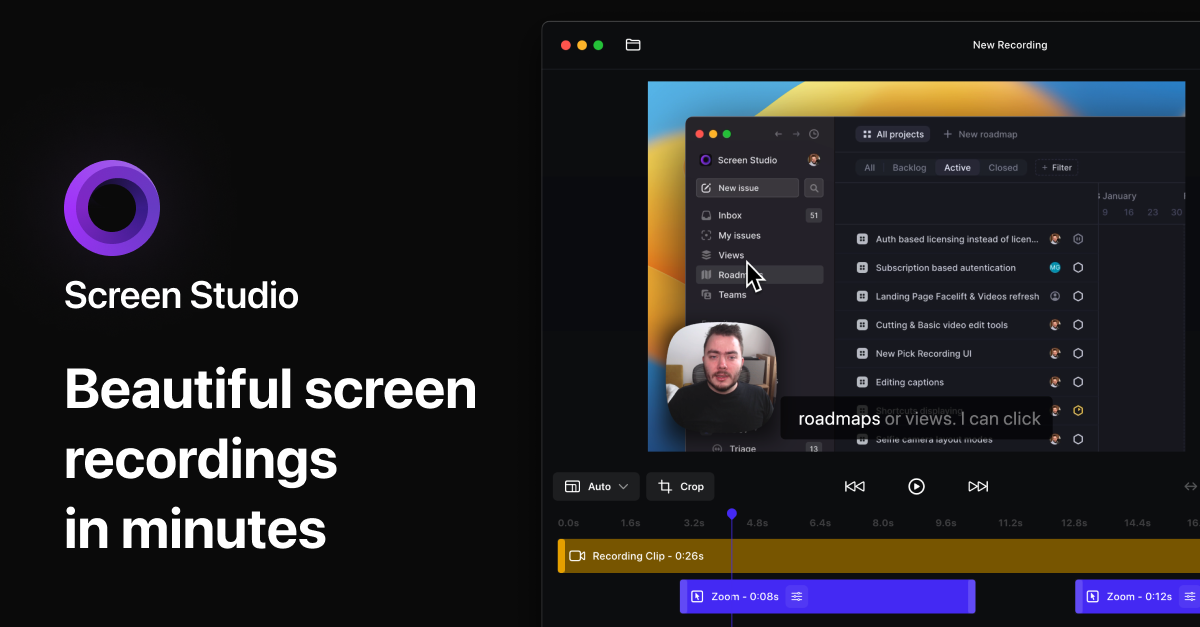
Screen Studio
Screen recorder and editor