
SplitShow
Dual-head presentation of PDF slides
SplitShow enables a dual‑head presentation workflow for PDF slide decks on macOS. It lets a user keep a laptop screen and an external display, such as a projector, in extended‑desktop mode while showing the same slide on both screens at their native resolutions. This avoids the common limitation of mirrored displays, where the higher‑resolution screen is forced to the lower resolution, ensuring that slides—especially those generated with LaTeX’s beamer class—retain their intended visual quality on each monitor.
The application is packaged as a native macOS app that can be installed from the project's GitHub releases page without needing to compile the source. Users may need to adjust GateKeeper settings to run the unsigned binary. The interface offers a full‑screen mode that synchronises slide advancement across both displays, preserving the original PDF layout and resolution.
Designed for presenters who require crisp, correctly sized slides on multiple displays, SplitShow provides a simple, stable solution for managing dual‑screen presentations on modern macOS systems.
Reviews
Loading reviews…
Similar apps
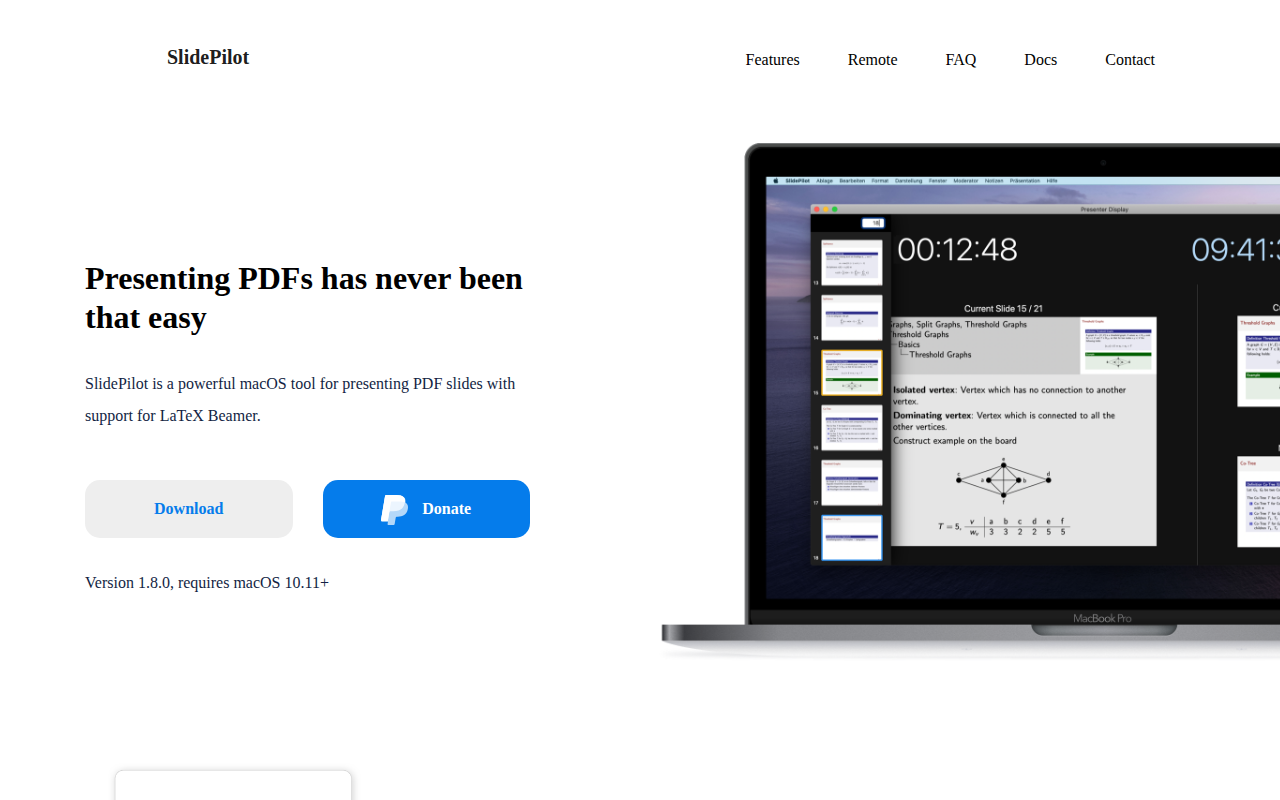
Task & Project Management
SlidePilot
PDF presentation tool
Presentations & Slides
IpePresenter
Make presentations from PDFs
Task & Project Management
Présentation
Tool for pdf slides
File Management & Transfer
PDFShaver
Shrink PDF files to make them smaller
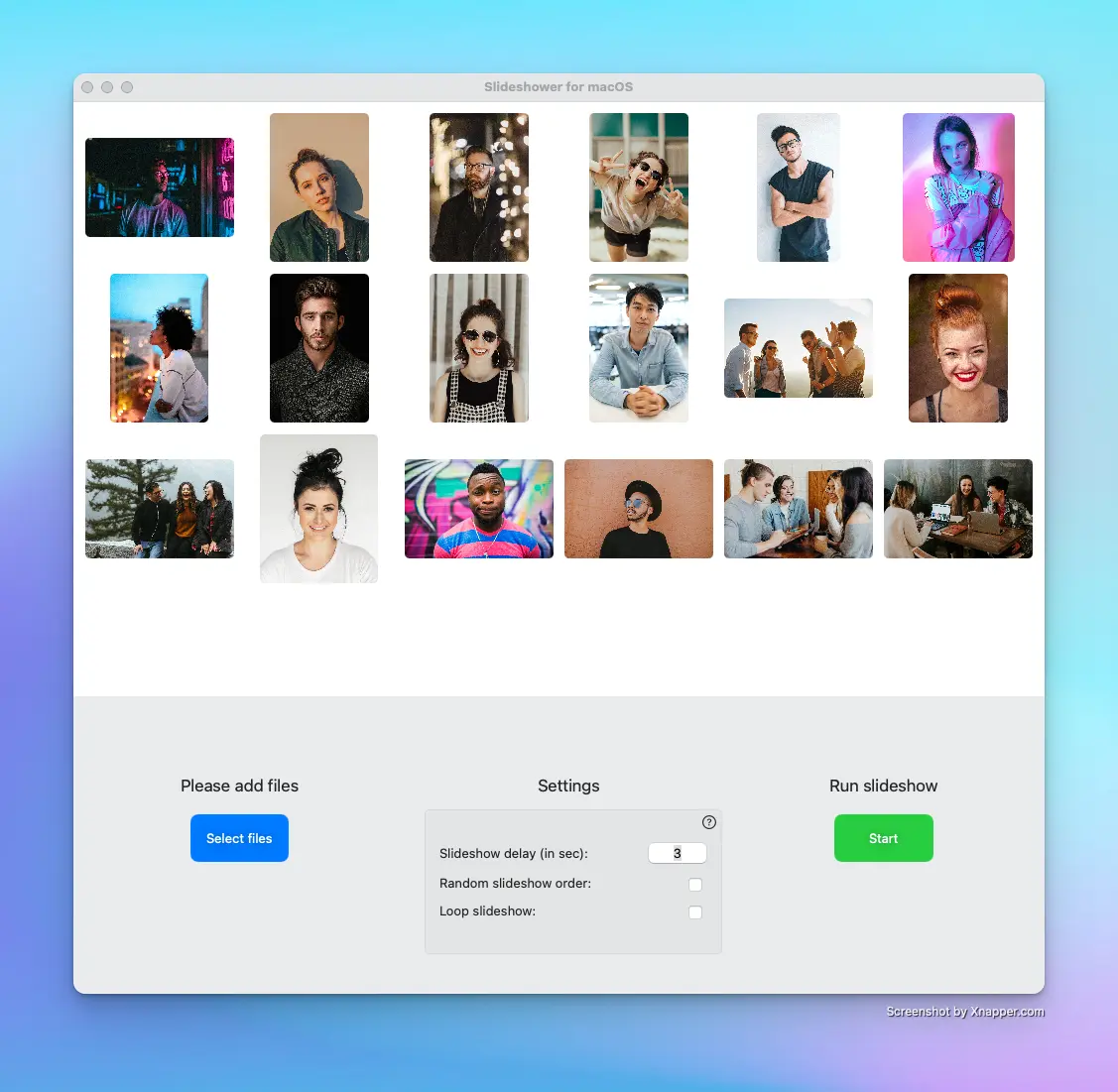
Task & Project Management
Slideshower for macOS
Slideshow application
Presentations & Slides
FreeShow
Presentation software