
TextGrabber2
Menu bar app that detects text from copied images
TextGrabber2 is a macOS menu‑bar utility that monitors the clipboard for copied images and extracts the embedded text using Apple’s on‑device Vision framework. The extracted text can be automatically placed on the clipboard or passed to system services, allowing users to trigger Shortcuts, translation tools, Quick Look, or other actions without leaving the current workflow.
The app is targeted at macOS users who need a lightweight, privacy‑focused way to convert screenshots, scanned documents, or any copied image into editable text and then chain that output into automated tasks. Because it relies on keyboard shortcuts and does not require screen‑recording or accessibility permissions, it can be used in environments where security and minimal permission prompts are important.
TextGrabber2 is open source, runs on macOS 15.0 and later, and includes features such as custom clipboard‑pruning rules, configurable key bindings, and built‑in utilities like Translate. Updates are delivered automatically, primarily for bug fixes, and the project is hosted on GitHub with documentation on installation and usage.
Reviews
Loading reviews…
Similar apps
Clipboard, Input & Automation
LuxShot
Native and privacy-first menu bar OCR tool.
Clipboard, Input & Automation
TRex
Easy to use text extraction tool
Clipboard, Input & Automation
OwOCR
Optical character recognition for Japanese text
Clipboard, Input & Automation
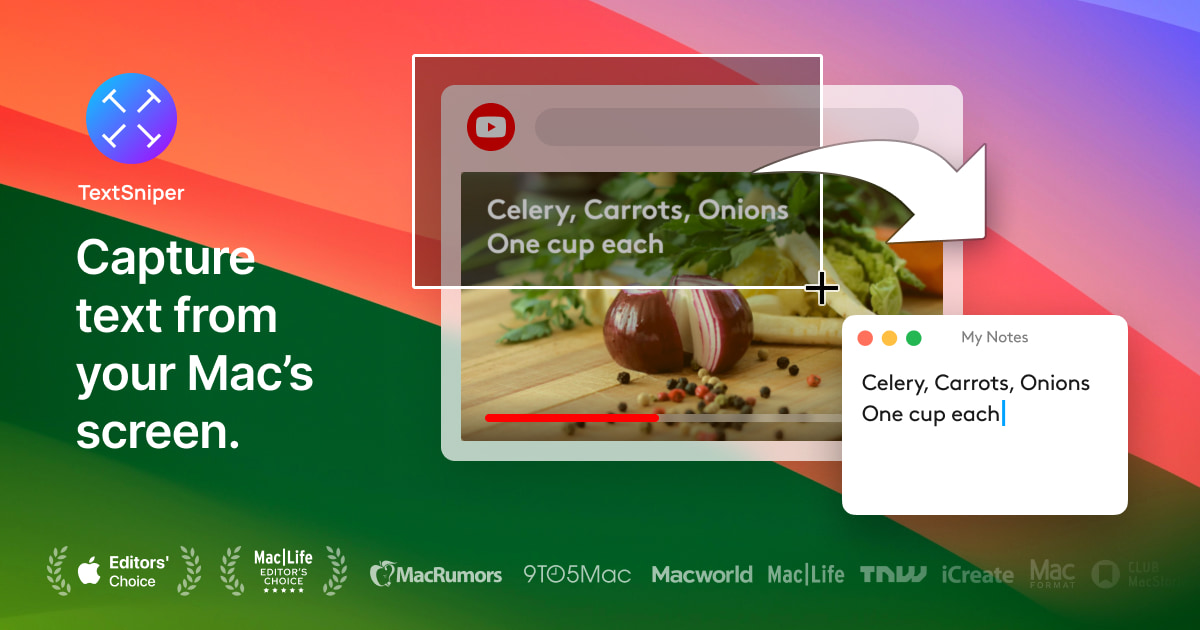
TextSniper
Simple yet powerful OCR app in your Menu Bar. Instantly copy and paste text from anywhere.
Clipboard, Input & Automation
Easydict
A concise dictionary and translator for looking up words and translating text.
Clipboard, Input & Automation
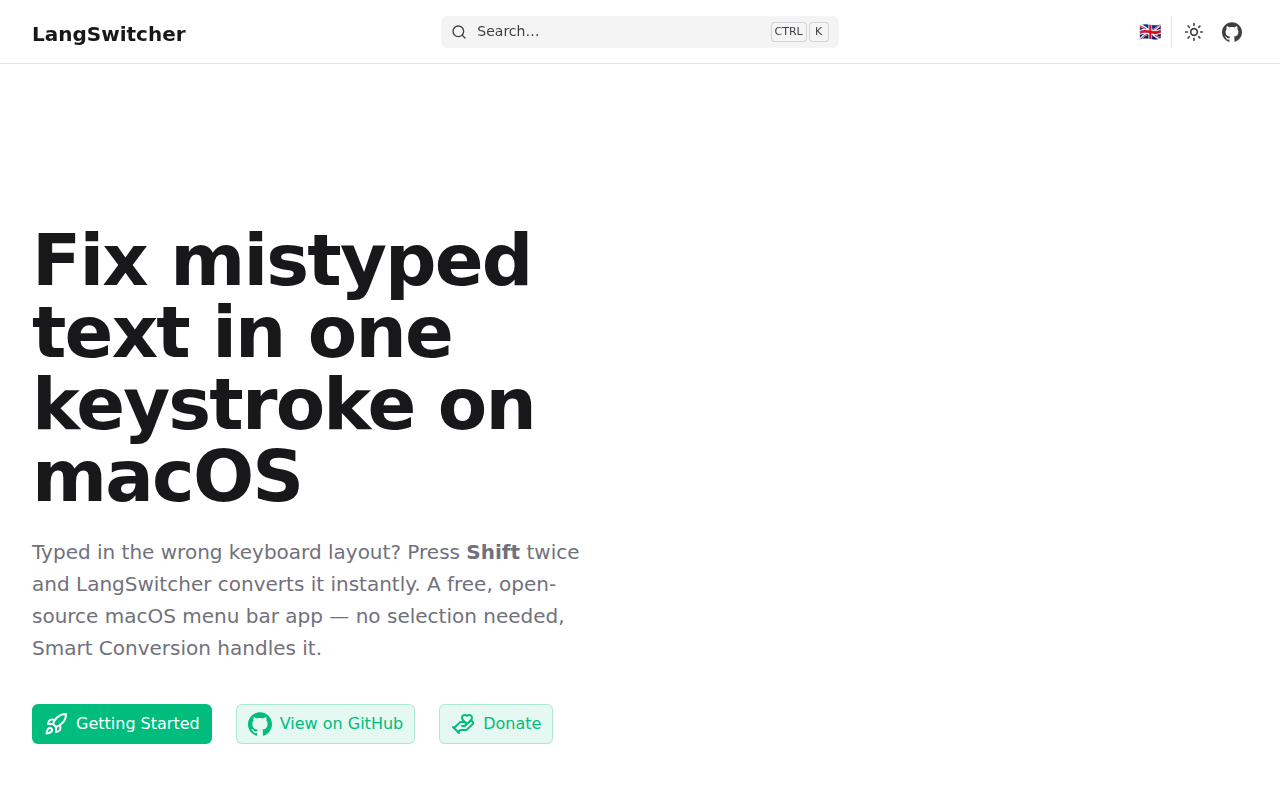
LangSwitcher
Keyboard layout converter for mistyped text.