

TimeLapze
Record screen and camera time lapses in a menu bar interface
TimeLapze is a macOS menu‑bar utility that captures screen and webcam footage as timelapse videos while keeping output files small. It leverages Apple’s ScreenCaptureKit and AVFoundation to record selected windows or applications with hardware‑accelerated encoding, allowing users to set frame rates, quality, and playback speed. The app emphasizes color accuracy, preserving the original display color space to avoid washed‑out results.
The minimalist interface lives in the menu bar, giving quick access to start, pause, and stop recordings without leaving the current workflow. Users can choose between screen capture and camera capture, and the software limits file size growth compared with conventional high‑quality recordings, which can exceed several gigabytes per hour.
Developed in SwiftUI, TimeLapze is open source under the MIT License and can be installed via the Mac App Store, Homebrew, or direct download. It targets macOS users who need efficient, color‑faithful timelapse creation for work, tutorials, or personal projects.
Reviews
Loading reviews…
Similar apps
Screenshot & Screen Recording
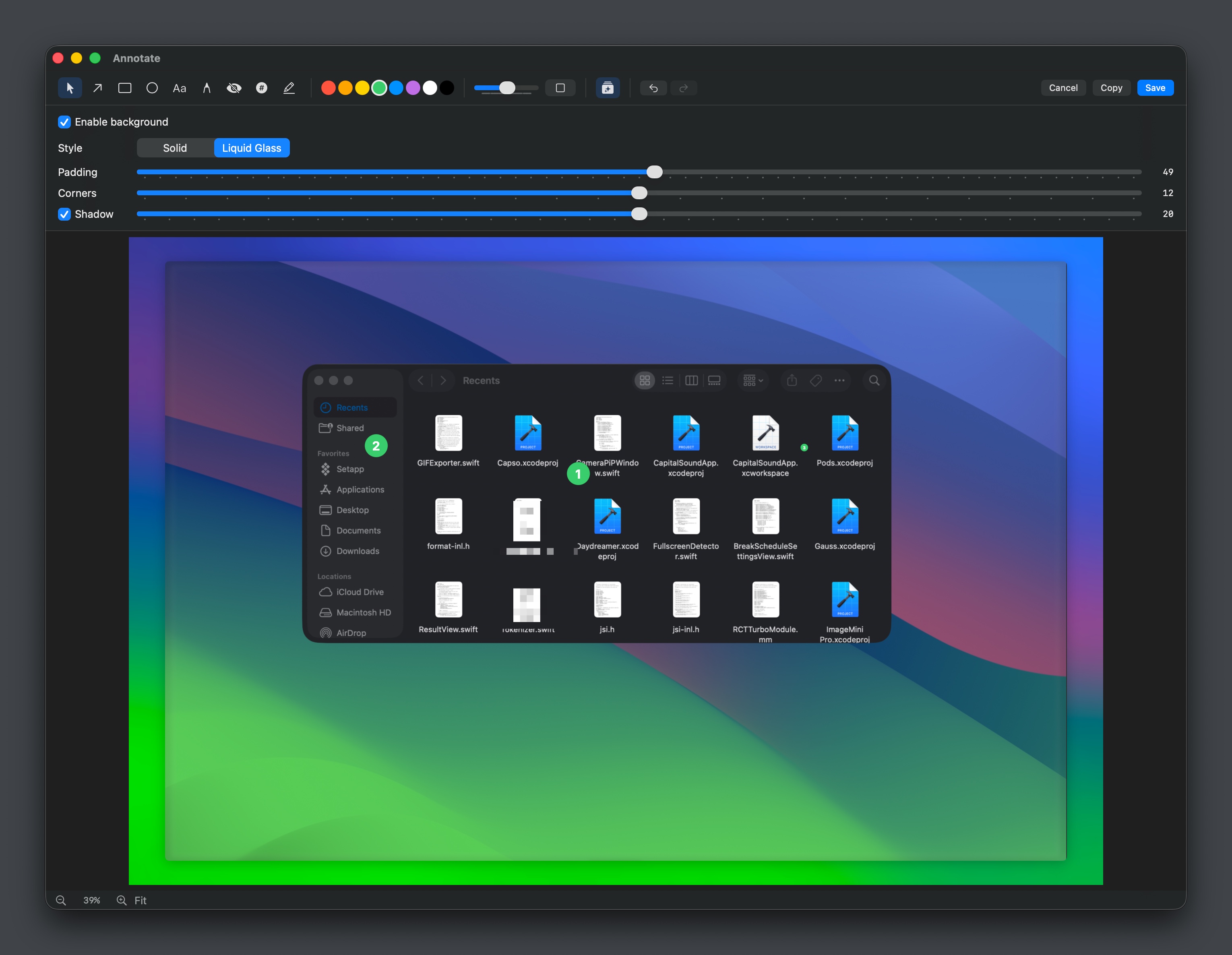
Capso
Open-source screenshot and screen recording tool with annotations, OCR, and webcam overlays.
Time Tracking & Focus
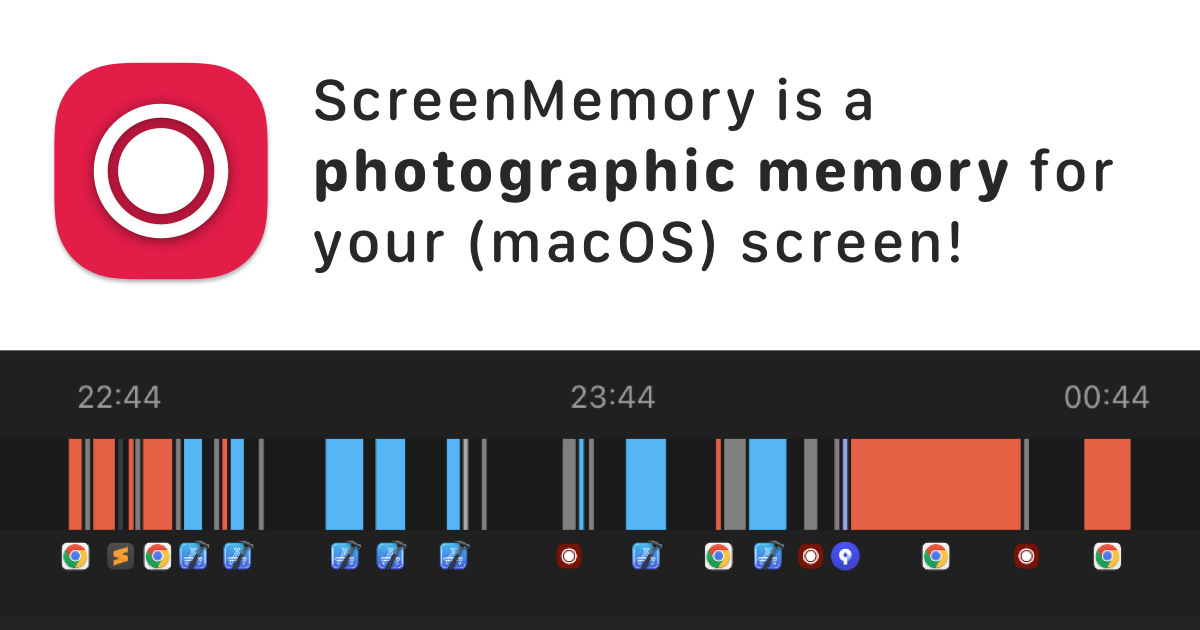
ScreenMemory
Record your screen and go back in time to see what you worked on
Photo & Video Management
Kyapchar
Simple screen and microphone audio recorder for Mac.
File Management & Transfer
TimeMachineStatus
Menu bar app to show Time Machine information
Screenshot & Screen Recording
BetterCapture
Screen recorder
Screenshot & Screen Recording
BetterCapture
Free and open source screen recorder with professional encoding support.