

tiptoi Manager
Manage the data on children's Ravensburger tip toi audio pen
The application provides tools for transferring and organizing audio files required by the Ravensburger tiptoi audio pen. It runs on macOS (Big Sur 11 or newer) and Windows 10 (21H1 or newer) and needs an internet connection and a USB interface to communicate with the pen. Users can install the program from the provided download link, then register using a Ravensburger account; registration is required only for second‑generation pens.
Once connected, the manager detects the pen via USB, allowing users to upload, update, or remove audio content that the device will play during interactive books and games. The software includes troubleshooting assistance for common issues such as failed internet access, firewall blockage, or the pen not being recognized, and it guides users through firmware updates and password recovery.
The tool is aimed at parents, educators, and owners of the tiptoi system who need to maintain the pen’s media library, ensuring that the appropriate audio files are available for the child’s learning activities. It is marketed as a stable, core macOS solution within the music‑audio category.
Reviews
Loading reviews…
Similar apps

File Management & Transfer
Luniistore
Utility for My Fabulous Storyteller

STEM Tools & Simulations
TI Connect™ CE
Connectivity software for the TI-84 Plus family of graphing calculators
Audio Routing & Effects
MPluginManager
Installer for MeldaProduction audio plugins

Password & Security
Steinberg Activation Manager
Licenses manager for Steinberg Licensing
Music Players & Streaming
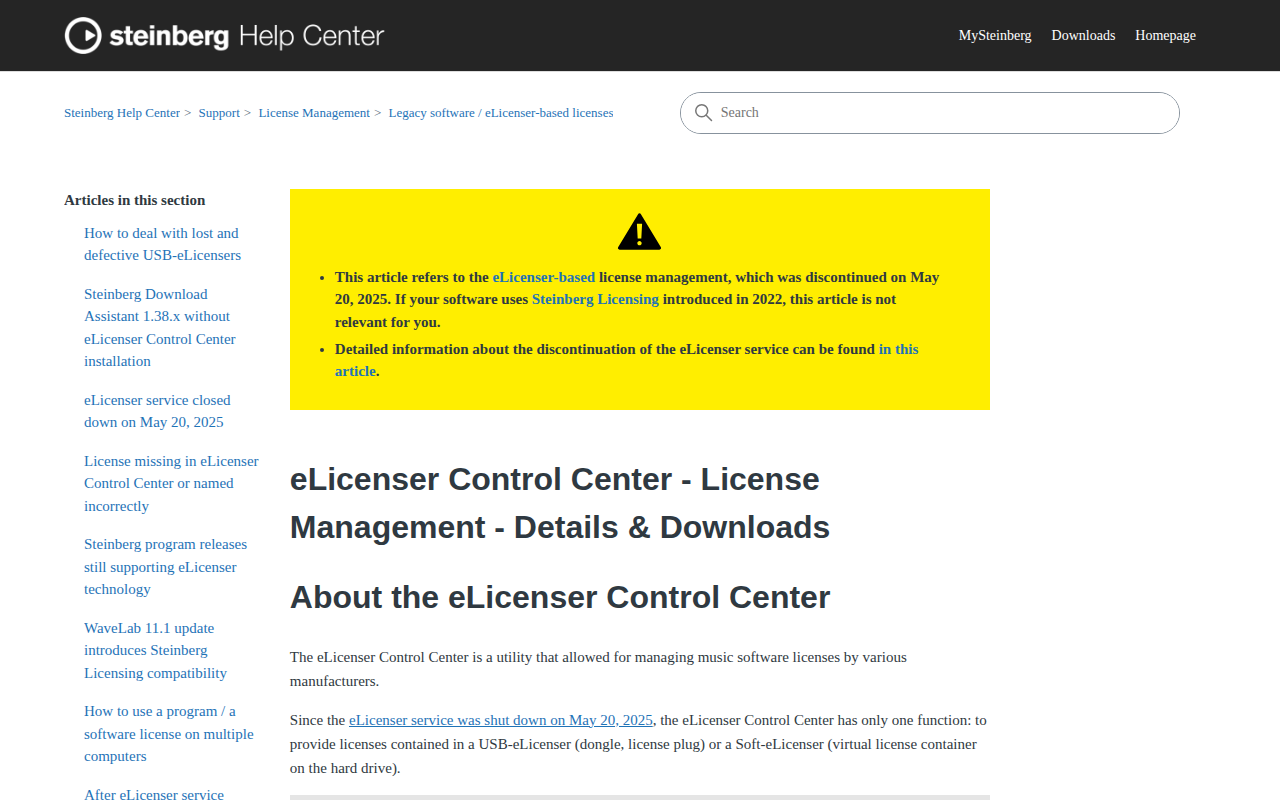
eLicenser Control Center
Music software license manager
File Management & Transfer
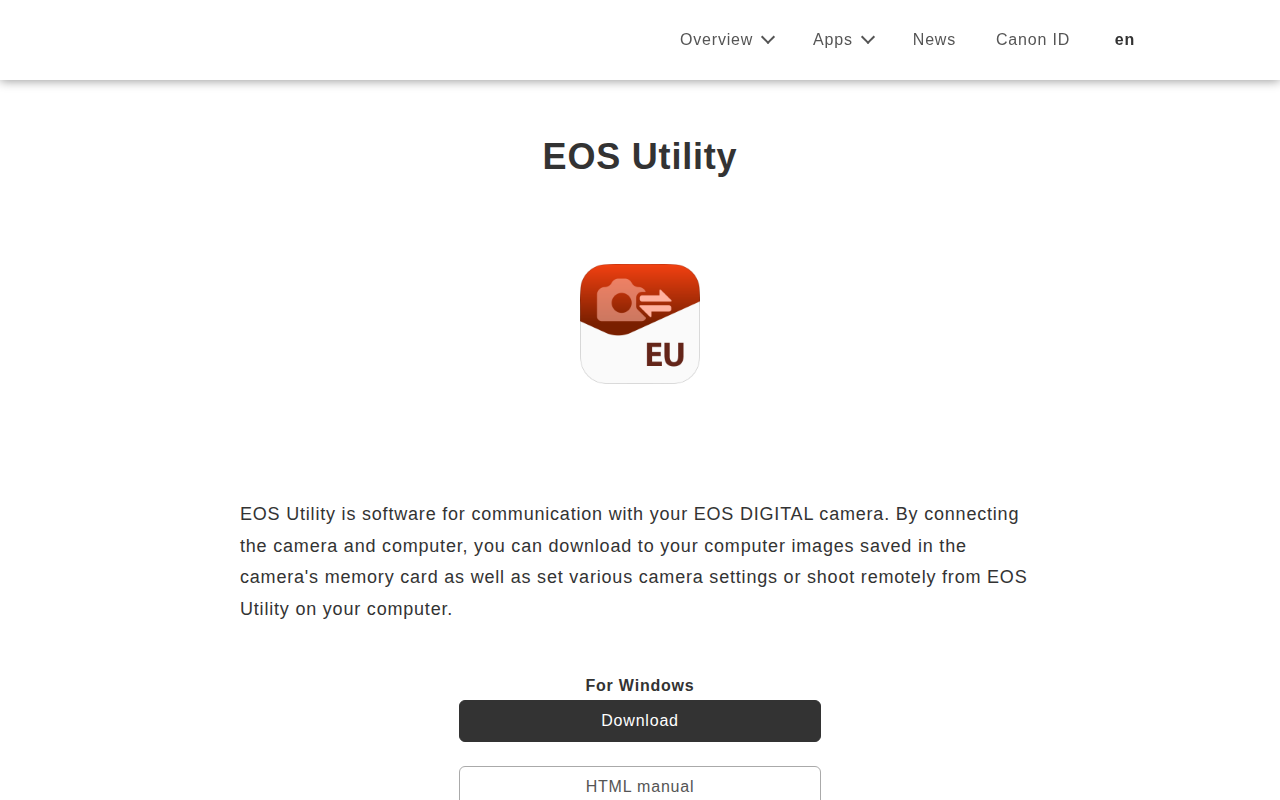
Canon EOS Utility
Communication with Canon EOS cameras