
TripMode
Control your data usage on slow or expensive networks
TripMode runs on macOS and lets users control which applications can access the internet, especially when connected to slow or costly networks such as mobile hotspots. It presents a list of active apps, blocks them by default, and allows selective permission, while also offering an option to always allow newly detected applications. The software automatically remembers networks where it was previously enabled and can activate itself when tethering to an iPhone hotspot, reducing the need for manual toggling.
A live monitor displays real‑time traffic for each app, with a detachable window that can be moved and resized for easy viewing. Users can set data‑usage limits that trigger warnings and automatic blocking, helping to avoid overage fees. Detailed reports break down usage by day, week, or month and reveal the domains and servers contacted by each application.
Custom profiles let users tailor connectivity for different scenarios—such as work, video calls, streaming, or gaming—and schedule automatic activation or deactivation. These features aim to reduce unwanted background updates, improve browsing speed, and provide insight into bandwidth consumption.
Reviews
Loading reviews…
Similar apps
Network & Connectivity
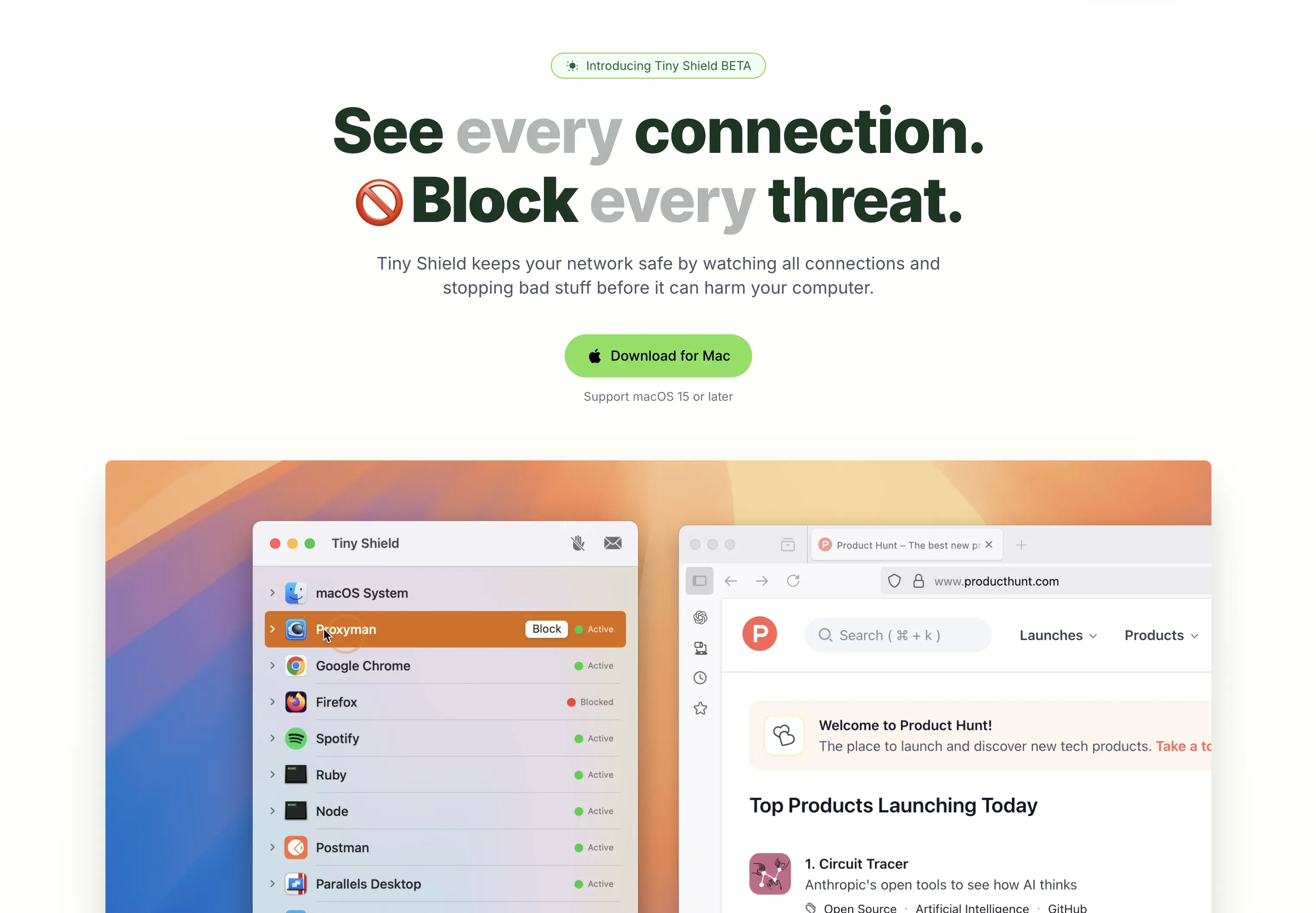
Tiny Shield
Control and monitor network connections
Network & Connectivity
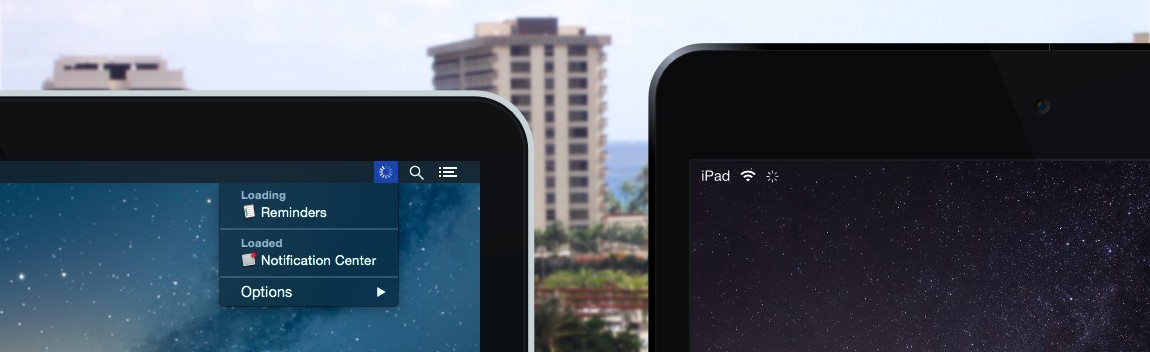
Loading
Network activity monitor

Network & Connectivity
Focus Firewall
A minimalist focus app to block social media and other distractions during work.
Network & Connectivity
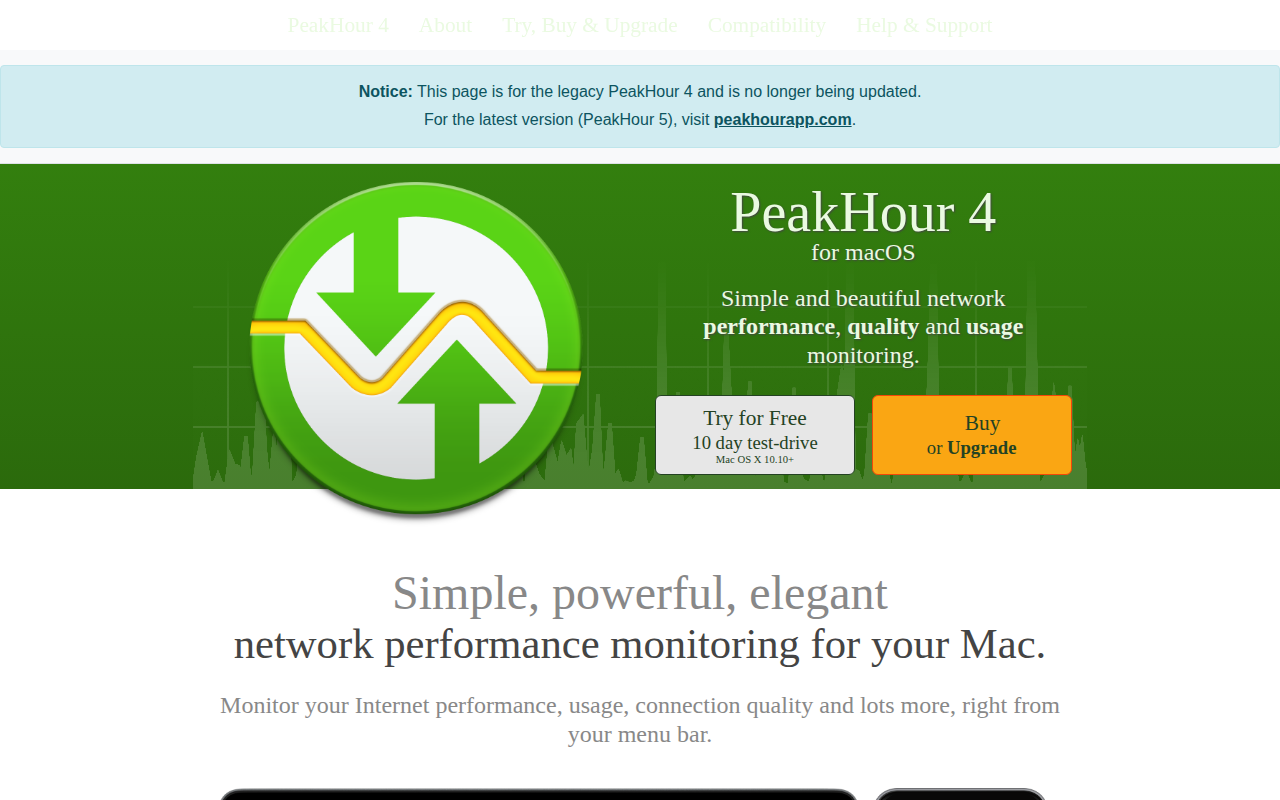
PeakHour
Network bandwidth and network quality visualiser

Remote Access & VPN
Core Tunnel
Application for managing SSH connections.

Network & Connectivity
Cloudflare WARP
Free app that makes your Internet safer