
VirtualBuddy
Virtualization tool
VirtualBuddy runs macOS 12 and later on Apple Silicon, letting developers test applications across multiple macOS releases, including beta versions. It provides a built‑in wizard that can download and install official restore images from Apple’s servers, accept custom IPSW URLs, or use locally saved IPSW files. The tool also supports booting ARM‑based Linux distributions such as Ubuntu, from local ISO files or URLs.
The application offers typical virtualization conveniences: networking, file sharing, clipboard synchronization, and configurable virtual hardware. Users can mount a shared folder via macOS file‑sharing settings and access it inside the guest with a simple mount command. APFS cloning enables rapid duplication of virtual machines with minimal additional storage, facilitating safe experimentation and easy rollback.
VirtualBuddy is distributed as free, open‑source software for Apple Silicon Macs running macOS 13 or newer. It includes a companion VirtualBuddyGuest app that automates clipboard sharing and shared‑folder mounting, and it supports saving and restoring VM state and booting into recovery mode for tasks such as disabling SIP.
Reviews
Loading reviews…
Similar apps
System Monitoring & Maintenance
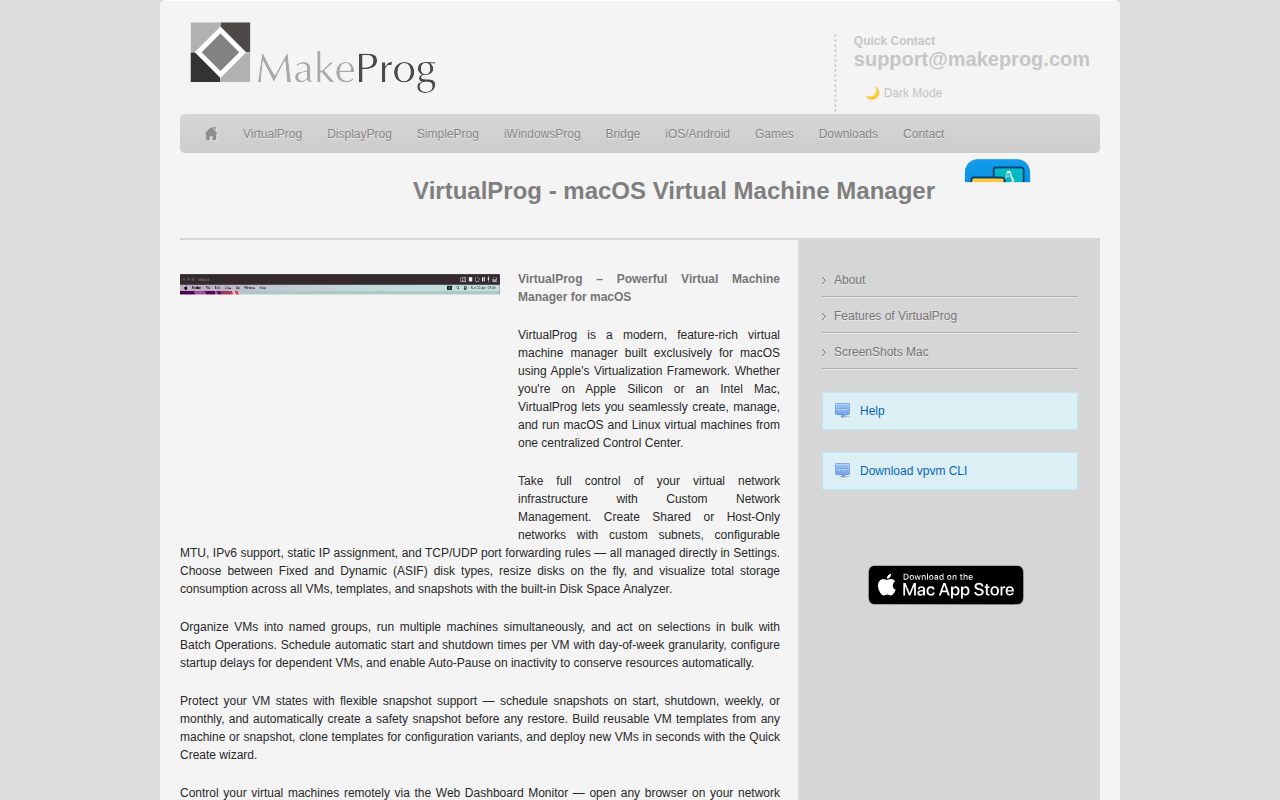
VirtualProg
A faster, simpler alternative to bulky VM managers.
DevOps & Infrastructure
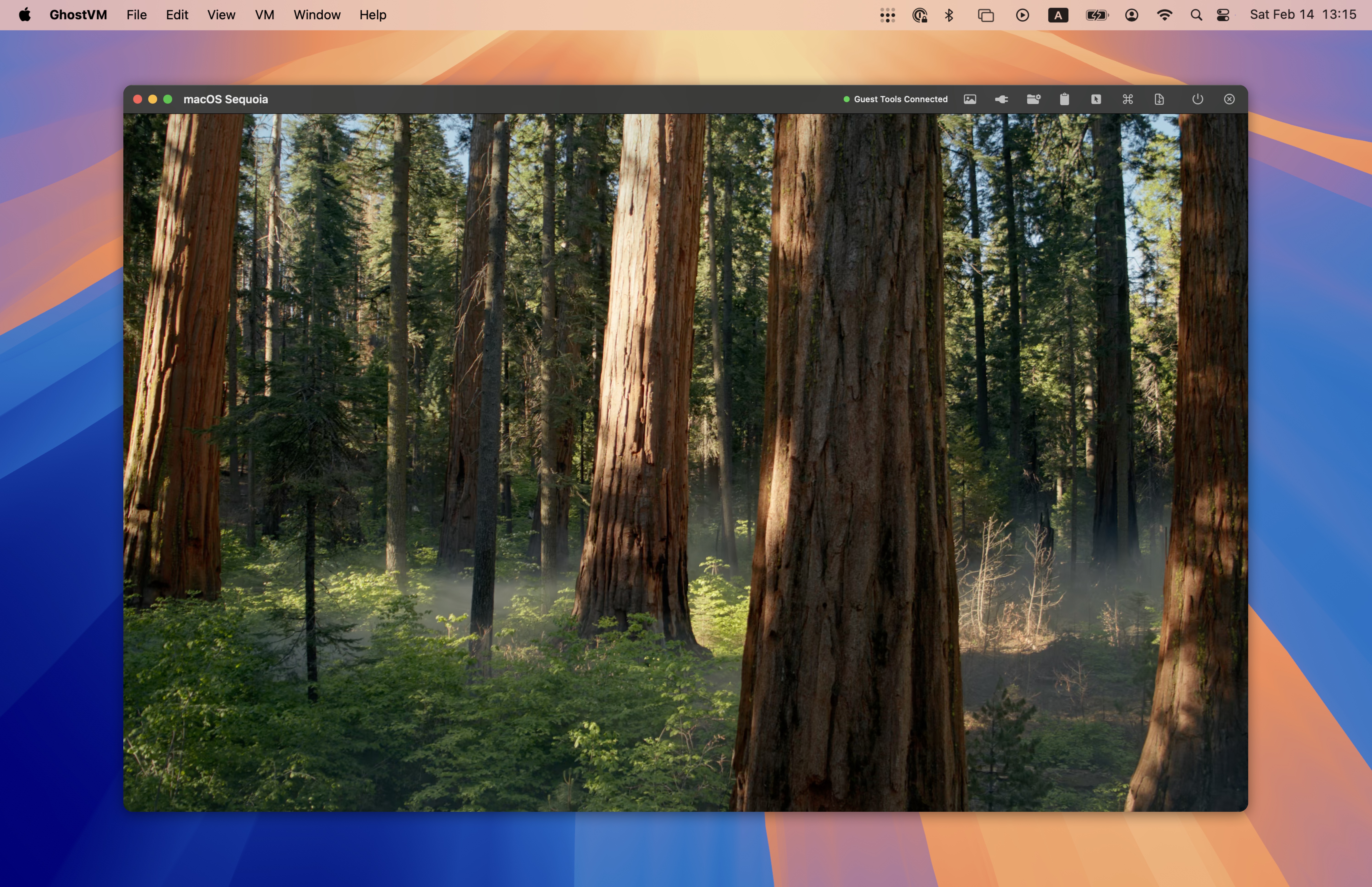
GhostVM
Virtualization tool for creating and managing isolated macOS virtual machine workspaces. ![Freeware][Freeware Icon]
System Monitoring & Maintenance
Kyvenza
Virtual machines for Apple Silicon, built for speed
System Monitoring & Maintenance
Virtual Box
Powerful x86 and AMD64/Intel64 virtualization product. ![Freeware][Freeware Icon]
System Monitoring & Maintenance
UTM
UTM is an easy-to-use GUI for QEMU and can run ARM64, x64 and other VMs on M1 Macs.

System Monitoring & Maintenance
Veertu
The lightest VM on Mac. Responsive, sandboxed & native way to run VM on your Mac. ![Freeware][Freeware Icon]