
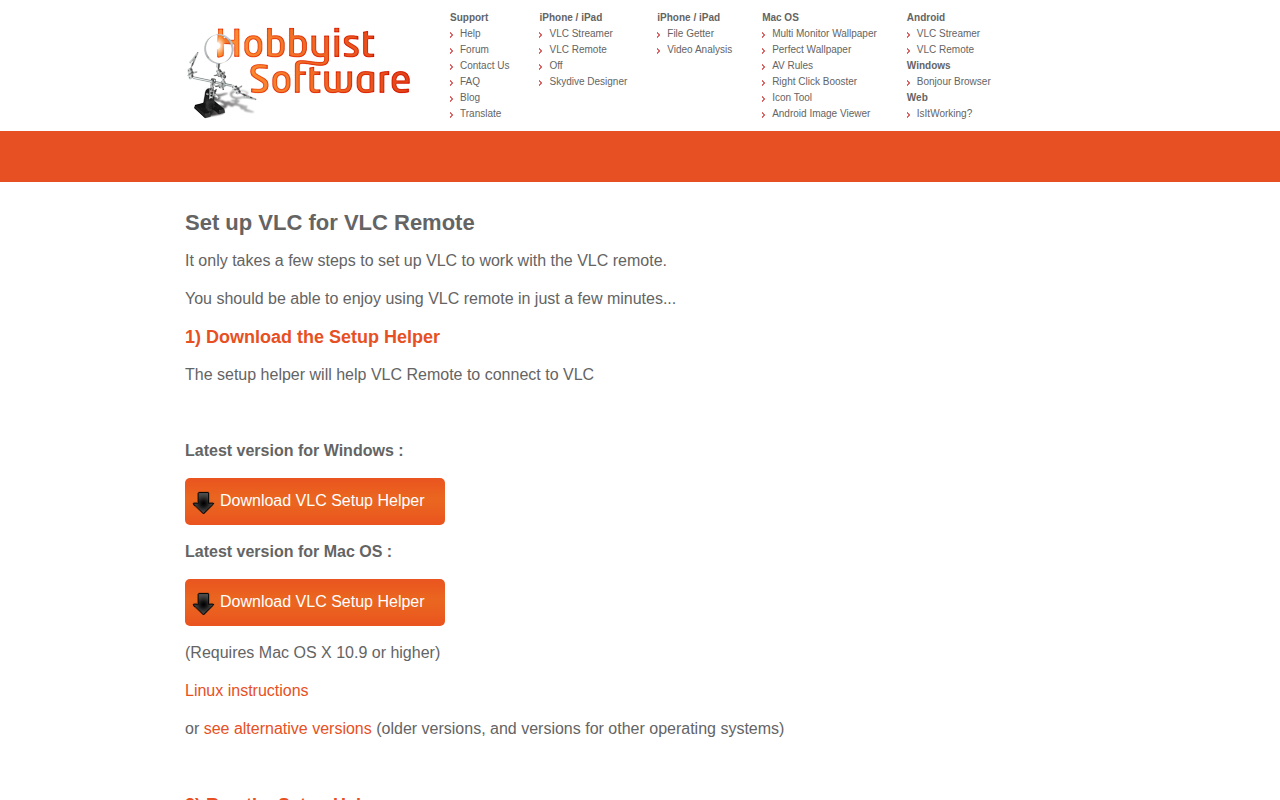
VLC Remote Setup Helper
Set up VLC for VLC Remote
The utility automates the configuration required for VLC Media Player to communicate with the VLC Remote mobile application. It provides a downloadable helper for Windows and macOS (requiring macOS 10.9 or later) that, when executed, adjusts the system firewall to permit VLC’s network traffic, eliminating the need for manual port‑opening steps. After the helper runs, the computer should appear in the VLC Remote interface under “Found Computers,” and a traffic‑cone icon indicates that VLC is active and ready for remote control.
Users who want to control VLC playback from an iPhone, iPad, or other remote device can benefit from the streamlined setup, which reduces the typical networking and firewall configuration effort. The helper also includes a rescan function for delayed discovery and links to troubleshooting resources for cases where automatic configuration does not succeed.
For those preferring manual configuration, the project supplies separate instructions for Windows, macOS, and Linux, but the helper is the recommended path for a quick, stable setup.
Reviews
Loading reviews…
Similar apps
Clipboard, Input & Automation
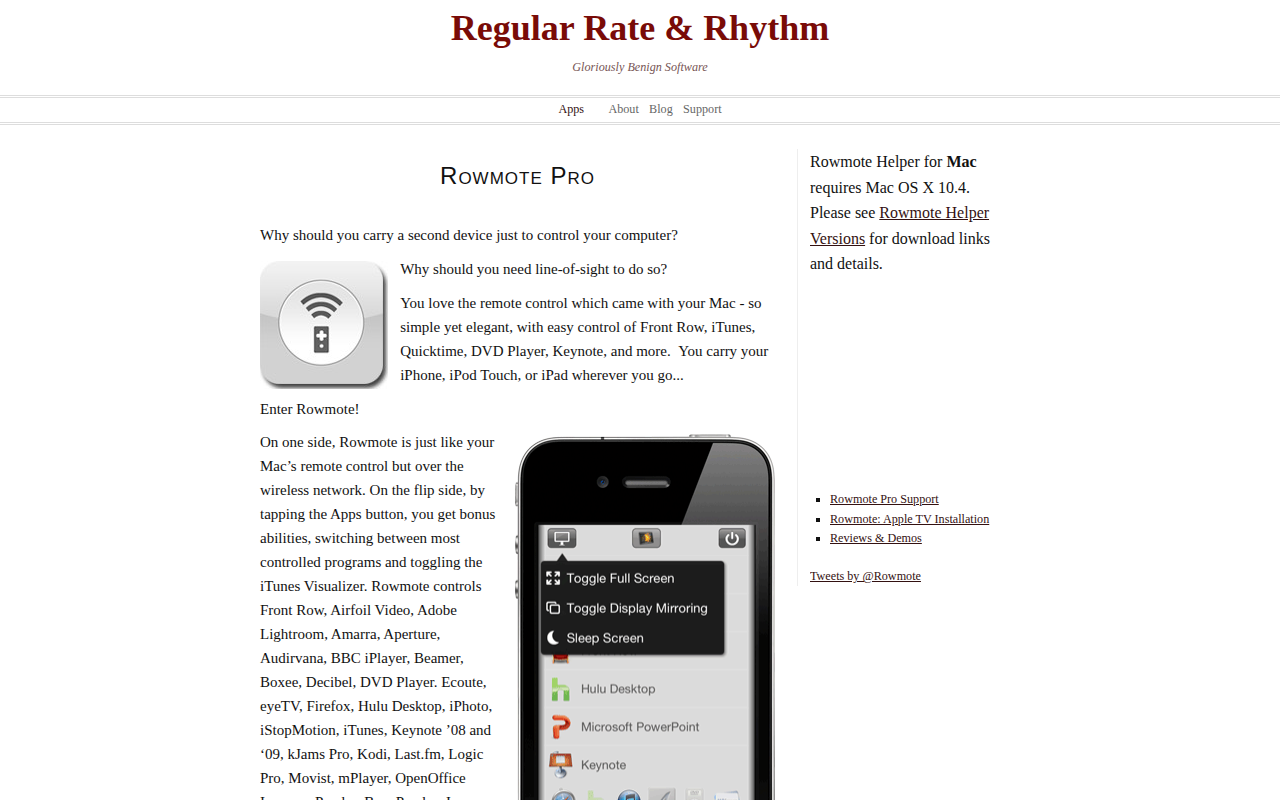
Rowmote Helper
Control system with Rowmote Pro remote control
Remote Access & VPN
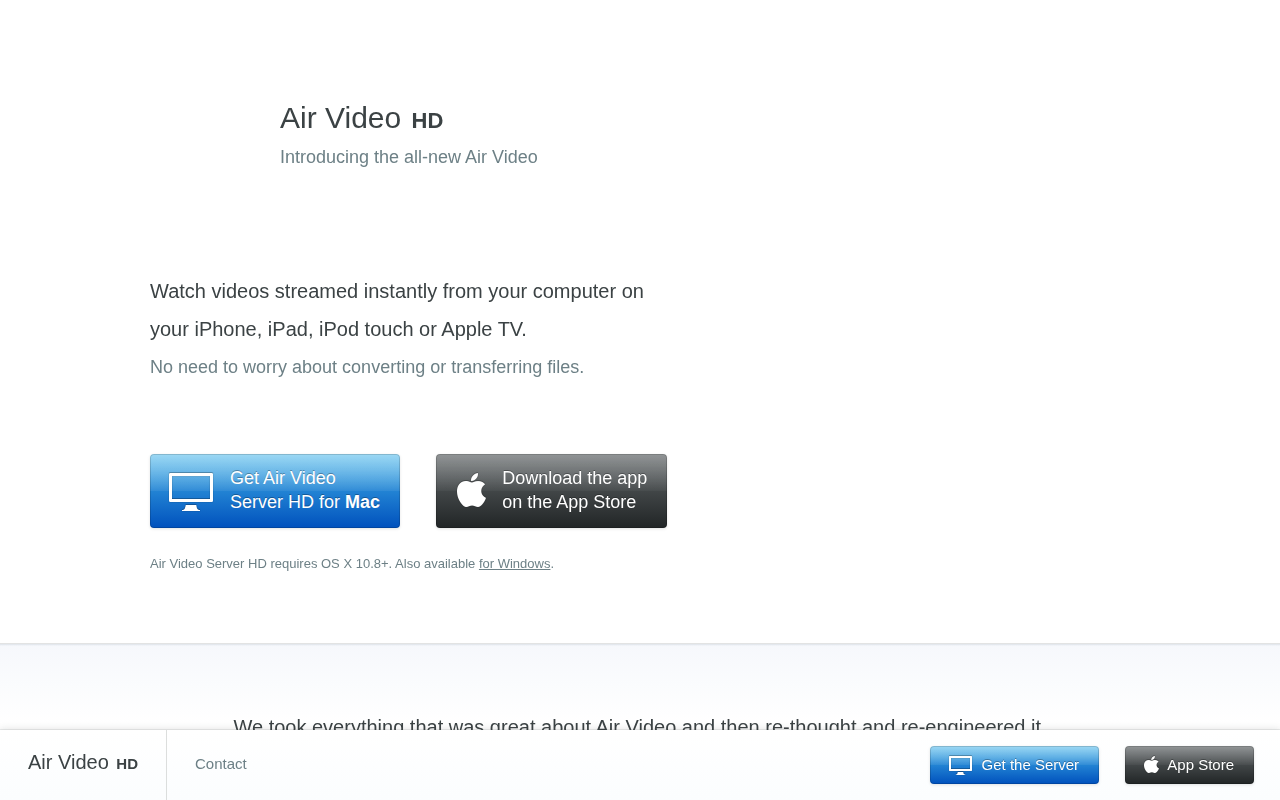
Air Video Server HD
Tool to stream videos to Apple devices
Remote Access & VPN
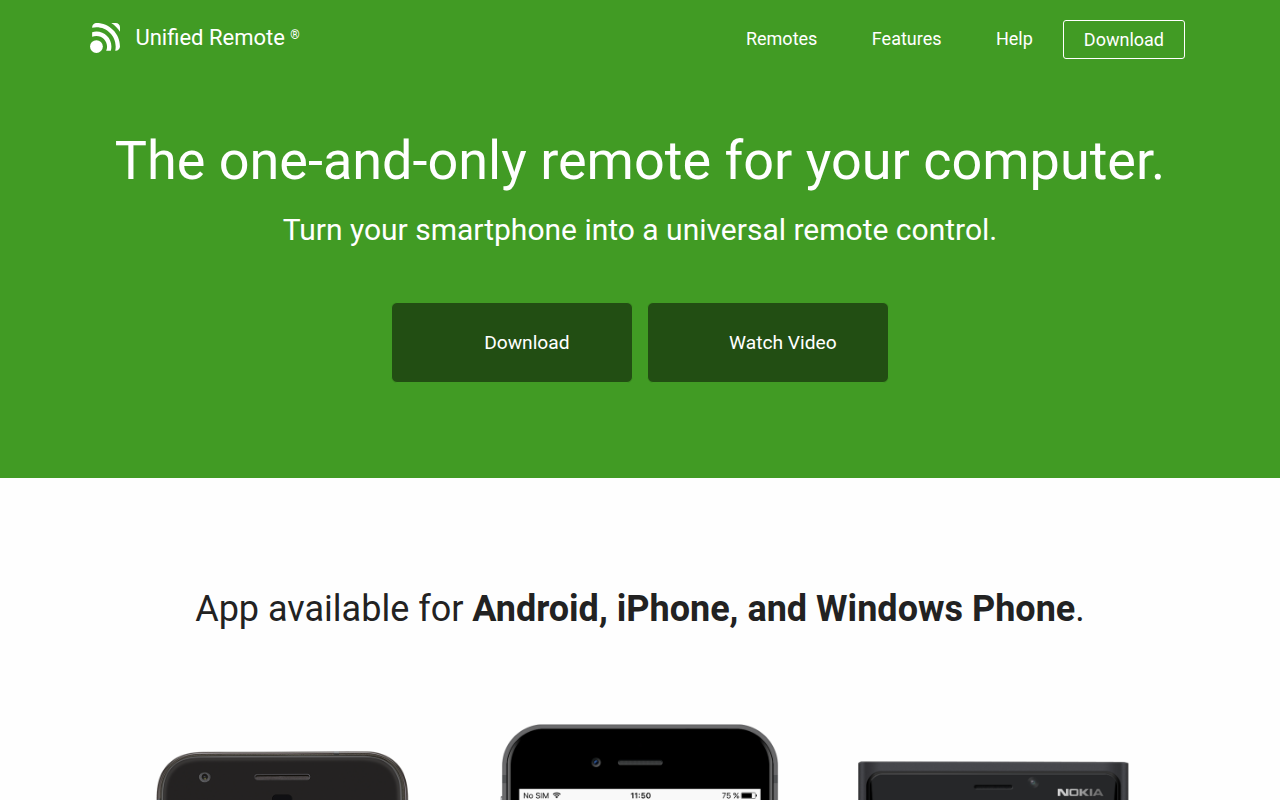
Unified Remote
Turn your smartphone into a universal remote control
Music Players & Streaming
Elmedia Player
Video and audio player
Network & Connectivity
Macast
DLNA Media Renderer
Clipboard, Input & Automation
Syncplay
Synchronises media players