

AppVolume
Per-application volume control
AppVolume provides per‑application volume control on macOS, allowing each running program to be set anywhere from 0 % to 200 % or muted with a single click. Settings persist across sessions, so volume levels are automatically restored when the applications are reopened. The tool can be accessed quickly via a menu‑bar icon or a global keyboard shortcut, and users can pin favorite apps to the top of the list or hide those they do not need.
Bulk operations are supported: multiple apps can be selected simultaneously for mute, pinning, or volume adjustment. The interface respects macOS device switching, and users may define a preferred order for output devices. High‑resolution audio is handled, with support for sample rates ranging from 44.1 kHz to 192 kHz, and the application does not record audio, avoiding any recording indicator in the menu bar.
AppVolume is built with a Rust audio engine for speed and stability, a SwiftUI front‑end for a native macOS experience, and CoreAudio for driver‑level audio capture and mixing. It is available for both Apple Silicon and Intel Macs and can be installed via Homebrew.
Reviews
Loading reviews…
Similar apps
System Monitoring & Maintenance
Background Music
Control app volumes and record system audio.
Clipboard, Input & Automation
Volume Control
Control the volume of Apple Music and Spotify using keyboard volume keys
Audio Routing & Effects
FineTune
Per-app volume controller with multi-device output and 10-band EQ.
Audio Routing & Effects
Sound Control
Per-app audio controls

Audio Routing & Effects
eqMac
System-wide audio equaliser
Metadata & Library Management
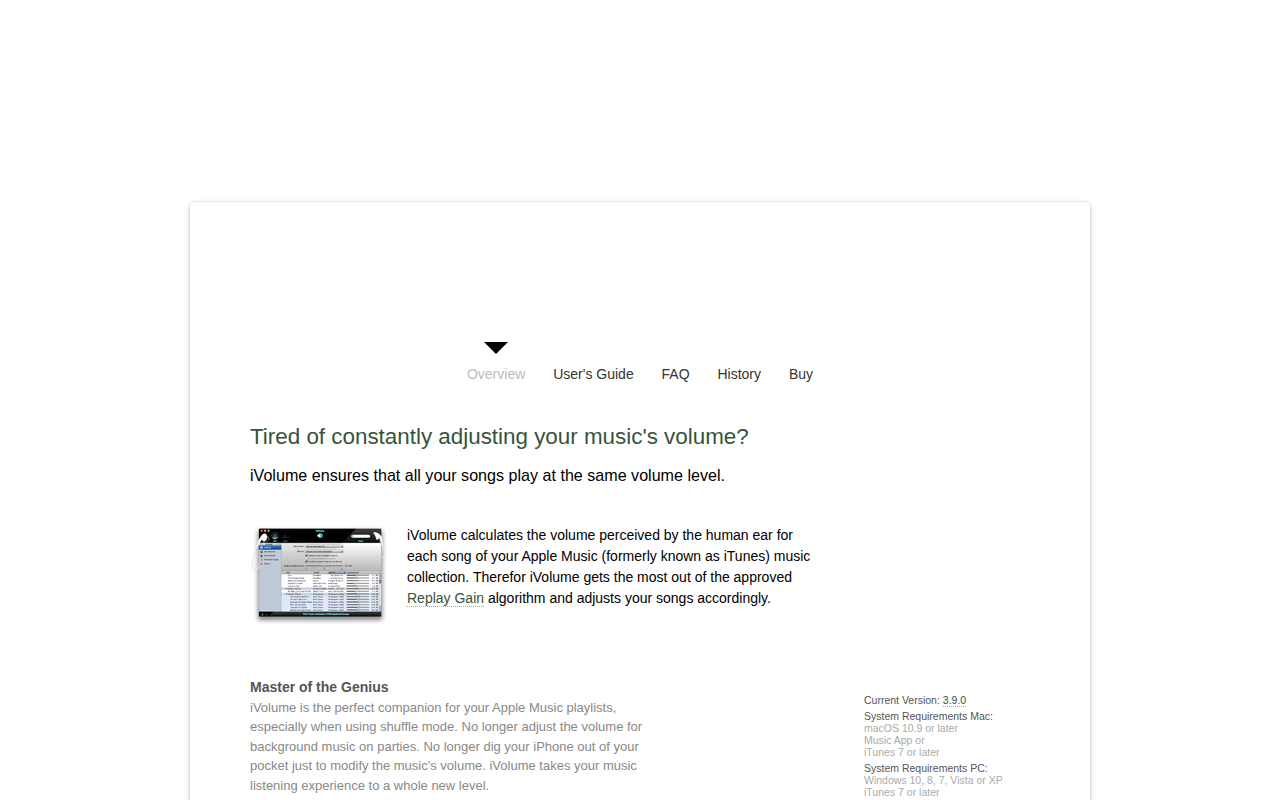
iVolume
App to ensures that all songs are played at the same volume level