
CapyCursor
Cursor highlight, screen draw, zoom & spotlight
CapyCursor is a lightweight Windows utility that enhances cursor visibility and provides on‑screen drawing capabilities for live presentations, online teaching, streaming, and product demos. It lets users switch cursor skins, enlarge the pointer, add click animations, and apply a spotlight effect that dims surrounding content to keep audience focus on the active area.
The tool includes a built‑in annotation layer that works over any application or browser, allowing real‑time drawing, highlighting, and circling of elements without leaving the current window. A magnifier follows the cursor, and smooth zoom can be controlled with the scroll wheel, while a countdown timer helps manage session length.
Designed for Windows 10 and later, CapyCursor integrates with common screen‑sharing platforms such as PowerPoint, Zoom, and Google Meet, offering visual feedback that makes explanations clearer and more engaging.
Reviews
Loading reviews…
Similar apps
Video & Voice
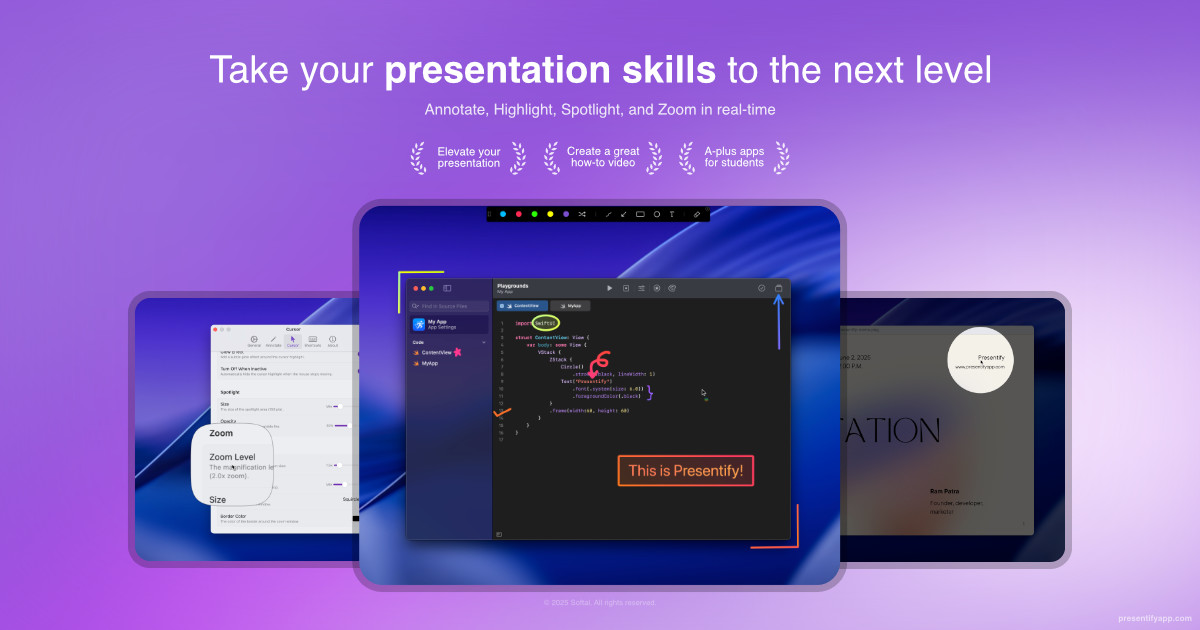
Presentify
A mac app to draw on your screen while on calls, highlight your cursor, and more. ![App Store][app-store Icon]
Display & Accessibility
Mouseposé
Highlight your mouse pointer and cursor position

Display & Accessibility
Cursorcerer
Preference Pane for controlling cursor hiding
Display & Accessibility
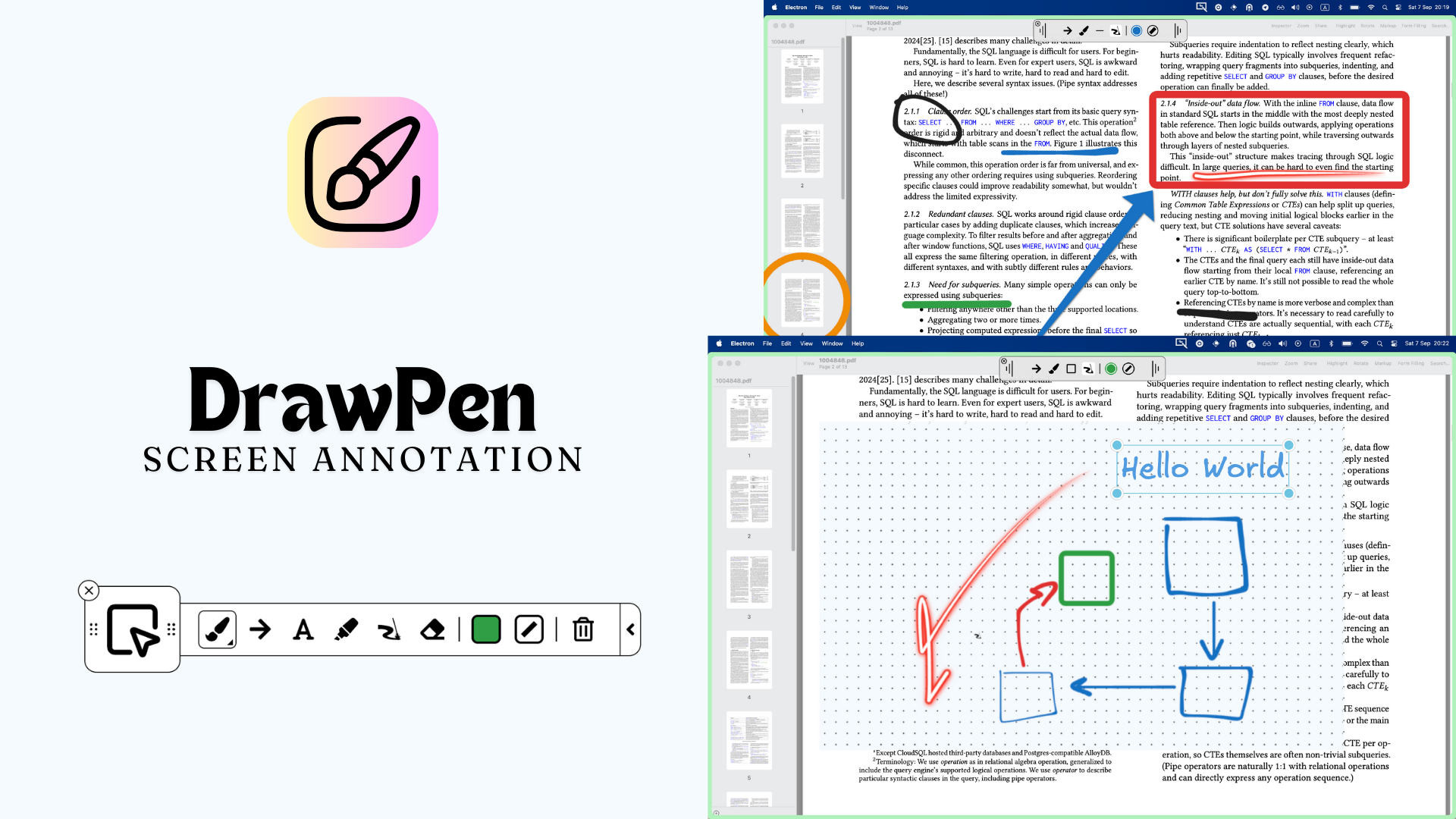
DrawPen
Screen annotation tool

Display & Accessibility
FocuSee 2.0
Record screen to get polished demos & tutorials
Display & Accessibility
Cursr
Customise mouse movements between multiple displays