
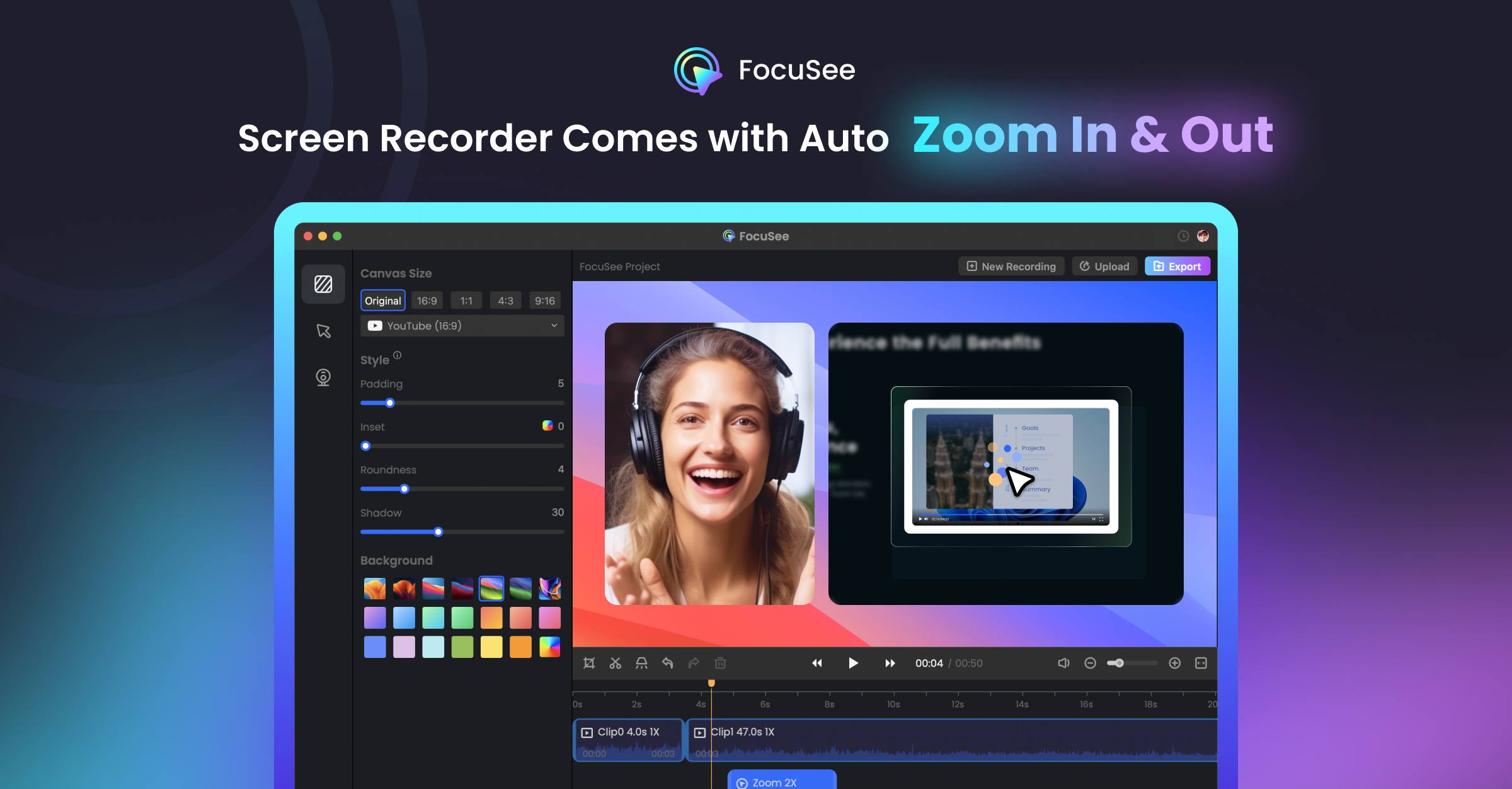
FocuSee 2.0
Record screen to get polished demos & tutorials
FocuSee records the screen on Windows and macOS and then applies a series of AI‑driven edits to produce a finished video without manual post‑production. The recorder captures both microphone and system audio, then automatically adds zoom, pan, and 3D motion that follow cursor clicks, while an intelligent cursor layer appears only when guidance is needed. An annotation suite lets users place text, shapes, arrows and spotlights, and the AI can enhance voice quality, reduce noise, generate subtitles, remove backgrounds, and even insert a virtual avatar.
The tool is aimed at creators of product demos, tutorials, online courses and marketing videos who want a quick workflow from recording to a share‑ready clip. Its built‑in teleprompter and quick blur masking support smoother presentations and privacy‑preserving edits. Because the enhancements are applied automatically, users can generate polished videos in minutes rather than spending time on traditional editing.
What distinguishes FocuSee is the combination of auto‑zoom, AI audio improvement, and visual‑focus features that work together in a single capture‑to‑export pipeline, reducing the need for separate editing software and extensive manual adjustments.
Reviews
Loading reviews…
Similar apps
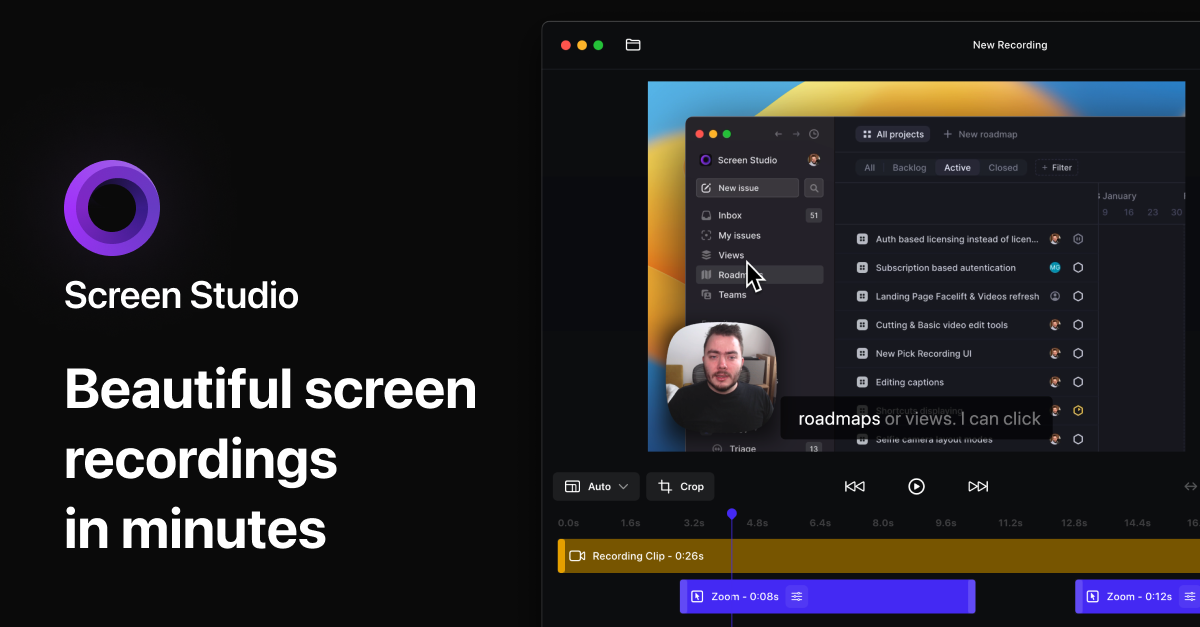
Screenshot & Screen Recording
Screen Studio
Screen recorder for polished videos with automatic motion effects.
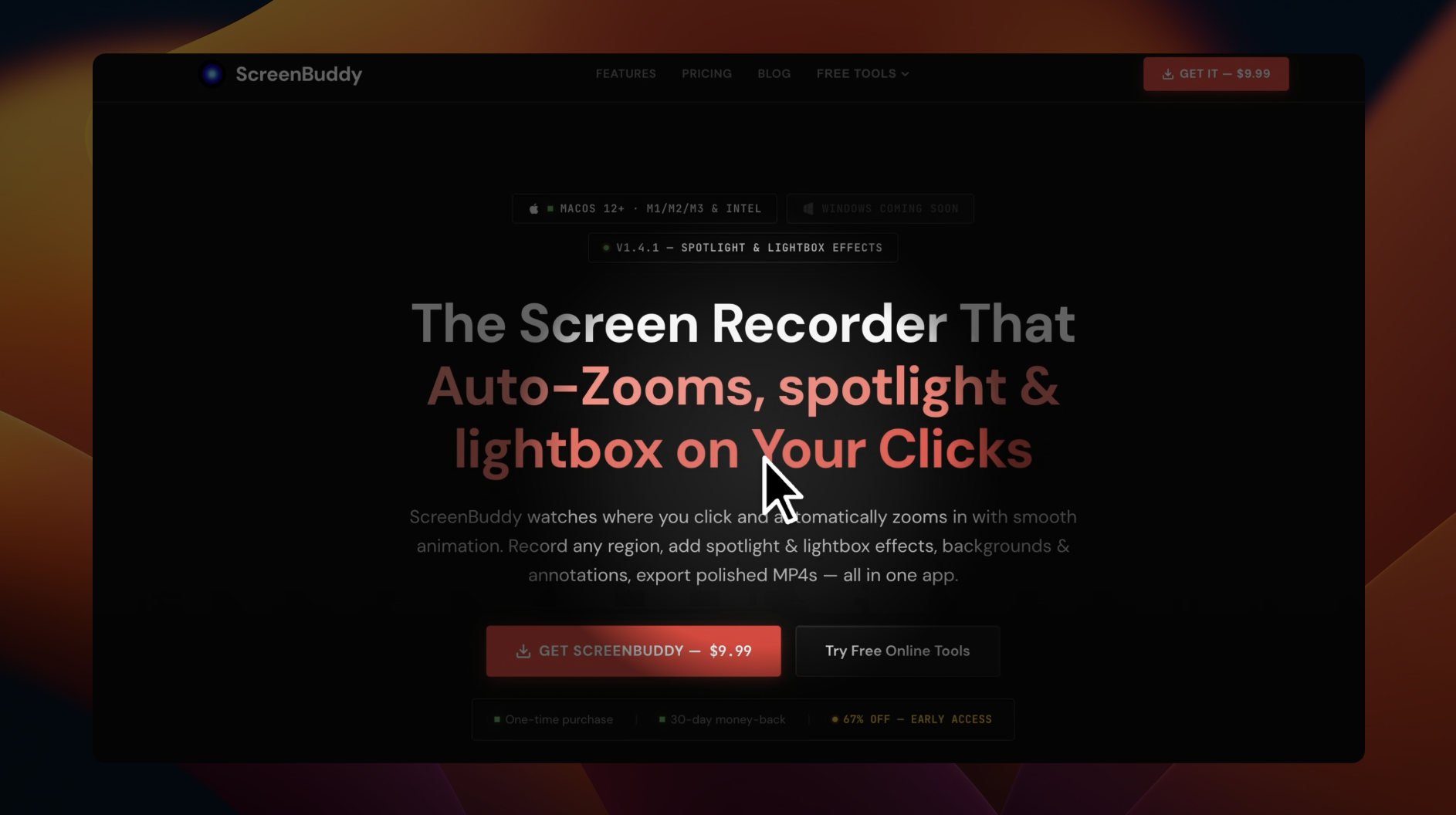
Screenshot & Screen Recording
ScreenBuddy
Screen recording with auto-zoom, spotlight, and lightbox
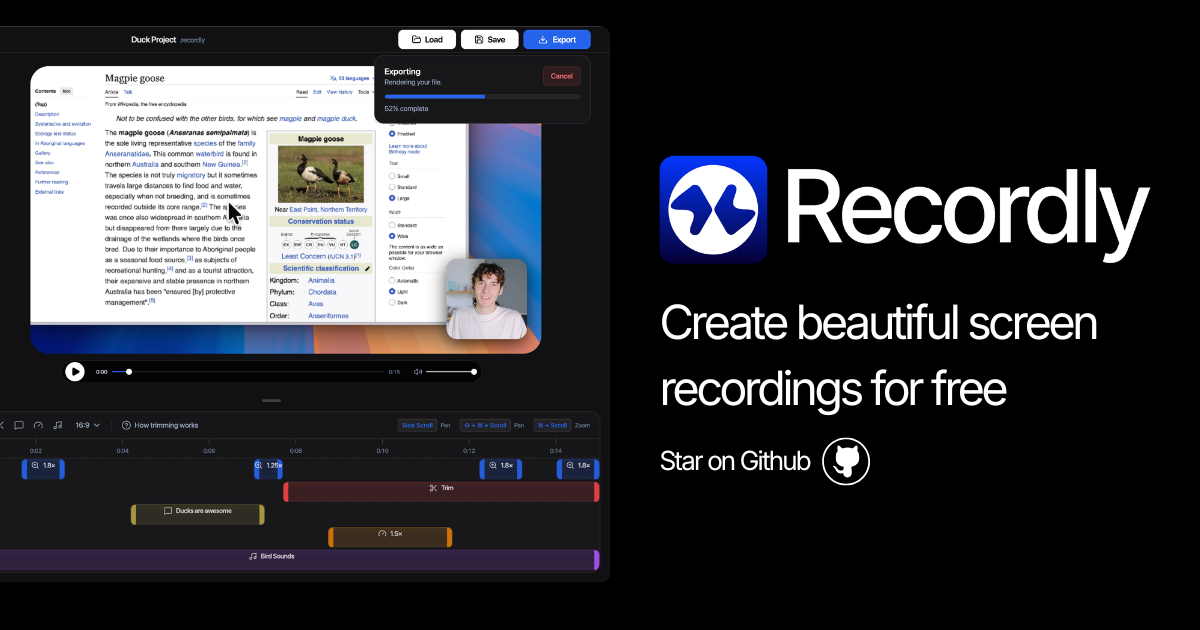
Screenshot & Screen Recording
Recordly
Open-source screen recorder and editor for polished demos, tutorials, and product videos.
Display & Accessibility
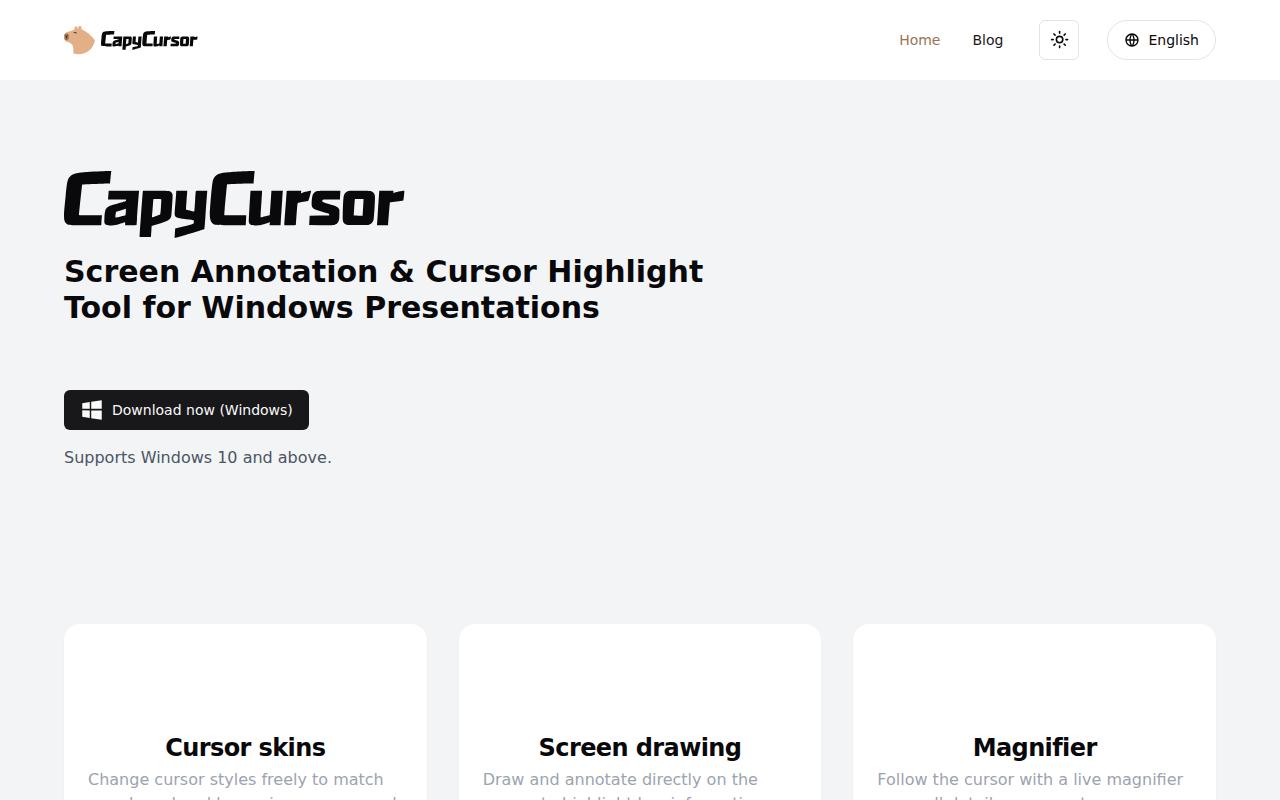
CapyCursor
Cursor highlight, screen draw, zoom & spotlight
Screenshot & Screen Recording
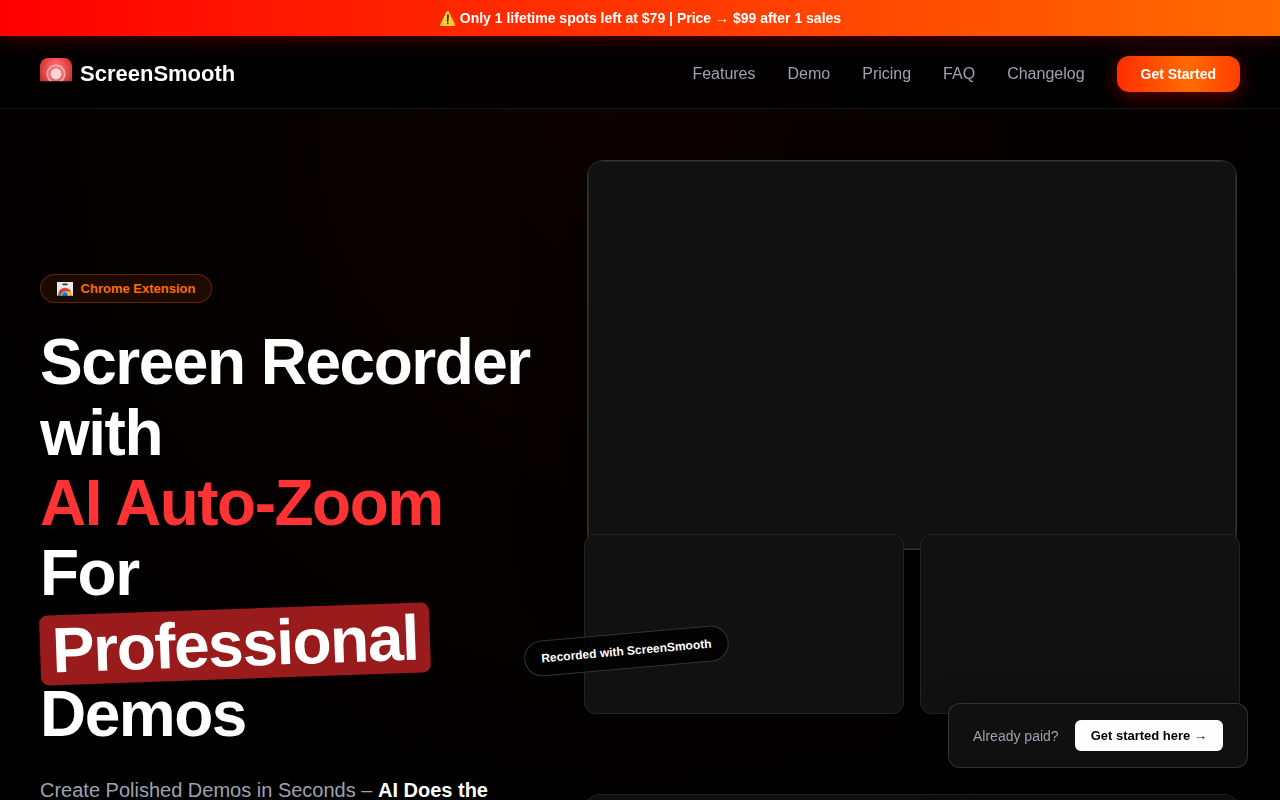
ScreenSmooth
Beautiful Screen Recordings in minutes
Screenshot & Screen Recording
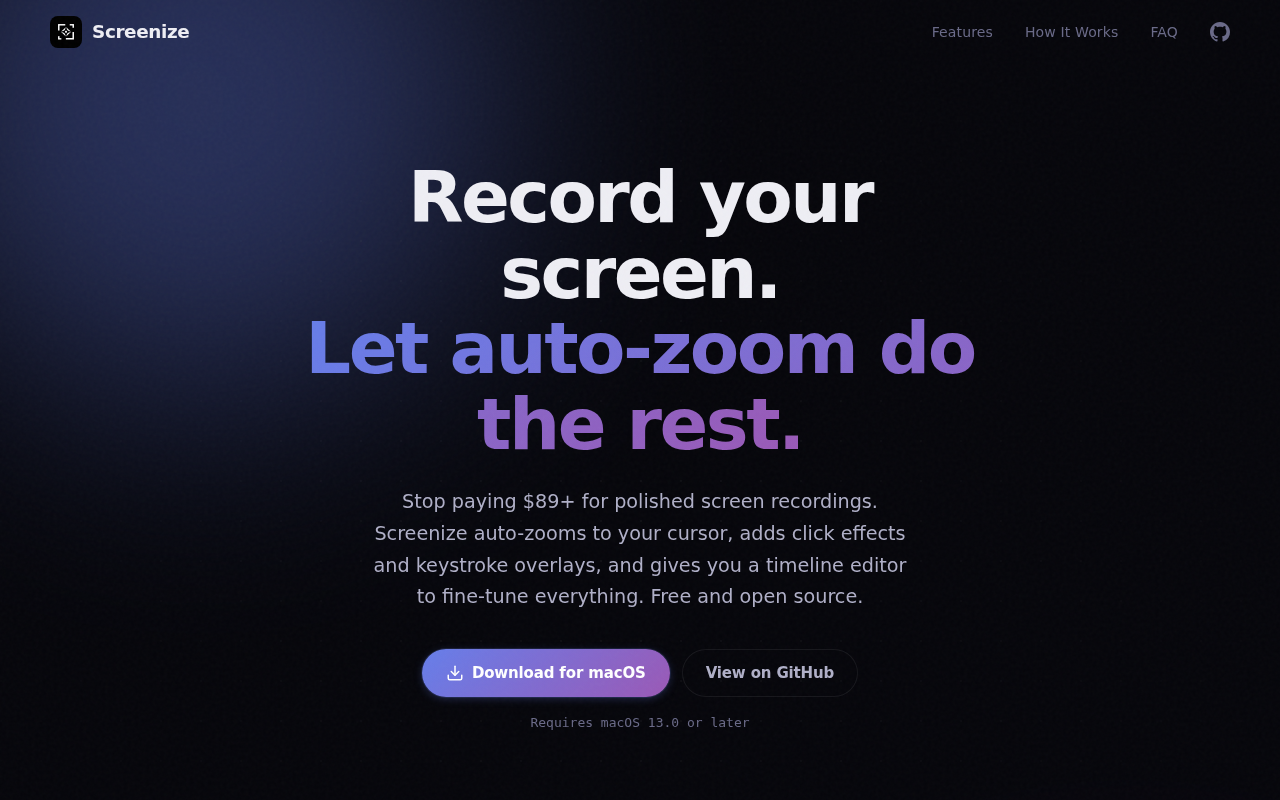
Screenize
Open-source screen recorder with auto-zoom, cursor effects, and timeline editing.