
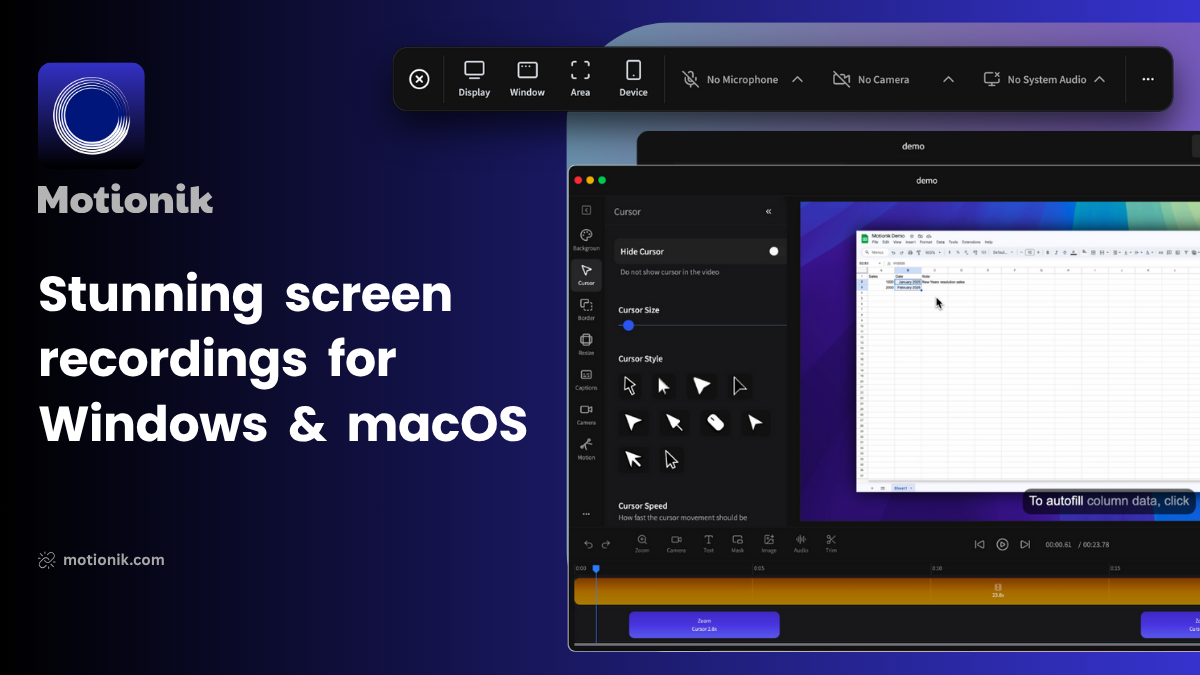
Motionik
Screen recording software
Motionik records the desktop on macOS and Windows and applies automatic zoom, pan, and cursor‑tracking animations that follow mouse movements. Users can choose 3D or 2D automatic zoom, adjust zoom manually, and control the timing of zoom transitions. The tool also supports webcam and microphone capture, allowing a camera feed to be positioned and timed within the recording.
In addition to the raw capture, Motionik offers overlay capabilities such as text, images, audio tracks, content masks, and highlights. These elements can be added directly in the app to emphasize parts of the screen, hide sensitive information, or provide annotations without external editing software.
The software combines recording, zoom effects, and basic editing in a single workflow, targeting creators who need product demos, tutorials, or explainer videos with minimal post‑production effort. It runs on macOS 13.1+ and Windows 10+, and is described as stable for everyday use.
Reviews
Loading reviews…
Similar apps
Screenshot & Screen Recording
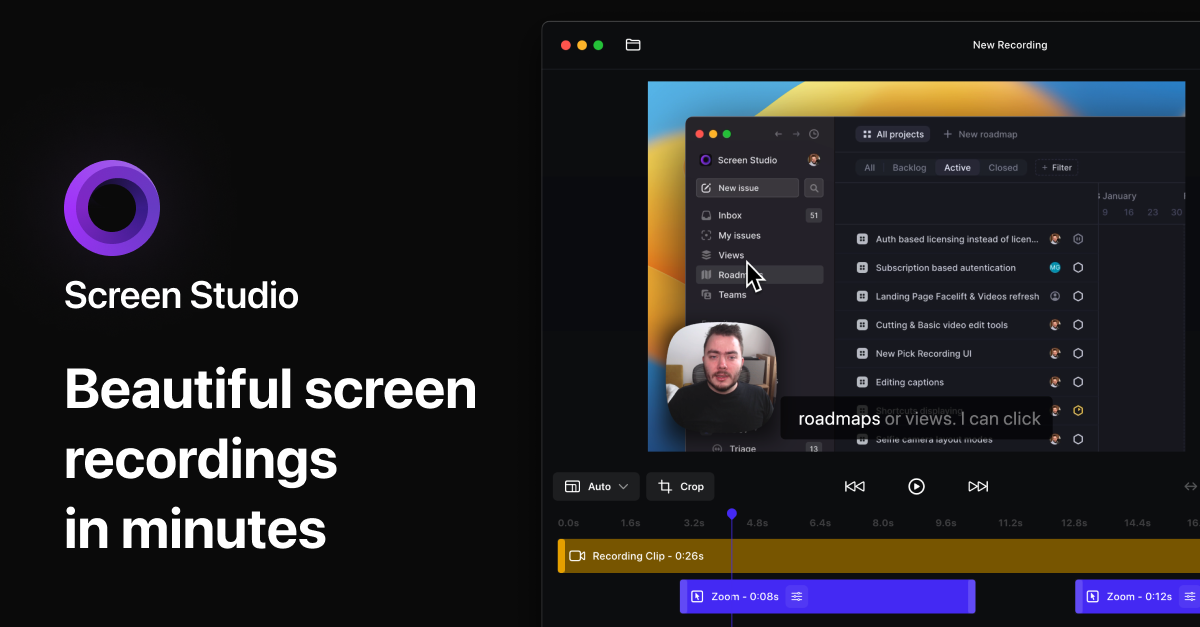
Screen Studio
Screen recorder for polished videos with automatic motion effects.
Screenshot & Screen Recording
Screen Studio
Screen recorder and editor
Screenshot & Screen Recording
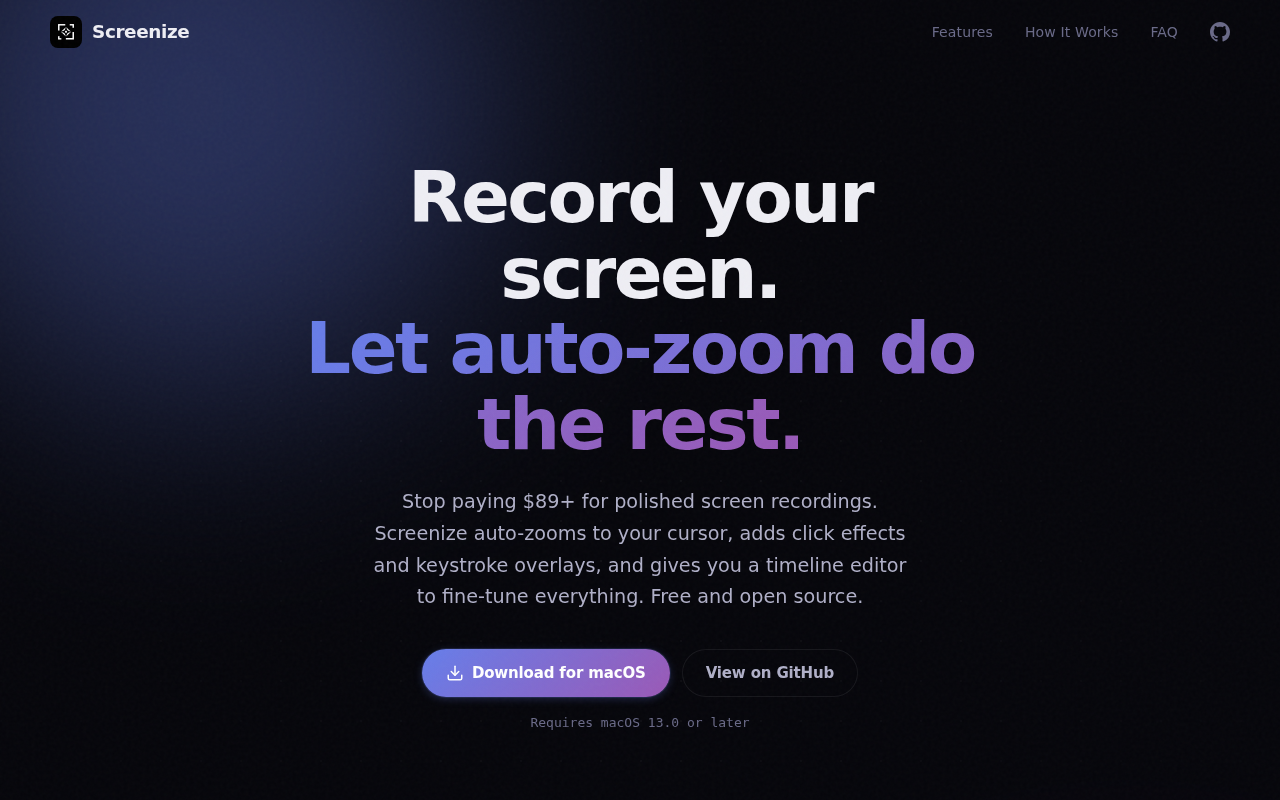
Screenize
Open-source screen recorder with auto-zoom, cursor effects, and timeline editing.
Screenshot & Screen Recording
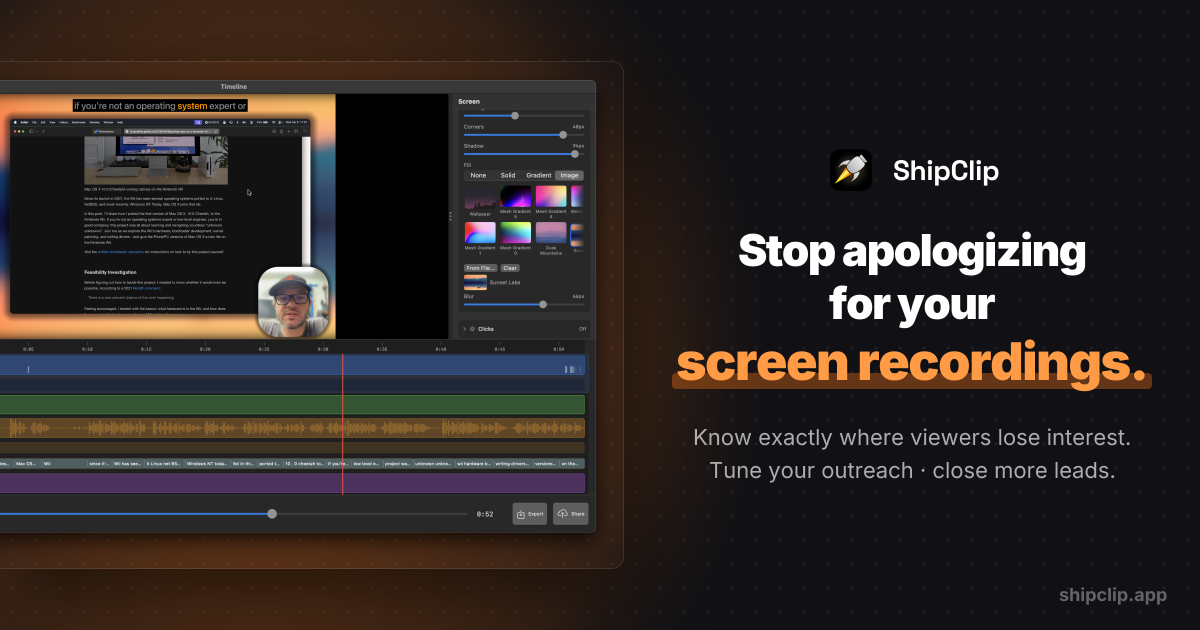
ShipClip
Native macOS screen recorder. Record polished demos with zoom-to-click, multi-track audio, and camera PiP; share a link and see exactly who…
Screenshot & Screen Recording
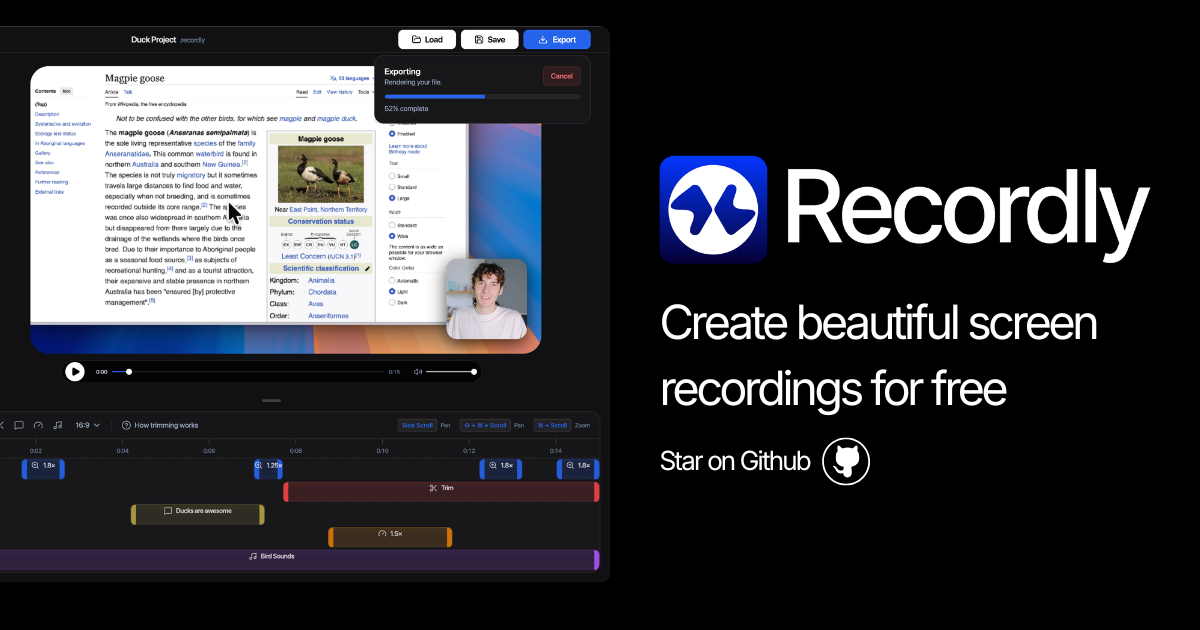
Recordly
Open-source screen recorder and editor for polished demos, tutorials, and product videos.
Screenshot & Screen Recording
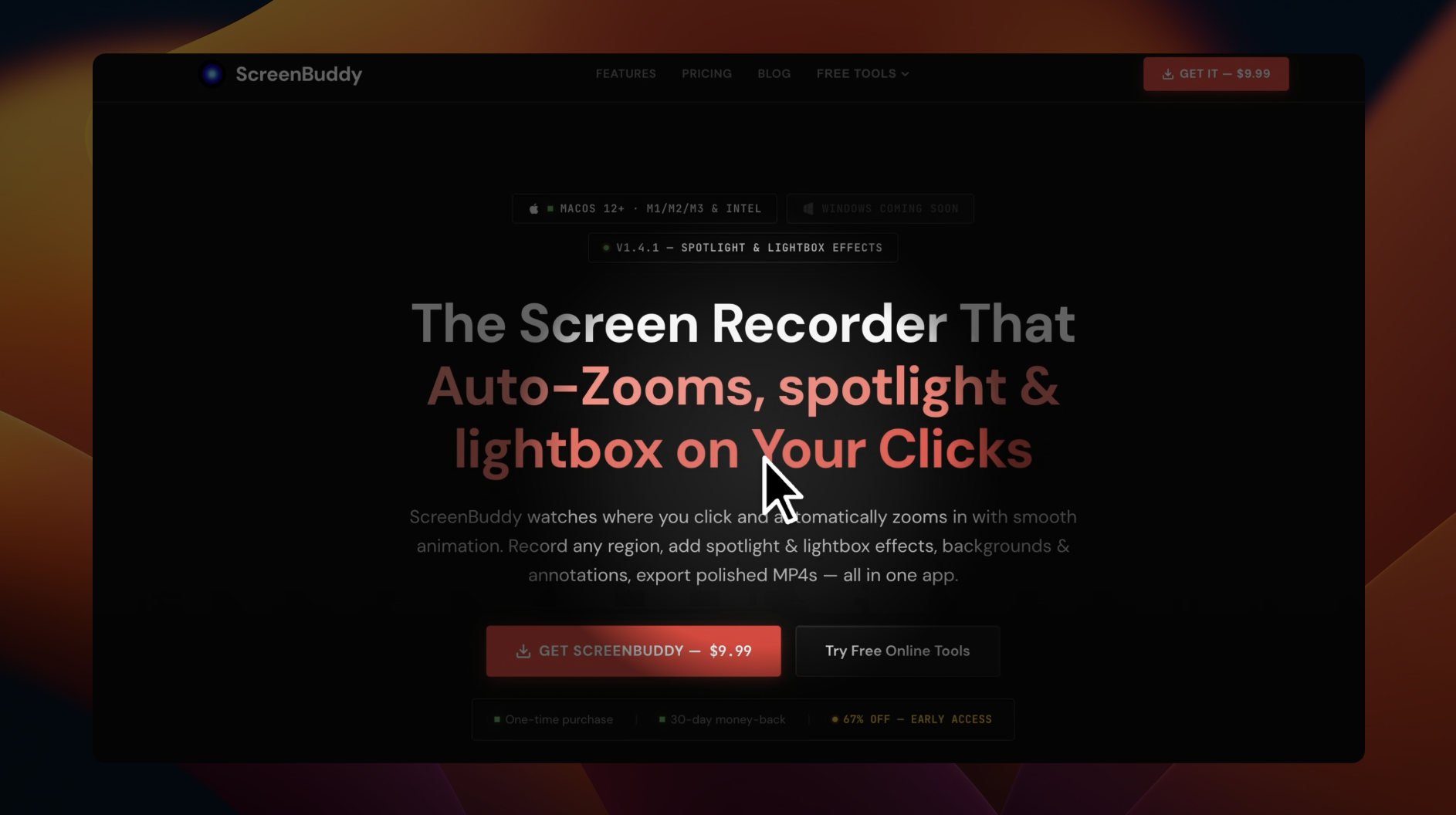
ScreenBuddy
Screen recording with auto-zoom, spotlight, and lightbox