
ProjectSend
Upload files and assign them to specific clients you create. Give access to those files to your clients.
ProjectSend is a self‑hosted file‑sharing portal that lets administrators upload files and assign them to client accounts they create. Clients can log in with individual credentials, download the files they are permitted to see, and optionally upload files back to the server. The system supports grouping of clients, auto‑expiring links, download limits, and detailed activity logging, while offering server‑side AES‑256‑GCM encryption and two‑factor authentication for added security.
The software targets freelancers, agencies, accountants, photographers, architects, NGOs, schools, and any organization that needs to exchange files with external parties without relinquishing data control. It provides role‑based permissions, LDAP/Active Directory integration, S3‑compatible external storage, and customizable email templates and portal themes, all available in more than seventy languages.
ProjectSend is released under GPL‑2.0, requires PHP 8.2+ and MySQL, and runs on standard Apache or Nginx servers. It is free, open source, and has been maintained since 2011, offering a low‑complexity installation and a stable, mature codebase.
Reviews
Loading reviews…
Similar apps
File Management & Transfer
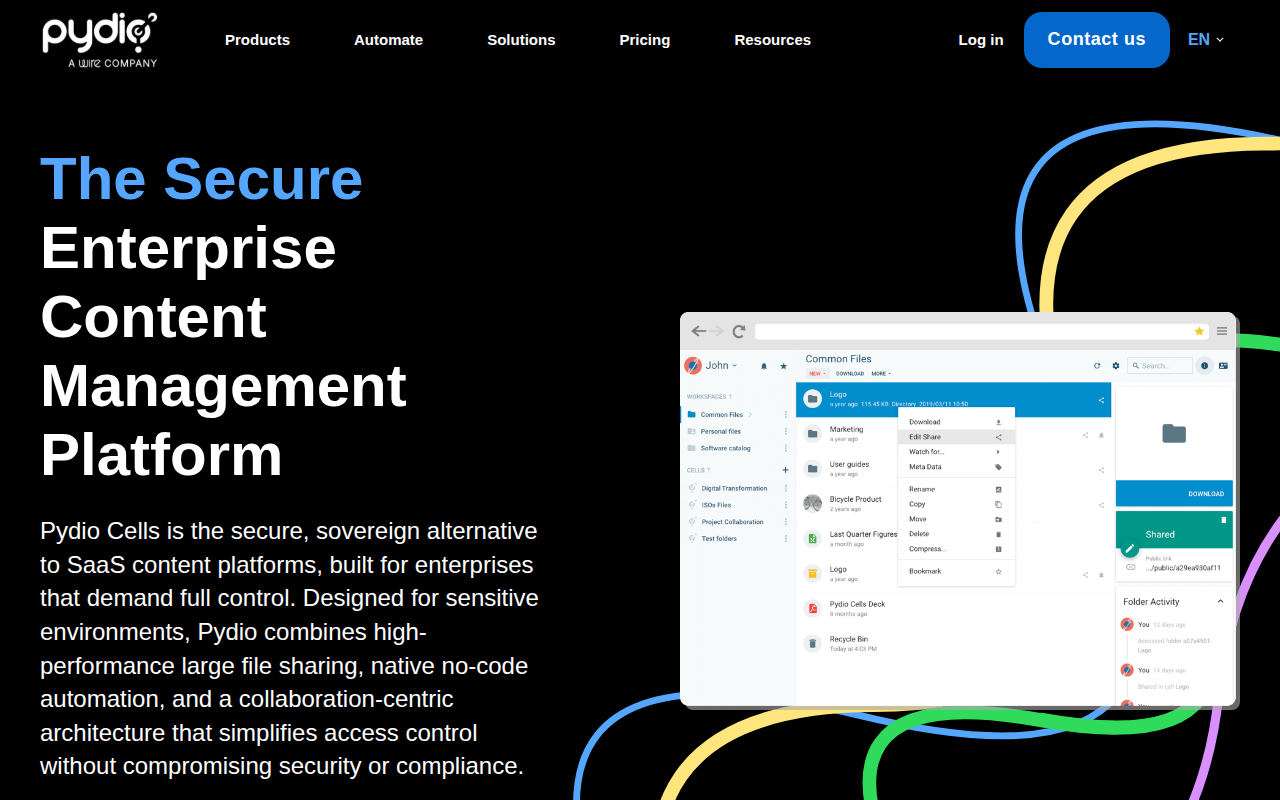
Pydio
Turn any web server into a powerful file management system and an alternative to mainstream cloud storage providers.

File Management & Transfer
ffsend
Quick file share.
Documents, Forms & Contracts
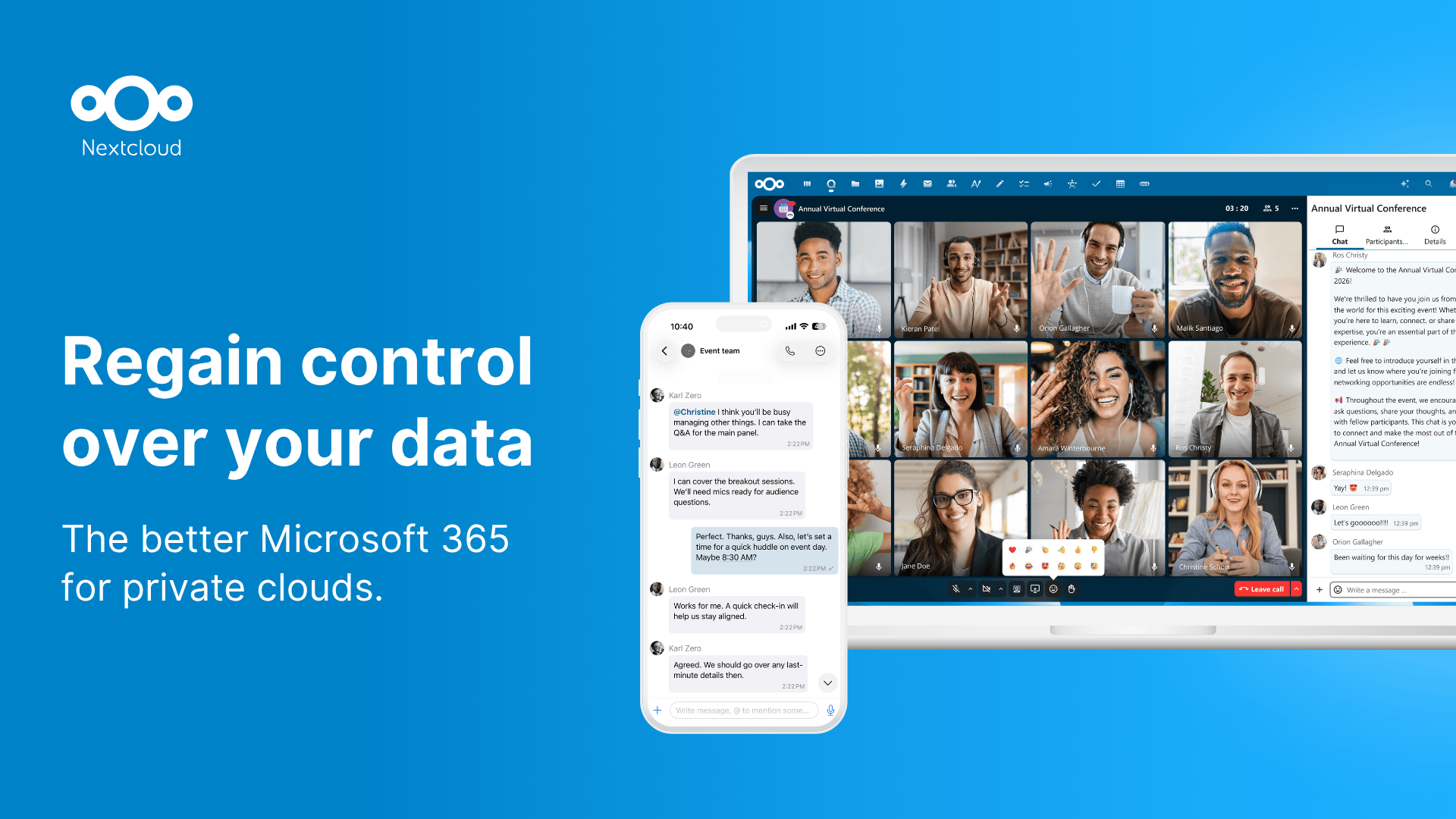
Nextcloud
Access and share your files, calendars, contacts, mail and [more](https://apps.nextcloud.com/) from any device, on your terms.
File Management & Transfer
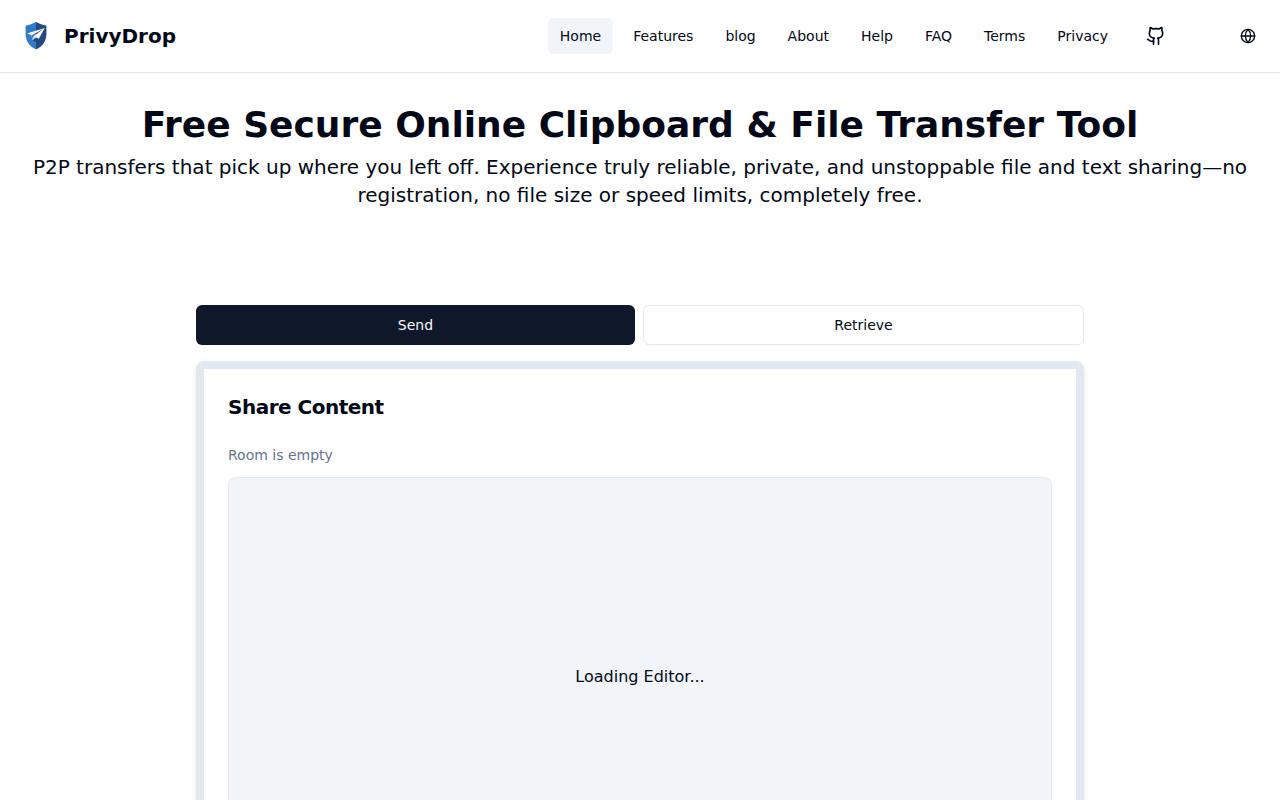
PrivyDrop
Simple and user-friendly, breakpoint-resumable peer-to-peer text, image, and file transfer tool based on WebRTC.
File Management & Transfer
Filestash
Web file manager that lets you manage your data anywhere it is located: FTP, SFTP, WebDAV, Git, S3, Minio, Dropbox, or Google Drive.
DevOps & Infrastructure
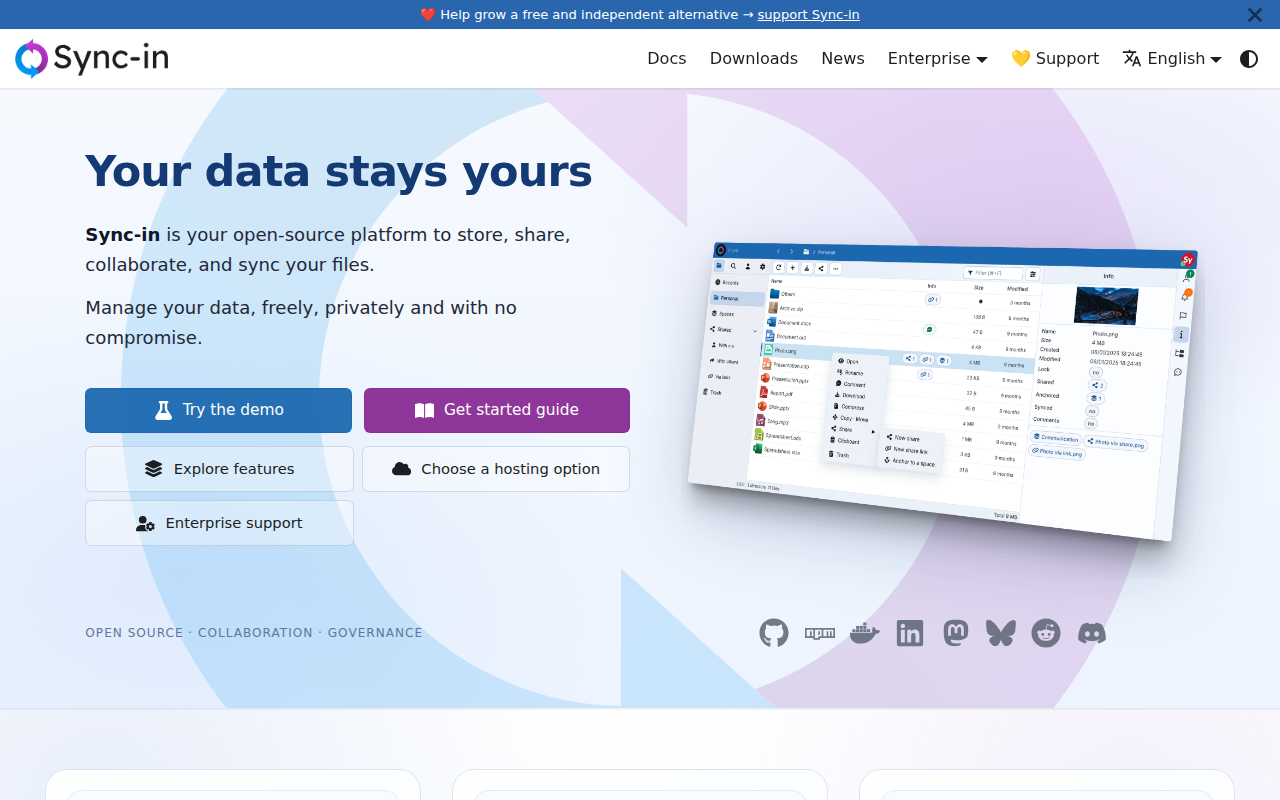
Sync-in
File storage, syncing, sharing, and collaboration with real-time editing, permission management, and desktop/CLI clients.