
Reframed
Screen recorder with a built-in editor.
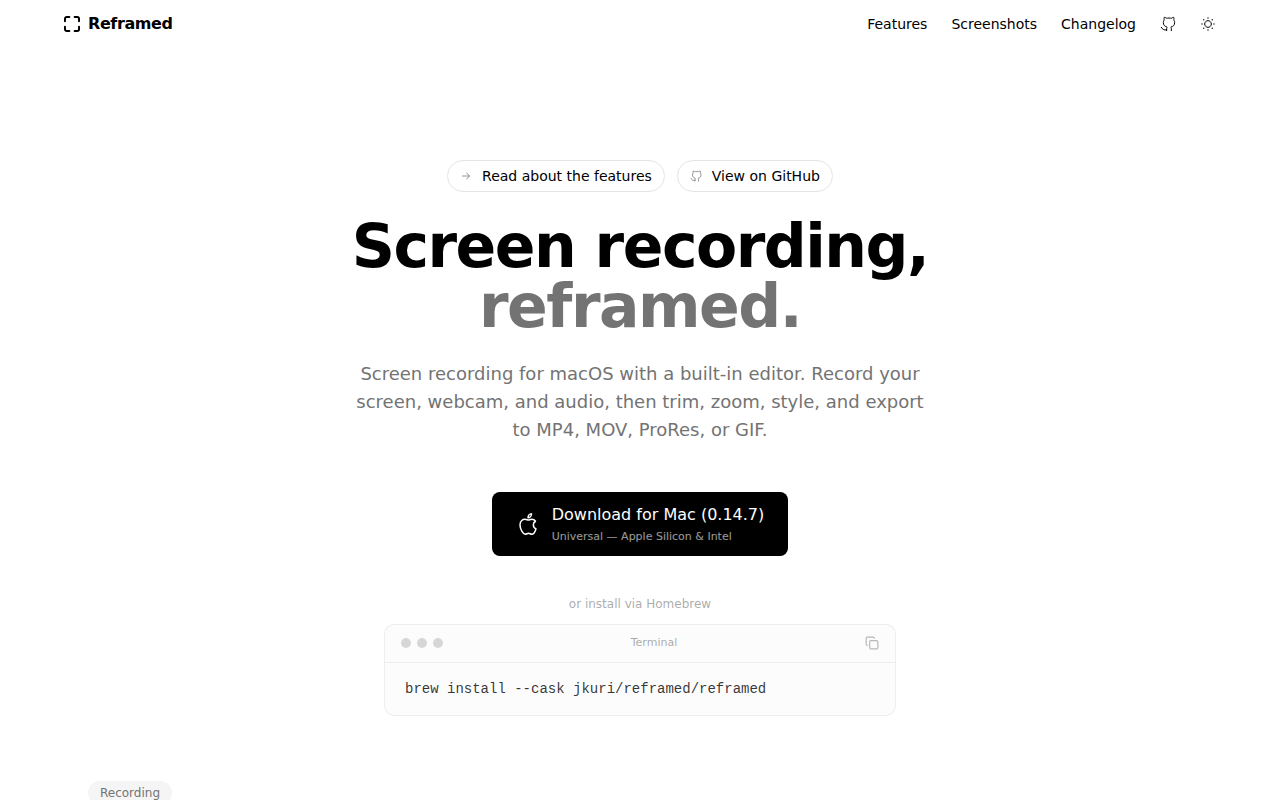
Reframed provides macOS users with an integrated screen‑recording and video‑editing workflow. It can capture the entire display, a single window, a custom region, or a connected iOS device, while simultaneously recording system audio, microphone input, and an optional webcam overlay. Cursor position and clicks are sampled at 120 Hz, and a shared clock with real‑time drift correction keeps all tracks synchronized even for long sessions.
The built‑in timeline editor is tailored for screen‑capture material. Users can trim individual tracks, add zoom and pan keyframes, apply solid‑color, gradient, or image backgrounds, and replace the webcam background with a blur, solid color, gradient, or custom image via on‑device person segmentation. Captions are generated locally using WhisperKit, with options to embed them in the video or export as SRT/VTT. Audio tracks can be individually volume‑adjusted and cleaned with noise‑reduction filters.
Export options include MP4, MOV, ProRes, and GIF, supporting a range of codecs and resolutions. The application is open‑source, free to use, and distributed as a universal binary for Apple Silicon and Intel Macs, with installation available through direct download or Homebrew.
Reviews
Loading reviews…
Similar apps
Screenshot & Screen Recording
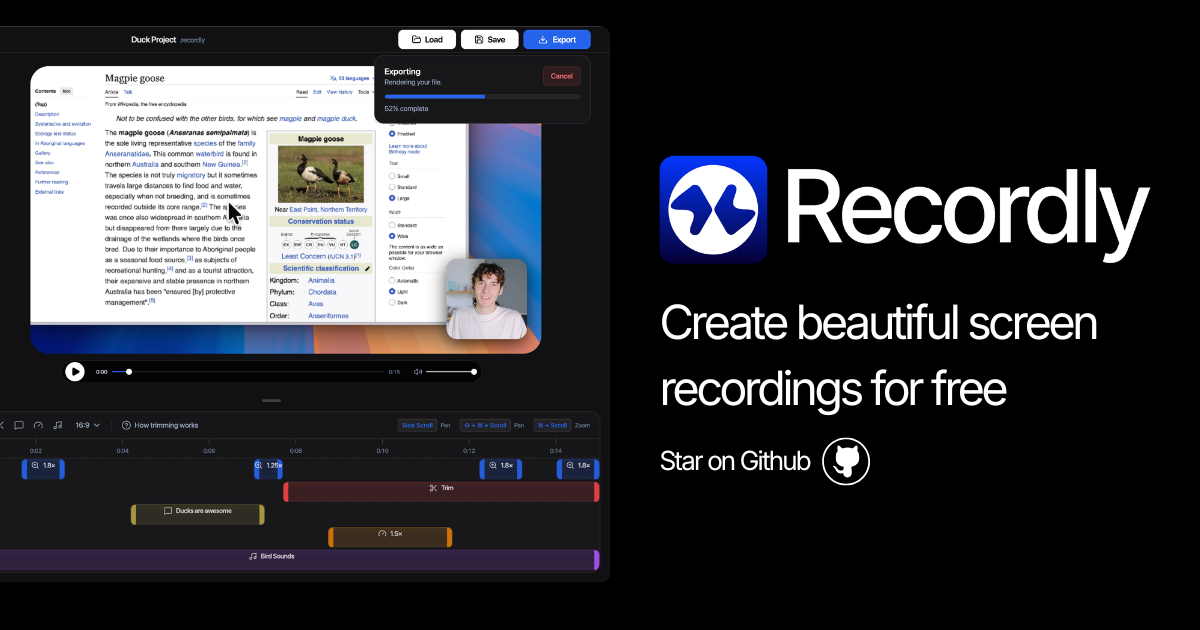
Recordly
Open-source screen recorder and editor for polished demos, tutorials, and product videos.
Screenshot & Screen Recording
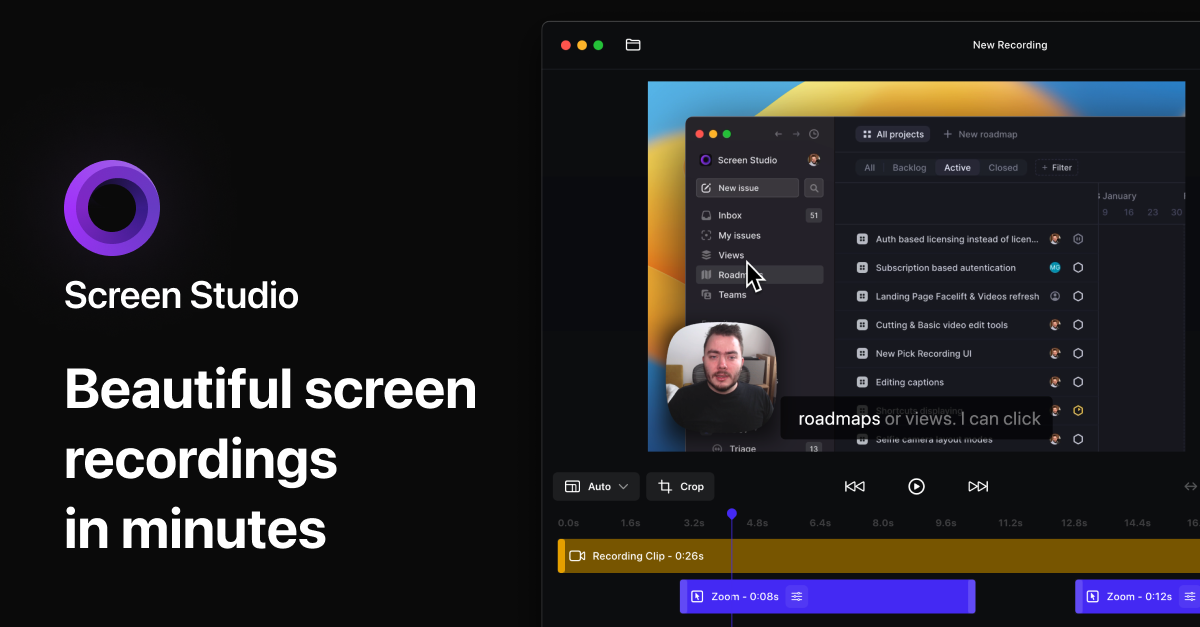
Screen Studio
Screen recorder and editor
Screenshot & Screen Recording
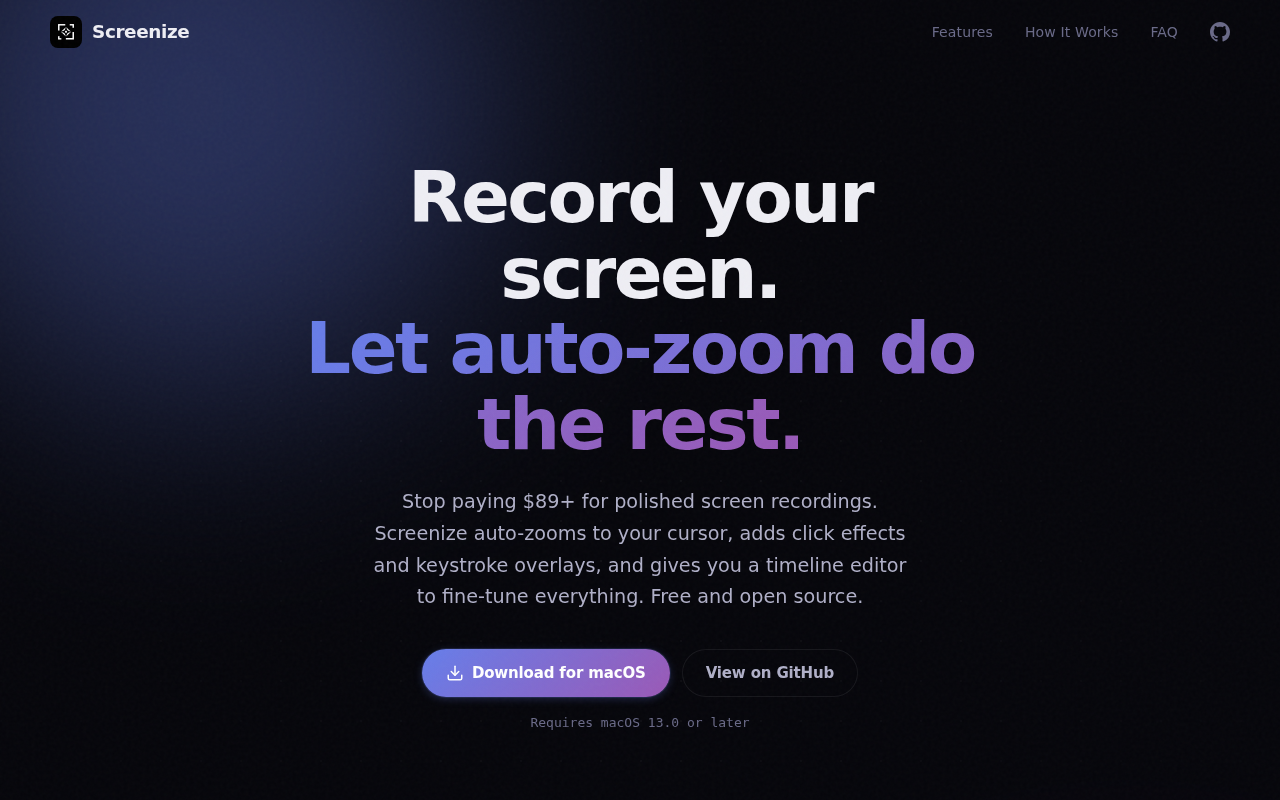
Screenize
Open-source screen recorder with auto-zoom, cursor effects, and timeline editing.
Screenshot & Screen Recording
BetterCapture
Free and open source screen recorder with professional encoding support.
Screenshot & Screen Recording
Screen Studio
Screen recorder for polished videos with automatic motion effects.
Screenshot & Screen Recording
BetterCapture
Screen recorder