
Spectro
Detect fake lossless audio files before they ruin your set
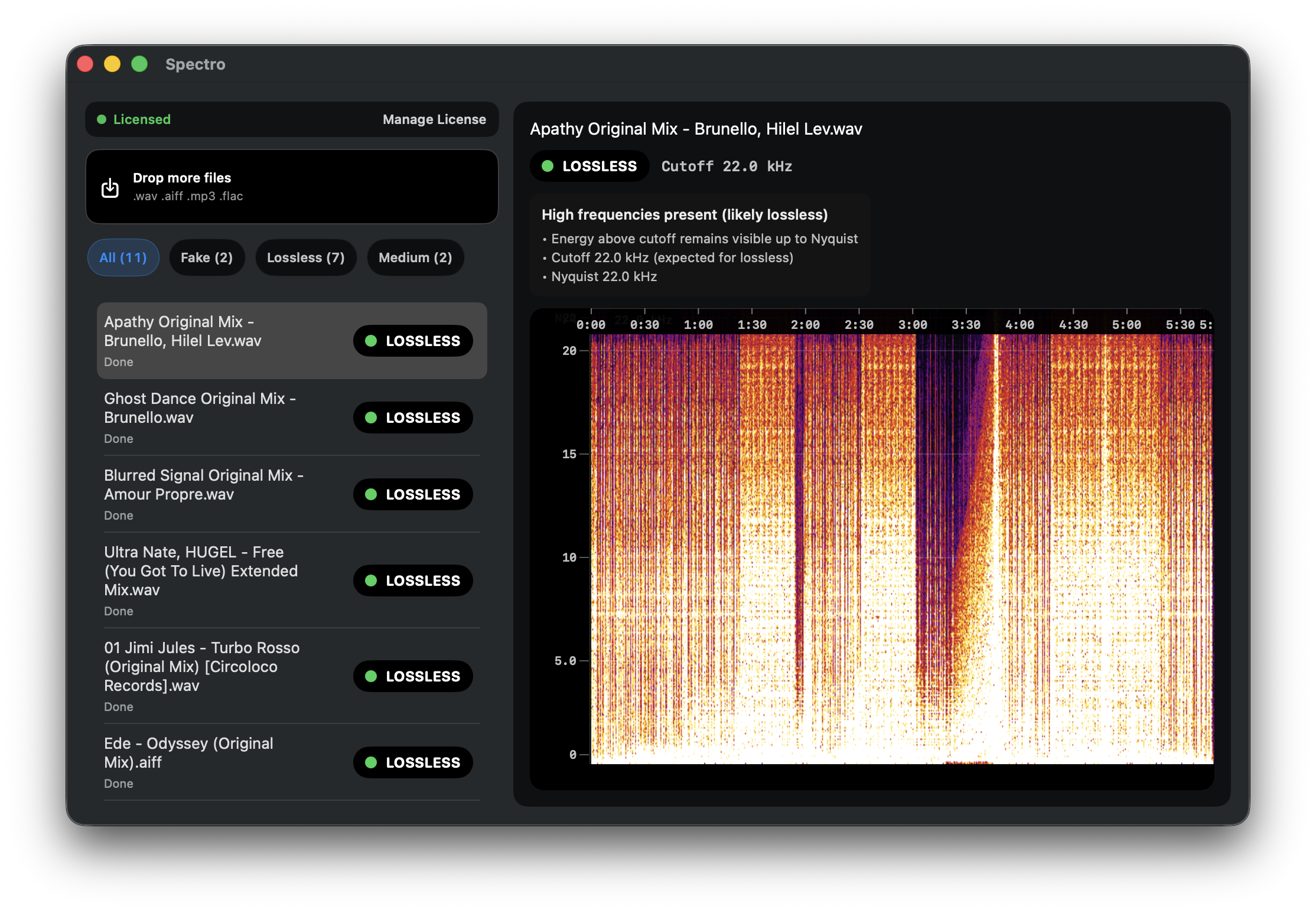
Spectro scans audio files on macOS to identify tracks that are marketed as lossless (WAV, AIFF, FLAC) but are actually compressed MP3s or AAC files. Using offline spectral analysis it evaluates each file and tags those detected as “fake lossless” with a red color directly in Finder, allowing users to see the status without opening a separate application. The tool can process entire libraries or folders of downloads in batch, handling up to 100 files simultaneously and delivering a verdict in under a second per file.
The software is aimed at DJs, music producers, and anyone who manages large collections of high‑resolution audio and needs to ensure that their tracks retain the expected quality before playback on professional systems. By integrating with the macOS Finder and operating completely offline, it keeps the library private and avoids any cloud uploads or account requirements.
Spectro is offered as a one‑time purchase with a free trial for the first 100 tracks, and it runs on macOS 13 Ventura or later. It provides batch scanning, color tagging, and a simple workflow for pre‑gig quality control.
Reviews
Loading reviews…
Similar apps
DAWs & Music Production
BeatCrate
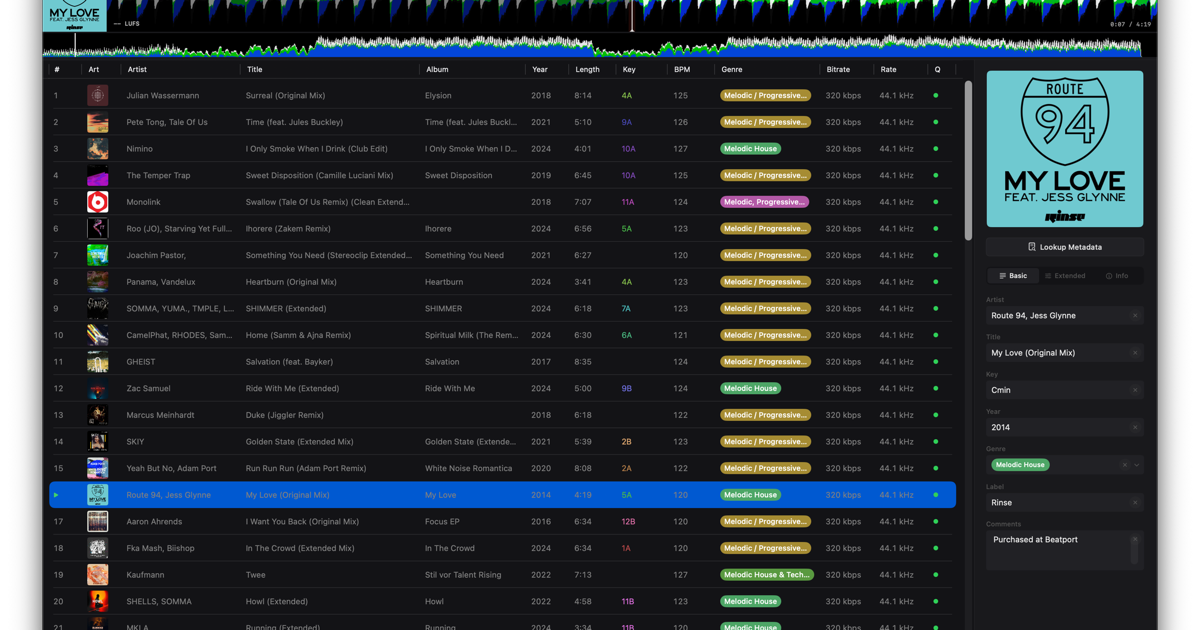
Organize and perfect your DJ library with precise curation
Audio Routing & Effects
DigiCheck NG
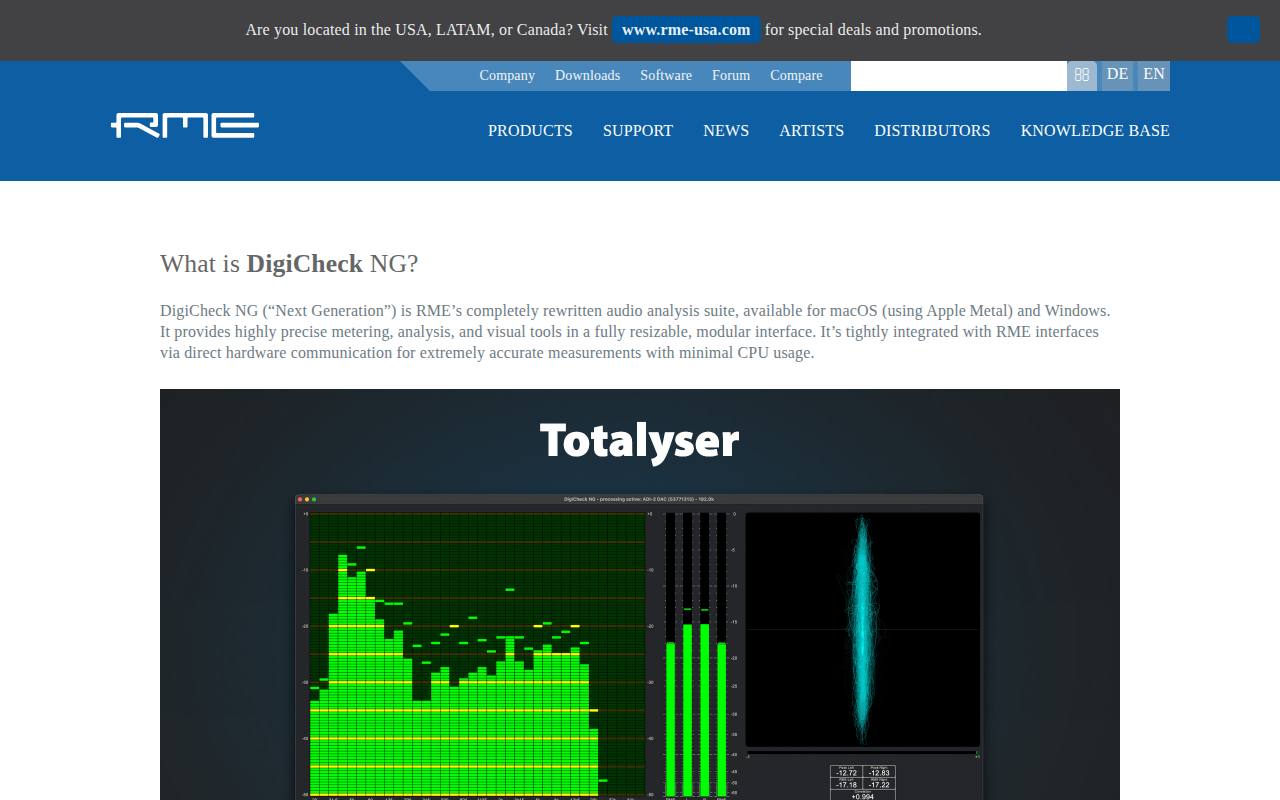
Audio analysis software
Audio Routing & Effects
SampleStack
The native macOS sample manager built for every instrument

Wikis & Collaborative Docs
Spectra
OpenSpec document management desktop app

Audio Routing & Effects
AVbeam
Audio file similarity viewer

File Management & Transfer
PDF Auditor
PDF inspection tool for analyzing metadata, structure, and security risks.