
Stillcolor
Tool to disable temporal dithering on Apple Silicon Macs
Stillcolor is a lightweight menu‑bar utility for macOS on Apple Silicon (M1, M2, M3) that disables the GPU/DCP‑generated temporal dithering applied to the pixel framebuffer before it reaches the display. By turning off this frame‑rate‑control (FRC) process, the app aims to reduce visual discomfort such as eyestrain, headaches, and nausea for users who are sensitive to rapid color changes. The software runs in user space, requires macOS 13 or later, and can be set to launch automatically at login.
The target audience includes individuals who experience visual fatigue from temporal dithering on modern displays, particularly those using Apple‑silicon Macs where no native option to disable the feature exists. Users can verify the effect via a simple Terminal command that reports the “enableDither” flag for each connected display, and visual tests such as gradient banding or video capture can be used to confirm reduced flicker.
Stillcolor’s distinctive aspect is its direct manipulation of the GPU/DCP dithering pipeline without altering image quality, offering a software‑only solution where hardware controls are unavailable. The app is distributed as a zip file for manual installation and is listed as stable for macOS 13+.
Reviews
Loading reviews…
Similar apps
Fonts, Colors & Assets
System Color Picker
The macOS color picker as an app with more features.
Display & Accessibility
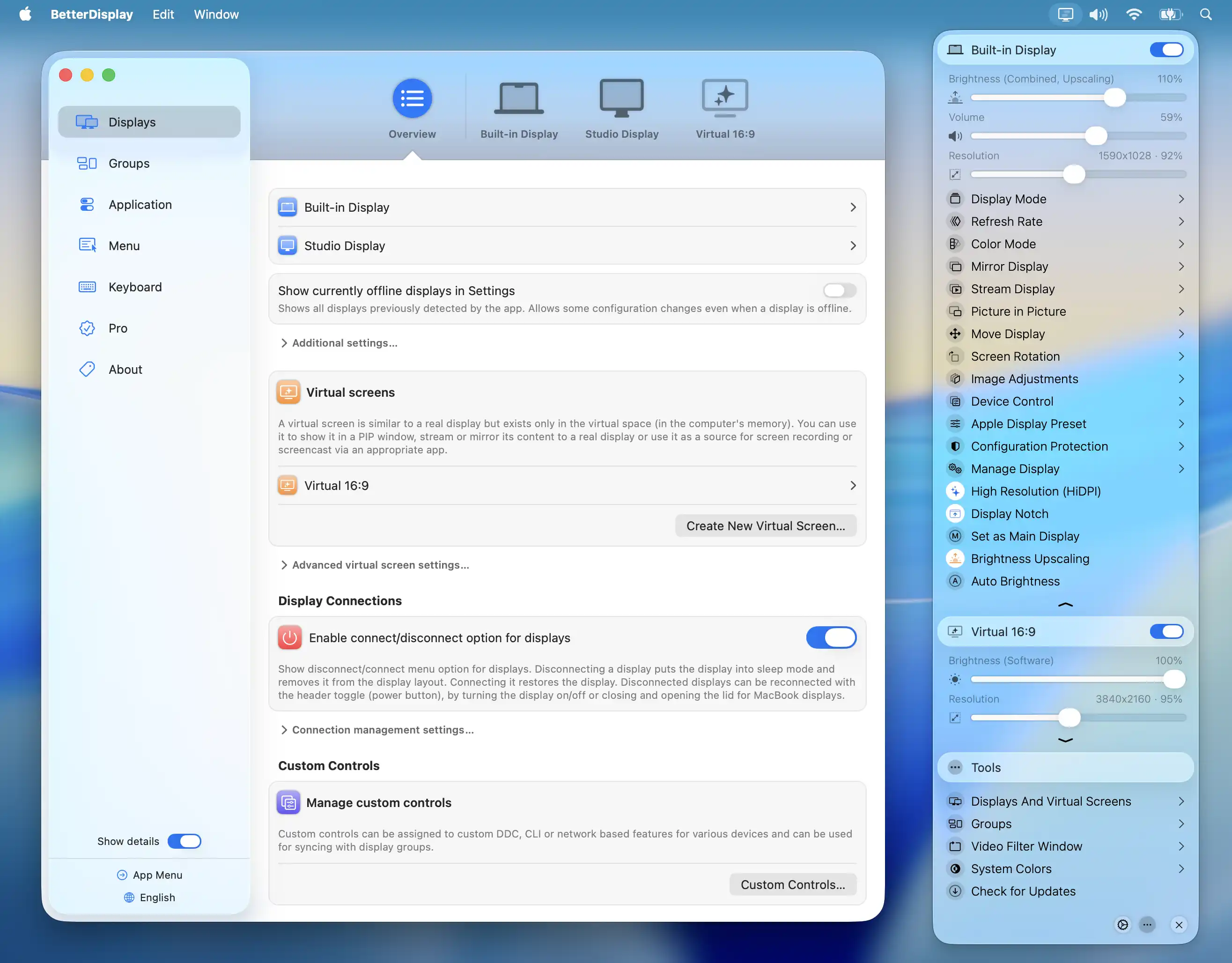
BetterDisplay
Display management tool
Display & Accessibility
Nocturnal
Dimness and night shift menu bar app
Code Editors & IDEs
MacSystemColors
Mac app that shows all system colors in light and dark mode for Cocoa developers.
Display & Accessibility
Repose
Menu bar break timer that dims your screen and pauses during calls.
Display & Accessibility
Brightness Sync
Utility to synchronise the brightness of LG UltraFine display(s)