
stronghold
Easily configure MacOS security settings from the terminal.
The tool provides a command‑line interface for adjusting macOS security settings without opening graphical preferences. It supports toggling the built‑in firewall, enabling logging and stealth mode, and configuring Gatekeeper and software‑whitelisting prompts. Additional options let users clear various metadata stores, such as language‑modeling and QuickLook data, and control features like automatic cloud saves, hidden‑file visibility, and printer sharing.
Target users are macOS administrators and power users who prefer terminal‑based configuration, especially on Sierra and High Sierra systems. The script can be invoked with a “lockdown” flag to apply a predefined secure configuration automatically, or with individual flags to adjust specific settings. Installation is possible via pip or by downloading a pre‑built binary.
The project is open source and released under a free‑tier license, with contributions welcomed through standard Git workflows. Documentation cites external macOS security guides, and the repository includes acknowledgments for design assistance and reference material.
Reviews
Loading reviews…
Similar apps
Password & Security
swiftGuard
Tool for protecting USB ports from unauthorized access.
Password & Security
Deadbolt
Open-source file encryption tool.
Password & Security
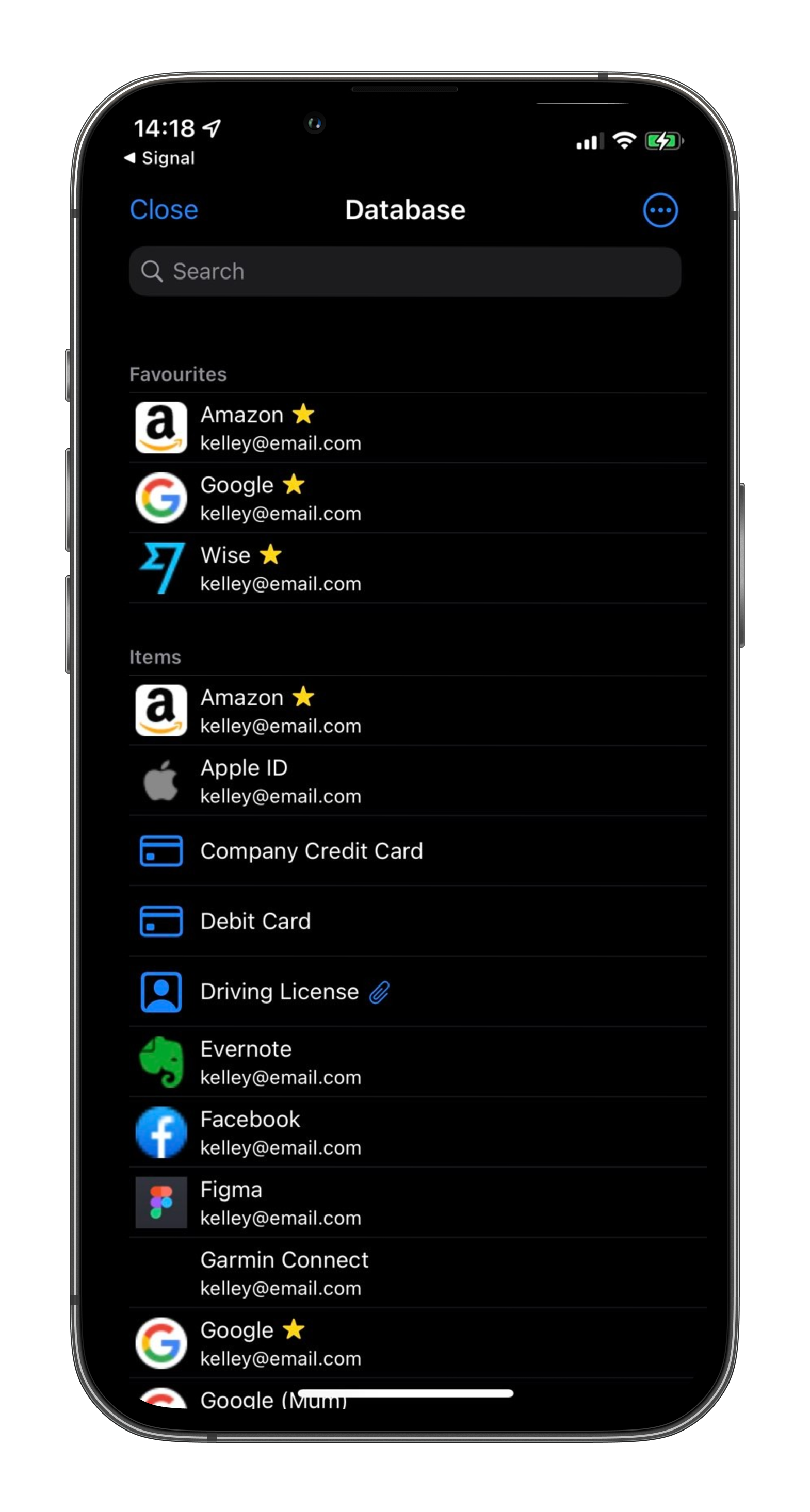
Strongbox
KeePass-compatible password manager with Password Safe support.
Password & Security
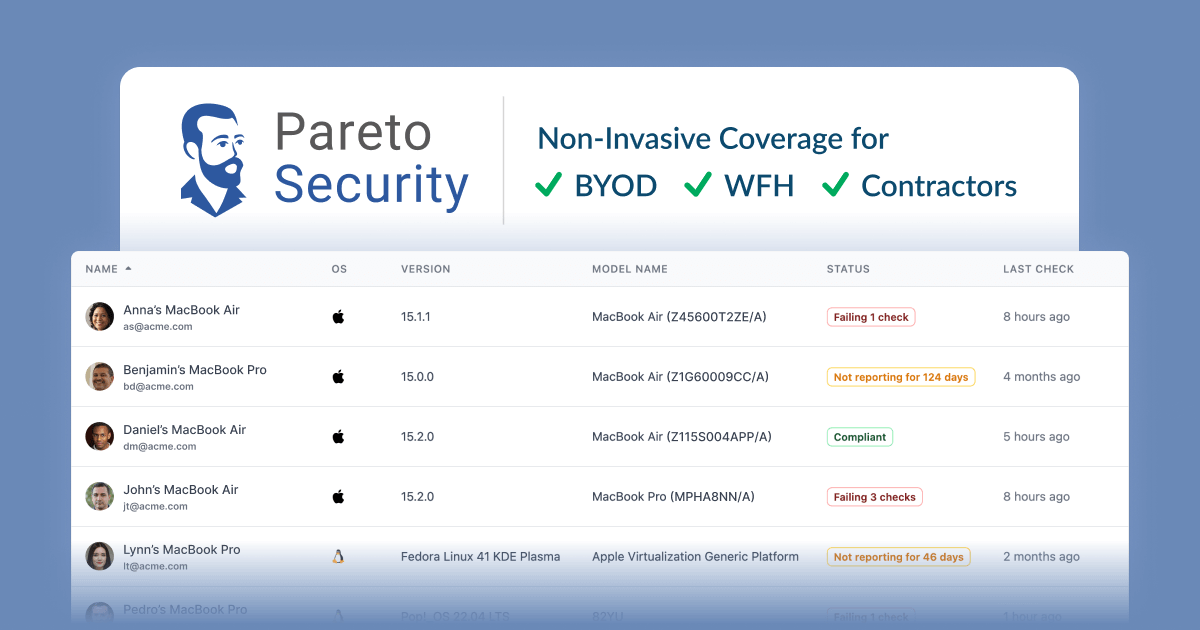
ParetoSecurity
A MenuBar app to automatically audit your Mac for basic security hygiene.

Password & Security
ClearanceKit
Policy-based file access control tool for protected paths.
Password & Security
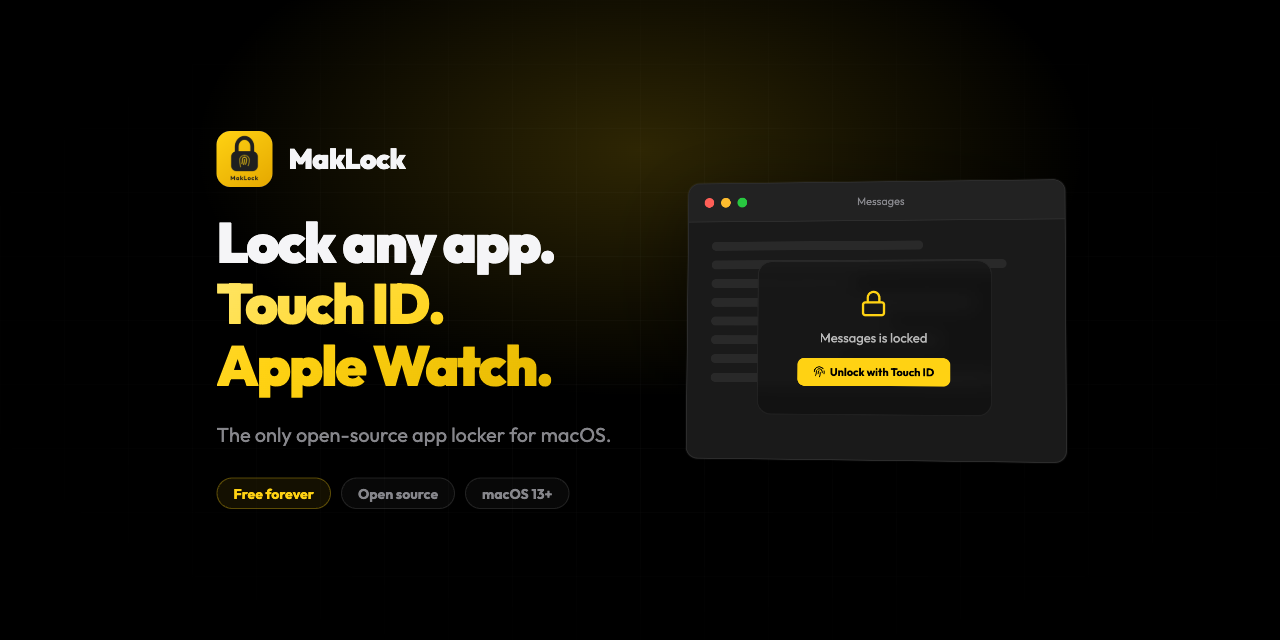
MakLock
Lock any macOS app with Touch ID, Apple Watch proximity, or password. Full-screen blur overlay on all monitors.