
Terminal velocity
A fast note-taking app.
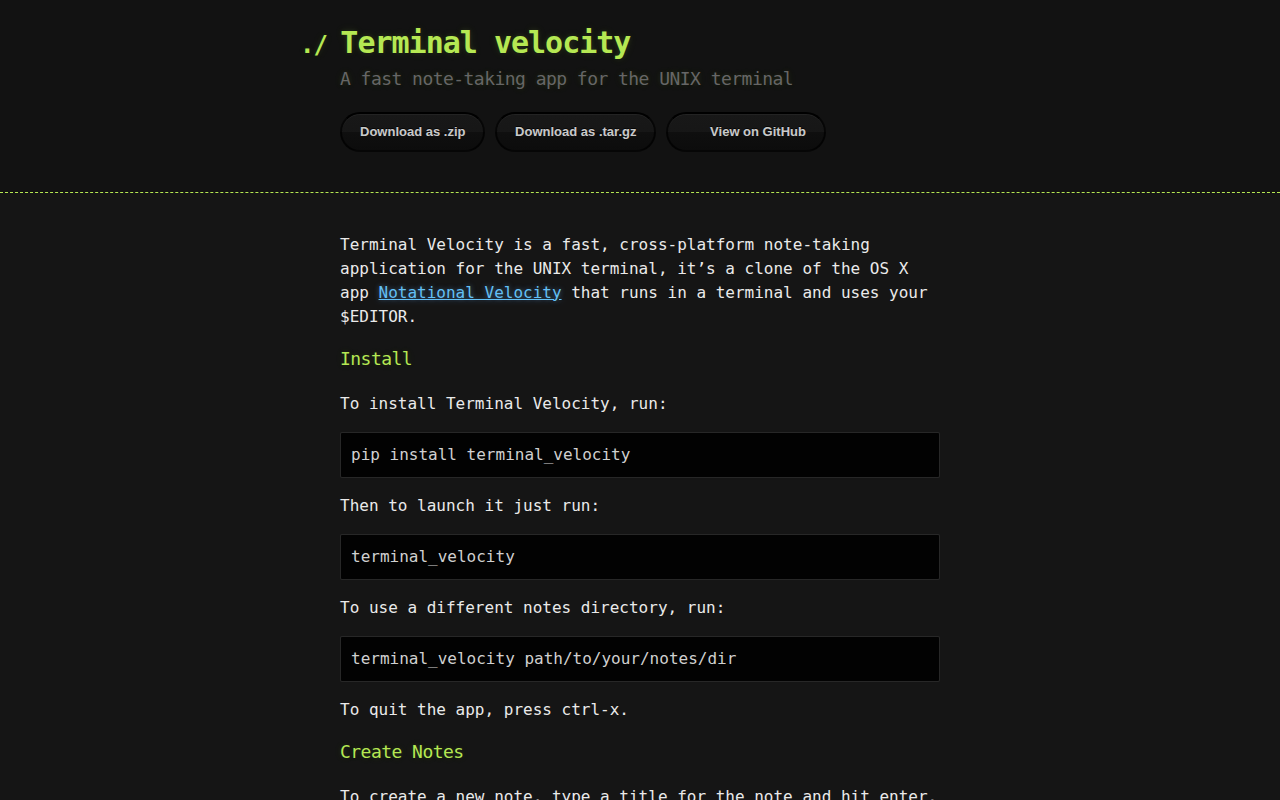
Terminal Velocity is a command‑line note‑taking tool that runs inside the UNIX terminal and launches the user’s preferred $EDITOR for editing. It stores each note as a plain‑text file in a configurable directory (default ~/Notes) and presents a single input area that serves both for creating new notes and for searching existing ones. As the user types, the list of notes is filtered in real time, supporting fuzzy matching across titles and bodies, case‑sensitive or case‑insensitive search based on capitalization, and recursive traversal of subfolders.
The interface offers autocomplete of note titles, navigation with arrow keys, page‑up/down, or mouse clicks, and shortcuts such as Ctrl‑X to quit and Ctrl‑D or Escape to override an autocomplete selection when creating a new note whose title overlaps an existing one. Configuration can be supplied via command‑line options or a config file, allowing users to set the notes path, editor, file extension, and other preferences.
Because notes are ordinary text files, they can be synchronized with any external system that handles files—Dropbox, Git, Unison, or similar services—making the application suitable for users who need a fast, terminal‑based workflow while keeping their data portable and version‑controlled.
Reviews
Loading reviews…
Similar apps
Note-Taking & PKM
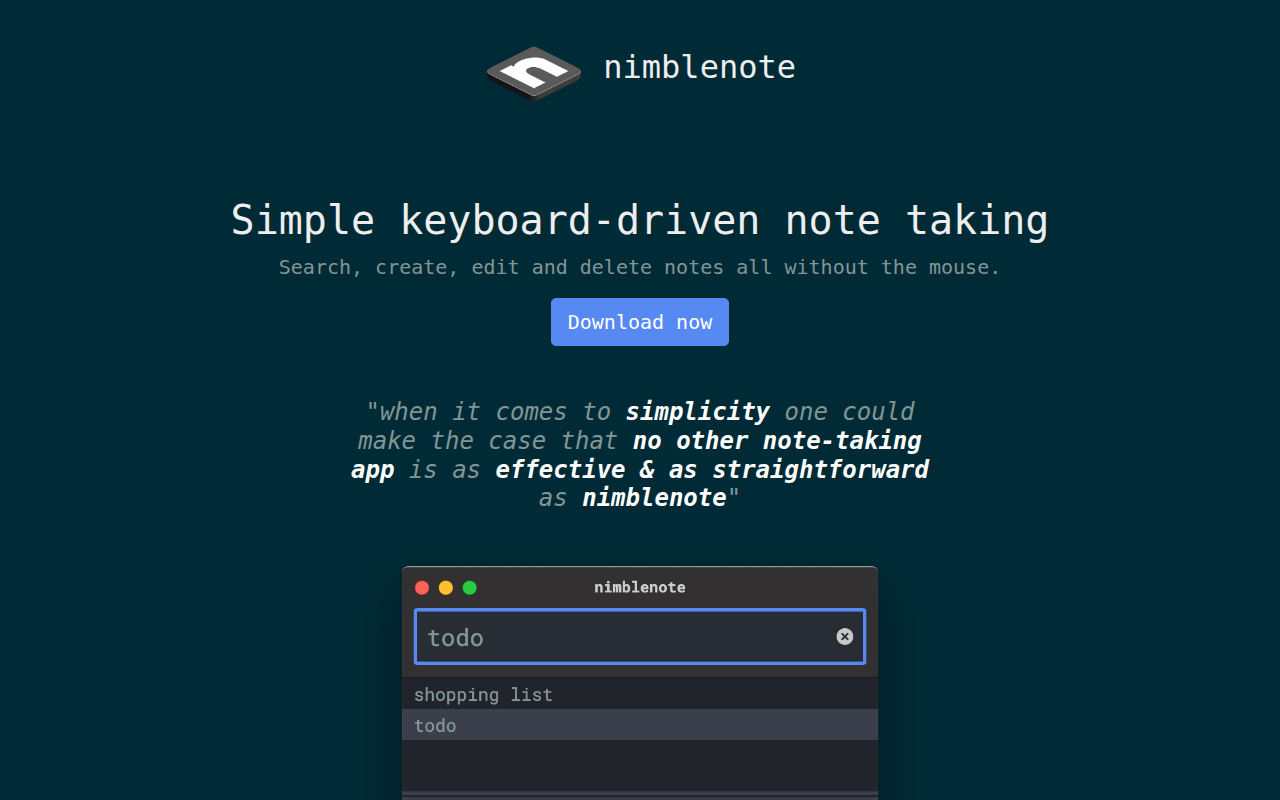
nimblenote
Keyboard-driven note taking
Note-Taking & PKM
sncli
Simplenote client.
Terminals & CLI
notesmd-cli
Interact with your Obsidian vault.
Note-Taking & PKM
geeknote
Evernote client.
Note-Taking & PKM
Dnote
A simple command line notebook with multi-device sync and a web interface.
Note-Taking & PKM
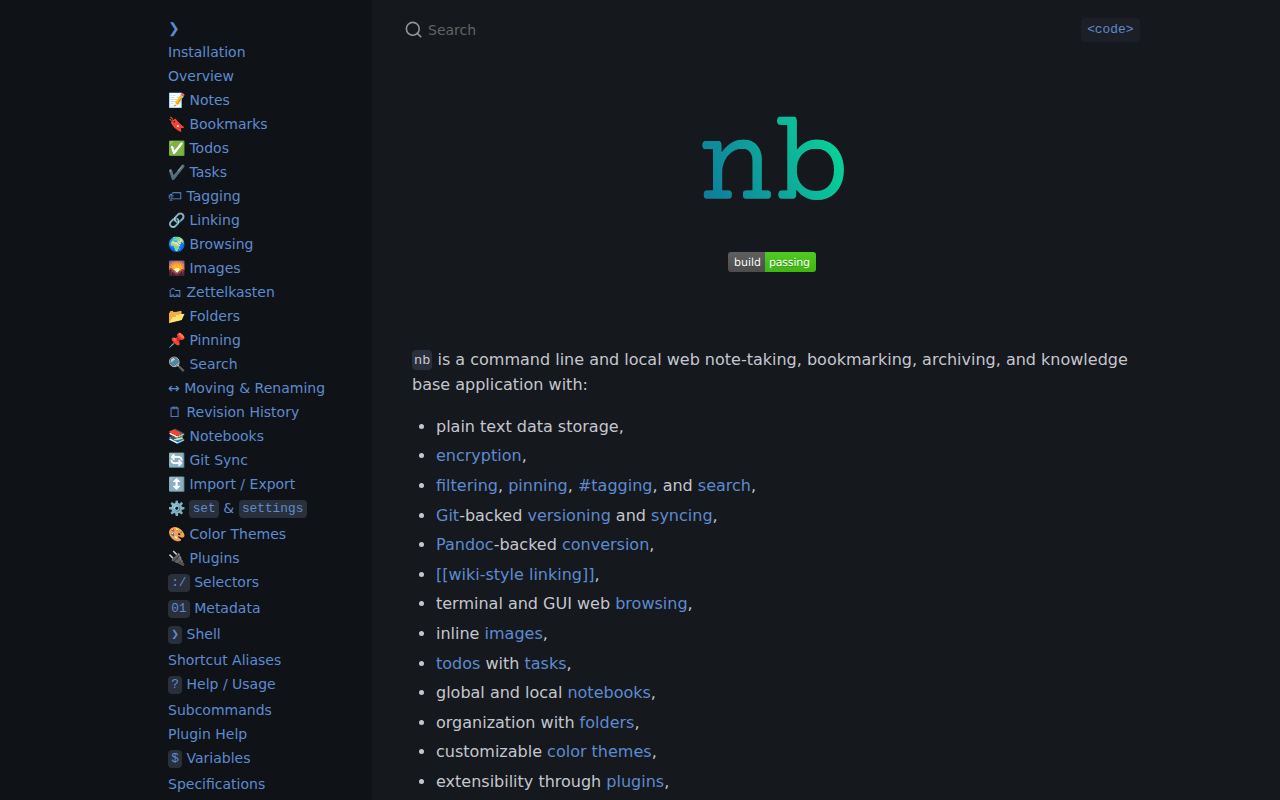
nb
A note‑taking, bookmarking, archiving, and knowledge base application.