
TomatoBar
World's neatest Pomodoro timer for macOS menu bar.
TomatoBar sits in the macOS menu bar and implements the Pomodoro technique, letting users define work and break intervals, receive optional sound cues, and get discreet notifications. A global hotkey provides quick control, and the app runs sandboxed without special entitlements. Users can start or stop the timer via custom `tomatobar://` URLs, enabling command‑line or script integration.
The application records every state change in a JSON log file located in the user’s Library caches, allowing individuals to analyze their productivity patterns or feed the data into other tools. Earlier releases supported Touch Bar and older macOS versions, while the current stable version focuses on the menu‑bar experience.
TomatoBar is open‑source, freely available, and can be installed directly from GitHub releases or through Homebrew Cask, with an optional `--no-quarantine` flag for launch issues. The project includes licensed timer sounds and maintains a simple, minimal interface for time management.
Reviews
Loading reviews…
Similar apps
Time Tracking & Focus
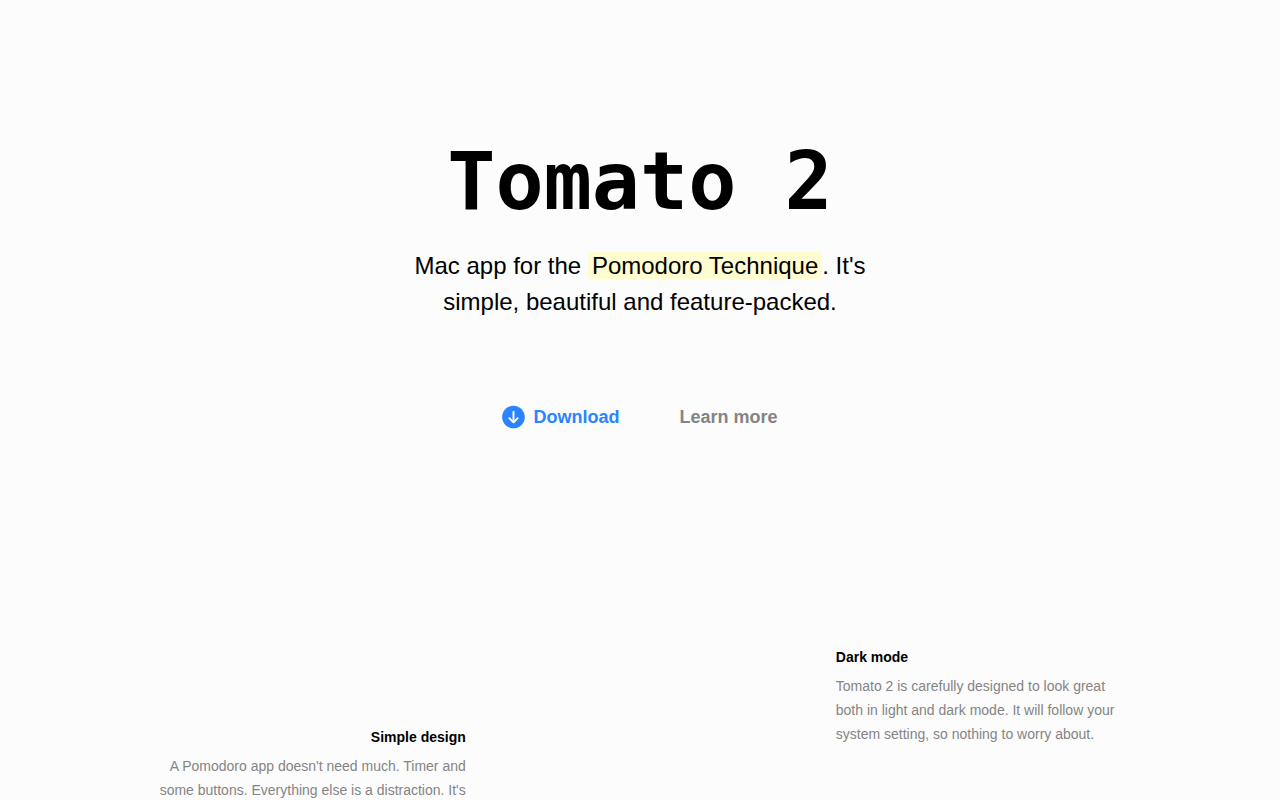
Tomato 2
Beautiful and simple Pomodoro timer. ![Freeware][Freeware Icon]
Time Tracking & Focus
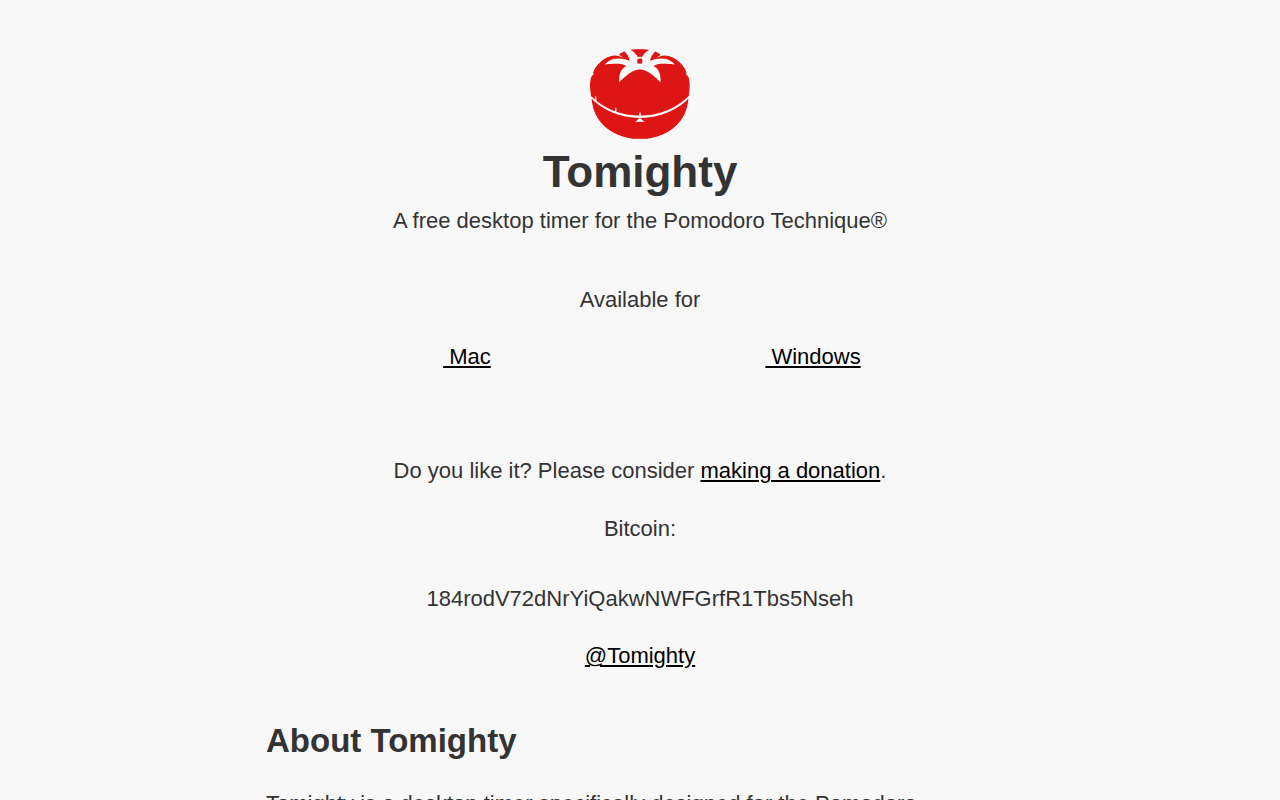
Tomighty
Pomodoro desktop timer
Time Tracking & Focus
Taskwarrior-Pomodoro
Pomodoro timer for Taskwarrior
Time Tracking & Focus
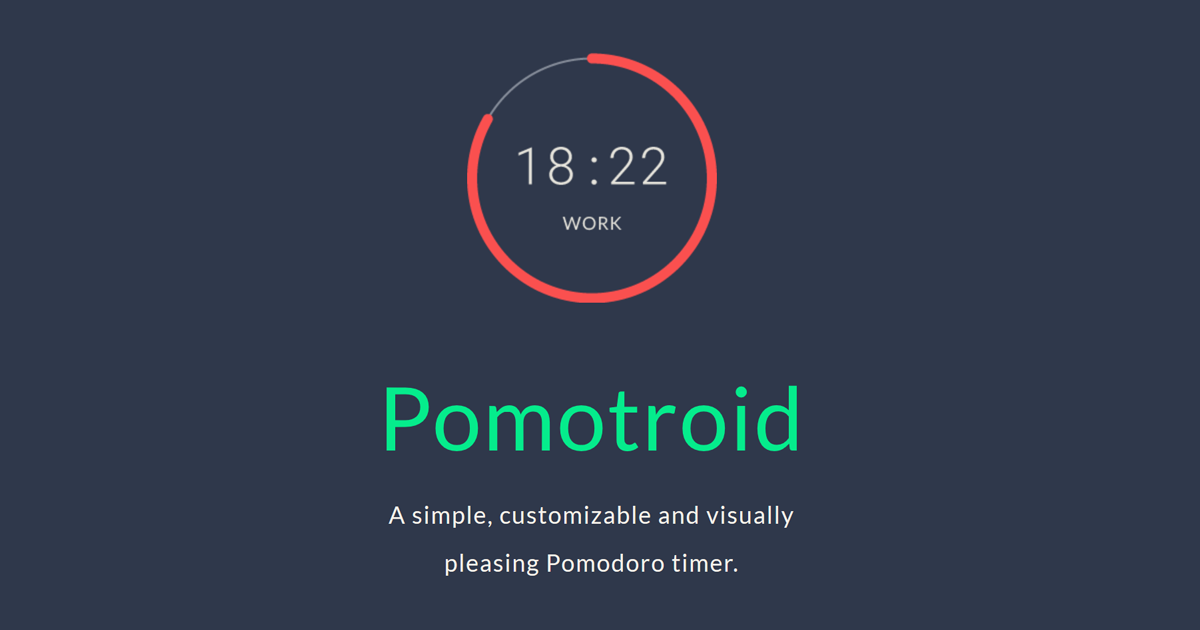
Pomotroid
Timer application
Time Tracking & Focus
Mater
Menubar pomodoro app
Time Tracking & Focus
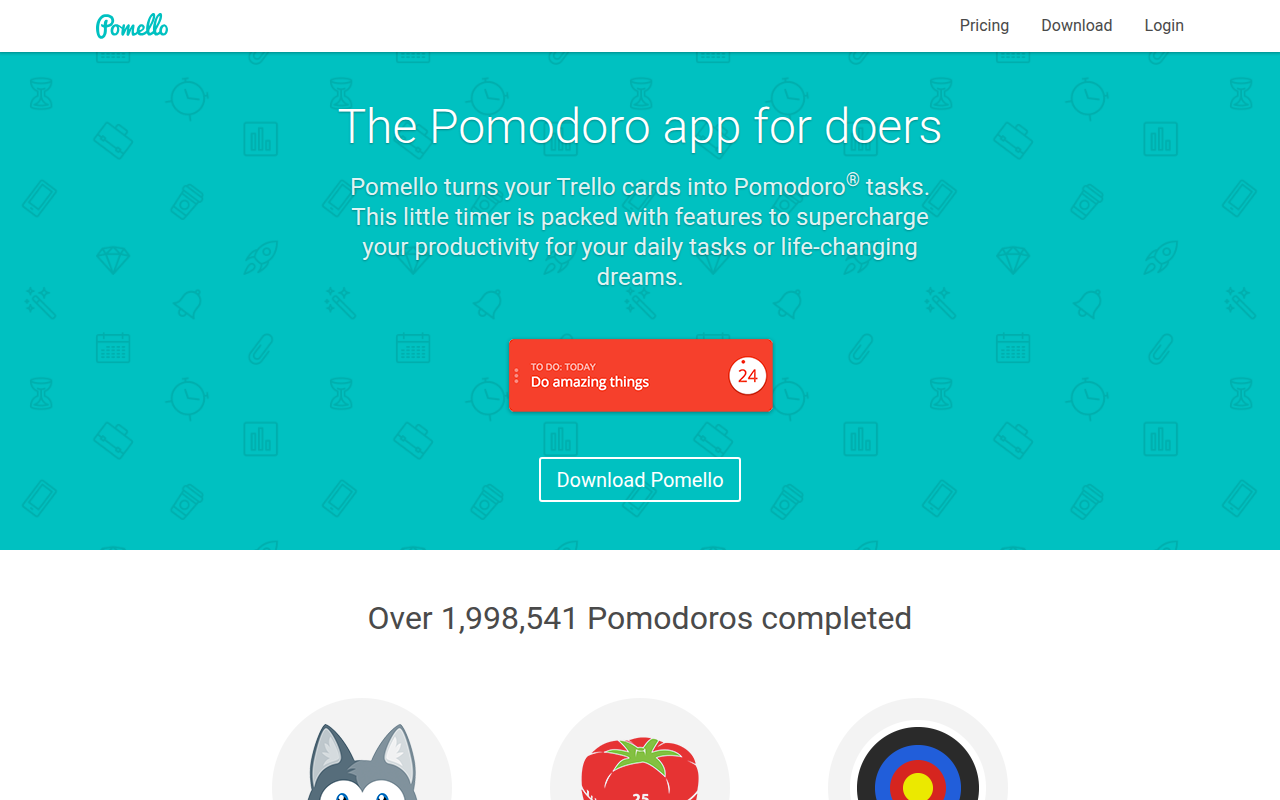
Pomello
Turns your Trello cards into Pomodoro tasks