
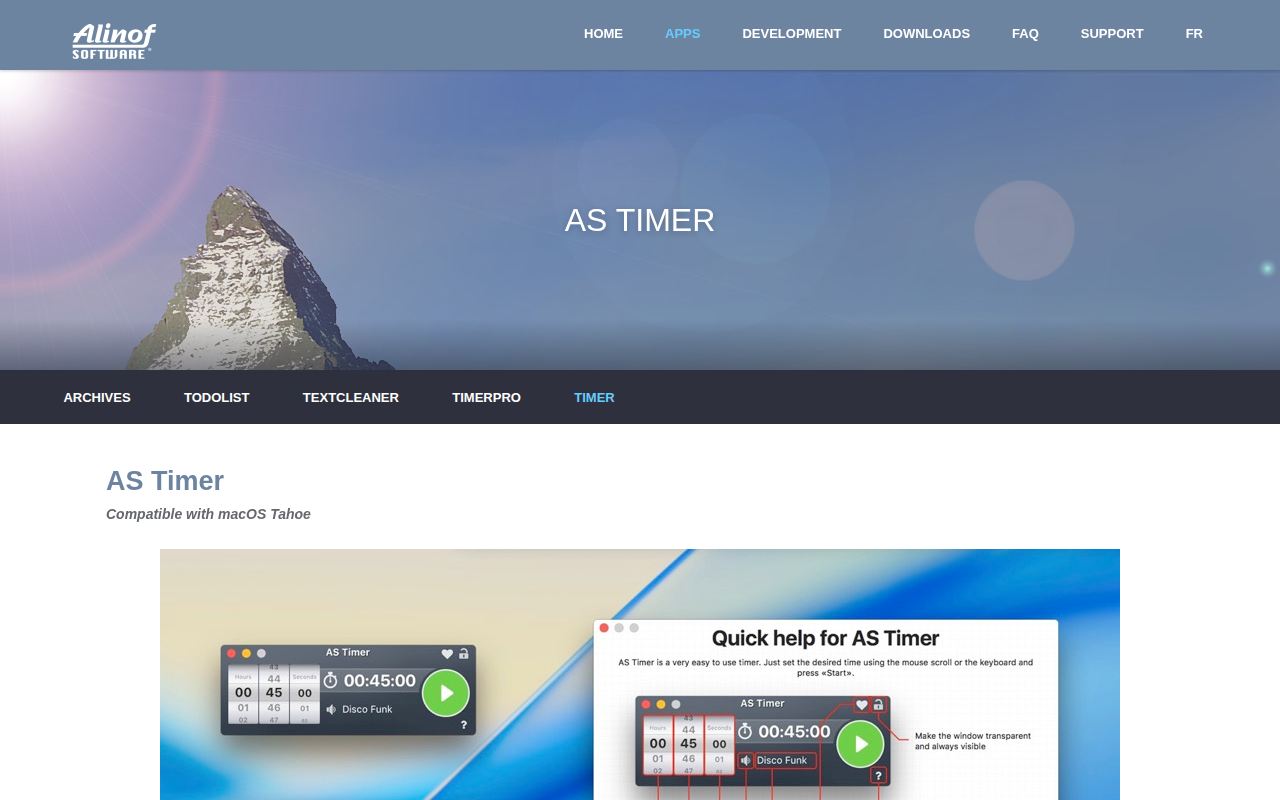
AS Timer
Timer app
AS Timer is a minimal‑interface countdown timer for macOS. Users set the desired duration by scrolling with the mouse and start the timer with a single click; when the interval ends a visual message and an audible alert appear on screen. The application can also be launched from the Terminal or via AppleScript, accepting arguments to preset hours, minutes, seconds, and to begin the countdown immediately.
The program is offered for free on the Mac App Store and is distributed as a signed, sandboxed bundle, ensuring it has no access to user documents, network, or hardware resources. No advertisements are displayed and no usage data is collected. Compatibility requires macOS 10.14 or later, at least 4 GB RAM, and an Intel or Apple Silicon 64‑bit processor with a minimum display resolution of 1024 × 768.
AS Timer targets users who need a straightforward, reliable timing tool without extra features or background activity, providing a clean visual design and optional command‑line integration for scripting workflows.
Reviews
Loading reviews…
Similar apps
Clipboard, Input & Automation
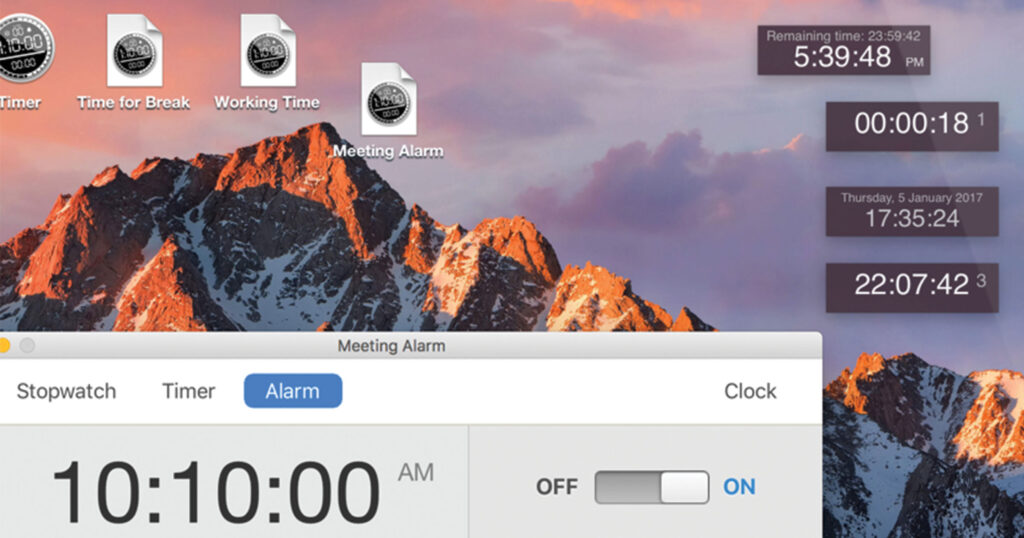
Timer
Stopwatch, alarm clock, and clock utility
Time Tracking & Focus
Timer
Timer application
Time Tracking & Focus
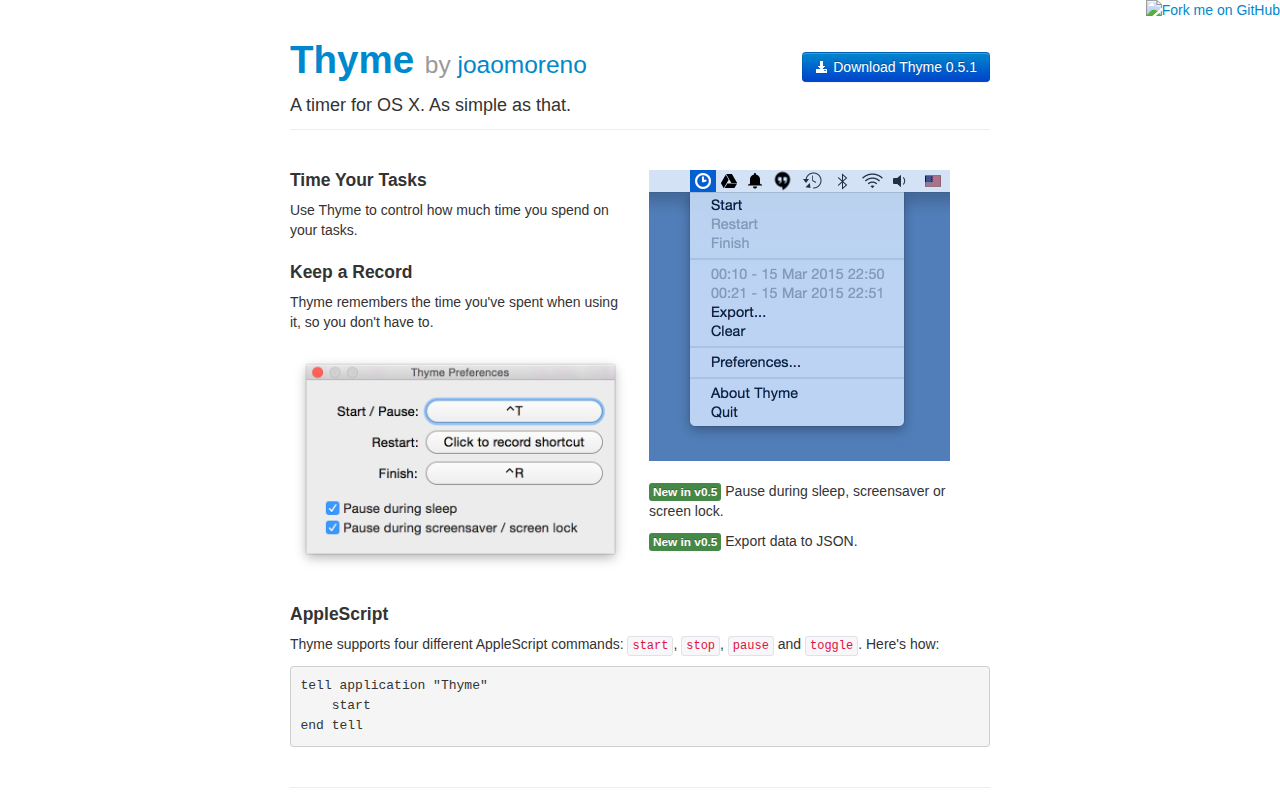
Thyme
Task timer
Time Tracking & Focus
Time Out
Easy break reminders, with micro-break and flexible customization if you want it. ![Freeware][Freeware Icon]
Window & Desktop Management
Menubar Countdown
Countdown timer for the menu bar
Time Tracking & Focus
TomatoBar
World's neatest Pomodoro timer for macOS menu bar.