
Menubar Countdown
Countdown timer for the menu bar
A countdown timer lives in the macOS menu bar, showing the remaining time in hours, minutes, and seconds. Users start a timer by clicking the icon and entering the desired duration, then choose one or more notifications—blinking the icon, playing the system alert sound, showing an alert window, posting a Notification Center alert, or delivering a spoken announcement with custom text. The interface also offers pause and resume controls.
The utility is scriptable through AppleScript, JavaScript, or Swift, allowing external programs to start, stop, or query the timer. Example scripts are provided, and a Services‑menu integration lets other applications trigger the countdown. It supports dark mode, high‑resolution Retina icons, and adapts its display when idle to conserve menu‑bar space.
Distributed via the Mac App Store, GitHub releases, and Homebrew, the app runs on macOS Mojave 10.14.4 and newer, with older macOS versions supported by legacy releases. It is released under an MIT‑style license granting free use, modification, and redistribution.
Reviews
Loading reviews…
Similar apps
Window & Desktop Management
UTCMenuClock
Menu bar clock
Time Tracking & Focus
Mater
Menubar pomodoro app
Time Tracking & Focus
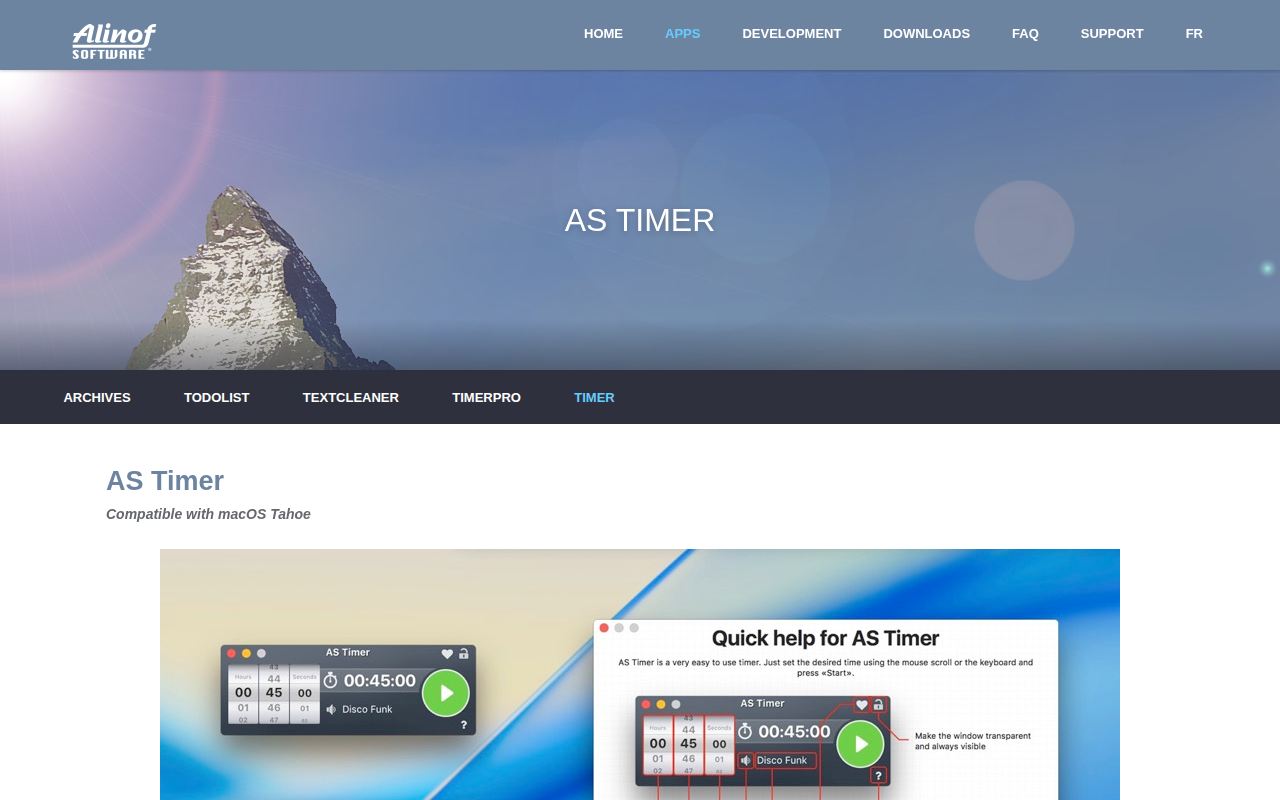
AS Timer
Timer app
Time Tracking & Focus
TomatoBar
World's neatest Pomodoro timer for macOS menu bar.
Time Tracking & Focus
Timer
Timer application
Window & Desktop Management
CornerCal
Clock app